
Why simulation games are CPU-bound
A shooter mostly asks the graphics card to draw what is in front of you. A simulation game asks the CPU to decide what is happening everywhere, and only then asks the graphics card to draw it. Every citizen needs a home, a job and a route; every aircraft needs a flight path and weather; every unit needs orders, pathfinding and a target. That thinking happens on the processor, frame after frame.
The crucial difference is that simulation work cannot easily be split across the graphics card. Graphics work is parallel — thousands of pixels can be drawn at once — but simulation work is sequential: a citizen cannot decide to cross a road until the traffic system has decided what the road looks like. Much of it runs on one or a few CPU cores, so a processor with many slow cores can still struggle.
That is why usage numbers mislead people here. A simulation can be badly CPU-limited while total CPU usage looks low, because one core is saturated and the rest are waiting. Task Manager's overall percentage hides that; the per-core view, where one core sits near its limit, tells the real story.
City builders: the load grows with your city
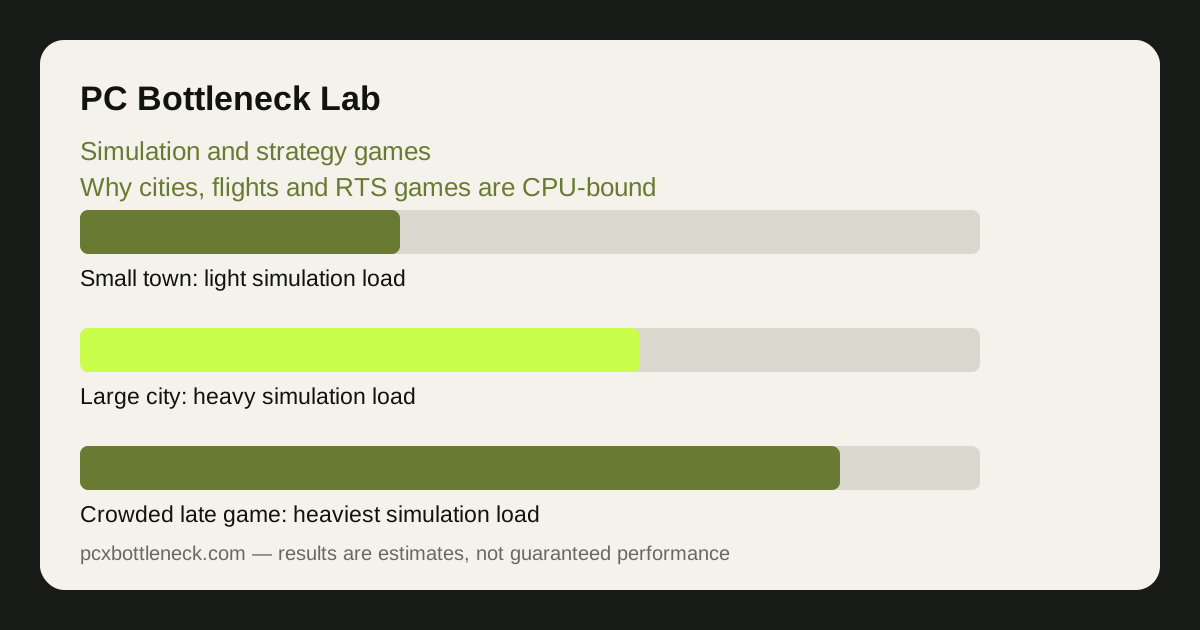
A small town is light work: a few hundred citizens, a handful of roads, simple services. A large city is a different machine. Tens of thousands of simulated citizens each make decisions about work, shopping and travel, traffic flows through hundreds of junctions, and services such as power, water and emergency response all update constantly. The simulation load grows with the population, so a city that ran smoothly at the start can slow down as it succeeds.
Traffic is usually the heaviest single system. Each vehicle needs a route, and routes change when you build a new road or a junction jams. Pathfinding for thousands of vehicles is expensive, and it gets worse when the road network is tangled. A clean, simple road layout is not just good city planning — it is genuinely easier for the CPU to simulate.
Mods add to the same load. A mod that adds new buildings, vehicles or simulation rules adds new decisions every frame. A heavily modded large city can be several times heavier than the same city unmodded, which is why performance advice for city builders always starts with checking the mod list before blaming the hardware.
Flight simulators and real-time strategy: different loads, same limit
Flight simulators are CPU-bound for a different reason: the world is enormous and constantly streaming in. Terrain, weather, air traffic and navigation data must be prepared by the CPU before the graphics card can draw the view. Flying low over a detailed city stresses both parts, but the CPU work of preparing the world is what usually caps the frame rate, especially when weather and traffic are turned up.
Real-time strategy games hit the CPU in bursts. The early game, with a few units, is light. The late game, with hundreds of units fighting at once, is heavy: every unit needs pathfinding, targeting and collision checks, and every order you give must be processed. A big battle can halve the frame rate in seconds, then recover when the fighting ends — a pattern that confuses anyone who only looks at average FPS.
Turn-based strategy games hide the same load differently. The frame rate during your turn may be fine, but the wait between turns grows as the AI players each take their turn, running the same kind of simulation for their own empires. A slow end-turn is a CPU limit too, even though it never shows up as low FPS.
What actually helps — and what does not
For simulation games, the CPU's per-core speed matters more than its core count, and more than the graphics card, once the card is good enough for your resolution. That does not mean buying the most expensive processor: it means checking, for the games you actually play, whether the limit is one busy core or the graphics card. Run the game, open the per-core CPU view, and look for a single core near its limit while the graphics card has room.
| Game type | Setting that cuts CPU work most | Setting that barely helps the CPU |
|---|---|---|
| City builders | Simulation detail and traffic complexity | Texture quality |
| Flight simulators | Traffic density and terrain detail | Texture resolution |
| Real-time strategy | Smaller maps and lower unit caps | Shadow quality |
| Turn-based strategy | Fewer AI opponents on large maps | Graphics presets |
Settings help in specific places. In city builders, reducing simulation detail, population caps and traffic complexity (where the game offers them) cuts CPU work directly. In flight simulators, lowering traffic density, terrain detail and weather complexity helps the CPU more than lowering texture quality, which mostly helps the graphics card. In RTS games, smaller maps and lower unit caps are the honest fix for a late-game slowdown.
A faster graphics card will not fix a simulation limit. It will raise the frame rate only in scenes where the graphics card was the limit — usually quiet, scenic moments. In the busy scenes that actually bother you, the CPU is still the ceiling. Compare your pairing with the PC bottleneck calculator, and see how esports and AAA games differ to understand why one balance number never fits every genre.
Choosing a CPU for simulation and strategy play
When you choose a processor for these games, look past the core count on the box. Strong single-core performance, a large cache and fast memory all help simulation work, because the CPU is constantly fetching game state and making small decisions. That is also why memory speed and dual-channel RAM matter more here than in many shooters — the CPU is fed by memory, and a starved CPU simulates slowly.
Check dual-channel RAM before upgrading anything, and read how to read a benchmark properly so you compare simulation benchmarks, not just shooter benchmarks, when you shop. A processor that leads in a competitive shooter may not lead in a large city or a crowded battle.
Limitation: simulation load varies enormously with the game, the map size, the mod list and the settings, so no single CPU recommendation fits every simulation. The patterns here describe typical behaviour; test your own largest save before deciding an upgrade is needed.
Frequently asked questions
Why is my CPU usage low but my simulation game still slow?
Because much simulation work runs on one or a few cores. Total CPU usage can look low while a single core is saturated. Check the per-core view: one core near its limit while the graphics card waits is the classic simulation bottleneck.
Will a better graphics card help my city builder?
Only a little, and only in scenes where the graphics card is the limit. In a large city the CPU simulates every citizen and vehicle, and no graphics card can take that work over. A CPU with stronger per-core performance helps more.
Why does my city slow down as it grows?
The simulation grows with the population. More citizens, vehicles and services mean more decisions every frame, especially traffic pathfinding. A city that ran well small can become CPU-limited large, with no hardware change at all.
Do mods make simulation games slower?
Usually yes. Mods that add buildings, vehicles or simulation rules add work every frame, and a large mod list on a large save is one of the heaviest loads a simulation game can produce. Test with mods off to see how much they cost.
Why is my flight simulator slow over cities but fine over the sea?
Over a city the CPU must prepare far more terrain, buildings, traffic and weather data before the graphics card draws anything. Over the sea there is almost nothing to prepare, so the same PC runs much faster. Lowering traffic and terrain detail helps the CPU most.