
Key takeaways
- A good combination means the CPU and GPU finish each frame at roughly the same pace, so neither one idles while the other works.
- Resolution decides which part matters more: the CPU rules at 1080p high refresh, and the GPU rules at 4K.
- The most common waste is a flagship GPU paired with a weak CPU, or a flagship CPU paired with an entry GPU.
- VRAM and refresh rate change the answer, so a pair that is perfect at 1080p can struggle at 1440p 165Hz.
- Check the exact pair before you buy, because two parts in the same tier can still clash in specific games.
Best CPU GPU combinations 2026: the short answer
The best CPU GPU combinations in 2026 match parts from the same performance tier at your resolution. A mid-range CPU with a mid-range GPU beats a lopsided pair in almost every game, because the weaker part sets the pace. Start from your monitor, not from a parts list. Your resolution and refresh rate decide how much CPU and GPU you need, and the table below turns that into five tiers. Run any pair through the free tool first: bottleneck calculator.
| Tier | CPU class | GPU class | Best for |
|---|---|---|---|
| Entry | Modern 6-core budget CPU | Entry 1080p GPU, 8 GB VRAM | 1080p esports and older games |
| Value | Mid-range 6-core CPU | Mid-range 1080p GPU, 8 to 12 GB VRAM | 1080p high settings, light 1440p |
| Balanced | Fast 6-core or 8-core CPU | 1440p GPU, 12 GB VRAM | 1440p high settings at 120Hz and above |
| High | Fast 8-core CPU, large cache | High-end 1440p GPU, 16 GB VRAM | 1440p ultra, entry 4K |
| Enthusiast | Fastest gaming CPU class | Flagship GPU, 16 GB VRAM or more | 4K ultra, 240Hz competitive play |
The tiers above are starting points, not shopping lists. Within one tier, some pairs fit esports and others fit story games, so read the pair guides for your exact parts. Our balanced builds at three budgets in 2026 turn these tiers into full systems with RAM, storage, and power supply choices. For one specific mid-range card, see the best CPU for RTX 5070 guide.
The one rule behind every good combination
A bottleneck is what happens when one part cannot keep up with the other, so the faster part waits. In gaming, the CPU prepares each frame and the GPU draws it. If the CPU prepares frames slowly, the GPU idles between frames. If the GPU draws slowly, the CPU waits for it to finish. A good combination keeps both parts busy at the same time. That is the whole rule, and every tier in the table above follows it.
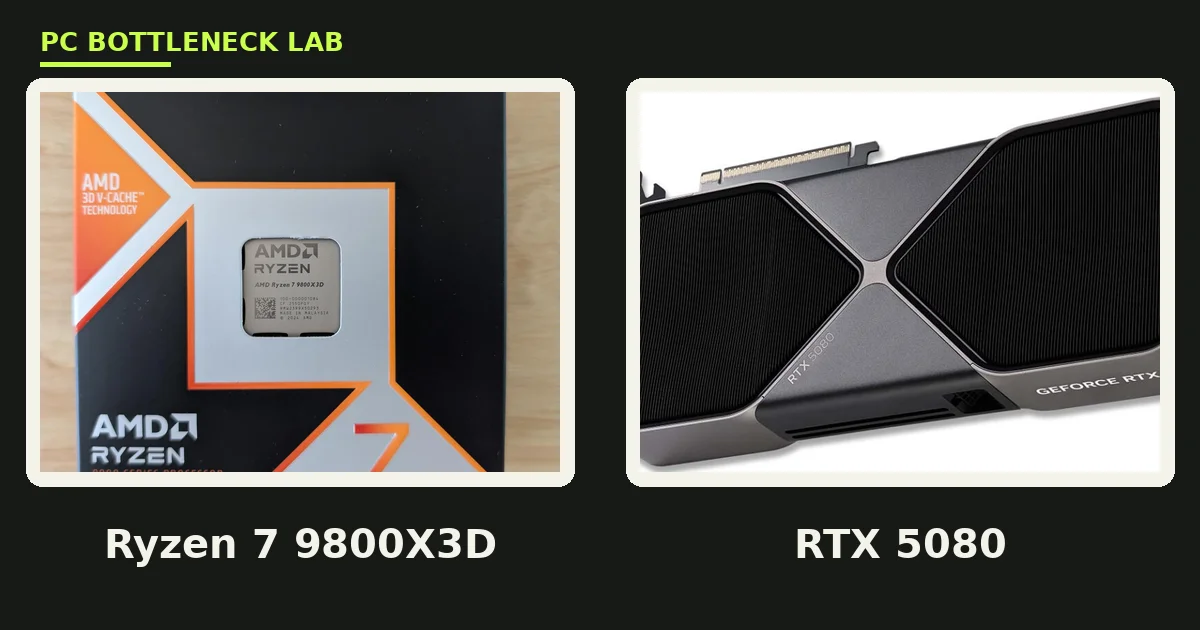
Average FPS hides the problem, so watch the 1% lows instead. 1% lows are the slowest one percent of frames, and they show stutter that the average never reveals. A mismatched pair can post a fine average and still feel rough, because the slow part stalls at the worst moments. That is why a balanced pair often feels smoother than a lopsided pair with a higher average. The best GPU for Ryzen 7 9800X3D guide shows this from the CPU side, with cards that match a very fast gaming chip.
What changes at each resolution
Resolution moves the work between the two parts. At 1080p, each frame has about 2.1 million pixels, so the GPU finishes quickly and the CPU becomes the limit. At 1440p, the pixel count rises to about 3.7 million, so the GPU carries more of the load. At 4K, the GPU does almost all of the heavy work, and the CPU matters far less. This is why the same pair can look balanced at one resolution and lopsided at another.
| Resolution | Pixels per frame | Which part matters more | Pairing advice |
|---|---|---|---|
| 1080p | About 2.1 million | CPU, mostly at high refresh | Spend on CPU first, keep the GPU mid-range |
| 1440p | About 3.7 million | Balanced, GPU slightly ahead | Match tiers, aim for 12 GB VRAM |
| 4K | About 8.3 million | GPU, almost entirely | Spend on GPU first, a mid-range CPU is enough |
| Ultrawide 1440p | About 4.9 million | GPU, more than 1440p | One GPU tier higher than the 1440p pick |
Refresh rate pulls the same lever; a 60Hz screen needs 60 frames per second, and almost any modern CPU can prepare that many. A 240Hz screen needs 240 frames per second, and only a fast CPU can prepare frames that quickly. So a 1080p 240Hz build is a CPU build first, while a 4K 60Hz build is a GPU build first. Pick the resolution and refresh rate together, then pick the pair.
Three mistakes that waste money
The first mistake is buying the GPU first and the CPU last. A flagship card with a weak CPU leaves GPU power unused in every CPU-heavy game. The second mistake is the reverse: a flagship CPU with an entry GPU. The CPU waits on a card that cannot draw fast enough, and the extra cores do nothing for games. The third mistake is ignoring VRAM. An 8 GB card can still play well at 1080p, yet it stutters at 1440p in texture-heavy games, and no CPU fixes that.
All three mistakes share one cause: the buyer picked parts, not a pair. Parts lists rank each component alone, while games run the pair together. Before you spend, look at what real builders actually pair, because the pattern is more honest than any single review. Our what builders are actually pairing roundup shows the combinations people choose most, and where those choices hold up.
When to break the tier rule
Tiers are a starting point, and real plans sometimes break them on purpose. An upgrade plan is the best reason. If you buy a strong GPU now and plan a CPU upgrade in six months, the short-term mismatch is a choice, not a mistake. The same logic works in reverse for a CPU-first upgrade path. A second reason is a single game. A flight simulator or a strategy game leans on the CPU far more than most games, so a stronger CPU earns its place there.
A third reason is work outside gaming. Video editing, 3D rendering, and streaming all use the CPU and GPU in different ways than games do. A creator may need more cores or more VRAM than any gaming tier suggests. In that case, pick the pair for the work first, then check that it still plays your games well. The tier rule serves the common case, and a clear reason beats it every time.
How to test a combination before you buy
Start with the calculator, then confirm with real data. Enter your exact CPU, GPU, resolution, and refresh rate, and note the result. Then search for benchmarks of that exact pair in your games, and compare the 1% lows, not just the average. If the calculator and the benchmarks disagree, trust the benchmarks, because they measure the real game. This two-step check takes about ten minutes and can save you from a bad purchase.
Upgraders should test the other way round; if you own one part already, check whether the new part or the old part limits you first. Our should you upgrade CPU or GPU first guide walks through that decision with usage numbers you can read from your own PC. Upgrade the limiting part, and keep the other one until it becomes the limit.
The bottom line on the best CPU GPU combinations 2026
The best CPU GPU combinations 2026 are the ones that match your monitor, not the ones with the biggest names. Pick the tier that fits your resolution and refresh rate. Keep the two parts in the same tier, and check the exact pair before you buy. A balanced mid-range pair beats a lopsided flagship pair in the games you actually play. Confirm your own pair with the CPU bottleneck calculator and spend the savings on the part that limits you.
Frequently asked questions
What is the best CPU and GPU combination for 1440p gaming in 2026?
A fast 6-core or 8-core CPU with a 1440p GPU is the best starting point for 1440p gaming in 2026. Pair it with 12 GB of VRAM. This balanced tier handles high settings at 120Hz and above in most games. For ultra settings or ray tracing, step up to a 16 GB GPU and a faster 8-core CPU. Always check your exact pair against real benchmarks first.
Should the CPU or the GPU cost more in a gaming PC?
The GPU should usually cost more, because it does most of the work at 1440p and 4K. At 1080p high refresh, the balance shifts, and the CPU deserves a bigger share of the budget. A common split is about twice as much on the GPU as on the CPU for a 1440p build. That split is a guide, not a rule, and your games decide the final answer.
Can a weak CPU bottleneck a strong GPU?
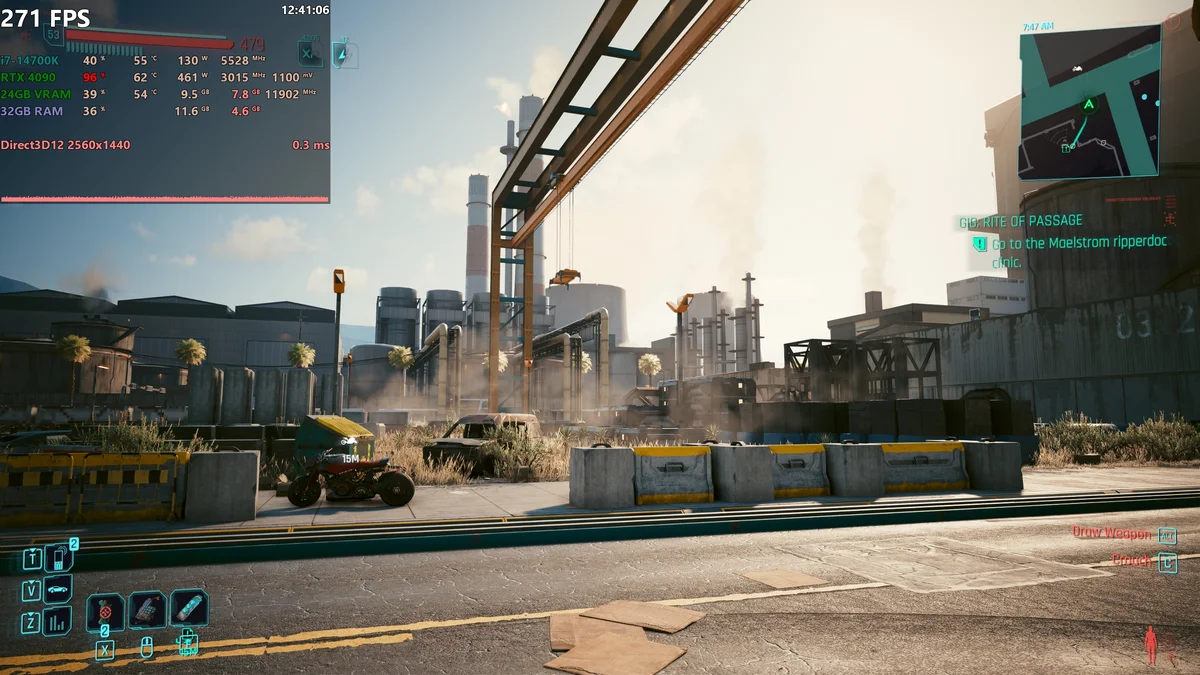
Yes. A weak CPU bottlenecks a strong GPU when it cannot prepare frames fast enough, so the GPU idles between frames. You see this as low GPU usage with frame rates below your target, especially at 1080p or in CPU-heavy games. Lowering graphics settings does not help, because the limit sits with the CPU. A faster CPU or a higher resolution is the fix.
Does a balanced 2026 build need more than 8 GB of VRAM?
For 1080p, no, but for 1440p, yes. 8 GB of VRAM covers 1080p gaming in 2026, including esports and most AAA games at high settings. It becomes a limit at 1440p in texture-heavy titles, where usage can pass 8 GB and cause stutter. For a 1440p build, choose 12 GB as the baseline and 16 GB for ultra settings. VRAM cannot be upgraded later, so buy it once.
Do I need a flagship CPU for a flagship GPU?
Not always. At 4K, a mid-range CPU is enough for a flagship GPU, because the GPU does almost all of the work. At 1080p high refresh, a flagship GPU does need a very fast CPU to reach its frame rate. The resolution decides the answer, so match the CPU to your monitor first. A flagship CPU only pays off when the CPU is the limit.
What does GPU usage tell me about my CPU and GPU balance?
Check GPU usage while you play your own games. If the GPU sits near full usage and frame rates meet your target, the pair is balanced. If GPU usage stays low while frame rates fall short, the CPU is likely the limit. Run your exact pair through a bottleneck calculator, then confirm with benchmarks in your games. The 1% lows matter more than the average here.
How this guide was prepared
This hub was built from the pair guides, budget builds, and upgrade guides already published on PC Bottleneck Lab. Those include the RTX 5070 CPU guide, the Ryzen 7 9800X3D GPU guide, and the balanced-builds roundup. The pixel counts come from HP and ScreenResolutionDB. They list 1080p at about 2.1 million pixels, 1440p at about 3.7 million, and 4K at about 8.3 million. No measured frame rates are claimed, since this hub organises existing guides rather than running new benchmarks.
Last updated: November 12, 2026