
Key takeaways
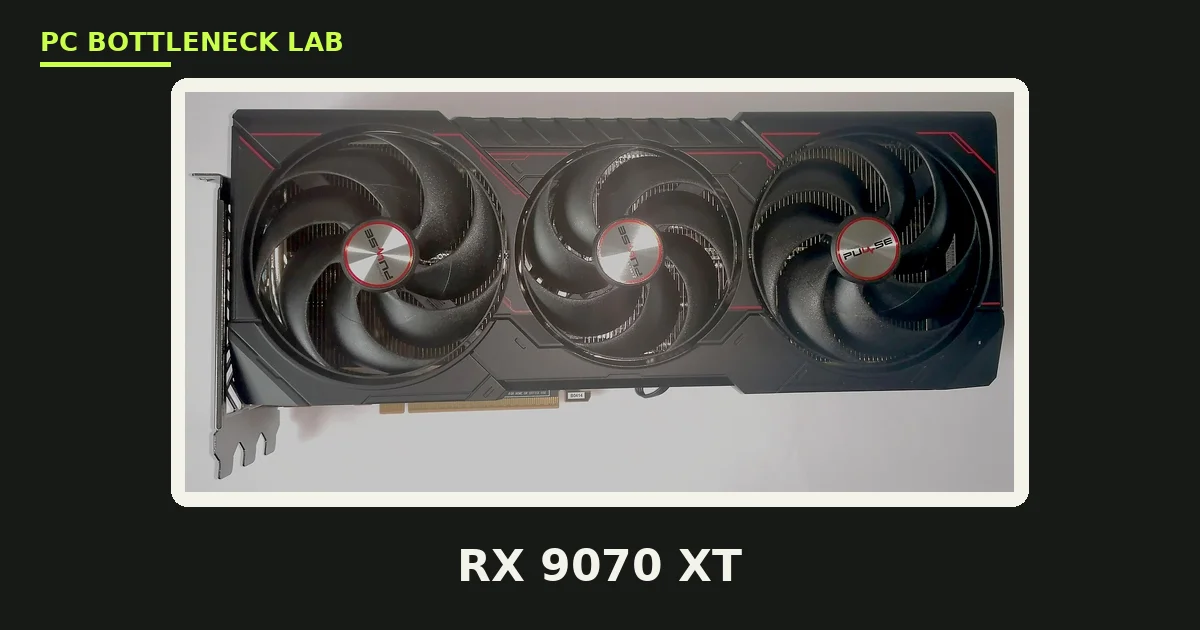
- The 7600X pairs with cards from budget 1080p to high-end 1440p, per one guide.
- The RX 9070 XT is the best overall pick for gaming-focused builds, per one guide.
- The 5070 Ti is the best NVIDIA pick, for ray tracing, DLSS, and creator work.
- The 5060 Ti 16GB is the 1440p sweet spot on a budget, with 16GB of VRAM.
- The 7600X is only 3.5% behind the 9600X at high or ultra settings, per TechSpot.
Best GPU for Ryzen 5 7600X, ranked
The 7600X is a 6-core, 12-thread Zen 4 CPU with a 5.3 GHz boost clock and 32MB of L3 cache. It launched in September 2022 at $299. The table below ranks six GPUs by value for this CPU, with launch prices. The picks come from a consensus of pairing guides, not our own tests. Check your own pair before you buy with the free tool: bottleneck calculator. For the stronger X3D chip in this family, see this: best GPU for Ryzen 7 7800X3D.
| Rank | GPU | VRAM | Best for | Launch price |
|---|---|---|---|---|
| 1 | RX 9070 XT | 16GB GDDR6 | Best overall | $599 |
| 2 | RTX 5070 Ti | 16GB GDDR7 | Best NVIDIA | $749 |
| 3 | RTX 5070 | 12GB GDDR7 | Best 1440p value NVIDIA | $549 |
| 4 | RTX 5060 Ti 16GB | 16GB GDDR7 | Best 1440p sweet spot | $429 |
| 5 | RX 9060 XT 16GB | 16GB GDDR6 | Best AMD value | $349 |
| 6 | RTX 4060 | 8GB GDDR6 | Best budget | $299 |
The table below matches each card to a monitor, with the PSU it needs. Pick the row that matches your monitor, then read the pick in full below.
| Monitor | Best pick | PSU needed |
|---|---|---|
| 1080p, 144 Hz | RTX 4060 or RX 9060 XT 16GB | 550W |
| 1440p, 144 Hz | RTX 5060 Ti 16GB | 650W |
| 1440p, 165–240 Hz | RX 9070 XT or RTX 5070 | 750W |
| 4K, 60 Hz | RTX 5070 Ti or RX 9070 XT | 750W |
The six picks, one by one
1. RX 9070 XT — best overall
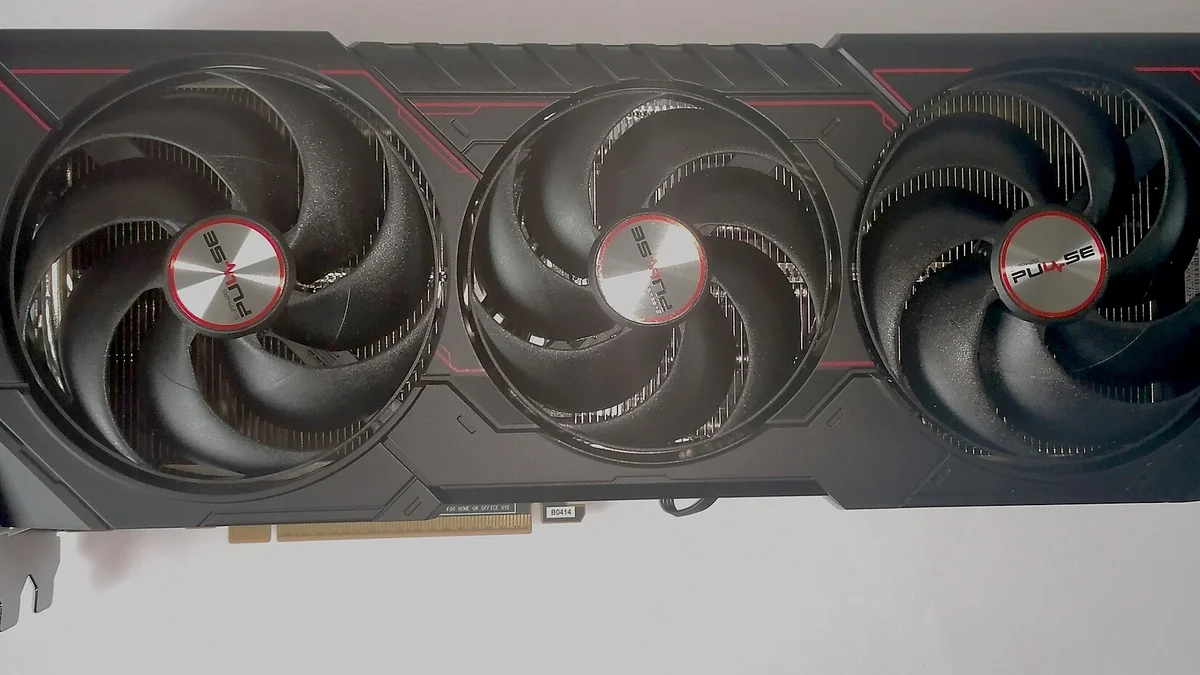
The RX 9070 XT is the card to check first for a gaming-focused 7600X build, per one guide. It has 16GB of GDDR6 memory and AMD's RDNA 4 architecture, with excellent performance at 1440p. It is powerful enough for a very good 4K experience too, especially with FSR upscaling or small cuts to the most demanding settings. The drawback is ray tracing, where NVIDIA still leads. Buy it when gaming performance per dollar is the goal, and the card is noticeably cheaper than the 5070 Ti.
2. RTX 5070 Ti — best NVIDIA
The 5070 Ti is the best high-end NVIDIA alternative to the 9070 XT for a 7600X build, per one guide. It has 16GB of GDDR7 memory, DLSS 4 with Multi Frame Generation, and the strongest ray tracing in this list. The drawback is price, since it costs far more than the 9070 XT for a few percent more speed. Buy it when heavy ray tracing, DLSS, CUDA, or creator work matters enough to justify the premium.
3. RTX 5070 — best 1440p value NVIDIA
The 5070 is about 20% faster than the 4070 at 1440p, per two independent tests, with 12GB of GDDR7 memory. It is the 1440p card in NVIDIA's current lineup, and the 7600X feeds it at 1440p with ease. The drawback is the 12GB VRAM ceiling, which is the same as the 4070. Buy it when you want NVIDIA features at a mid-range price, and your monitor is 1440p.
4. RTX 5060 Ti 16GB — best 1440p sweet spot
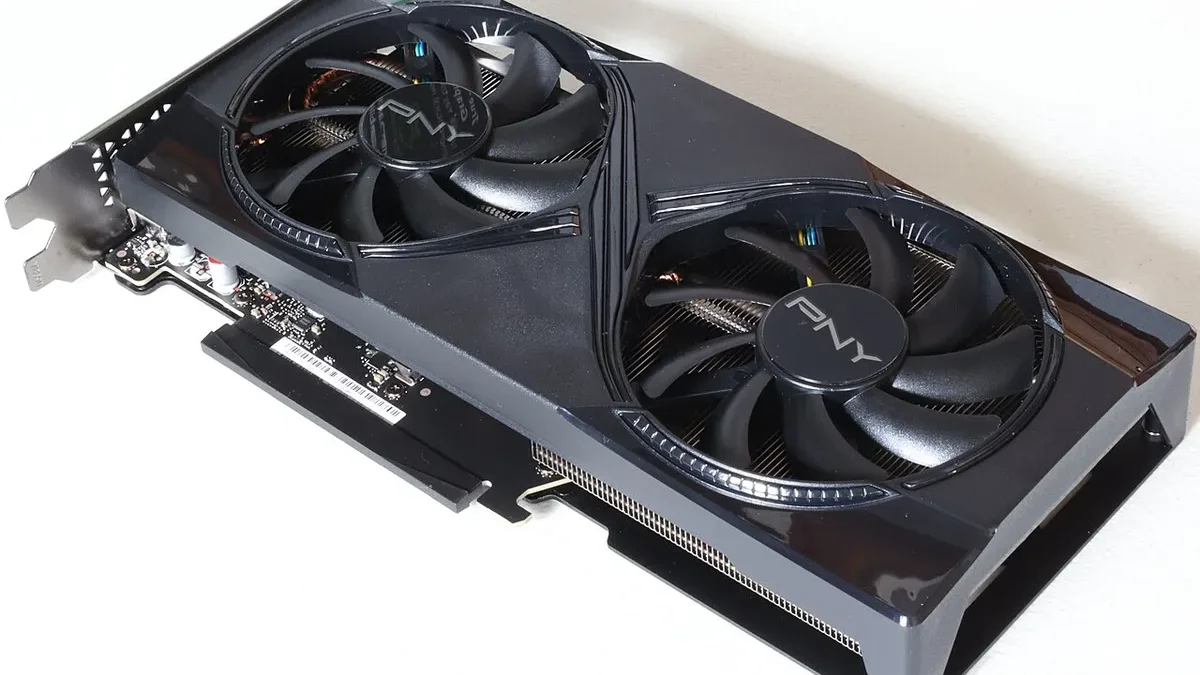
The 5060 Ti 16GB is the 1440p sweet spot on a budget, with 16GB of GDDR7 memory and a 180W power draw. It runs on a 650W PSU, and the 7600X never holds it back at 1440p. The drawback is the 128-bit memory bus, which limits it at 4K. Buy it when your budget is tight, yet you want 16GB of VRAM and a card that lasts. The slowest frames, called 1% lows, show a CPU limit first. For the frame-time story in full, see this: stuttering and frame time: 1% lows explained.
5. RX 9060 XT 16GB — best AMD value
The 9060 XT 16GB is the AMD value pick, with 16GB of GDDR6 memory and a 182W power draw. It handles 1080p with ease and 1440p with FSR, and the 7600X feeds it at any resolution. The drawback is ray tracing, where it trails NVIDIA's cards badly. Buy it when your budget is under $400 and you want 16GB of VRAM for the money.
6. RTX 4060 — best budget
The 4060 is the budget pick, with 8GB of GDDR6 memory and a 115W power draw. It runs on a 550W PSU, and it is the cheapest card in this list that still plays modern games at 1080p. The drawback is the 8GB VRAM ceiling, which already limits it in VRAM-heavy games. Buy it only when the budget is tight and your monitor is 1080p.
What to avoid
Do not buy a 5090 or a 5080 for a 1080p monitor with this CPU. At 1080p the CPU becomes the limit before those cards do, so the money is wasted. Do not buy an 8GB card for 1440p high settings. The VRAM ceiling hits first, and the card stutters in VRAM-heavy games. For the VRAM story in full, see this: VRAM bottleneck: 8GB vs 12GB vs 16GB. Do not buy a used 4070 at an inflated price. The card is out of production since November 2024, and its street price rose to $839 in October 2026. At that price the 5070 is the better new card, since it is faster and launched at $549.
The bottom line on the best GPU for Ryzen 5 7600X
Best GPU for Ryzen 5 7600X comes down to one thing. Your monitor decides the answer. For 1440p gaming, the RX 9070 XT is the best overall pick, and the 5070 Ti is the best NVIDIA pick. For a tight budget, the 5060 Ti 16GB is the sweet spot, and the 4060 is the floor. Check your pair first on the CPU bottleneck calculator before you spend. For the full check method, see this: how to check for a CPU bottleneck. The full price story is here: GPU prices rising November 2026: buy before Black Friday.
Frequently asked questions
Which graphics card should I buy for a Ryzen 5 7600X?
The RX 9070 XT is the best overall pick for a gaming-focused 7600X build, per one guide. It has 16GB of GDDR6 memory and excellent performance at 1440p. The 5070 Ti is the best NVIDIA pick, for ray tracing, DLSS, and creator work. The 5060 Ti 16GB is the best pick on a tight budget.
Can the 7600X handle an RTX 5070 Ti?
Yes, at 1440p and 4K. The 7600X pairs with high-end 1440p cards, per one guide, and the 5070 Ti is the best high-end NVIDIA alternative for this CPU. At 1080p the CPU becomes the limit before the card does, so the card is wasted there. For 1440p high refresh, the pair is balanced.
Is the 7600X good enough for 1440p gaming?
Yes. The 7600X is only 3.5% behind the 9600X at high or ultra settings, per TechSpot's 12-game comparison. At 1440p the GPU is the limit in most games, so the CPU gap barely shows. A 7600X with a 5060 Ti 16GB or better is a strong 1440p build in 2026.
Which PSU wattage is right for a 7600X and 5070 Ti build?
A 750W PSU is the floor, since the card draws 300W. Buy a quality unit from a known brand, and check that it has the right 12V-2x6 connector for the card. A good PSU lasts through two or three GPU upgrades, so do not cut corners here. An 850W unit gives more headroom for a future card.
Should I upgrade from a 7600X to a 9600X?
No, for gaming alone. The 9600X is only 3.5% ahead of the 7600X at high or ultra settings, per TechSpot's 12-game comparison. Tom's Hardware measured a 12% gap in their gaming suite, yet that was at 1080p with an RTX 4090, where the CPU is the limit. At 1440p with a 5070-class card, the gap is tiny.
Is 8GB of VRAM enough with a 7600X?
At 1080p, yes, for most games. At 1440p high settings, no, since the VRAM ceiling hits first and the card stutters in VRAM-heavy games. The 5060 Ti 16GB and the 9060 XT 16GB are the budget picks with 16GB, and they last longer. Buy 16GB when your monitor is 1440p.
How this guide was prepared
This guide uses AMD's and NVIDIA's specifications for the CPU and the cards, and the published tests of TechGuided, TechSpot, Tom's Hardware, WePC, and PropelRC. The performance figures are attributed to those tests, not our own. The price figures are launch prices and reported street prices.
Last updated: November 11, 2026