
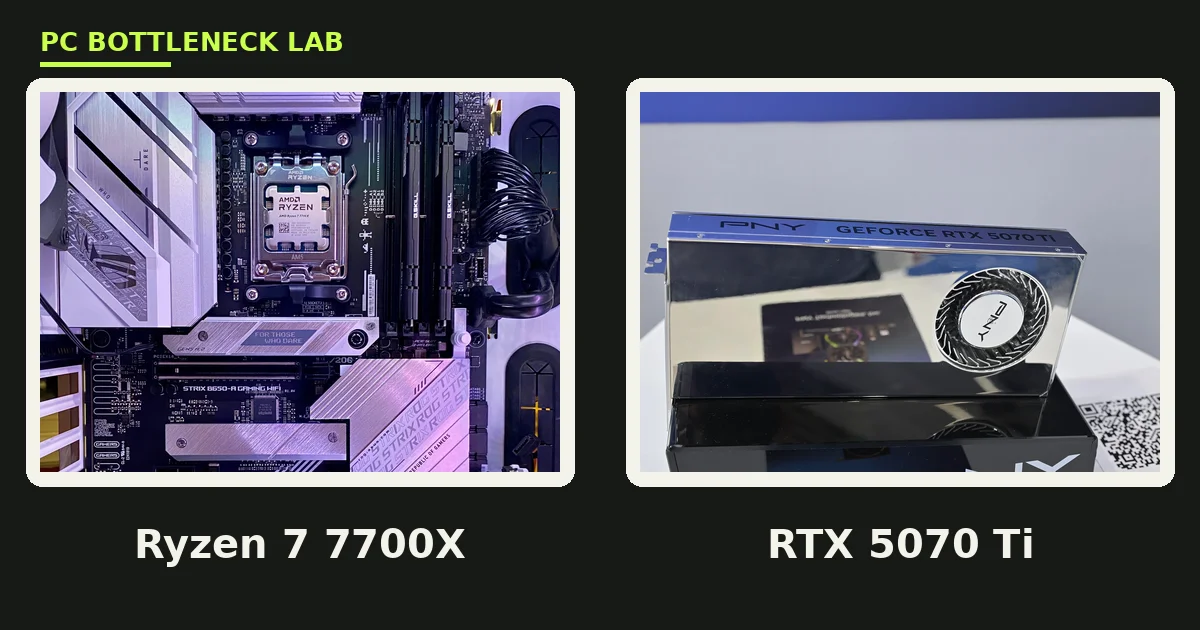
Key takeaways
- The RX 9070 is the best GPU for Ryzen 7 7700X gaming overall.
- The chip is a 105W Zen 4 8-core, so it feeds cards up to 4K without waste.
- 16GB of VRAM is the floor for a 1440p card you keep for years.
- The RTX 5070 is the best Nvidia pick when ray tracing matters most.
- A 700W power supply is the safe pick for this chip and any card below.
Best GPU for Ryzen 7 7700X: the short answer
The RX 9070 is the best GPU for Ryzen 7 7700X gaming overall. It runs 3584 stream processors with 16GB of GDDR6 VRAM, and it draws 220W. The chip runs 8 cores and 16 threads, with a boost up to 5.4 GHz at 105W. That balance suits 1440p high-refresh play and light 4K alike. Check your own pair with the free tool: pc bottleneck calculator.
The chip is a Zen 4 8-core from 2022, so the GPU question is really about your resolution and your budget. At 1080p, the chip sets the ceiling in most games, because cards finish each frame fast. At 1440p, a strong mid-range card keeps pace in most titles. At 4K, the GPU works so hard on every frame that the chip rarely holds it back.
What the Ryzen 7 7700X brings in 2026
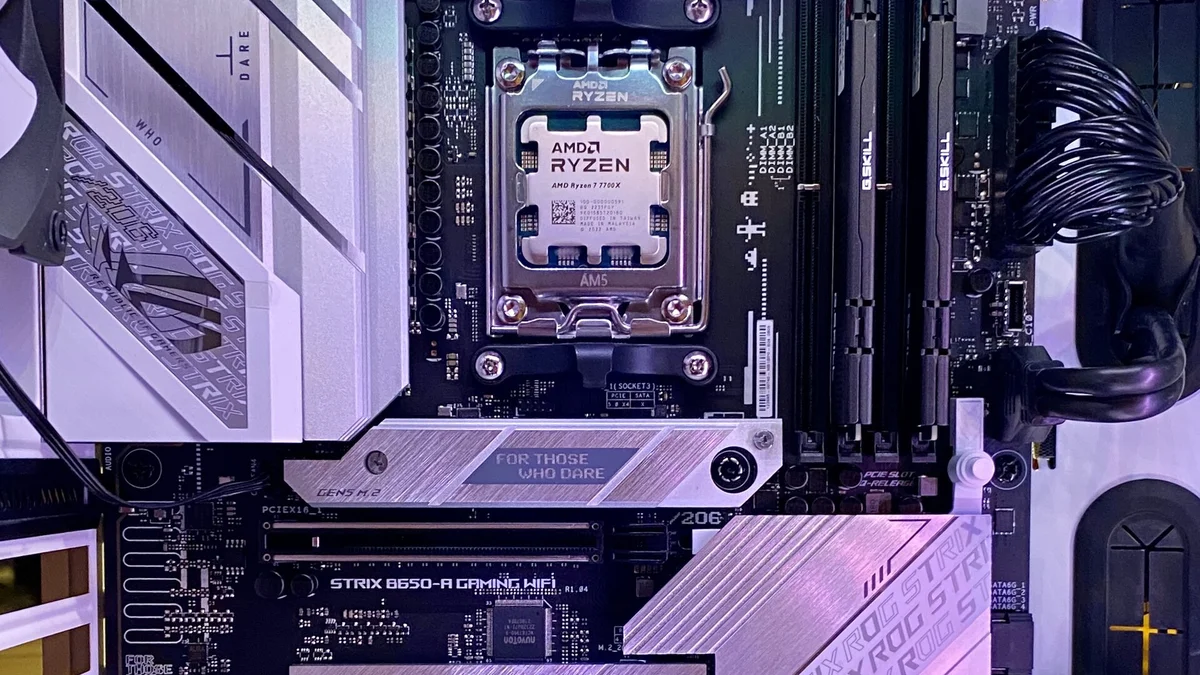
The Ryzen 7 7700X launched on September 27, 2022, at a $399 starting price. It runs 8 cores and 16 threads, with a boost up to 5.4 GHz and 32 MB of L3 cache. It draws 105W, so it needs a decent tower cooler in games. Zen 4 is the design behind the chip, and it sits on the AM5 platform with DDR5 RAM. For the full chip specs, see the Ryzen 7 7700X specifications page.
The chip's strength in 2026 is price, since it now sells near $200–$250, far below its launch price, and it still feeds mid-range cards fully. It has no big game cache, so it trails the X3D chips in CPU-bound games by a small margin. Yet it beats most 6-core chips of its age, and it leaves more money for the card. That trade suits builders who upgrade the card, not the chip.
| Spec | Ryzen 7 7700X | Ryzen 7 9700X | Ryzen 7 7800X3D |
|---|---|---|---|
| Cores / threads | 8 / 16 | 8 / 16 | 8 / 16 |
| Boost clock | 5.4 GHz | 5.5 GHz | 5.0 GHz |
| L3 cache | 32 MB | 32 MB | 96 MB |
| TDP | 105W | 65W | 120W |
| Platform | AM5, DDR5 | AM5, DDR5 | AM5, DDR5 |
| Launch | September 2022, $399 | August 2024, $359 | April 2023, $449 |
The 5 best GPUs for Ryzen 7 7700X
The table below ranks the five picks by their best use, not by price alone. The overall winner leads in value, while the other picks win on ray tracing, 4K play, or price. Read the notes under the table before you buy, since your monitor decides which pick fits you.
| Pick | GPU | VRAM | Power | Best for |
|---|---|---|---|---|
| 1. Overall | RX 9070 | 16GB GDDR6 | 220W | 1440p gaming overall |
| 2. Nvidia | RTX 5070 | 12GB GDDR7 | 250W | Ray tracing and DLSS 4 |
| 3. 4K | RX 9070 XT | 16GB GDDR6 | 304W | 4K play on a budget |
| 4. Value | RX 7800 XT | 16GB GDDR6 | 263W | 1440p on a mid budget |
| 5. Budget | RX 9060 XT 16GB | 16GB GDDR6 | 160W | 1440p on a tight budget |
1. RX 9070 — best overall
The RX 9070 is the best GPU for Ryzen 7 7700X gaming overall. It runs 3584 stream processors with 16GB of GDDR6 VRAM on a 256-bit bus. It launched at $549, and it plays 1440p well in most games. Buy it when you want the most frames per dollar at 1440p.
2. RTX 5070 — best Nvidia pick
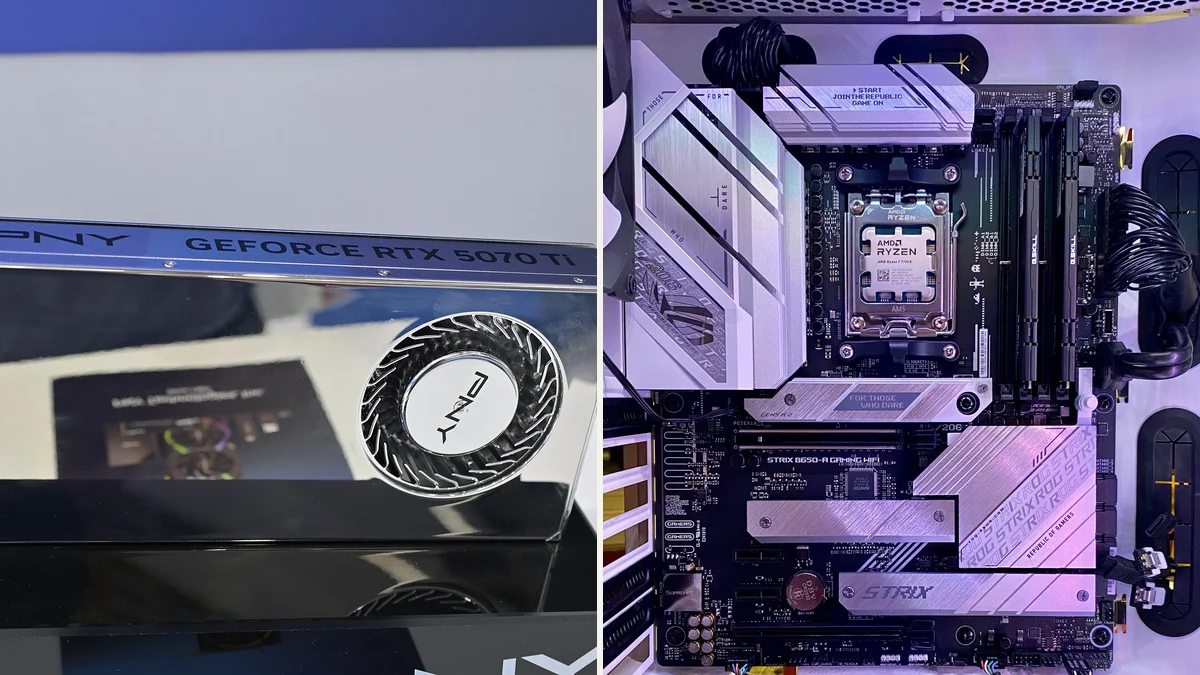
The RTX 5070 is the best Nvidia pick for this chip. It runs 6144 CUDA cores with 12GB of GDDR7 VRAM, and it draws 250W. It launched at $549, and it leads in ray tracing and DLSS 4 frame generation. Buy it when ray tracing and Nvidia features matter more than raw value.
3. RX 9070 XT — best for 4K play
The RX 9070 XT is the best pick for 4K play on a budget. It runs 4096 stream processors with 16GB of GDDR6 VRAM, and it draws 304W. It launched at $599, and it is the fastest card this chip can feed without waste. Buy it when you play at 4K and want the top AMD card below the flagship. For the 8-core rival chip, see this: best GPU for Ryzen 7 7800X3D.
4. RX 7800 XT — best value card
The RX 7800 XT is the best value card for this chip. It runs 3840 stream processors with 16GB of GDDR6 VRAM, and it draws 263W. It launched at $499, and it now sells near $450–$550. Buy it when you want 16GB of VRAM at the lowest price.
5. RX 9060 XT 16GB — best budget pick
The RX 9060 XT 16GB is the cheapest card that still plays 1440p well with this chip. It runs 2048 stream processors with 16GB of GDDR6 VRAM, and it draws 160W. It launched at $349, and it sips power, so it suits small cases. Buy it when money is tight and you play at 1440p, not at 4K. For the per-GPU guide for this card, see this: RX 6700 XT CPU bottleneck guide.
Best GPU for Ryzen 7 7700X by budget
Your monitor decides which pick is cheapest for you, not the card price alone. A 1080p monitor wastes a 4K card, while a 4K monitor starves a budget card. The table below shows the real cost of each route, so you can match the pick to your screen.
| Budget | Pick | Best for | Power supply |
|---|---|---|---|
| Under $450 | RX 9060 XT 16GB | 1440p on a tight budget | 550W |
| Mid-range | RX 7800 XT | 1440p on a mid budget | 700W |
| Best value | RX 9070 | 1440p gaming overall | 700W |
| Ray tracing | RTX 5070 | Ray tracing and DLSS 4 | 750W |
| No limit | RX 9070 XT | 4K play on a budget | 750W |
Street prices move fast in the November 2026 memory shortage, so check live prices before you buy (as of 17 Nov 2026). GPU prices sit above launch prices for most cards here, and that shifts the value order. For the cheaper 6-core AMD chip, see this: best GPU for Ryzen 5 7600X.
Where the GPU matters: 1080p, 1440p and 4K
Resolution changes the balance between the chip and the card, and this chip shows it clearly. At 1080p, the chip draws each frame fast, so only the top cards use its full speed. A budget card still plays well here, yet the chip has power to spare. At 1440p, the balance shifts: the card takes longer per frame, so the mid-range picks catch up. At 4K, the card dominates, and even the budget tier plays well.
The higher the resolution, the more card you need. That rule also covers ray tracing, since ray tracing loads the GPU and gives the chip more breathing room. The 5070 leads here, while the 9070 trails it in heavy ray tracing, so buy the Nvidia card when ray tracing is your top need.
What to avoid with a Ryzen 7 7700X
Do not buy an RTX 5080 for this chip. The card costs far more than the chip, and it needs a faster CPU to show its full speed at 1080p and 1440p. At 4K it plays well, yet the money buys more frames elsewhere, while the 9070 XT is the ceiling for this chip.
Do not buy an 8GB card for a build you keep for years. The saving looks good on the receipt, yet new games already ask for more than 8GB at 1440p high settings. That shows up as hitching, not as a low average frame rate. Spend the extra money on a 16GB card, since it stays useful for years longer. For the fix-first route, see this: how to fix a CPU bottleneck without buying a new CPU.
The bottom line
The best GPU for Ryzen 7 7700X gaming is the RX 9070. It feeds the chip fully at 1440p and costs less than the 5070. The 5070 wins when ray tracing matters most, while the 7800 XT wins on a tight budget. At 4K, the 9070 XT is the ceiling for this chip. Check your pair first on the cpu gpu bottleneck calculator before you spend, and buy the card your monitor actually needs.
Frequently asked questions
Can a 7700X feed a 9070 at 1440p ultra, or is the 2022 chip too old now?
Yes, it can feed the card at 1440p ultra. The 7700X runs 8 cores with a boost up to 5.4 GHz, and that is still plenty for a mid-range card. At 1440p the card takes longer per frame, so the chip keeps pace in most games. Only at 1080p competitive play does a newer chip pull ahead, and even then the gap is small.
My 7700X runs a 5070 at 1440p — will the chip hold the card back in fast games?
No, it is not wasted. The chip feeds the 5070 fully at 1440p and 4K in most games. The card's ray tracing and DLSS 4 features work just as well with this chip. The chip only looks slow at 1080p, where it sets the pace before the card can stretch. At 1440p and 4K, the pair is balanced.
Should I upgrade my 7700X to a 9800X3D before buying a new graphics card?
No, buy the card first. A new card lifts frame rates right away at 1440p and 4K, while a new chip only helps at 1080p. The 7700X still feeds cards up to a 9070 XT, so the card is the bigger jump. Upgrade the chip later, when you move to a faster card or a high-refresh monitor.
The 7700X runs hot in my case — which cooler keeps it quiet with a 300W card?
Yes, it needs a decent tower cooler. The chip draws 105W, so a cheap stock-style cooler runs loud in games. A $30 tower cooler keeps it cool and quiet. The card's 300W draw heats the case, not the chip, so add one good exhaust fan as well. A big liquid cooler buys you nothing here.
I found a cheap used 7800 XT — is it still worth pairing with my 7700X?
Yes, it is still a fair match. The card runs 16GB of VRAM, and that suits 1440p well in most games. It trails the 9070 in new features, yet it costs far less. Buy it when the price gap is large, near $450–$550 (as of 17 Nov 2026). At the same price, the 9070 is the better buy.
Will a 7700X and a 9060 XT 16GB stay balanced for new games in 2027?
Yes, they will stay balanced. The card has 16GB of VRAM, so it will not run out of memory in new games. The chip runs 8 cores with strong clocks, and that covers the CPU side. The pair plays 1440p well today, and it should hold up through 2027. The first upgrade to plan is RAM, not the chip or the card.
How this guide was prepared
This guide uses the published specs of AMD and Nvidia, plus pricing from Tom's Hardware. Launch prices are launch prices, not street prices. The picks are this guide's own reading of those sources, and no frame rates were measured here.
Last updated: November 17, 2026