
Key takeaways
- The GPU and CPU should take most of a budget build, because they decide how games actually play.
- 16 GB of dual-channel RAM is the floor in 2026, and a single stick is the most common budget mistake.
- A cheap power supply is the one place never to cut corners, since a bad one can kill the whole build.
- Used graphics cards can stretch a budget, yet they need a careful check before you pay.
- An upgrade path matters more than a perfect first build, so pick a platform with room to grow.
Budget gaming PC 2026: the short answer
A budget gaming PC in 2026 starts at 1080p. It pairs a modern 6-core CPU with a mid-range GPU. It uses 16 GB of dual-channel RAM and a 500 GB or larger NVMe SSD. That set plays esports at high frame rates and AAA games at high settings. The table below shows three tiers, so you can find the one that fits your money and your games. Check any pair first with the free bottleneck calculator.
| Tier | CPU class | GPU class | RAM and storage | Best for |
|---|---|---|---|---|
| Entry | Budget 6-core CPU | Entry 1080p GPU, 8 GB VRAM | 16 GB RAM, 500 GB SSD | Esports and older games at 1080p |
| Value | Mid-range 6-core CPU | Mid-range 1080p GPU, 8 to 12 GB VRAM | 16 GB RAM, 1 TB SSD | 1080p high settings, light 1440p |
| Mid | Fast 6-core CPU | 1440p GPU, 12 GB VRAM | 16 GB RAM, 1 TB SSD | 1440p high settings |
The entry tier is the honest minimum, not a compromise to feel bad about. Esports games run well on it, and it leaves money for a monitor and peripherals. The value tier is where most buyers should land, because it covers the widest range of games. Our balanced builds at three budgets in 2026 turn these tiers into complete systems. For the tightest budget, see our balanced PC pair under $600 guide.
What to spend on first
Spend in the order that changes how games feel, and the GPU comes first at 1080p and 1440p, because it draws every frame you see. The CPU comes second, because it sets the frame rate ceiling in esports and CPU-heavy games. RAM comes third, because too little RAM causes stutter that no GPU can fix. Storage comes fourth, because a slow drive means long loads, not low frame rates. Everything else comes after those four, and the table below makes the order plain.
| Priority | Part | What it buys you | Where to stop |
|---|---|---|---|
| 1 | GPU | Frame rate and visual quality | Do not buy above your monitor |
| 2 | CPU | Frame rate ceiling and smooth 1% lows | Do not buy more cores than games use |
| 3 | RAM | No stutter, smooth multitasking | 16 GB is enough for most play |
| 4 | Power supply | Safety and stability for every part | Never buy the cheapest unknown brand |
| 5 | Storage | Fast loads and room for games | 1 TB NVMe covers most libraries |
| 6 | Case and cooling | Airflow and quiet operation | A plain case with two fans is fine |
The power supply sits high on this list for a reason. It is the only part that can destroy the rest of the build when it fails. A known brand with enough wattage for your GPU costs little more than a risky one. That small gap is the best money in the whole build. For a CPU-first budget pairing, see the best GPU for Ryzen 5 5600 guide, which matches a popular budget chip with sensible cards.
What to skip
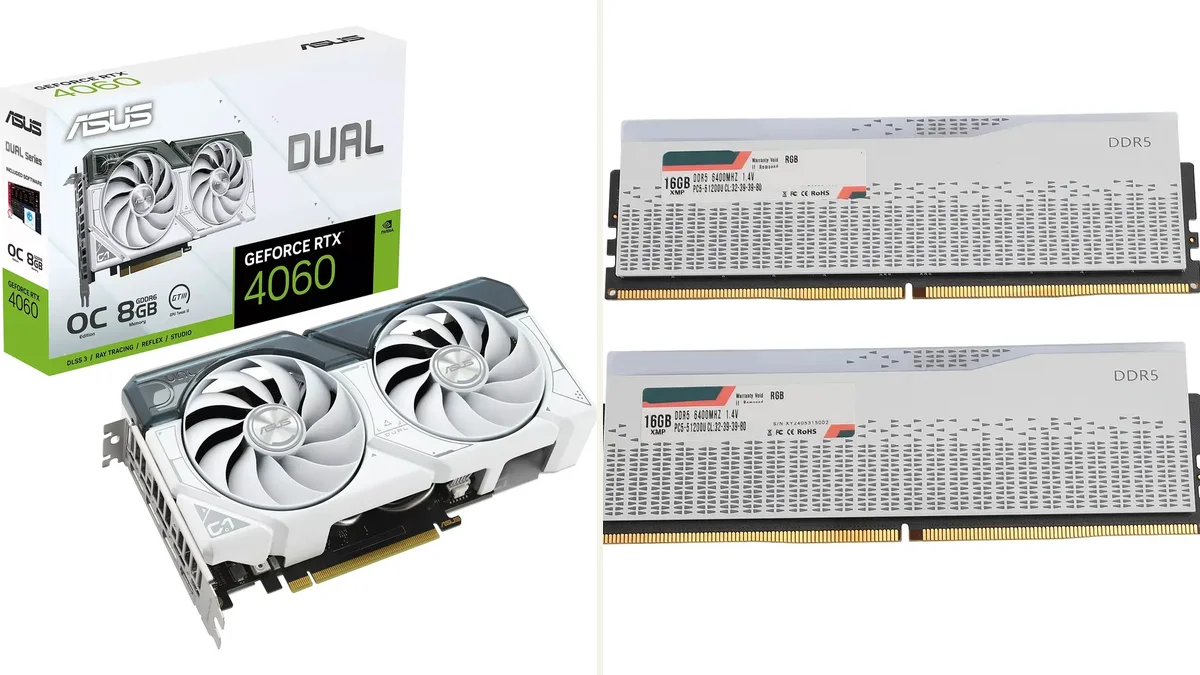
Skip the parts that cost money and change nothing on screen. RGB lighting is the clearest example: it looks good in photos and adds zero frames. An expensive motherboard is the second skip, because a budget board runs the same CPU at the same speed in most builds. A giant CPU cooler is the third, since a stock cooler or a basic tower cooler handles a budget 6-core chip. Overclocking gear is the fourth skip, because the gains are small and the risks are real on cheap boards.
Skip the monitor upgrade until the PC earns it, and a 1080p 144Hz screen is the right partner for a budget build. A 4K screen on an entry GPU is money spent on pixels the card cannot draw. Spend the difference on the GPU instead, and buy the better monitor when the PC can feed it. Looks fade in a week, while frame rates matter every session.
Extended warranties are another skip in most cases. A standard manufacturer warranty already covers the early failures that matter most. The extra years cost a large share of a budget part's price. Keep that money for the next upgrade instead, where it buys real performance rather than paper cover.
Used parts: where they save money and where they trap you
Used parts can move a build up a whole tier for the same money. Graphics cards are the best used buy, because they hold their performance and are easy to test. A used CPU is also safe in most cases, since processors rarely wear out. Used RAM and storage are riskier, because they fail without warning and carry your data. A used power supply is the one part to avoid entirely, since its age and history are hard to verify and its failure is costly.
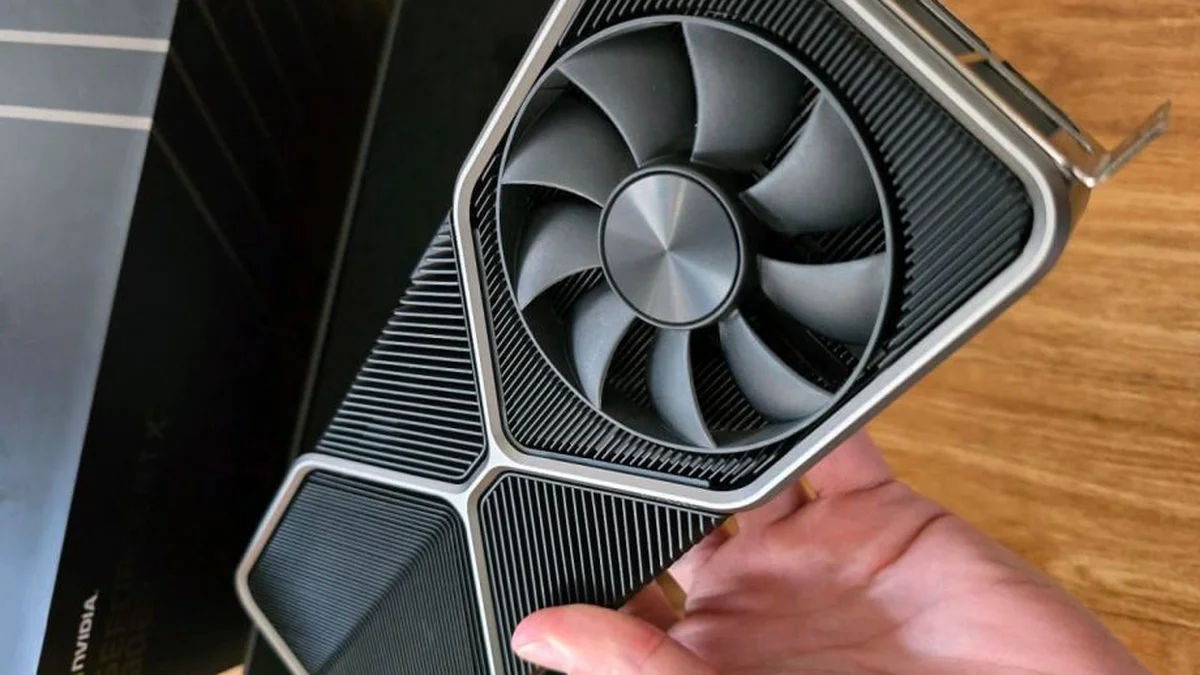
Test every used card before you pay. Ask the seller to run a game or a stress test while you watch, and check temperatures and fan noise. Look for cards from gaming PCs rather than mining rigs, and prefer sellers with a return window. Our used GPUs in 2026: balanced or trap guide walks through the checks that separate a bargain from a trap. If a deal feels rushed or the seller refuses a test, walk away.
How to keep a budget build balanced
A budget build stays balanced when the CPU and GPU grow together. Buy a platform with an upgrade path, so a later CPU swap does not need a new motherboard. AM5 and recent Intel platforms both offer that room, while older dead-end platforms do not. Leave one upgrade in reserve: a stronger GPU next year, or a second RAM kit when 16 GB starts to feel tight. A second-hand GPU later is a fine upgrade too, once you have tested it the same way. Check the plan with the CPU GPU bottleneck calculator before each upgrade, so the new part fixes the real limit.
Students face the same choices with tighter money, and the same rules apply. Our back-to-school student gaming builds under $800 guide applies this hub to a student budget, with the same tiers and the same priorities. The lesson is the same at every budget: balance first, looks last, and never let one part starve the rest.
The bottom line of this budget gaming PC 2026 hub
A budget gaming PC 2026 works when the money follows the games. Put the biggest share into the GPU and the next share into the CPU. Protect both with 16 GB of dual-channel RAM and a safe power supply. Skip the lighting, the fancy board, and the cooler you do not need. Pick a tier from the table, check the pair, and leave room to upgrade. A balanced cheap build beats an unbalanced expensive one in every game that matters.
Frequently asked questions
How much should I spend on a budget gaming PC in 2026?
There is no single number, because a budget gaming PC in 2026 depends on your games and your monitor. An entry build covers esports and older games at 1080p, while a value build covers AAA games at high settings. A mid build reaches 1440p. Pick the tier that fits your games first, then spend where the table in this guide points.
Does a budget gaming PC still run well on 16 GB of RAM?
Yes, 16 GB of dual-channel RAM is enough for a budget gaming PC in 2026. It covers the game, the operating system, and a few background apps without paging to disk. Use two 8 GB sticks, never one 16 GB stick, because single-channel RAM cuts memory bandwidth in half. Choose 32 GB only if you stream or run simulators.
Should I buy a used GPU for a budget build?
Yes, a used GPU can be a smart buy for a budget build if you test it first. Ask the seller to run a game while you watch, and check temperatures and fan noise. Prefer cards from gaming PCs with a return window. Avoid cards with no test, no history, or a rushed seller, because the savings vanish if the card fails.
What is the biggest mistake in a budget gaming PC?
The biggest mistake is spending on looks instead of performance. RGB lighting, an expensive motherboard, and a giant cooler add no frames, while a weak GPU or a single RAM stick hurts every game. A close second is a cheap unknown power supply, which can damage the whole build. Spend on the GPU, CPU, RAM, and power supply first.
Can a budget PC run 1440p games?
Yes, a budget PC can run 1440p games if it sits in the mid tier of this guide. That means a fast 6-core CPU, a 1440p GPU with 12 GB of VRAM, and 16 GB of RAM. The entry and value tiers are 1080p builds, and they struggle at 1440p in newer games. Upscaling helps, but it cannot replace a stronger card.
Is it better to build a PC or buy a prebuilt on a budget?
Building is usually better on a budget. You choose every part, and you avoid the weak power supply and single RAM stick that cheap prebuilts often hide. A prebuilt wins when you need a warranty on the whole system or cannot build yourself. Compare the exact parts, not the headline specs, before you decide either way.
How this guide was prepared
This hub was built from the budget guides already published on PC Bottleneck Lab. Those include the balanced-builds roundup at three budgets and the balanced pair under $600. They also include the Ryzen 5 5600 GPU guide, the student builds under $800, and the used-GPU guide. The tiers and priorities in this hub come from those guides, not from new price research, since prices move too fast to print. No measured frame rates are claimed, since this hub organises existing guides rather than running new benchmarks.
Last updated: November 12, 2026