
Key takeaways
- The minimum spec is a GTX 1060 6GB or RX 580 8GB with an i5-8400 or Ryzen 5 1600 and 16 GB of RAM.
- Both official tiers were tested with DLSS, FSR or XeSS upscaling on, so neither one promises native-resolution play.
- The recommended spec is an RTX 2060, RX 5700 XT or Arc A750 with an i7-9700 or Ryzen 5 5500.
- The game needs 130 GB of free space, and an SSD is required at recommended.
- A free official benchmark tool on Steam tests your exact PC before you spend money on the game.
Can I run Black Myth: Wukong? The short answer
Can I run Black Myth: Wukong is a fair question, because this is one of the most demanding action games of 2024. The short answer is yes, if your PC meets the Black Myth Wukong minimum specs and you accept low settings with upscaling. A GTX 1060 6GB, an i5-8400, and 16 GB of RAM will start the game. It will not run well at high settings or without upscaling. The game is built on Unreal Engine 5, and its dense forests, detailed bosses, and heavy lighting push even strong hardware. For the upscaling story in full, see this: DLSS and FSR frame generation and the CPU bottleneck. Check your own pair first with the free tool: bottleneck calculator.
Black Myth: Wukong official system requirements
Game Science publishes two tiers on Steam, minimum and recommended. Both need Windows 10 64-bit and 16 GB of RAM. The jump between them is mostly the graphics card. The table below lists the official Black Myth: Wukong system requirements as Steam shows them.
| Part | Minimum | Recommended |
|---|---|---|
| Operating system | Windows 10 64-bit | Windows 10 64-bit |
| CPU | Intel Core i5-8400 / AMD Ryzen 5 1600 | Intel Core i7-9700 / AMD Ryzen 5 5500 |
| GPU | NVIDIA GeForce GTX 1060 6GB / AMD Radeon RX 580 8GB | NVIDIA GeForce RTX 2060 / AMD Radeon RX 5700 XT / Intel Arc A750 |
| RAM | 16 GB | 16 GB |
| DirectX | Version 11 | Version 12 |
| Storage | 130 GB, HDD supported, SSD recommended | 130 GB, SSD required |
| Extra note | Tested with DLSS, FSR or XeSS enabled | Tested with DLSS, FSR or XeSS enabled |
Two details in that table deserve attention. First, the RAM line does not move: 16 GB is the floor at both tiers, so an 8 GB machine fails the official spec outright. Second, the storage line changes between tiers: a hard drive is allowed at minimum, but the recommended tier demands an SSD.
The upscaling trap: what the official specs really mean
The most important line on the Steam page sits in the small print. Both tiers were tested with DLSS, FSR or XeSS enabled. That means the official specs describe upscaled performance, not native rendering. Upscaling renders the game at a lower internal resolution and rebuilds the image, so the GPU does less work than the output resolution suggests. A GTX 1060 meeting the minimum spec is therefore a 1080p low machine only with help from upscaling. Turn upscaling off, and the same card will struggle at the same settings. This trap catches buyers who read recommended as smooth at 1080p high, native. It is not. The recommended RTX 2060 is also an upscaling-assisted target. If you want native 1080p high without upscaling, you need a card clearly stronger than the recommended one.
Which upscaler should you use?
DLSS runs on Nvidia cards, FSR runs on almost any card, and XeSS runs on Intel Arc and other cards. The game supports all three. On Nvidia cards, use DLSS first. On AMD or older Nvidia cards, FSR is the fallback. Pick your upscaler before you judge your hardware, because the official specs already assume you did. Ray tracing raises the load further, and the same logic applies there: Cyberpunk 2077 path tracing and the GPU bottleneck.
What GPU do you need for 1080p, 1440p and 4K?
The official specs stop at 1080p, so higher resolutions need judgement, not a published tier. The table below builds on the recommended RTX 2060 as a 1080p high card with upscaling. Each step up needs a clearly stronger GPU class. Treat these rows as buying guidance, not measured frame rates. The only way to know your exact result is the benchmark tool covered later in this guide.
| Target | GPU class to aim for | Settings | What to expect |
|---|---|---|---|
| 1080p low | GTX 1060 6GB or RX 580 8GB, the official minimum | Low, upscaling on | Playable, with reduced detail |
| 1080p high | RTX 2060, RX 5700 XT or Arc A750, the official recommended | High, upscaling on | The official recommended experience |
| 1440p high | One or two classes above the RTX 2060, such as an RTX 4060 Ti or RX 7700 XT | High, upscaling on | Comfortable high settings with upscaling |
| 4K high | A high-end card with 12 GB or more of VRAM, such as an RTX 4070 Ti class card or above | High, upscaling on | Demands a flagship-class card and plenty of VRAM |
VRAM shapes these targets as much as raw speed does. The minimum GTX 1060 carries 6 GB, and the recommended RX 5700 XT carries 8 GB. Above 1080p, aim for 8 GB of VRAM or more, because high texture settings in an Unreal Engine 5 game fill smaller cards fast. For the VRAM angle in full, see this: VRAM bottleneck: 8GB vs 12GB vs 16GB. The same test-first habit works for other demanding games too: can I run Path of Exile 2.
CPU and RAM: why 16 GB is the floor
The CPU step between the two tiers is small. Minimum asks for an i5-8400 or Ryzen 5 1600, and recommended asks for an i7-9700 or Ryzen 5 5500. Both are six-core parts by today's standards, and the game leans far harder on the GPU than the CPU. That does not mean any old CPU will do. A very old quad-core will still hold the game back in busy scenes. The RAM line is firmer: 16 GB at both tiers, with no lower option. Wukong streams large areas and detailed assets, and 8 GB of RAM will cause stutter no GPU can fix. If you have 16 GB, you meet the line. For the full RAM story, see this: how much RAM do you need for gaming in 2026.
Settings that matter most
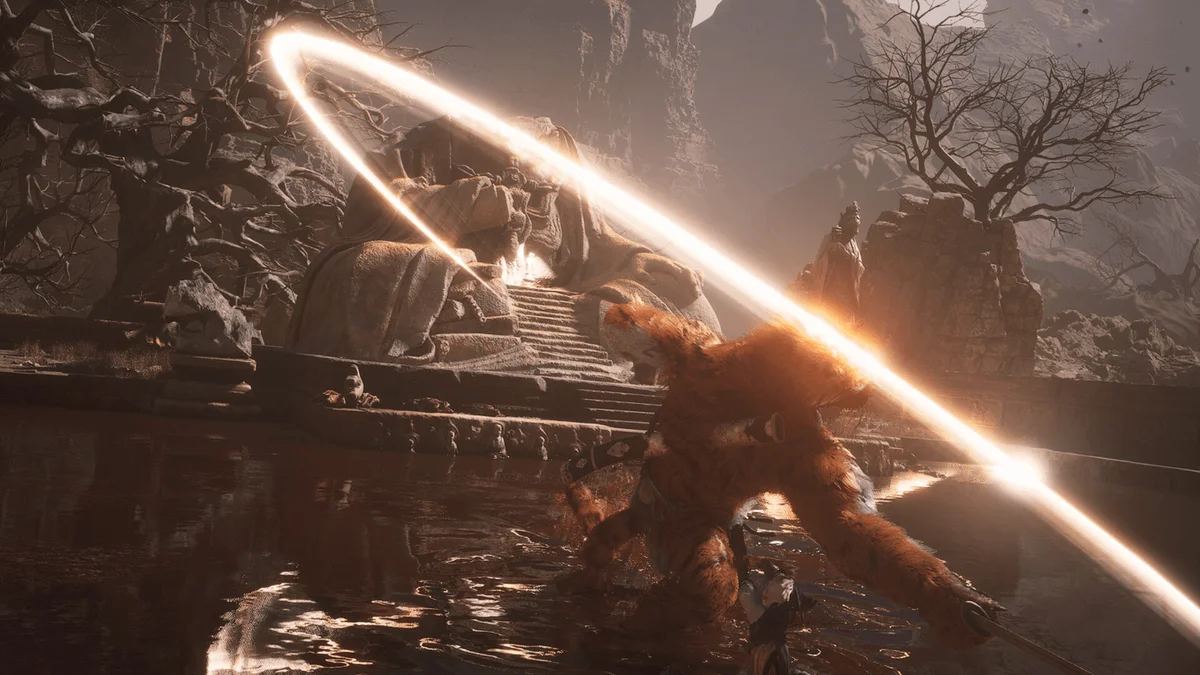
Not every setting costs the same frame rate, so change the expensive ones first. Shadows and global illumination sit at the top of the cost list in this game, since they shape how light moves through the forest. Foliage density comes next, because the game draws huge amounts of grass, leaves, and branches. Texture quality costs VRAM rather than speed, so lower it only if your card runs out of memory. Ray tracing is the single heaviest switch: it adds realistic light and reflections, but it needs a strong RTX card and upscaling to stay playable. Start with upscaling quality, then shadows, then foliage.
Storage: the 130 GB download and the SSD question
The game needs 130 GB of free space, which is large even by 2026 standards. The minimum tier allows a hard drive, but Steam says an SSD is recommended there and required at the recommended tier. That split tells you what to do: install on an SSD. A hard drive will stretch load times and can cause hitches. The 130 GB figure is the installed size, so keep extra room free for patches and the shader cache.
Test your PC before you buy
Game Science ships a free benchmark tool on Steam, and it is the best check you have. It runs a fixed scene from the game on your exact hardware and reports a result. Download it, run it at the settings you plan to use, and read the result before you buy the game. A benchmark result beats any spec sheet, because it tests your whole PC together. If the result is low, change one setting at a time and run it again. Check your pair on the CPU GPU bottleneck calculator too, so you know which part is holding the other back before you spend money.
Can I run Black Myth: Wukong? The bottom line
Black Myth: Wukong will run on modest hardware, but only on its own terms. The minimum spec needs upscaling, the recommended spec needs upscaling, and 4K needs a card far above either tier. Read the official note, test with the free benchmark tool, and buy the game knowing what your PC will actually deliver. That is the whole answer to can I run Black Myth: Wukong.
Frequently asked questions
Will a GTX 1060 run Black Myth: Wukong?
Yes, the GTX 1060 6GB is the official minimum GPU, paired with an i5-8400 or Ryzen 5 1600 and 16 GB of RAM. Expect 1080p low settings with upscaling, since the specs were tested with DLSS, FSR or XeSS enabled. The 3GB version of the GTX 1060 does not meet the spec, because the minimum names the 6GB card.
Can I play Black Myth: Wukong with upscaling switched off?
Not at the official tiers, because both were tested with upscaling switched on. Without DLSS, FSR or XeSS, the same hardware needs lower settings or a lower resolution to stay playable. FSR works on almost any card, so even older GPUs can use it. Turn upscaling on first, then lower shadows and foliage if the game still struggles.
How much memory does Black Myth: Wukong ask for?
Black Myth: Wukong needs 16 GB of RAM at both tiers, and there is no lower official option. An 8 GB machine will stutter as the game streams large areas, and no GPU upgrade fixes a RAM shortfall. Moving to 32 GB gives headroom for background apps, but it does not add frame rate on its own.
Is an SSD required to play Black Myth: Wukong?
An SSD is required at the recommended tier and recommended at the minimum tier, where a hard drive is still allowed. Install on an SSD if you can, because a hard drive stretches load times and can cause hitches. The game needs 130 GB of free space, so keep extra room free for patches and the shader cache.
What GPU should I buy for Black Myth: Wukong at 1440p?
There is no official 1440p tier, so aim one or two classes above the recommended RTX 2060, with 8 GB of VRAM or more. Keep upscaling on, and lower shadows and foliage if the frame rate drops. The free benchmark tool on Steam is the best way to test your exact card at 1440p before you buy.
How can I test my PC for Black Myth: Wukong before buying?
Yes, Game Science ships a free official benchmark tool on Steam. It runs a fixed scene on your exact CPU, GPU, RAM and drivers, then reports a result. Run it at your planned settings, and change one setting at a time if the result is low. That result beats any spec sheet, because it tests your machine.
How this guide was prepared
This guide uses the official Black Myth: Wukong system requirements as published on Steam. They were checked in November 2026, including the note that both tiers were tested with DLSS, FSR or XeSS enabled. The resolution guidance builds on those official tiers, and the settings advice reflects how Unreal Engine 5 games use shadows, foliage, and VRAM. No measured frame rates are claimed, since the guide reports official specs and buying guidance, not a benchmark.
Last updated: November 12, 2026