
Key takeaways
- Can I run Path of Exile 2? Yes, when your PC meets the official minimum: Windows 10, an i7-7700 or Ryzen 5 2500X, 8GB of RAM, and a GPU with at least 3GB of VRAM.
- The 1.0 full release launches free-to-play on December 11, 2026, with Acts 5 and 6, the Shadow and Duelist classes, and the Conquerors of Wraeclast league.
- The game needs 100GB of free storage on both tiers, and the recommended tier asks for an SSD.
- Path of Exile 2 is mostly GPU-bound in the campaign, yet dense endgame maps push the CPU hard, so the processor decides your lowest frame rates.
- A modern six-core CPU, 16GB of RAM, and an RTX 2060-class card is the realistic floor for smooth 1080p play.
Can I run Path of Exile 2? The short answer
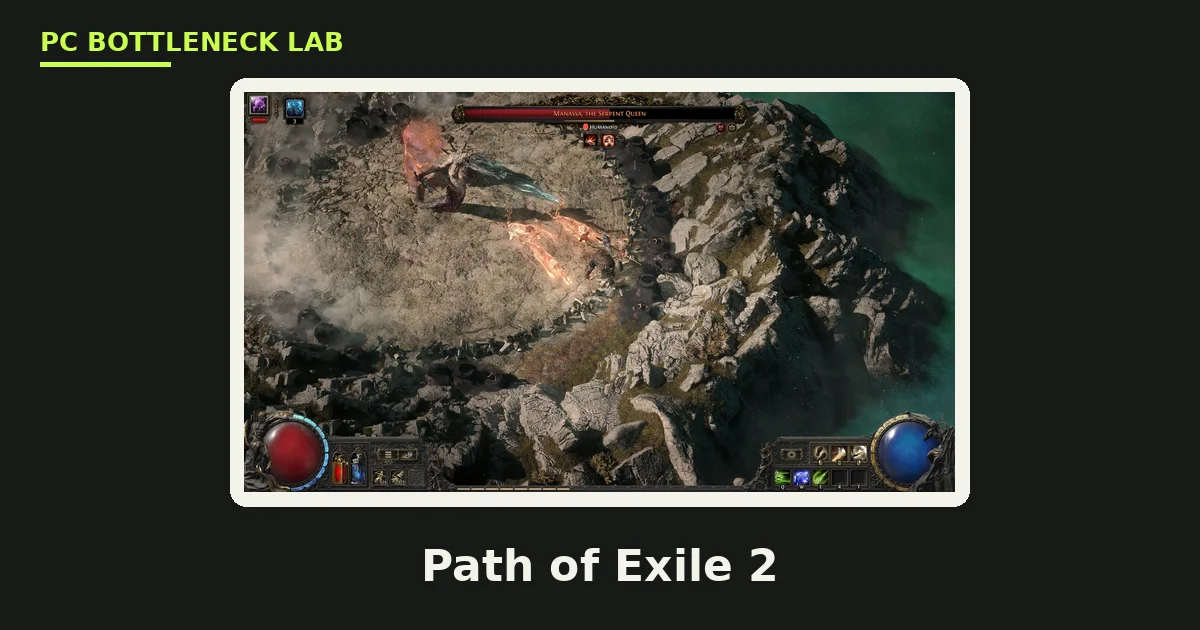
Path of Exile 2 is Grinding Gear Games' free-to-play action RPG, and the full 1.0 release lands on December 11, 2026. The game asks for modest hardware to start, yet much more for a smooth endgame. The official minimum is an Intel Core i7-7700 or AMD Ryzen 5 2500X. It also asks for 8GB of RAM and a GTX 960 with 3GB of VRAM, or an equivalent card. That bar is low enough that most gaming PCs from the last eight years clear it. Yet the minimum only guarantees that the game opens and runs. It does not give you stable 60 FPS in a packed map. It also does not give you smooth 1% lows when dozens of monsters, skills, and ground effects fill the screen. For that, you need a modern six-core CPU, 16GB of RAM, an SSD, and an RTX 2060-class card or better. The 1.0 release is free to play.
Path of Exile 2 system requirements, the official minimum and recommended
Grinding Gear Games publishes both a minimum and a recommended tier on the Steam store page. The table below is that official list, checked in November 2026. The specs state no resolution or frame rate target for either tier. The minimum is a floor, not a promise of smooth play. One line is a hard gate. The minimum note says a graphics card with at least 3GB of video memory is required. A 2GB card cannot run the game at all. The recommended tier adds an SSD, which the minimum does not ask for. For the VRAM picture in full, see this: VRAM bottleneck: 8GB, 12GB and 16GB.
| Part | Official minimum (GGG, Steam) | Official recommended (GGG, Steam) |
|---|---|---|
| OS | Windows 10, 64-bit | Windows 10, 64-bit |
| CPU | Intel Core i7-7700 or AMD Ryzen 5 2500X | Intel Core i5-10500 or AMD Ryzen 5 3700X |
| RAM | 8GB | 16GB |
| GPU | GTX 960 (3GB), Intel Arc A380, or RX 470 | RTX 2060, Intel Arc A770, or RX 5600 XT |
| VRAM | At least 3GB required | 6GB on the RTX 2060, the weakest listed card |
| Storage | 100GB available space | 100GB, SSD recommended |
| Other | DirectX 12, broadband internet | DirectX 12, broadband internet |
Why Path of Exile 2 is a CPU bottleneck game in the endgame
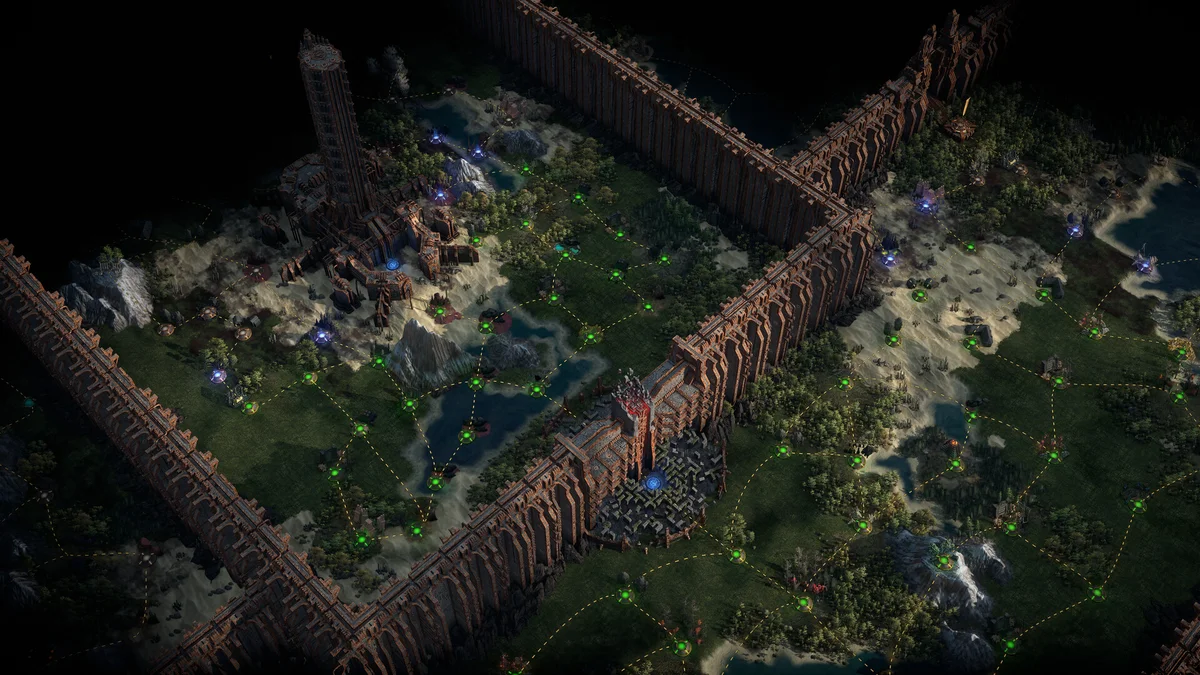
A CPU bottleneck happens when the processor sets the speed limit, not the graphics card. Path of Exile 2 is mostly GPU-bound in the campaign, where the screen holds fewer monsters and the graphics card draws the scene. The endgame flips that balance. Dense atlas maps fill the screen with monsters, skill effects, and ground effects, and the CPU must track every one of them. Performance guides note that high-density endgame content pushes CPU limits hard, even on PCs that run the campaign smoothly. That is why the same PC can hold 60 FPS through the story and dip hard in a packed map. The slowest frames, called 1% lows, show the problem first. Your average frame rate can look fine while the worst frames stutter. A modern six-core CPU with strong single-core speed is the fix. The game leans on a few fast cores more than on many slow ones. For the frame-time story in full, see this: stuttering and frame time: 1% lows explained.
Realistic Path of Exile 2 builds for 1080p, 1440p and 4K
The builds below are our guidance for smooth play, not GGG specs. The budget build suits 1080p at 60 FPS. The mid build suits 1440p at 60 FPS and above. The high-end build suits 4K and high-refresh 1440p. All three use 16GB of RAM and an SSD, since 8GB and a hard drive will stutter in 2026. A modern six-core CPU is the floor for all three, since four cores cannot hold steady frames in dense maps. Check your own pair before you buy with the free tool: bottleneck calculator.

| Build | CPU | GPU | RAM | Target |
|---|---|---|---|---|
| Budget 1080p | Ryzen 5 5600 / i5-12400F | GTX 1660 Super / RX 6600 | 16GB DDR4 | 1080p, 60 FPS |
| Mid 1440p | Ryzen 5 7600X / i5-13400F | RTX 4060 / RX 7700 XT | 16GB DDR5 | 1440p, 60 FPS |
| High-end 4K | Ryzen 7 7800X3D / 9800X3D | RTX 5070 Ti / RX 9070 XT | 32GB DDR5 | 4K, 60 FPS |
These targets are our guidance, not GGG specs or measured results. For the RAM question in full, see this: how much RAM do you need for gaming in 2026.
Best settings for Path of Exile 2
Start with the resolution scale, since it is the biggest lever in the game. Set it to 100% when your GPU can hold your target frame rate, and drop it toward 75% when it cannot. Set shadows and lighting quality down first, since they cost the CPU and GPU most in busy scenes. Turn on dynamic resolution when you want a steady frame rate more than a fixed picture. It lowers the render scale only when the load spikes. Cap the frame rate at your monitor refresh rate. Try both renderers, DirectX 12 and Vulkan, since the faster one differs by PC and driver. Keep textures on high when you have 8GB of VRAM or more. Drop them when you run the 3GB minimum, since textures are the first thing that spills out of a small VRAM pool.
How to tell if your CPU is holding Path of Exile 2 back
Open a hardware monitor and play a dense endgame map, then look at the two use figures. If CPU use sits near 100% while GPU use stays low, the processor is the limit. If GPU use sits near 100%, the card is the limit, and that is the normal case in the campaign. Also watch the 1% lows, which are the slowest frames in each second. A CPU limit shows up as stutter when a map fills with monsters, even when the average frame rate looks fine. Check your RAM use too: when it passes 14GB, 16GB is nearly full. Close Chrome and Discord before a long mapping session when you run 8GB or 16GB. For the full check method, see this: how to check for a CPU bottleneck.
Path of Exile 2 on a laptop and on old hardware
Path of Exile 2 runs on many laptops, yet laptop power limits change the result. A laptop GPU with the same name as a desktop card runs slower, since it draws less power and throttles sooner. Plug the laptop in before you play, since battery mode cuts CPU and GPU speed hard. The game is also Steam Deck Verified, so it runs on Valve's handheld with the Deck's own settings. On old hardware, the 3GB VRAM gate is the first wall. A card with 2GB of VRAM cannot run the game at all, even when the rest of the PC is fine. A GTX 960 with 3GB or an RX 470 will open the game, yet both will struggle in the endgame. The cheapest fix is a GPU with 6GB or more. For the laptop picture in full, see this: laptop bottlenecks explained.
The bottom line on can I run Path of Exile 2
Can I run Path of Exile 2? Yes, when your PC meets the official minimum. Play stays smooth when you pair a modern six-core CPU with 16GB of RAM, an SSD, and an RTX 2060-class card or better. The CPU decides your lowest frame rates in the endgame far more than the GPU does. Spend on the processor first when your maps stutter. Check your pair first on the CPU bottleneck calculator before you spend.
Frequently asked questions
What PC do you need at minimum for Path of Exile 2?
GGG lists Windows 10, an Intel Core i7-7700 or AMD Ryzen 5 2500X, and 8GB of RAM. The GPU can be a GTX 960 (3GB), an Intel Arc A380, or a Radeon RX 470. It needs DirectX 12, broadband internet, and 100GB of free storage. The minimum note adds a rule: a card with at least 3GB of video memory is required, so 2GB cards cannot run the game.
What does the recommended spec for Path of Exile 2 ask for?
Yes, GGG publishes a recommended tier beside the minimum. It lists Windows 10, an i5-10500 or Ryzen 5 3700X, 16GB of RAM, and an RTX 2060, Arc A770, or RX 5600 XT. Storage stays the same 100GB, with an SSD recommended. The specs state no resolution or frame rate target. The recommended tier is a comfort level, not a promise of a set frame rate at a set resolution.
Can I run Path of Exile 2 on 8GB of RAM?
Yes, 8GB is the official minimum, and the game will start and run on it. Still, 8GB is tight in 2026, since Windows, Discord, and a browser eat RAM beside the game. For smooth play, use 16GB of RAM, which is the official recommended tier. When RAM fills up, the PC pages to the SSD and the game stutters.
Will Path of Exile 2 run on a GTX 1060?
Yes, when the card has 3GB of VRAM or more. The GTX 1060 6GB clears the minimum easily, and the 3GB version meets the hard VRAM floor. Both will run the campaign, yet both will struggle in dense endgame maps, where the CPU and the card both work harder. A 2GB card cannot run the game at all, since GGG's minimum note requires at least 3GB of video memory.
Is Path of Exile 2 free to play?
Yes, from December 11, 2026, when version 1.0 launches. Until then the game is in paid Early Access, and the cheapest way in is a $29.99 pack that includes an Early Access key. At 1.0 the full game becomes free on PC, PlayStation 5, and Xbox Series X|S. It brings the complete six-act campaign, the Shadow and Duelist classes, and the Conquerors of Wraeclast league.
Can I run Path of Exile 2 on a Steam Deck?
Yes, Valve rates Path of Exile 2 Verified on the Steam Deck, so it runs with the Deck's own settings and controls. ProtonDB also rates it Platinum from community reports. Expect lower settings and a 60 FPS target at the Deck's 1280x800 screen. Keep the Deck plugged in for long sessions, since battery mode cuts performance.
How this guide was prepared
This guide uses Grinding Gear Games' official minimum and recommended requirements from the Path of Exile 2 Steam store page, checked in November 2026. The 1.0 launch details come from GGG's ExileCon announcement. The realistic builds and FPS targets are our guidance, not GGG specs or measured results.
Last updated: November 11, 2026