
Key takeaways
- Generated frames smooth motion, while real frames carry your input.
- Frame generation latency comes from holding a real frame back to build the one between.
- At 60 real FPS, frame generation can show 120 FPS yet still feel near 60.
- Reflex and Anti-Lag cut queue latency, but they never beat native latency at the same base rate.
- Frame generation multiplies a good frame rate, and it cannot rescue a bad one.
Frame generation latency: the short answer
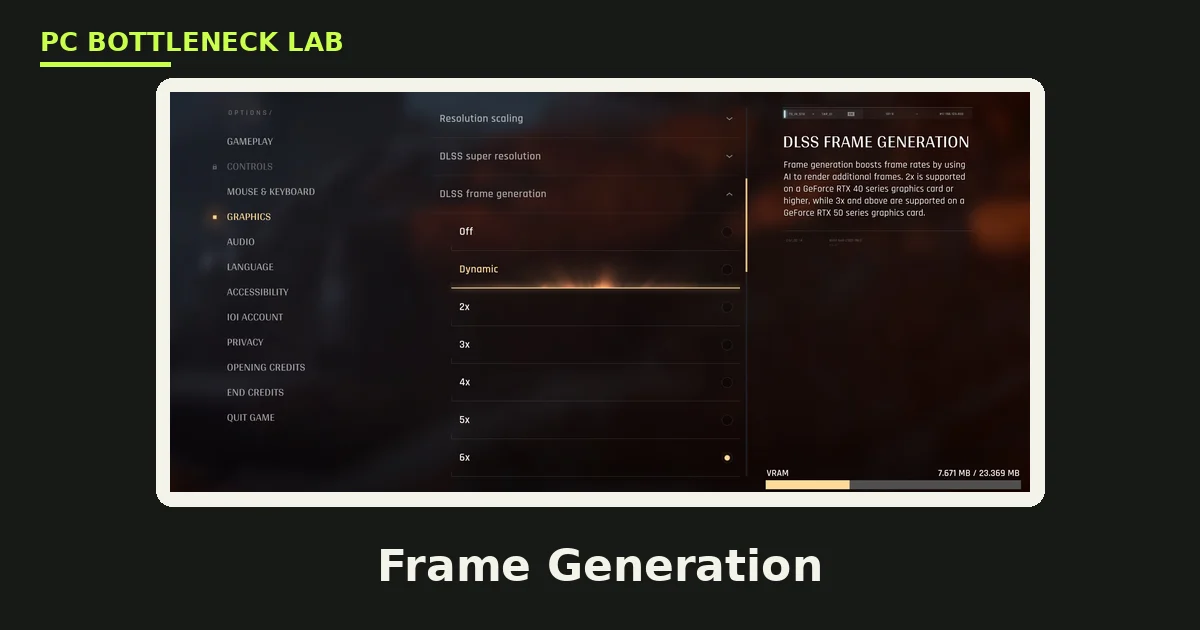
Frame generation is a trick that inserts new frames between the ones your GPU renders. DLSS Frame Generation, FSR Fluid Motion Frames, and similar tools guess what the in-between picture should look like. The guess uses motion data from the two real frames around it, so the new frame is an interpolation, not a fresh render. Your game still samples your mouse and keys at the real frame rate, so the extra frames add smoothness without adding responsiveness. That gap is frame generation latency in one line: the counter climbs, and your hands do not feel it. For the wider frame generation story, see this: DLSS and FSR frame generation and CPU bottlenecks. You can also check your own pair with the pc bottleneck calculator.
| Setup | Displayed FPS | Responsiveness feels like |
|---|---|---|
| 60 real, no frame generation | 60 | 60 FPS |
| 60 real, DLSS 3 frame generation | About 110 to 120 | About 55 FPS |
| 60 real, DLSS 4 multi frame generation 4x | About 220 | About 55 FPS |
| 100 real, DLSS 3 frame generation | About 190 | About 90 to 95 FPS |
The feel figures come from Tier1Settings, and they describe responsiveness rather than a lab measurement.
Why frame generation latency rises
Interpolation needs two real frames before it can build the one between them. The pipeline must hold the newer real frame back while it works, and that hold is latency you can feel. At 60 real FPS, one frame takes about 17 ms, so the hold alone adds roughly that much delay. A deep render queue adds more, since each queued frame is one your click waits behind. NVIDIA Reflex and AMD Anti-Lag 2 attack that queue, and that is why both vendors pair them with frame generation. The interpolation hold itself never goes away, though, since no tool can build a frame from a future it has not seen yet.
What the numbers say
TechPari measured the trade with a hardware latency sensor in Cyberpunk 2077 at 4K with ray tracing on ultra. Native rendering at 42 FPS took 88.4 ms from click to screen. DLSS Super Resolution at 68 FPS cut that to 52.6 ms, and Reflex cut it further to 36.2 ms. Adding frame generation lifted the counter to 118 FPS, yet latency rose to 54.8 ms. That is the whole story in one test: the picture doubled in smoothness, and the response matched a native 55 to 60 FPS game.
| Setup (Cyberpunk 2077, 4K, ray tracing ultra) | Displayed FPS | Click-to-screen latency |
|---|---|---|
| Native, no Reflex | 42 | 88.4 ms |
| DLSS Super Resolution quality | 68 | 52.6 ms |
| DLSS quality plus Reflex | 68 | 36.2 ms |
| DLSS quality plus frame generation plus Reflex | 118 | 54.8 ms |
| DLSS quality plus FSR 3 frame generation, no Reflex | 114 | 78.2 ms |
These are TechPari measurements from one game and one test rig, so treat them as a worked example rather than a promise for every PC.
Frame generation latency vs native latency
Native latency falls as the real frame rate rises, since each frame takes less time to render. Frame generation breaks that link, since the displayed rate rises while the real rate stays put. DLSS 4 multi frame generation can add three generated frames for each real one, yet none of them knows where your mouse is. That is why a 220 FPS counter built on 60 real frames still feels near 55 FPS. Upscaling is the opposite case: it raises the real frame rate, so it cuts latency instead of adding it. Judge a setting by the real frame rate, not by the number in the corner.
When frame generation helps, and when it hurts
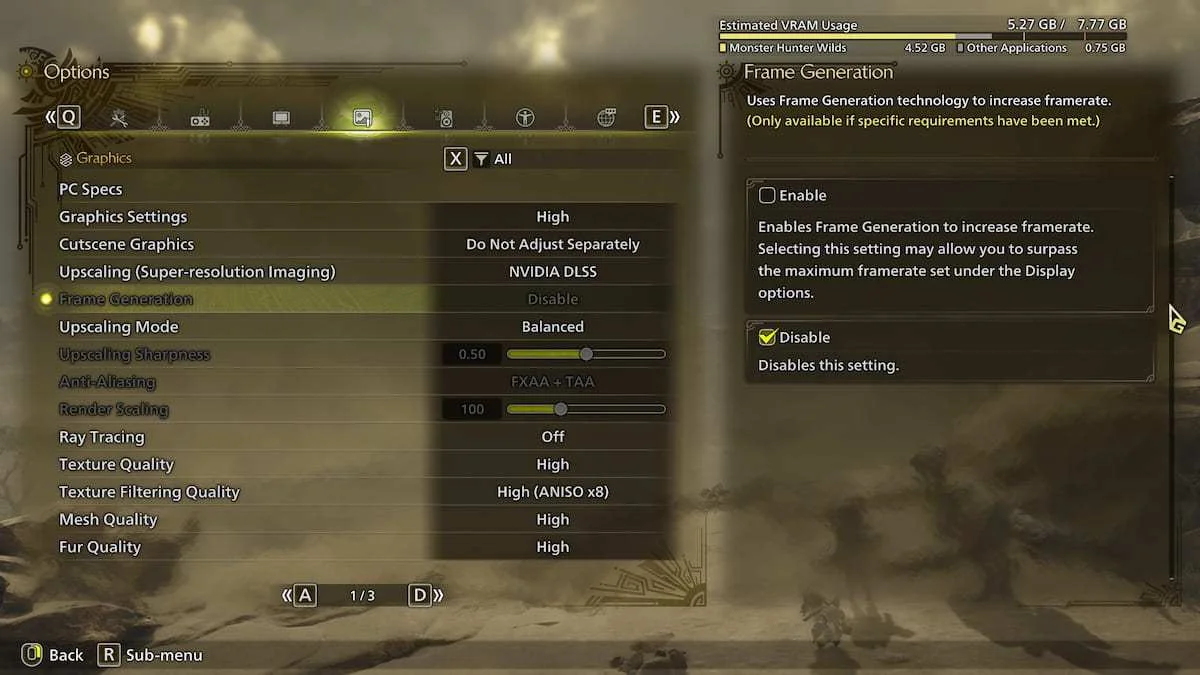
Frame generation helps when your base rate already clears 60 FPS and you play on a fast screen. Single-player games with slow camera moves gain the most, since the artifacts stay small. It also helps when your GPU is the limit and you want smoother motion without dropping settings. Keep Reflex or Anti-Lag on, since the pair only works as a team. A fast screen is part of the deal: monitor refresh rates and bottlenecks.
Frame generation hurts below 60 real FPS, since the hold and the artifacts both grow. Competitive shooters suffer most, since aim lives or dies on fresh input. Fast camera pans can smear thin objects and user interface elements, and the smear gives the trick away. Turn it off for ranked play, and use upscaling with Reflex instead. Multi frame generation has its own limits: DLSS 4 multi frame generation and CPU bottlenecks. FSR 4 and DLSS 4 handle the same job in different ways: FSR 4 vs DLSS 4 on a CPU-limited PC.
How to set it up for the lowest latency
Work through these steps in order, and test the feel in a real match rather than on the counter.
- Raise your real frame rate first, with upscaling or lower settings.
- Turn frame generation on only once the base rate clears 60 FPS.
- Keep Reflex or Anti-Lag on, since frame generation needs the latency help.
- Cap the frame rate a little below your monitor refresh rate.
- Test the feel in a real match, not on the FPS counter alone.
A frame cap below the refresh rate keeps the queue shallow and the pacing steady. If the game still feels heavy, turn frame generation off and keep the upscaling. The counter will fall, and your aim will thank you. Stutter from other causes needs a different fix: stuttering and frame time: 1% lows explained.
The bottom line
Frame generation latency is the price of smooth motion without fresh input. The counter can double or quadruple, yet your mouse still moves at the real frame rate underneath. Use frame generation to multiply a solid 60 FPS or more, and keep the latency tools on. Switch it off when the base rate or the game demands real responsiveness. Before you spend on a faster card, check the cpu bottleneck calculator to see which part holds your pair back.
Frequently asked questions
Does turning on frame generation add input lag?
Yes, it adds some latency by design. Interpolation needs the next real frame before it can build the one between, so the pipeline holds a real frame back. That hold is the extra delay your mouse feels. Reflex or Anti-Lag claws back queue latency, yet the net result lands near native latency at the real frame rate, never below it.
Why does 120 FPS with frame generation feel like 60 FPS?
It feels like 60 FPS because your input still moves at the real frame rate underneath. The generated frames smooth the picture, yet they carry no fresh mouse or key state. Tier1Settings puts the feel near 55 FPS when 60 real frames become about 120 displayed frames. The counter measures smoothness, not responsiveness.
Does NVIDIA Reflex remove frame generation latency?
No, Reflex removes queue latency rather than the interpolation hold itself. It paces the CPU so frames do not pile up ahead of the GPU, and that cut can be large. The hold that builds the generated frame stays, since interpolation always needs the next real frame first. Net latency lands close to native at the real frame rate.
Is frame generation a bad pick for ranked shooters?
No, leave it off for ranked play. Aim depends on fresh input, and generated frames add a hold that slows your response to every flick and strafe. Use upscaling with Reflex instead, since that pair raises the real frame rate and cuts latency. Save frame generation for single-player games where smooth motion matters more than raw response.
What base frame rate does frame generation need?
Aim for at least 60 real FPS before you switch it on. AMD GPUOpen notes the same 60 FPS floor, and the guides agree that lower bases feel heavy. Below 60, the hold grows long and the artifacts grow obvious, so the game feels worse even as the counter climbs. Raise the real rate first, then add the generated frames.
Is DLSS 4 multi frame generation worse for latency than DLSS 3?
No, it is not much worse, yet it is not better either. DLSS 4 can add three generated frames for each real one, so the counter climbs far higher. The feel stays near the same 55 FPS mark from a 60 FPS base, since responsiveness still follows the real frames. More generated frames buy smoothness, not response.
How this guide was prepared
This guide uses the Tier1Settings frame generation guides, the TechPari latency teardown, and the AMD GPUOpen notes on base frame rate. Latency figures come from the named sources, not from our own tests. No frame rates are claimed as our own, since the guide explains a trade-off, not a benchmark.
Last updated: November 14, 2026