
Key takeaways
- Hotspot temperature is the hottest point on the GPU die, and it always reads above the average core temperature.
- A gap of 10 to 20 degrees between hotspot and core is normal on most cards.
- AMD sets the junction limit at 110°C for RX 5000, 6000, and 7000 series cards.
- A hotspot gap past 25 degrees usually means poor cooler contact, dried paste, or bad mounting pressure.
- NVIDIA hides the hotspot reading on RTX 50 series cards, so third-party tools cannot show it.
GPU hotspot temperature too high: the short answer
Your GPU hotspot temperature is high only when it sits near its limit or far above the core temperature. A hotspot of 90°C with a core of 75°C is normal on many cards, since the hottest point on the die always runs warmer. A hotspot of 105°C with a core of 70°C is not normal, since the 35-degree gap points at a cooler problem. Judge the number by two tests, not one: the absolute value against your card's limit, and the gap against the core reading. If either test fails, the fixes below will help. If both pass, your card is fine, and the scary number is just how modern GPUs report heat. To check whether heat is actually costing you speed, read our thermal throttling vs a real bottleneck guide.
| Reading | What it measures | Normal under load | Act when |
|---|---|---|---|
| GPU core (edge) | Average temperature across the die | 60–80°C | Above 85°C sustained |
| GPU hotspot (junction) | Hottest single point on the die | 75–95°C | Above 100°C, or near 110°C on AMD |
| VRAM (memory) | Graphics memory chips | 70–95°C | Above 100°C sustained |
| Hotspot minus core (delta) | Cooler contact quality | 10–20°C | Above 25°C sustained |
These ranges come from graphicscardhub.com and displaycard-repair.com, checked 16 Nov 2026, and they are general guides, not your card's official spec. Always check your own model's limit first.
Core vs hotspot vs VRAM: three readings, three jobs
The core temperature, also called edge temperature, is the average across the whole GPU die. It comes from several sensors spread over the chip, and it is the number most tools show by default. The hotspot temperature, also called junction temperature, is the single hottest sensor on the die. AMD shows it front and centre in its software, which is why AMD owners notice it first. NVIDIA cards also report it on RTX 30 and 40 series cards. Yet NVIDIA hid the reading from its official software interface on RTX 50 series cards, so tools like GPU-Z and HWiNFO cannot show it there.
VRAM temperature is a third reading, and it measures the memory chips, not the GPU die. GDDR6X memory runs hotter than the die by design, and 95–110°C under load is normal on cards like the RTX 3080 and 3090. GDDR6 memory runs cooler, so the same number on a GDDR6 card would worry us more. Never compare one card's hotspot with another card's core temperature, since they measure different things. Compare like with like, and compare your card against its own limit. Check your own pair with the pc bottleneck calculator. Our VRAM bottleneck guide explains why memory size and speed matter as much as heat.
What a normal delta looks like
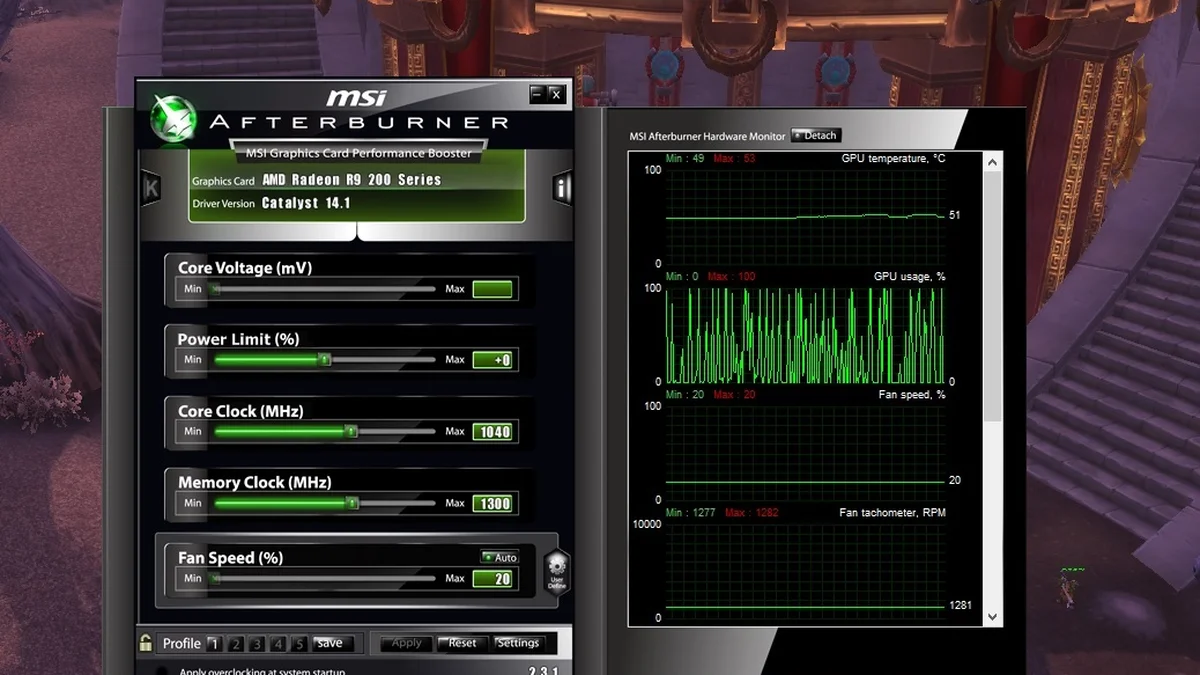
The delta is the hotspot temperature minus the core temperature, and it tells you how well the cooler touches the die. A delta of 5–10°C means good contact, and a delta of 10–20°C is mostly fine. A delta of 20–25°C or more usually means a contact problem. The cause is often uneven mounting pressure, dried thermal paste, or a pad that is too thick. One real case shows the pattern clearly. A repair report covered an RTX 5070 Ti that averaged 68°C at the core while its hotspot hit 107°C, and the card was already throttling. The gap, not the core number, gave the problem away.
AMD cards run wider deltas than NVIDIA cards by design. A 20–30°C gap is common on AMD's RX 9000 series, and a hotspot of 95–105°C is normal on RDNA 3 cards. NVIDIA cards usually sit at 10–20°C, so the same gap on an RTX card would worry us sooner. Some AMD models even ship from the factory with deltas above 25°C, so a wide gap alone is not proof of a fault. Watch the trend instead. A delta that grows over months points at paste drying out or pump-out, while a delta that stays flat is just how your card runs. If your card is new and the delta is huge, the cooler may need a remount or a warranty claim.
| Delta (hotspot minus core) | What it usually means | What to do |
|---|---|---|
| 5–10°C | Good cooler contact | Nothing, enjoy the card |
| 10–20°C | Normal on most cards | Watch it, but do not worry |
| 20–25°C | Borderline, check airflow first | Clean dust, improve case airflow |
| 25°C or more | Poor contact or dried paste | Repaste or remount the cooler |
| 35°C or more | Serious contact failure | Stop heavy loads, fix it now |
These delta bands come from displaycard-repair.com and graphicscardhub.com, checked 16 Nov 2026. They are rules of thumb from repair experience, not official limits from AMD or NVIDIA.
GPU hotspot temperature: when to act
Act when the hotspot stays above 100°C on an NVIDIA card, or when it nears 110°C on an AMD card. Act sooner when the delta stays above 25°C, since that gap means the cooler is not doing its job. Do not act on a single scary screenshot. Run a game for 20 minutes, note the core, hotspot, and VRAM numbers, and judge the steady values. A short spike to 100°C during a loading screen is not the same as a full hour at 105°C. For a wider look at heat and cooling through the year, see the summer cooling guide.
Age changes the answer. A two-year-old card with a delta that grew from 12°C to 28°C has a paste problem, and a repaste will likely fix it. A brand-new card with a 30°C delta has a factory mounting problem, and the shop or maker should fix it under warranty. A card that always ran hot may just be a hot design. If the delta was flat since day one, a better fan curve is the right fix. Write down your numbers before you change anything, so you can tell whether the fix worked. If heat is not the cause, run the cpu bottleneck calculator to find the real limit.
How to lower a high hotspot, step by step
Work through these steps in order, and check the numbers after each one. Stop when the delta and the hotspot both fall into the normal bands.
- Clean the dust from the card and the case with compressed air, since dust chokes the heatsink first.
- Check case airflow: two intake fans at the front and one exhaust at the back beat a sealed glass box.
- Set a steeper fan curve in MSI Afterburner or AMD Adrenalin, and test the same game again.
- Undervolt the GPU by a small step, since less voltage means less heat with the same speed.
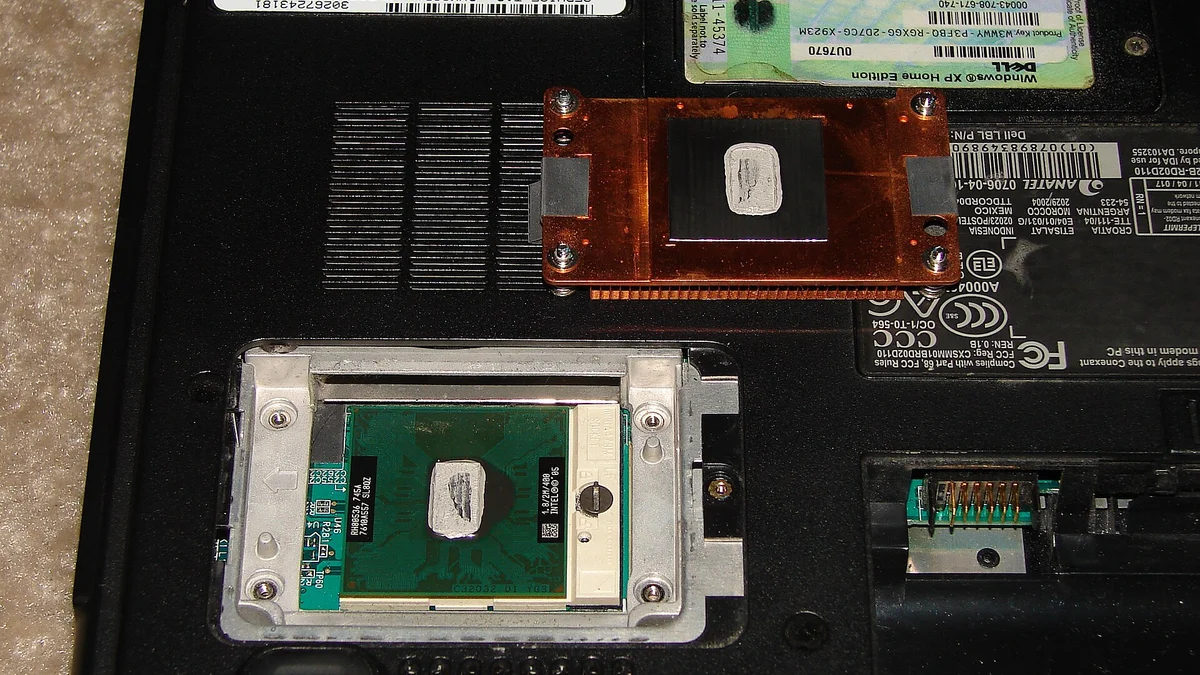
- Repaste the GPU die with fresh thermal paste, and replace old thermal pads with the right thickness.
- Remount the cooler with even pressure, tightening screws in a cross pattern.
- If the card is new and the delta stays above 25°C, contact the seller for a warranty check.
Repasting voids the warranty on some cards, so check your maker rules first. It is the fix that helps most when the delta is the problem, since fresh paste restores contact between the die and the cooler. If you would rather not open the card, steps 1 to 4 are safe, and they often cut the hotspot by 5–10°C on their own. When heat makes the whole PC unstable, the PC restarts while gaming guide covers the wider checks.
One more check matters: a weak power supply can make a hot card look worse, since voltage drops push the card to work harder. The low GPU usage with low FPS guide explains how to spot a power or driver problem behind odd temperatures.
The bottom line
GPU hotspot temperature looks scary only when you read it alone. Compare it with the core temperature, check the gap, and judge the steady value after 20 minutes of play. A delta under 20°C and a hotspot below 100°C means your card is fine. A delta past 25°C means the cooler needs cleaning, a new fan curve, or a repaste.
Frequently asked questions
What is a normal GPU hotspot temperature while gaming?
A normal GPU hotspot temperature while gaming is 75–95°C on most cards. High-end cards can reach 90–100°C under heavy load and still be fine. The number matters less than the gap to the core temperature, which should stay under 20°C.
Is 100°C hotspot temperature bad for a GPU?
A hotspot of 100°C is a warning sign on NVIDIA cards, yet it is normal on many AMD cards. AMD sets the junction limit at 110°C for RX 5000, 6000, and 7000 series cards. Judge it with the delta: if the gap to the core is small, the card is likely fine.
What is a good delta between GPU core and hotspot?
A good delta is 5–15°C, and anything under 20°C is normal on most cards. A delta of 25°C or more usually means poor cooler contact, dried thermal paste, or uneven mounting pressure. A delta that grows over months points at paste drying out.
Why is my GPU hotspot so much higher than the core temp?
The hotspot reads the single hottest point on the die, while the core reads the average across the whole chip. A gap of 10–20°C is normal by design. A gap past 25°C means the cooler is not touching the die evenly, often because of dried paste or loose mounting.
Can a high GPU hotspot damage my graphics card?
A high hotspot will not damage a modern card at once, since the card throttles or shuts down before it cooks itself. Sustained heat above the limit does wear the card down over time, though, and it costs you clock speed today. Fix a hotspot that stays above 100°C on NVIDIA or near 110°C on AMD.
Why can't I see the hotspot temperature on my RTX 50 card?
NVIDIA hid the hotspot reading from its official software interface on RTX 50 series cards, so tools like GPU-Z and HWiNFO cannot show it. You can still watch the core temperature and the clock speed. If the core stays under 83°C and the clocks hold, the card is running as designed.
How this guide was prepared
This guide uses graphicscardhub.com, displaycard-repair.com, techenclave.com, and misar.blog, all checked 16 Nov 2026. It also uses AMD's public 110°C junction statement for RX 5000, 6000, and 7000 series cards. Delta bands and temperature ranges are reported rules of thumb from repair experience, not official limits for every model.
No card was tested for this guide. Check your own model's official limit before you judge a reading.
Last updated: November 17, 2026