
Key takeaways
- Event ID 41 records the restart, yet it does not name the cause on its own.
- A nonzero BugcheckCode means a blue screen restarted the PC.
- Both values at zero point to lost power or a hard freeze, which is usually hardware.
- Restarts only under load point first to the power supply or heat.
- Stop a stress test at once if the PC shuts down during it.
PC restarts while gaming: the short answer
A PC restarts while gaming when one part fails under load, and the usual suspects are the power supply, heat, RAM, or a driver. Games push the CPU and GPU to full power at the same time. A weak link that hides on the desktop shows up in a game. Check your parts on the bottleneck calculator to see if your pair is balanced.
Start with Event Viewer, since it tells you whether Windows crashed or power simply vanished. Then test one suspect at a time, and change only one thing between tests, so you know which fix worked.
PC restarts while gaming: read Event Viewer first
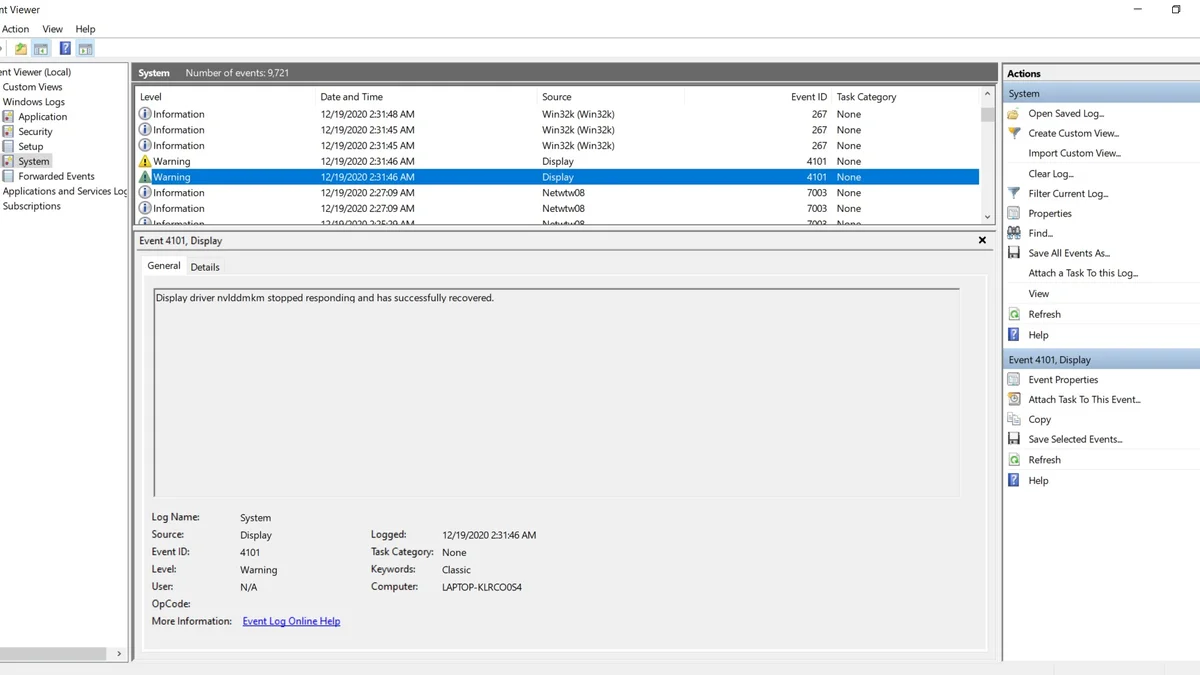
Open Event Viewer with Win and R, type eventvwr.msc, then go to Windows Logs and System. Filter the log for Kernel-Power, Event ID 41, and open the newest entry from a restart.
Event ID 41 says the system rebooted without cleanly shutting down first, and Windows logs it at the next startup. The entry alone does not name the cause, so read its two values: BugcheckCode and PowerButtonTimestamp.
A nonzero BugcheckCode means a blue screen restarted the PC, and the code names the stop error. A nonzero PowerButtonTimestamp means someone held the power button down. When both values are zero, the PC lost power or froze hard, which usually points to hardware.
| Event 41 reading | What it means | Next step |
|---|---|---|
| BugcheckCode not zero | A blue screen restarted the PC | Note the stop code, update the named driver |
| PowerButtonTimestamp not zero | The power button was held down | Find what froze the PC first |
| Both values zero | Power lost or the PC froze hard | Test the PSU, heat, and RAM |
| No Event 41 at all | Power cut before Windows could log | Check mains power, UPS, and PSU cables |
Event 6008 beside it means the last shutdown was unexpected, while Event 1074 means a user or app started the restart. If the PC restarts too fast to read a blue screen, turn off automatic restart in System Properties, under Startup and Recovery. The blue screen then stays on screen, and you can read its stop code.
Test the power supply
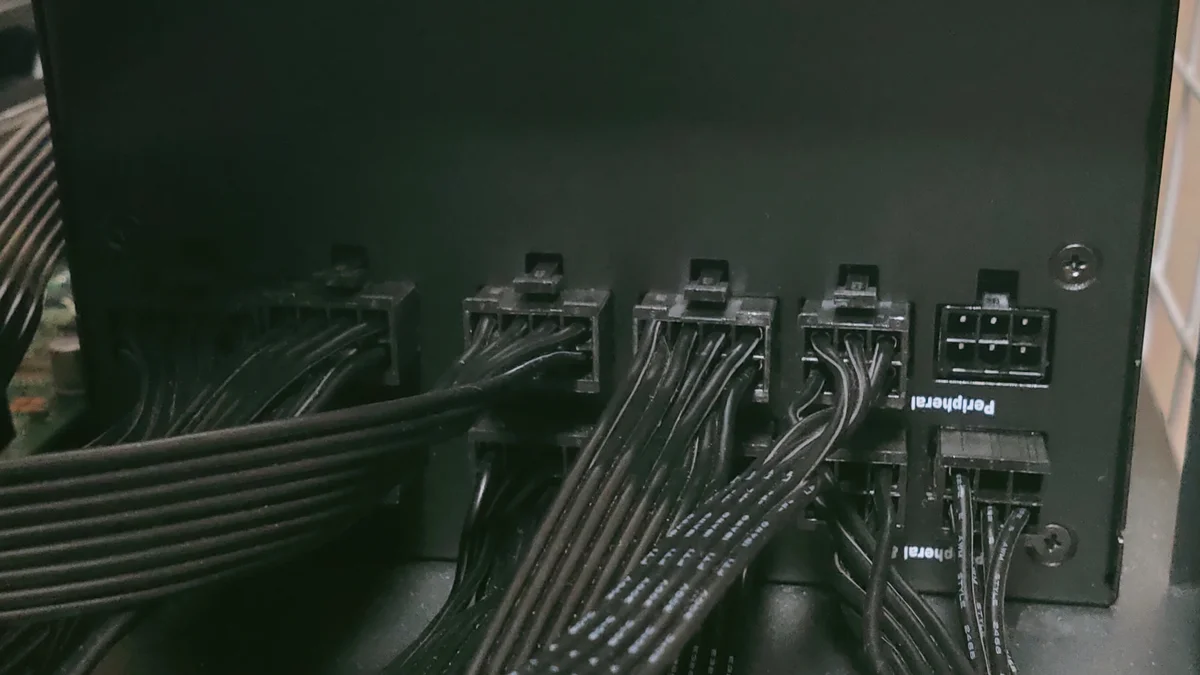
A weak or failing power supply is the first suspect when restarts happen only under load. Games draw full power from the CPU and GPU at once, and a supply that copes on the desktop can trip in a game.
Add up the draw: a mid-range card takes about 180 W, and a gaming CPU takes 100 W to 150 W. Fans, drives, and the board add more. Our guide to how many watts your PC needs walks through the sum for your parts.
Check the cables next: the card should use separate power cables, not one daisy-chained cable split in two. Reseat the 24-pin board cable and the CPU power cable, since a loose plug can drop power under load. If the restarts started after a new card, check the wattage first, since the new card may need more than the old supply gives.
A stress test can confirm the fault, yet it can also push a weak supply over the edge. Run OCCT or FurMark only with temperatures on screen, and stop at once if the PC shuts down. A shutdown during the test is itself the answer: the supply, the cooling, or both cannot hold the load.
Test heat and cooling
Heat restarts a PC when the CPU or GPU hits its thermal limit and the system shuts down to protect itself. The restart often comes with loud fans, a hot case, or a crash after 10 to 20 minutes of play.
Watch temperatures in HWiNFO during a game, and note the peak before a restart. GPU clocks fall when heat climbs into the 80s, and a CPU near its limit throttles hard before it shuts down. Clean dust from fans and heatsinks, check that every fan spins, and check airflow through the case.
A cooler that came loose in shipping, or old thermal paste on an older build, leaves the same trail. If temperatures stay high after cleaning, reseat the CPU cooler with fresh paste, and check the fan curve in the BIOS. For the cooling side in full, see our guide to summer cooling and thermal bottlenecks.
Test RAM and drivers
Faulty RAM restarts a PC at random, in games and on the desktop alike. Run Windows Memory Diagnostic with Win and R, type mdsched.exe, then choose Restart now and check for problems. The test runs before Windows loads, and it reports errors on the next boot.
If the test finds errors, test one stick at a time in the same slot, since one bad stick can condemn a good pair. Reseat both sticks first, and turn off any XMP or EXPO overclock for one test run, since an unstable memory overclock restarts the PC too. Microsoft lists overclocking as a cause, and it advises testing at default speeds.
For drivers, a bad graphics driver can crash the system under load, so do a clean install with Display Driver Uninstaller. Our guide to TDR crashes and a DDU clean install covers the steps. Update the BIOS only from the board vendor, and only if the vendor lists a fix for your fault.
| Symptom | Likely cause | Test |
|---|---|---|
| Restarts only in heavy games | PSU or heat under load | Stress test with monitoring, stop if it shuts down |
| Restarts with a blue screen | Driver or RAM fault | Read the stop code, run Memory Diagnostic |
| Restarts after a new part | Power draw or loose cable | Reseat cables, recheck wattage |
| Restarts at random, even idle | RAM or mains power | Test one RAM stick at a time |
| Fans loud, case hot | Heat | Clean dust, check fan curves |
A restart with a black screen after a new card needs its own checks. Our guide to a black screen after installing a new GPU explains them. If your card is a newer model, check its power needs first. Our guide to what PSU an RTX 5070 needs covers the numbers before you buy a bigger supply.
The verdict on restarts while gaming
PC restarts while gaming are a symptom with a short list of causes, and Event Viewer narrows it in minutes. Work the list in order: power, heat, RAM, then drivers, and change one thing at a time.
A single restart after a power cut is not a crisis, yet restarts every session mean a part is failing or undersized. Fix the cause before it damages the rest of the build. Run your parts through the cpu gpu bottleneck calculator to check the balance of the build.
Frequently asked questions
Why does my PC restart only when I play games?
Because games load the CPU and GPU at the same time, while the desktop loads neither. A weak power supply, a hot cooler, or faulty RAM can hide on the desktop and fail only under full load. The restart timing is the clue: restarts only in games point first to power or heat. Check Event Viewer after the next restart, then test the power supply and temperatures in that order.
What does Kernel-Power Event ID 41 mean?
It means Windows found that the last session ended without a clean shutdown, and it logged the fact at the next startup. The event itself does not name the cause, so read its two values. A nonzero BugcheckCode means a blue screen restarted the PC. A nonzero PowerButtonTimestamp means someone held the power button. Both values at zero point to lost power or a hard freeze.
Can a weak power supply restart my PC while gaming?
Yes, and it is the most common hardware cause when restarts happen only under load. A supply that copes on the desktop can trip when the CPU and GPU draw full power together in a game. Add up the draw of your parts, check that the card uses separate power cables, and reseat the board and CPU plugs. If the restarts started after a new card, recheck the wattage first.
Can overheating restart a PC without a blue screen?
Yes, because the system shuts down to protect itself when a part hits its thermal limit. The restart often comes with loud fans, a hot case, or a crash after 10 to 20 minutes of play. Watch temperatures in HWiNFO during a game and note the peak before a restart. Clean dust from the fans, check airflow, and reseat the cooler if temperatures stay high.
How do I run Windows Memory Diagnostic for restart faults?
Press Win and R, type mdsched.exe, then choose Restart now and check for problems. The test runs before Windows loads, and it reports any errors on the next boot. If it finds errors, test one RAM stick at a time in the same slot, since one bad stick can condemn a good pair. Turn off any XMP or EXPO overclock for the test run as well.
Should I stress test my PC to find the restart cause?
Only with care, since a stress test pushes a weak power supply or cooler to its limit. Run OCCT or FurMark with temperatures on screen, and stop at once if the PC shuts down. A shutdown during the test is itself the answer, since it shows the supply or cooling cannot hold the load. Never run a stress test on a PC that smells of burning.
How this guide was prepared
This guide follows Microsoft Learn on Event ID 41 and Kernel-Power troubleshooting, plus diagnostic guides from StoredBits and DavesComputers and Tom's Hardware forum reports. Stress-test steps carry a stop warning, since a weak supply can fail under load.
Last updated: November 14, 2026