
Key takeaways
- Halloween 2027 falls on Sunday, October 31, 2027, and the Steam Scream 2027 dates were not announced yet at writing time.
- Horror games stress VRAM and shadows, since dark scenes, fog, and high textures load memory hard.
- Ray tracing adds real depth to horror: light pools, long shadows, and reflections make dark rooms feel alive.
- A 12 GB card suits 1440p horror, while 16 GB suits 4K horror with ray tracing and high textures.
- Test your horror games before Halloween night, since a stutter in a scare scene ruins the moment.
Halloween 2027 Horror Games GPU Upgrades: the short answer
Halloween 2027 falls on Sunday, October 31, 2027, which gives you a full weekend for a horror gaming night. That weekend is also the right time for Halloween 2027 horror games GPU upgrades. Steam usually runs a horror fest called Steam Scream around Halloween. Its 2027 dates were not announced at writing time, so treat the fest as to be confirmed. The 2026 Scream ran from October 26 to November 2, 2026, which shows the usual window, yet the 2027 dates may differ. Plan around Halloween itself, and treat any sale as a bonus. Our marathon guide for older hardware covers long sessions, and you can read it here: Halloween gaming marathon settings for older hardware.
| Horror fact | Halloween 2027 |
|---|---|
| Date | Sunday, October 31, 2027 |
| Weekend | Full weekend before the night |
| Steam Scream 2027 | Dates not announced yet |
| Steam Scream 2026 | October 26 to November 2, 2026 |
| Best upgrade focus | VRAM, shadows, ray tracing |
Why horror games stress a GPU differently
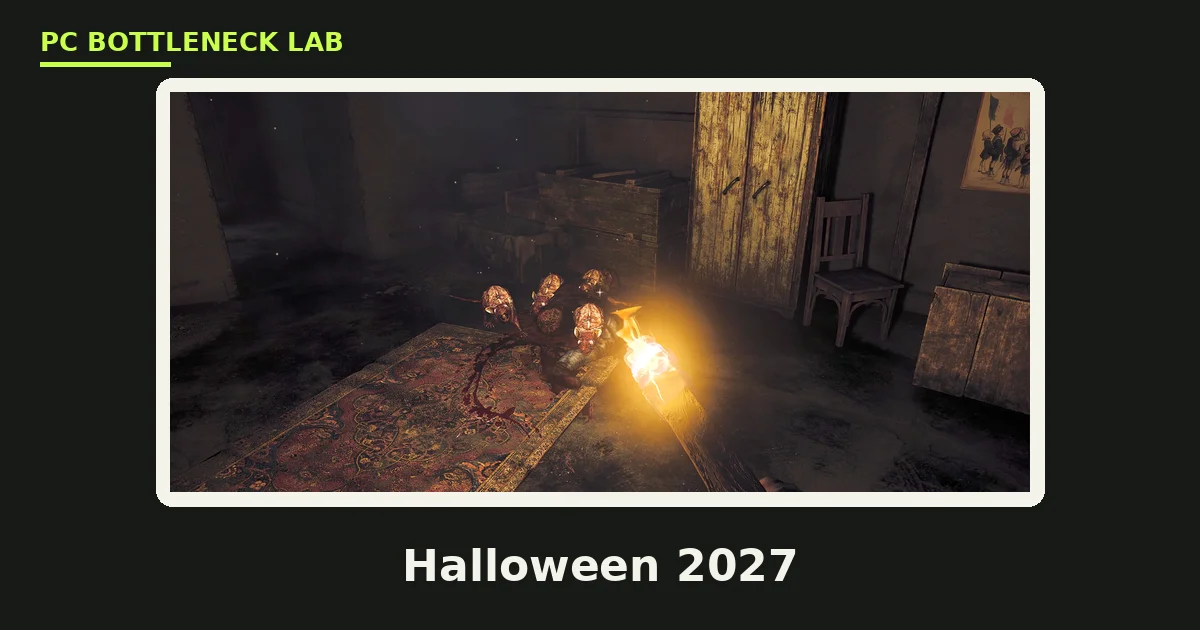
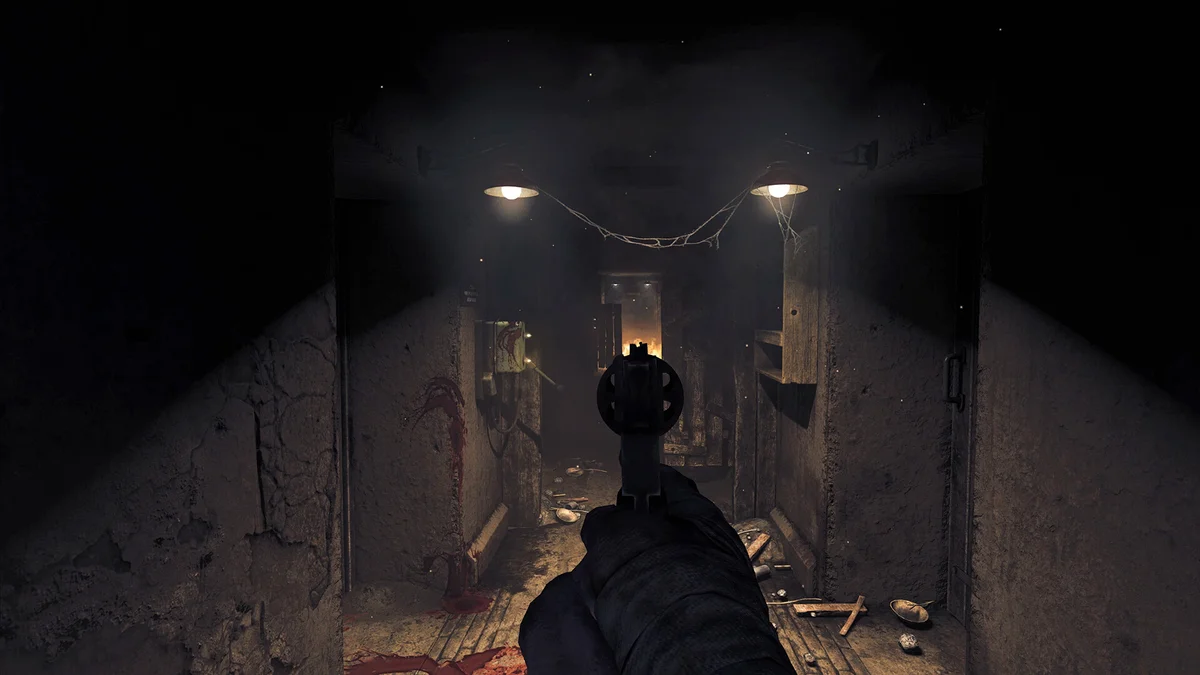
Horror games look simple, yet they stress a GPU in a special way. Dark scenes hide detail, so developers use fog, volumetric light, and high-resolution textures to build dread. Those effects load VRAM hard, and a card with too little VRAM stutters when you turn into a new room. Shadows matter more here than in any other genre, since a wrong shadow breaks the fear. Ray tracing makes shadows and light behave like real light, so a torch beam, a doorway glow, and a long shadow all feel right.
Frame pacing matters more than peak frame rate in horror. A jump scare lands when the frame arrives on time, and a stutter at that moment kills the scare. Smooth 1% lows beat a high average that spikes, since the spike is what your eyes notice. For the frame-time story in full, see this: stuttering and frame time: 1% lows explained. A card that holds steady frames in dark scenes is the right horror card.
Ray tracing and horror: what changes
Ray tracing is a rendering method that traces light paths in a scene, and it changes how horror looks. A torch casts a soft pool of light with a sharp edge. A window throws a long shadow across a floor, and a wet corridor reflects the light back at you. These details make a dark room feel real, and real feels scary. Without ray tracing, shadows look flat and light looks painted on, so the scene feels like a set. For the ray tracing bottleneck story, see this: ray tracing bottlenecks.
Ray tracing costs performance, so it needs a stronger card. A mid-tier card can run ray tracing at 1080p, yet 1440p ray tracing needs a high-tier card with 16 GB of VRAM. Upscaling helps here: DLSS and FSR rebuild the image from a lower render resolution, so you keep the ray-traced look with less cost. Turn upscaling on before you turn ray tracing down, since the look matters more than the native resolution in horror.
Which tier fits horror play
Pick the tier by resolution and ray tracing, not by the scariest game on your list. An 8 GB card suits 1080p horror without ray tracing, while a 12 GB card suits 1440p horror with high textures. A 16 GB card suits 1440p horror with ray tracing, or 4K horror at high settings. The VRAM floor matters most, since horror textures and fog eat memory fast. For the VRAM tiers in full, see this: VRAM bottleneck: 8GB vs 12GB vs 16GB.
| Horror setup | VRAM floor | Ray tracing | Tier |
|---|---|---|---|
| 1080p, no ray tracing | 8 GB | Off | Entry |
| 1440p, high textures | 12 GB | Off or light | Mid |
| 1440p, ray tracing | 16 GB | On | High |
| 4K horror, ray tracing | 16 GB or more | On | Top |
Path tracing is the heaviest form of ray tracing, and it needs the strongest cards. Cyberpunk 2077 shows how heavy it gets, and you can read its path tracing guide here: Cyberpunk 2077 path tracing GPU bottleneck. Most horror games do not use full path tracing, so a high-tier card covers them. When a game does offer it, try it with upscaling first, and turn it down when frames drop.
CPU, audio, and the scare
The GPU is not the only part that sells a scare. Horror games use 3D audio to place footsteps behind you, and a weak CPU can stutter when audio, physics, and AI run together. A modern six-core CPU handles that mix well, while an old four-core chip can hitch at the worst moment. Sound matters too: good headphones beat speakers for horror, since they place sounds around your head. Check the pair before you buy with the free tool: PC bottleneck calculator. When the CPU is the limit, a GPU upgrade alone will not fix the hitches.
Dark rooms also expose monitor limits. A monitor with poor contrast turns dark scenes into grey fog, so the scare never lands. A monitor with good contrast and deep blacks shows the detail the GPU renders. When your monitor washes out dark scenes, a monitor upgrade may help more than a GPU upgrade.
Plan your Halloween night
Plan the night like a small event, and it runs without trouble. Pick three or four horror games before October, and test each one for an hour on your PC. Set the graphics options, turn on upscaling when needed, and save the settings. On the night, start early, since a Sunday night ends with work or school on Monday. Keep lights low, use headphones, and take breaks between games, since horror works best in short bursts.
Buy the games before the night, not during it. Steam Scream may bring horror discounts, yet its 2027 dates are not confirmed, so do not wait for it. Wishlist the games now, and buy them when a discount appears, or buy them at full price when the night matters more than the saving. A game you own and tested beats a game you buy at midnight.

The bottom line on Halloween 2027 horror games GPU upgrades
Halloween 2027 horror games GPU upgrades start with the date. The day falls on a Sunday, so you get a full weekend of horror play. Pick the GPU tier by VRAM and ray tracing, and check the CPU pair on the CPU bottleneck calculator. Test your games before the night. When the card fits the plan and the price is fair, buy it in October. When the Steam Scream dates land, treat any discount as a bonus, not the plan.
Frequently asked questions
When is Halloween 2027?
Sunday, October 31, 2027. Halloween falls on the same date every year, and in 2027 that date is a Sunday. That gives you a full weekend for a horror gaming night before the day itself. Plan the night for the weekend, since Sunday night ends with work or school on Monday.
When is Steam Scream 2027?
The Steam Scream 2027 dates were not announced yet at writing time. The 2026 Scream ran from October 26 to November 2, 2026, which shows the usual window around Halloween. Plan around Halloween itself, and treat any 2027 Scream sale as a bonus when Valve announces it.
How much VRAM do horror games need in 2027?
8 GB suits 1080p horror without ray tracing. 12 GB suits 1440p horror with high textures, and 16 GB suits 1440p horror with ray tracing or 4K play. Horror textures, fog, and shadows load VRAM hard, so a card with too little VRAM stutters when you enter a new room.
Does ray tracing matter in horror games?
Yes. Ray tracing makes light, shadows, and reflections behave like real light, so a torch beam, a doorway glow, and a long shadow all feel right. That realism makes dark rooms scarier. Ray tracing costs performance, so use upscaling with it, and choose a card with enough VRAM for your resolution.
Will a new GPU fix stutter in horror games?
Sometimes. A new GPU fixes stutter caused by too little VRAM or weak graphics power. It does not fix stutter caused by a weak CPU, a slow drive, or a bad setting. Check your CPU and GPU pair first, test the game for an hour, and lower texture quality when VRAM runs out.
What should I test before a Halloween gaming night?
Test each game for an hour before the night. Set the graphics options, turn on upscaling when needed, and save the settings. Check headphones, lighting, and breaks between games. A game you tested runs smoothly on the night, while a game you install at midnight can ruin the scare.
How this guide was prepared
This guide uses the calendar date for Halloween 2027, Sunday, October 31, 2027. The Steam Scream notes come from the strategy file. It lists the 2026 window as October 26 to November 2, 2026, with the 2027 dates not announced. The ray tracing, VRAM, and frame-time advice comes from the site's own guides on those topics. No card prices or discount rates are claimed; tiers are planning bands by VRAM and resolution, not price promises.
Last updated: November 12, 2026