
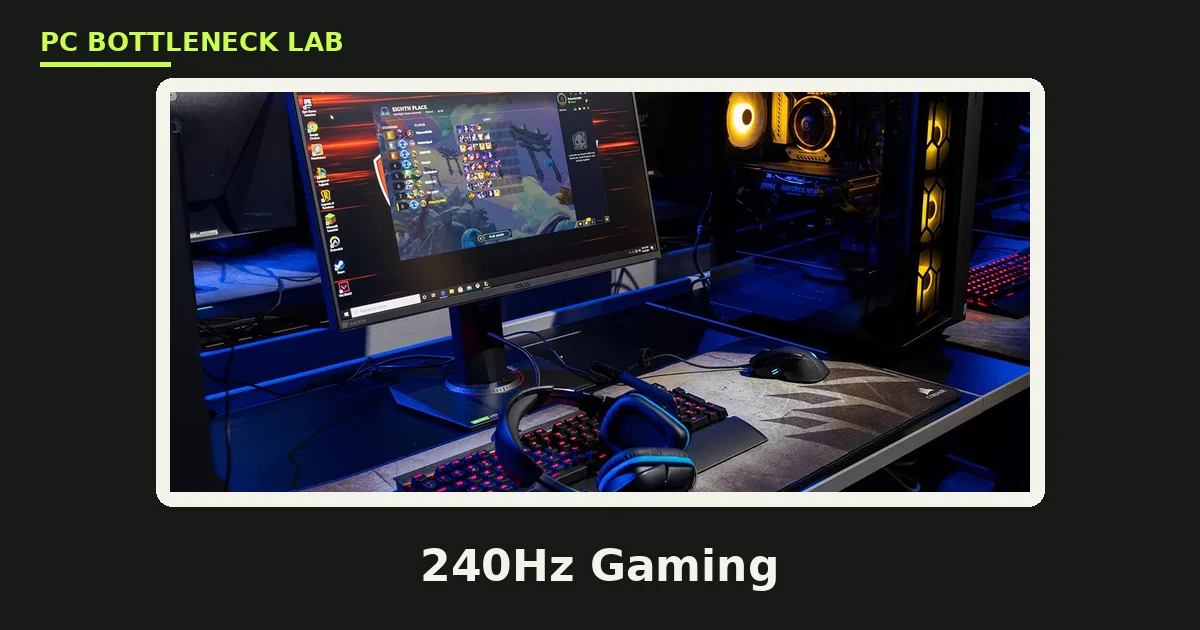
Key takeaways
- Refresh rate is how many times per second the monitor redraws, and the PC must produce a frame for each redraw.
- At 144Hz the CPU has 6.9 milliseconds per frame, and at 240Hz it has only 4.2 milliseconds.
- The jump from 60Hz to 144Hz is the biggest smoothness gain, while each step after it is smaller.
- Esports games at 1080p are the most CPU-limited, while AAA games at 1440p are mostly GPU-limited.
- A monitor above your PC's frame rate buys nothing, so match the screen to the frames you can hold.
High refresh rate gaming: the short answer
High refresh rate gaming needs a fast CPU first and a strong GPU second, with the balance shifting by game and resolution. At 1080p in esports games, the CPU prepares frames so quickly that only a fast chip can keep up. At 1440p in AAA games, the GPU does most of the work and the CPU matters less. The table below maps each refresh tier to its frame deadline and its CPU floor. Check your own pair first with the PC bottleneck calculator.
| Refresh rate | Time per frame | CPU floor | Best for |
|---|---|---|---|
| 60Hz | 16.7 ms | Any modern CPU | Story games, casual play |
| 120Hz | 8.3 ms | Modern 6-core CPU | Smooth play on consoles and PC |
| 144Hz | 6.9 ms | Fast 6-core CPU | Most PC gamers, esports and AAA |
| 165Hz | 6.1 ms | Fast 6-core or 8-core CPU | 1440p high refresh play |
| 240Hz | 4.2 ms | Fastest gaming CPU class | Competitive esports at 1080p |
| 360Hz | 2.8 ms | Fastest gaming CPU class, low settings | Serious competitive play only |
The frame time column is simple arithmetic: one second divided by the refresh rate. It shows why each step up demands more from the CPU. The jump from 60Hz to 144Hz cuts the frame time by nearly 10 milliseconds. The jump from 144Hz to 240Hz cuts it by under 3 milliseconds. Our 240Hz high refresh CPU test measures what those deadlines mean in real games.
Why the CPU sets the ceiling
The CPU prepares every frame, and the GPU only draws what the CPU has prepared. At 60 FPS the CPU has 16.7 milliseconds per frame, which is generous for any modern chip. At 240 FPS the window shrinks to 4.2 milliseconds, and a slow CPU cannot finish its work in time. The GPU then waits, usage drops, and the frame rate stalls below the monitor's refresh rate. This is a CPU bottleneck, and it is the most common reason a fast monitor feels disappointing.
Average FPS hides the problem, so watch the 1% lows instead. 1% lows are the slowest one percent of frames, and they show the stutters that ruin a gunfight. A CPU-limited build can post a fine average and still feel rough, because the slow frames land at the worst moments. Single-thread speed and cache size matter more than core count here, since game logic runs on a few fast threads. Our CPU bottlenecks in esports vs AAA games guide shows which games stress the CPU most.
What each refresh tier needs from your GPU
The GPU demand depends on resolution as much as on refresh rate. At 1080p, each frame holds about 2.1 million pixels, so the GPU finishes quickly and the CPU becomes the limit. At 1440p, the frame holds about 3.7 million pixels, so the GPU carries a larger share. At 4K, the GPU does almost all of the work, and refresh rate targets above 120Hz are out of reach for most builds. The table below pairs resolution with refresh rate to show where each part matters.
| Combination | Main limit | GPU advice | CPU advice |
|---|---|---|---|
| 1080p 144Hz | CPU | Mid-range GPU is enough | Fast 6-core CPU |
| 1080p 240Hz | CPU, strongly | Mid-range GPU, low settings | Fastest gaming CPU class |
| 1440p 144Hz | Balanced | 1440p GPU, 12 GB VRAM | Fast 6-core or 8-core CPU |
| 1440p 240Hz | CPU in esports, GPU in AAA | Strong 1440p GPU | Fastest gaming CPU class |
| 4K 120Hz | GPU | High-end GPU, 16 GB VRAM | Mid-range CPU is enough |
| 4K 240Hz | GPU, out of reach for most | Flagship GPU, low settings | Fast CPU, still GPU-limited |
Esports players should read the 1080p rows first, because that is where high refresh lives. AAA players should read the 1440p and 4K rows, where the GPU decides the outcome. For the sharpest esports case, see our Valorant 360Hz best CPUs guide. For the monitor side of the same question, see our monitor bottlenecks guide for 1080p 144Hz, 1440p 165Hz and 4K 60Hz.
Settings and tools that hold high frame rates
Settings are the fastest way to reach a refresh target. Esports players lower shadows, effects, and anti-aliasing first, because those settings cost frames and hide enemies in clutter. Resolution scale and upscaling come next. DLSS and FSR render below native resolution and rebuild the image, which buys back a large share of lost frame rate. A frame rate cap just above the monitor's refresh rate stops the GPU wasting power on frames you cannot see. It also keeps frame times steadier.
Variable refresh rate helps too. G-Sync and FreeSync match the monitor to the frames your PC produces, so tearing disappears when the frame rate moves. They do not raise FPS, yet they make uneven frame rates feel smoother. Turn VRR on once your build holds its target most of the time.
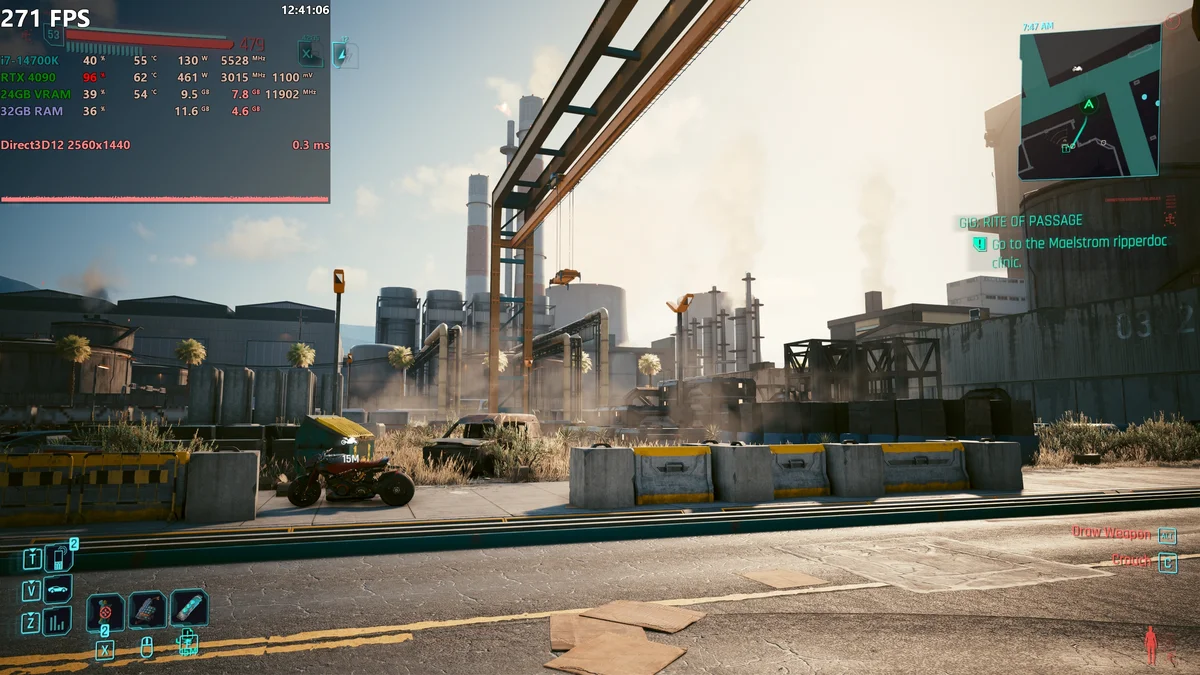
Measure with an overlay, not with feel alone. MSI Afterburner shows FPS, frame times, and GPU usage in one view, so you can see which part limits you. If GPU usage stays low while FPS falls short, the CPU is the limit. If GPU usage sits near full, the card is the limit. Lower one setting at a time and watch the numbers, because a single change can reveal the real limit.
When a faster monitor is wasted money
A faster monitor is wasted money when your PC cannot produce the frames to fill it. A 240Hz screen fed by 120 FPS behaves like a 120Hz screen, because each frame sits on screen for 8.3 milliseconds either way. A 500Hz screen fed by 200 FPS is the same story at a higher price. Our 500Hz monitors: faster CPU or marketing guide tests that exact question. Buy the refresh rate your PC can hold in your games, not the highest number on the shelf.
The same logic applies to resolution. A 240Hz monitor at 4K asks the GPU for 240 frames of 8.3 million pixels each, which no current build sustains in AAA games. High refresh belongs at 1080p and 1440p, where the pixel load leaves room for speed. Match the monitor to the PC you own, and upgrade the PC before the monitor when the two disagree.
The bottom line on high refresh rate gaming
High refresh rate gaming rewards the CPU more than most buyers expect. The jump from 60Hz to 144Hz is the biggest smoothness gain in PC gaming. A fast 6-core CPU with a matched GPU reaches it in most games. The steps above 144Hz are smaller and costlier, and they pay off mainly in competitive esports at 1080p. Confirm your own pair with the CPU bottleneck calculator before you buy the monitor, and spend on the part that limits your frames.
Frequently asked questions
Is 144Hz worth it over 60Hz for gaming?
Yes, 144Hz is worth it over 60Hz for most gamers. The jump cuts the time between frames from 16.7 to 6.9 milliseconds, which makes motion smoother and mouse input feel tighter. It is the biggest single smoothness gain in PC gaming. You need a PC that can hold frame rates near 144 in your games to get the full benefit.
Will a 240Hz monitor expose a slow CPU?
Yes, a 240Hz monitor needs a fast CPU, because the processor has only 4.2 milliseconds to prepare each frame. A slow CPU caps the frame rate below 240 even with a strong GPU, so the monitor goes unused. This matters most at 1080p in esports games, where the GPU finishes quickly. A fastest-class gaming CPU is the right floor here.
Can my GPU handle 240Hz at 1440p?
It depends on the game. A strong 1440p GPU can hold 240 FPS in esports titles at lowered settings, because those games are light on the GPU. In AAA games at high settings, even a high-end card falls far short of 240 FPS at 1440p. Check benchmarks for your exact game and card, and treat 240Hz at 1440p as an esports target only.
Does refresh rate matter for single-player games?
Yes, refresh rate matters for single-player games too, though less than in competitive play. A 144Hz screen makes camera movement and motion smoother in every game, including story-driven ones. The gain is comfort rather than competition, so a 144Hz target is enough for most single-player builds. Save the 240Hz spend for esports.
Why does my FPS stay below my monitor refresh rate?
Your FPS stays below your refresh rate because one part limits it, usually the CPU at high refresh or the GPU at high resolution. Check GPU usage while you play: low usage with low FPS points to the CPU, while near-full usage points to the GPU. Lower settings to find the limit, then upgrade the limiting part. A faster monitor alone never raises FPS.
Is 360Hz or 500Hz worth it for casual players?
No, 360Hz and 500Hz are not worth it for casual players. Each step above 144Hz cuts the frame time by under 3 milliseconds, which most players cannot feel. These monitors pay off only for serious competitive players with PCs that can hold those frame rates. A 144Hz or 165Hz screen is the better spend for everyone else.
How this guide was prepared
This hub was built from the refresh-rate and CPU guides already published on PC Bottleneck Lab. Those include the 240Hz CPU test, the Valorant 360Hz CPU guide, the 500Hz monitor guide, and the esports vs AAA CPU bottleneck guide. The frame times are arithmetic from the refresh rate. They run 60Hz at 16.7 milliseconds, 144Hz at 6.9, and 240Hz at 4.2 per frame. The pixel counts come from HP and ScreenResolutionDB. No measured frame rates are claimed, since this hub organises existing guides rather than running new benchmarks.
Last updated: November 12, 2026