
Why June changes what people check
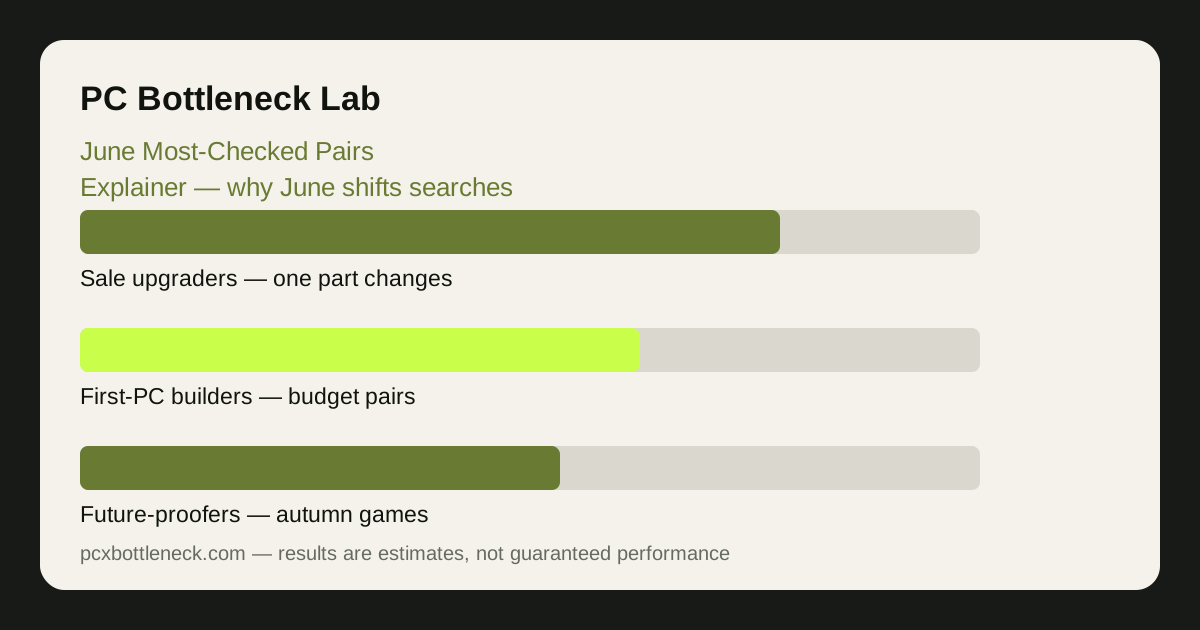
June is the first month where three things happen at once. The Steam Summer Sale approaches, so people who have waited all spring start pricing GPU upgrades. Students finish exams and have long breaks, so budget builds and first-PC questions surge. And publishers start showing the games that will arrive in autumn, so people begin asking whether their current PC will run them. Each of those pushes a different kind of pairing into the spotlight.
Sale-driven checks are usually upgrade questions: one part stays, the other changes. Somebody with a solid CPU asks which GPU is worth buying in the sale; somebody with a strong GPU asks whether their older CPU is holding it back. Break-driven checks are usually whole-build questions: a first PC, a shared family PC, or a budget build for a student. Announcement-driven checks are usually future-proofing questions: will this pairing still be balanced when the autumn games arrive?
That mix is what makes a June list interesting — and what makes it dangerous to copy blindly. The most-searched pairing is usually the most common situation, not the best pairing for you. Your resolution, your games and your budget matter more than the crowd's.
The pairing patterns that surface in June
Four patterns recur in June, and each one maps to a different buyer. The first is the mid-range CPU with a mid-range GPU — the classic 1440p gaming combination, checked by people upgrading one part during the sale. The second is the budget CPU with a budget GPU — the first-PC and student-build combination, checked by people building from scratch. The third is the strong CPU with a mid-range GPU — the competitive 1080p combination, checked by players chasing high refresh rates. The fourth is the older CPU with a newer GPU — the bottleneck question in its purest form, checked by people wondering whether their CPU is wasting their graphics card.
Notice what these patterns share: they are all about balance at a specific resolution, not about raw power. A pairing becomes popular because many people share the same situation — the same budget, the same monitor, the same games — not because the pairing is objectively the best. If your situation is different, the popular pairing is the wrong answer for you.
| June pairing pattern | Why it gets checked | Resolution it fits best |
|---|---|---|
| Mid-range CPU + mid-range GPU | Sale-season single-part upgrade | 1440p gaming |
| Budget CPU + budget GPU | First PC or student build | 1080p gaming |
| Strong CPU + mid-range GPU | High-refresh competitive play | 1080p high refresh |
| Older CPU + newer GPU | Is the CPU wasting the GPU? | Depends — check both resolutions |
How to read a most-checked list without being misled
Read a most-checked list as a map of common situations, not as a buying guide. Start by asking which situation matches yours: are you upgrading one part or building fresh? Are you at 1080p, 1440p or 4K? Do you play competitive games or cinematic ones? The pairings that match your answers are the only ones worth your attention; the rest are other people's problems.
Then check the pairing yourself. Run it through Bottleneck Calculator at your resolution and see whether the balance holds for the games you play. A popular pairing that is CPU-limited at 1080p may be perfectly balanced at 1440p, and the list will not tell you that — the calculator will. The background guide how to tell a CPU bottleneck from a GPU bottleneck helps you interpret the result.
Finally, remember what a most-checked list never shows: the pairings people checked and then rejected, the budgets behind the searches, and the monitors people actually own. Popularity is a signal about the market, not about your PC.
For the earlier lists in this series, see the February most-checked pairs and the April most-checked pairs — the same reading method applies, and the calendar reasons behind each list are different.
What to do with this in June
If you are buying in the sale, use June to shortlist, not to rush. Pick the pairing pattern that matches your situation, check it at your resolution, and set a budget range before the sale starts — the advance guide Steam Summer Sale GPU upgrades walks through that plan. If you are building for a student break, prioritise balance over headline specs: a mid-range pair that is balanced at 1080p will feel better than a mismatched pair that looks stronger on paper.
If you are waiting for autumn games, do not buy on speculation. Check your current pairing first; if it is already balanced, the money you save now is the upgrade fund for later, when the real requirements are published. Our preview of the autumn season, best CPUs for autumn 2027 releases, covers that timing in more detail.
Limitation: this article is an explainer about search patterns in general. It reports no site calculator logs, no measured counts and no rankings, and it should not be read as one. Pairing popularity varies by region, retailer and game release, and the patterns described here are qualitative — use the calculator at your own resolution for any buying decision.
Frequently asked questions
What does most-checked actually mean?
It means a pairing is searched or checked often — nothing more. It tells you many people share a situation, like upgrading during a sale or building a first PC. It does not mean the pairing is the best one, the best value, or the right one for your resolution and games.
Why do the popular pairings change in June?
Because June brings the summer sale, student breaks and autumn game announcements at the same time. Each one pushes a different kind of buyer into checking pairings — upgraders, first-time builders and future-proofers — so the mix of popular combinations shifts with the calendar rather than with the hardware itself.
Should I buy the most-checked pairing?
Only if it matches your situation. Check your resolution, your games and your budget first, then run the pairing through the calculator. A pairing that is popular because it fits 1440p sale upgraders is the wrong answer if you play competitive games at 1080p on a budget CPU.
Why is an older CPU with a newer GPU checked so often?
Because it is the classic bottleneck worry: people buy a new graphics card, keep the old processor, and then wonder whether the CPU is wasting the GPU. It is a sensible question to ask — but the answer depends on resolution, so check it at both 1080p and 1440p before deciding the CPU is the problem.
How is this different from a benchmark ranking?
A benchmark ranking measures performance; a most-checked list measures attention. The fastest pairing and the most-checked pairing are usually different things, and the most-checked one is often a mid-range or budget combination simply because more people can afford it. Use benchmarks for speed and most-checked lists for understanding what other buyers are facing.