
Key takeaways
- Budget about 0.6 GB of VRAM per billion parameters at Q4_K_M, then add context and 1 to 2 GB of overhead.
- A 7 to 8B model needs roughly 6 to 7 GB with an 8K context, while a 70B model needs roughly 45 to 48 GB.
- Long context is the usual trap: a 32K context can add about 4.5 GB on an 8B model.
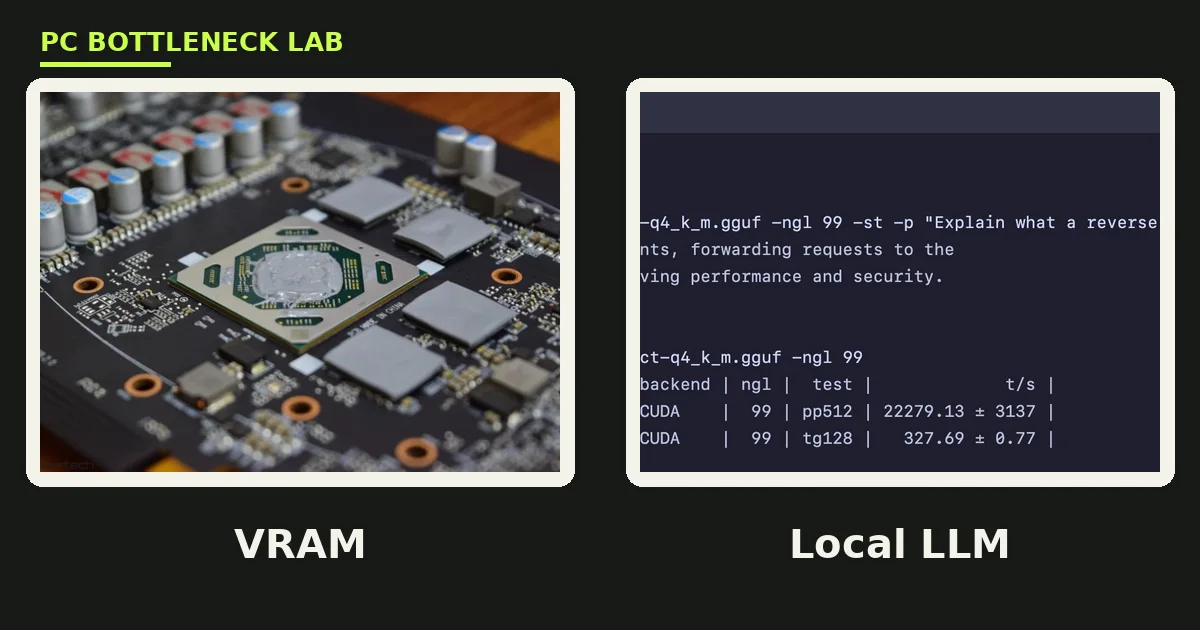
- VRAM is a hard wall on a graphics card: layers that do not fit spill to system RAM and run far slower.
- If a model only fits below Q3, pick a smaller model at Q4_K_M instead, since it usually answers better.
How much VRAM does a local LLM need?
A local LLM needs memory for three things: weights, KV cache, and overhead. Weights are the model itself, the cache holds your context, and overhead covers the runtime. At the default Q4_K_M quantization, budget about 0.6 GB per billion parameters for weights alone. Then add the context you plan to use, since a long chat or document can add several gigabytes on top. Check your own pair with the free tool: bottleneck calculator. For the VRAM basics, see this: VRAM bottleneck: 8GB vs 12GB vs 16GB.
| Model size | Q4_K_M weights | With 8K context | Fits on |
|---|---|---|---|
| 3 to 4B | About 2 to 2.5 GB | About 3 to 4 GB | 6 GB GPU, any 8 GB Mac |
| 7 to 8B | About 5 GB | About 6 to 7 GB | 8 GB GPU, 16 GB Mac |
| 14B | About 9 GB | About 10 to 11 GB | 12 GB GPU |
| 27 to 32B | About 17 to 20 GB | About 19 to 23 GB | 24 GB GPU, 32 GB Mac |
| 70B | About 43 GB | About 45 to 48 GB | Two 24 GB GPUs, 48 GB card, 64 GB Mac |
The table above comes from a November 2026 guide on local LLM memory, and its figures are estimates, not measurements from our own tests. Context figures assume a grouped-query-attention model with a 16-bit KV cache.
The three parts of local LLM memory
VRAM is the dedicated memory on your graphics card. A local LLM is a large language model that runs on your own machine, not a cloud server. The model weights are the trained numbers that make up the model, and they are the biggest single chunk of memory. The KV cache is the working memory the model keeps for the conversation so far, and it grows with every token you add. Overhead covers the runtime, the CUDA or Metal buffers, and your desktop. For the full VRAM versus system RAM story, see this: VRAM vs system RAM explained.
Multiply the parameter count in billions by the bits per weight, then divide by 8. A 32B model at Q4_K_M works out to about 19.6 GB, since Q4_K_M stores about 4.894 bits per weight. A 70B model at the same setting needs about 43 GB of weights alone.
Mixture-of-experts models, often called MoE models, follow a different rule. They need memory for all parameters, not just the active ones, since total size sets memory while active size sets speed. OpenAI states that its gpt-oss-120b model runs on a single 80 GB GPU, and its gpt-oss-20b model fits within 16 GB. So check the total size on an MoE model, never the active size.
Quantization sets the weights size
Quantization is the process of storing each weight in fewer bits, which shrinks the model at a small cost to answer quality. Q4_K_M is the usual default in llama.cpp, a popular tool for running local models, and it stores about 4.894 bits per weight. Higher settings keep more quality and use more memory, while lower settings squeeze a model into a smaller card. The table below lists the measured sizes from the llama.cpp quantize guide.
| Format | Bits per weight | 8B model size | When to use it |
|---|---|---|---|
| Q3_K_M | 3.996 | 3.74 GiB | Squeezing a bigger model into fixed memory |
| Q4_K_M | 4.894 | 4.58 GiB | Default choice for most runs |
| Q5_K_M | 5.704 | 5.33 GiB | Spare memory, better accuracy |
| Q6_K | 6.563 | 6.14 GiB | Near-lossless for most tasks |
| Q8_0 | 8.501 | 7.95 GiB | Memory is not a constraint |
| F16 | 16.0 | 14.96 GiB | Reference or fine-tuning work |
The quality gap between Q4_K_M and full 16-bit weights is small for most chat and writing tasks. The same rule applies in reverse: if you have spare memory, step up to Q5_K_M or Q6_K before you step up a model size.
Context length eats VRAM through the KV cache
The KV cache grows in a straight line with the number of tokens in your context. Its size per token depends on the model design: the layer count, the KV head count, the head size, and the cache precision. For a Qwen3-8B class model, the cache costs about 144 KiB per token at 16-bit precision. That works out to about 1.1 GiB at 8,192 tokens and about 4.5 GiB at 32,768 tokens.
An 8B model at Q4_K_M with a 32K context needs about 4.6 GB for weights. It needs about 4.5 GB more for cache, plus about 1 GB of overhead. That totals near 10 GB. The same model with an 8K context needs only about 6 to 7 GB. Running several requests at once multiplies the cache again, since each sequence needs its own cache.
An 8-bit KV cache halves the per-token cost, so that 32K context drops from about 4.5 GB to about 2.3 GB. Halving the context length has the same effect, and it costs nothing.
What happens when local LLM VRAM runs out
On a graphics card, VRAM is a hard wall. Layers that do not fit get offloaded to system RAM, and they run several times slower there. The model still answers, yet each token takes far longer to generate. For the RAM side of that story, see this: how much RAM do you need for gaming in 2026.
A small spill is liveable. Offloading a few layers to system RAM costs speed, but the model stays usable for short chats. Once most layers sit in system RAM, generation crawls, and a bigger card or a smaller model is the honest fix. If your total sits within 10 percent of your card memory, drop one quantization level or halve the context.
GPU, Apple Silicon, or CPU only?
A discrete GPU is the fastest home for a local LLM, since its VRAM sits right next to its compute cores. NPUs in newer laptops are a separate story, and it is covered here: AI PCs and NPUs: the new bottleneck.
Apple Silicon works differently, since it uses unified memory shared by the CPU and GPU. The model can use most of the system memory. Yet macOS keeps part of it for the system, so do not plan to use all of it. A 64 GB Mac runs a 70B model at Q4_K_M with modest context, which no single consumer graphics card can do.
CPU-only running works for small models, yet memory bandwidth limits the speed, not the memory size. A modern CPU can hold a 7B model in system RAM, but it generates tokens far slower than a GPU.
Which GPU fits which model
An 8 GB card covers 7 to 8B models with an 8K context, and it is the cheapest honest entry point. A 12 GB card adds room for 14B models and longer contexts on 8B models.
The price story is here: GPU prices rising November 2026: buy before Black Friday. A used 24 GB card can be the best value for local AI, since VRAM matters more than the newest features here. Just check the card health first, and confirm the seller warranty before you pay.
The bottom line on local LLM VRAM
Local LLM VRAM comes down to one sum: weights plus KV cache plus 1 to 2 GB of overhead. A 7 to 8B model needs about 6 to 7 GB at Q4_K_M with an 8K context. A 32B model needs about 19 to 23 GB. A 70B model needs about 45 to 48 GB. Pick the model first, work out its memory, and then buy the card that holds it with headroom. Check your whole build first on the gpu bottleneck calculator, so a weak CPU does not slow the card you just bought.
Frequently asked questions
What GPU memory does a 7B local model need to run?
About 6 to 7 GB with an 8K context at Q4_K_M. The weights take about 5 GB, and the cache and overhead take the rest. An 8 GB card holds it with a little headroom, while a 12 GB card gives you room for longer chats. If you want a 32K context, plan for about 10 GB instead, since the cache alone adds about 4.5 GB.
Can I run a 70B model on a 24 GB graphics card?
Not fully on the GPU, since a 70B model at Q4_K_M needs about 43 GB of weights alone. On a 24 GB card, most layers spill to system RAM and generation slows sharply. Your options are two 24 GB cards, a 48 GB workstation card, or a Mac with 64 GB or more of unified memory. A smaller model in the 27B to 32B range also fits.
Does a longer context window use more VRAM?
Yes, and it grows in a straight line with the number of tokens. For a Qwen3-8B class model, the KV cache costs about 144 KiB per token at 16-bit precision. That is about 1.1 GB at 8K tokens and about 4.5 GB at 32K tokens. An 8-bit KV cache halves that cost, and halving the context length does the same.
What is the KV cache in a local LLM?
The KV cache is the working memory a model keeps for the conversation so far. It stops the model recomputing earlier tokens on every new word. Its size depends on the model design and the context length, and it grows with each token you add. Long chats, pasted documents, and code sessions all grow the cache, which is why context length matters as much as model size.
Is 8 GB of VRAM enough to run a local LLM?
Yes, for 7 to 8B models at Q4_K_M with a short to medium context. An 8 GB card holds about 6 to 7 GB of total memory use for that setup, which leaves a little headroom. It does not fit 14B models comfortably, and it struggles with 32K contexts on 8B models. For those, a 12 GB or 16 GB card is the safer buy.
Should I buy a bigger GPU or use a smaller model?
Use a smaller model first, since a smaller model at Q4_K_M usually answers better than a bigger model squeezed into Q3. A bigger GPU only pays off when you have a model size in mind that needs the extra memory. If you run 7B or 8B models daily, an 8 GB or 12 GB card is enough, and the money is better spent elsewhere.
How this guide was prepared
This guide uses a November 2026 local LLM memory guide for its VRAM figures. It uses the llama.cpp quantize guide for bits per weight and model sizes, and OpenAI for the gpt-oss memory figures. All size figures are labelled as estimates from those guides, and no speed figures are claimed, since this guide covers memory, not measured generation speed.
Last updated: November 12, 2026