
Key takeaways
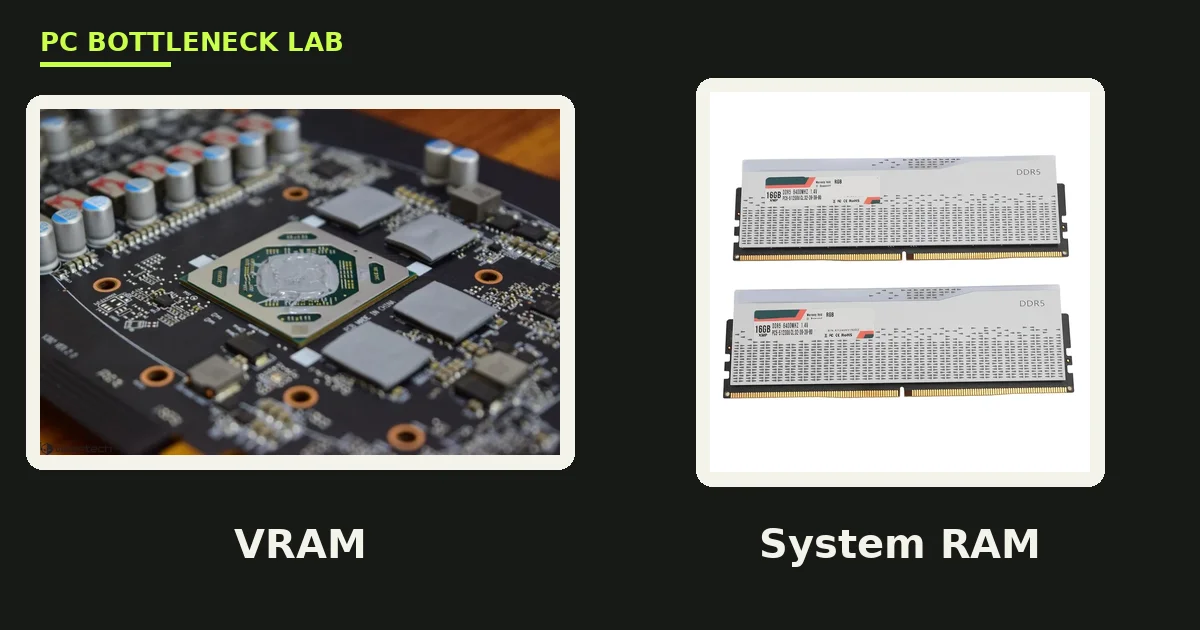
- VRAM lives on the graphics card and feeds the GPU. System RAM lives on the motherboard and feeds the CPU.
- The two are not interchangeable. 64 GB of system RAM does nothing when your GPU runs out of 8 GB of VRAM.
- Running out of VRAM causes stutter, not lower average FPS. The driver spills data to system RAM over the PCIe bus.
- VRAM cannot be upgraded. System RAM can, by swapping sticks.
- In 2026, 8 GB of VRAM is the 1080p minimum, 12 GB is the 1440p baseline, and 16 GB is the sweet spot.
VRAM vs system RAM: the short answer
VRAM, short for Video Random Access Memory, is the dedicated memory built onto your graphics card. System RAM, short for Random Access Memory, is the memory on your motherboard that the CPU uses. VRAM serves only the GPU, and system RAM serves the CPU, the operating system, and your applications. They are not interchangeable, and adding more of one does not give you more of the other. For the VRAM story in full, see this: VRAM bottleneck: 8GB vs 12GB vs 16GB. Check your own pair with the free tool: bottleneck calculator.
| VRAM | System RAM | |
|---|---|---|
| Location | On the graphics card | On the motherboard |
| Used by | GPU only | CPU, OS, apps |
| Holds | Textures, frame buffers, shaders | Game logic, assets, OS |
| Type | GDDR6, GDDR6X, GDDR7 | DDR4, DDR5 |
| Bandwidth | Up to 672 GB/s (RTX 4070 Ti Super) | About 80 to 90 GB/s (DDR5) |
| Upgradeable | No, soldered to the card | Yes, swap the sticks |
What VRAM does
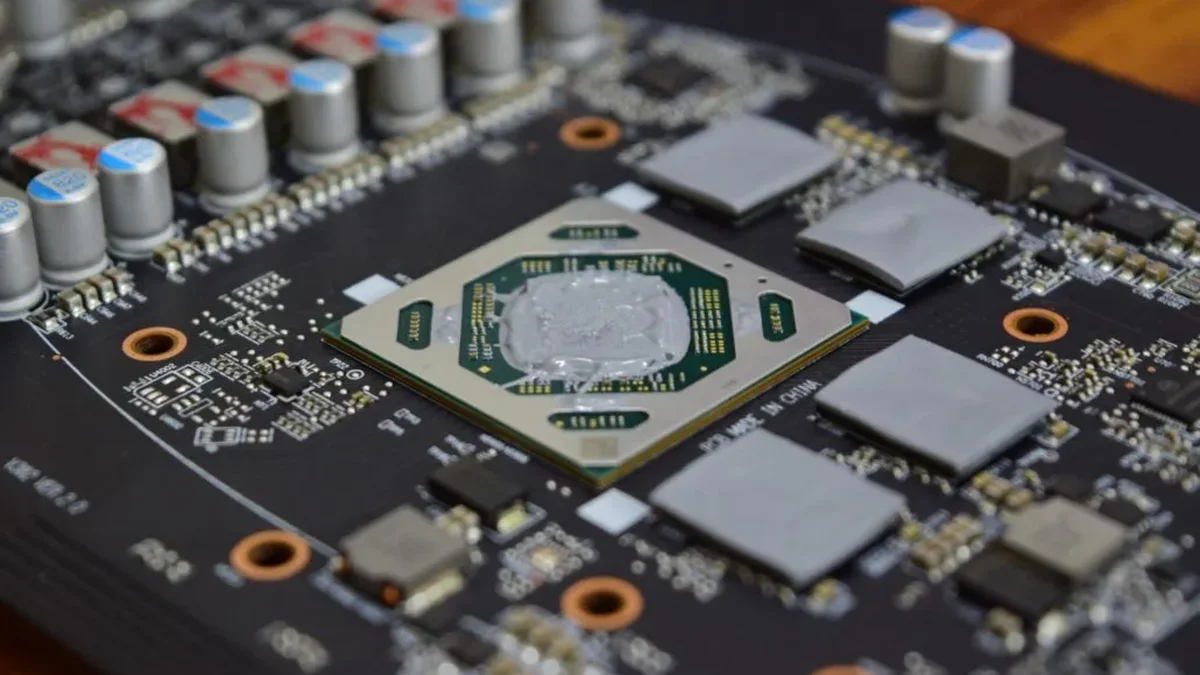
VRAM holds the data your GPU needs right now or very soon: textures, models, lighting data, frame buffers, shaders, and render targets. The GPU reads textures from VRAM, draws the frame, and moves on. The bandwidth gap between VRAM and system RAM is massive. A modern GPU like the RTX 4070 Ti Super has 672 GB/s of memory bandwidth to its 16 GB of GDDR6X. Your system DDR5 RAM, by comparison, tops out around 80 to 90 GB/s. When the GPU has to reach across the PCIe bus to grab data from system RAM, it runs at a fraction of its designed speed.
What system RAM does
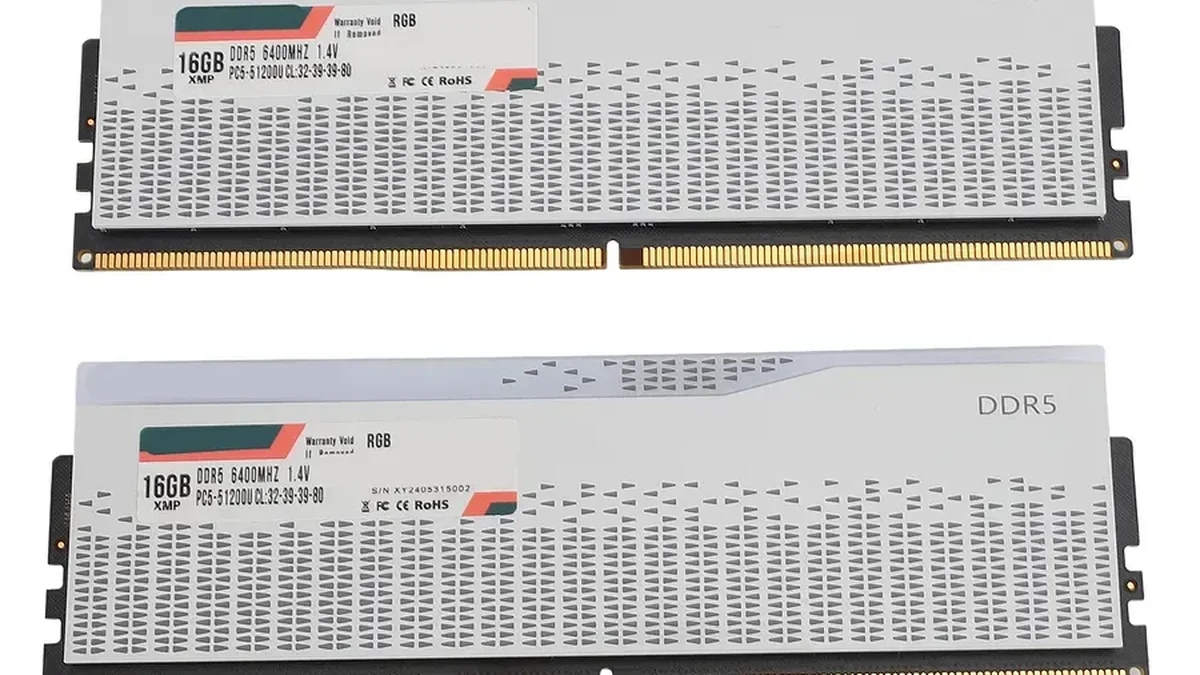
System RAM holds your operating system, running applications, game logic, and the assets queued up to be sent to the GPU. It is fast for the CPU, yet for the GPU it is far away. Data has to travel over the PCIe bus to reach the graphics card. In 2026, 16 GB of system RAM is the minimum for gaming, and 32 GB is recommended for modern simulators and heavy multitasking. For the full RAM story, see this: how much RAM do you need for gaming in 2026.
What happens when VRAM runs out
When a game needs more VRAM than your GPU has, the driver spills the overflow to system RAM over the PCIe bus. That spill creates sudden frame-time spikes, texture pop-in, and blurry surfaces, even while your average FPS looks fine. The stutter has a recognizable pattern. The game freezes for 100 to 500 milliseconds whenever the GPU swaps a chunk of data. Turning the camera or walking into a new area triggers the worst stutters. In severe cases, the game may crash, or show black or missing textures. A VRAM meter sitting near 100 percent does not always mean trouble, since games often reserve memory they never use. The real test is whether the stutter lines up with the memory reading. For the frame-time story in full, see this: stuttering and frame time: 1% lows explained.
What happens when system RAM runs out
When system RAM fills up, Windows moves data to the page file on your SSD, which is far slower than RAM. The result is the same kind of stutter, plus long load times and, in the worst case, a crash. The fix is simple: close background apps, or add more RAM sticks. Unlike VRAM, system RAM is a cheap and easy upgrade, and it is the first upgrade to make when your PC stutters outside of games.
How much of each do you need in 2026
For gaming in 2026, 8 GB of VRAM is the 1080p minimum, 12 GB is the 1440p baseline, and 16 GB is the sweet spot. 8 GB is still fine for esports and competitive titles at 1080p, and for older games at medium to high settings. It struggles in demanding 2024 to 2026 AAA titles at 1080p high or ultra. With ray tracing or high texture packs, usage exceeds 8 GB and the game starts swapping. For the RAM price story, see this: 16GB vs 32GB RAM in 2026: the shortage.
| Resolution | VRAM | System RAM |
|---|---|---|
| 1080p esports | 8 GB | 16 GB |
| 1080p AAA high | 8 GB, 12 GB safer | 16 GB |
| 1440p high | 12 GB | 16 GB, 32 GB better |
| 1440p ultra / 4K | 16 GB | 32 GB |
| 4K ray tracing | 16 GB or more | 32 GB |
Can you upgrade VRAM?
No. VRAM is soldered directly onto your graphics card, so you cannot upgrade it without buying a new GPU. System RAM is different: you can swap the sticks in minutes. Integrated graphics, such as Intel UHD and AMD Radeon Graphics on APUs, do not have dedicated VRAM at all. They carve out a portion of system RAM to use as graphics memory, which is why integrated graphics are slower than discrete cards. On those machines, faster dual-channel RAM matters a lot, since the GPU shares the same memory as the CPU.
How to check your VRAM and RAM usage
Open Task Manager with Ctrl + Shift + Esc, go to the Performance tab, and click GPU. The Dedicated GPU memory line shows your VRAM usage, and the Memory line shows your system RAM usage. For a live overlay while you play, use MSI Afterburner, which shows VRAM usage, RAM usage, and frame times in one view. Check both numbers when a game stutters: if VRAM sits near 100 percent and the stutter lines up with it, lower the texture quality first.
The bottom line on VRAM vs system RAM
VRAM vs system RAM is a question of two different jobs. VRAM feeds the GPU, system RAM feeds the CPU, and neither one can cover for the other. VRAM does not add FPS, it prevents stutter, and adding VRAM beyond what a game uses gives zero extra FPS. Check your pair first on the CPU GPU bottleneck calculator before you spend on new parts. The full price story is here: GPU prices rising November 2026: buy before Black Friday.
Frequently asked questions
Is VRAM the same as RAM?
No. VRAM is the dedicated memory on your graphics card, and system RAM is the memory on your motherboard. VRAM feeds only the GPU, while system RAM feeds the CPU, the operating system, and your applications. They use different memory types, GDDR6 or GDDR7 for VRAM and DDR4 or DDR5 for system RAM, and they are not interchangeable.
Does more system RAM help if I run out of VRAM?
No. Having 64 GB of system RAM does not help if your GPU runs out of its 8 GB of VRAM. The GPU cannot use system RAM as a direct substitute. When VRAM fills up, the driver spills the overflow to system RAM over the PCIe bus. That bus is far slower than local VRAM, and the spill causes stutter. Only a GPU with more VRAM fixes a VRAM shortfall.
How much VRAM should a 1440p build have in 2026?
12 GB is the 1440p baseline in 2026, and 16 GB is safer for ultra settings and ray tracing. 8 GB cards can still play at 1440p in esports titles and older games. They struggle in demanding AAA titles at high settings, where usage exceeds 8 GB and the game starts swapping. Buy 12 GB or more if you play at 1440p.
Can I add more VRAM to my graphics card?
No. VRAM is soldered directly onto the graphics card, so you cannot add more without buying a new GPU. System RAM is different, and you can swap the sticks in minutes. Integrated graphics have no dedicated VRAM at all, and they carve out a portion of system RAM instead.
Why does full VRAM make games stutter?
When VRAM fills up, the driver spills the overflow to system RAM over the PCIe bus, which is far slower than local VRAM. Every time the game needs a texture that got evicted, it stalls for a moment fetching it back, and that stall is a frame-time spike. Your average FPS can still look fine, since the pain lands in the 1% lows.
Do integrated graphics use VRAM?
No, not dedicated VRAM. Integrated graphics, such as Intel UHD and AMD Radeon Graphics on APUs, carve out a portion of system RAM to use as graphics memory. That is why they are slower than discrete cards, and why faster dual-channel RAM matters so much on those machines. The GPU shares the same memory as the CPU.
How this guide was prepared
This guide uses the published explainers of MyPCBottleneck, GamerHardware, BottlesneckCalculator, AceMagic, and Tier1Settings, and the bandwidth figures those guides document. The 2026 VRAM tiers come from Tier1Settings and GamerHardware, and the spill mechanism from BottlesneckCalculator. No measured frame rates are claimed, since the guide explains a mechanism, not a benchmark.
Last updated: November 11, 2026