
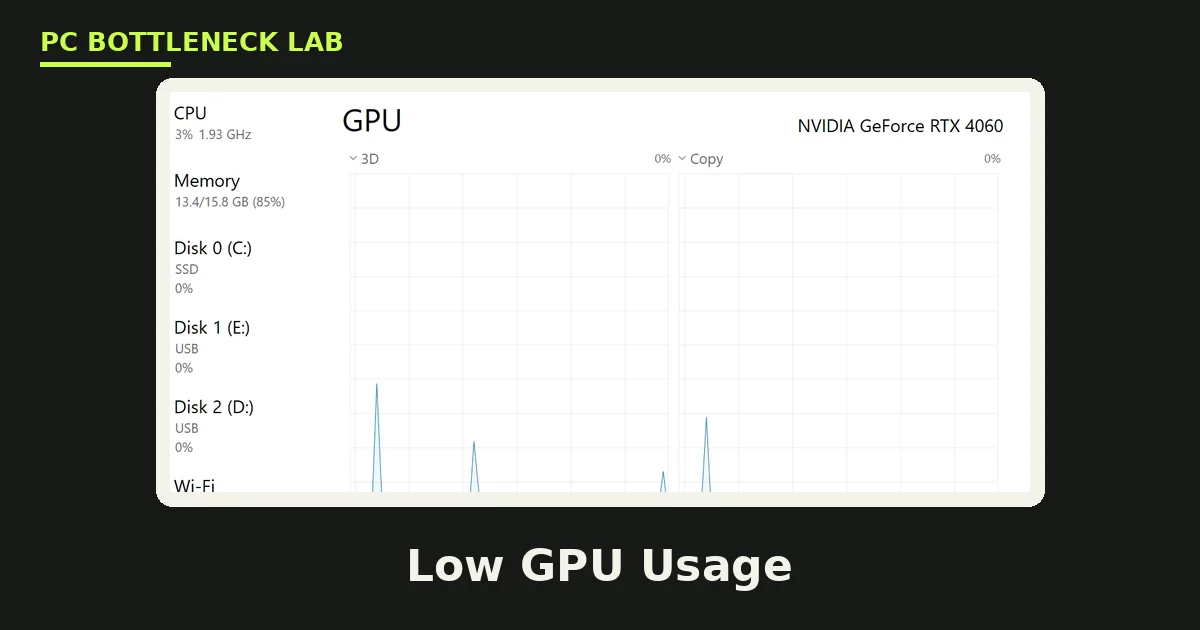
Key takeaways
- Low GPU usage with low FPS means the card is waiting on work, not that it is broken.
- A healthy card sits near 95% to 100% in a demanding game with no frame cap.
- One CPU core near 100% can limit the game while total CPU usage looks low.
- A frame rate flat on 60 or 144 points to a cap, and that is normal, not a fault.
- Lower the resolution for one test: if FPS barely moves, the GPU was never the limit.
Low GPU usage, low FPS: the short answer
Low GPU usage, low FPS means your graphics card is waiting for work, not that the card is broken. The CPU prepares each frame, and the GPU can only draw what the CPU hands over. Check your pair on the pc bottleneck calculator to see which part sets the limit.
A CPU limit, a frame cap, full VRAM, heat, or a bad driver can all starve the card. The fix depends on which one it is, so test first and change settings second. This guide walks through the tests in order, and each test takes only a few minutes.
Low GPU usage, low FPS: what the numbers mean
GPU usage is the share of time your card spends busy over a short window. A reading of 99% means the card works almost constantly, while 50% means it waits half the time.
In a demanding game with no frame cap, a healthy card sits near 95% to 100%. That range is normal, because the card is the part setting the pace. If your frame rate already beats your monitor refresh rate, low usage is normal too, so leave it alone.
Frame time tells the same story in milliseconds: 16.67 ms per frame is 60 FPS, and 8.33 ms is 120 FPS. Watch frame time beside usage, since a single percentage hides the stalls. A game can show low usage while one CPU core sits near its limit. Total CPU percentage can hide a single busy core, as our guide to 100% CPU usage with low GPU usage explains.
The five-minute diagnosis
Start with one repeatable scene, such as the same save point and camera view for 60 seconds. Every test below uses that scene, so the numbers stay comparable.
First, look at your frame rate: if it sits flat on 60, 144, or another round number, a cap is the limit. Turn the cap off for one run, and watch whether FPS moves.
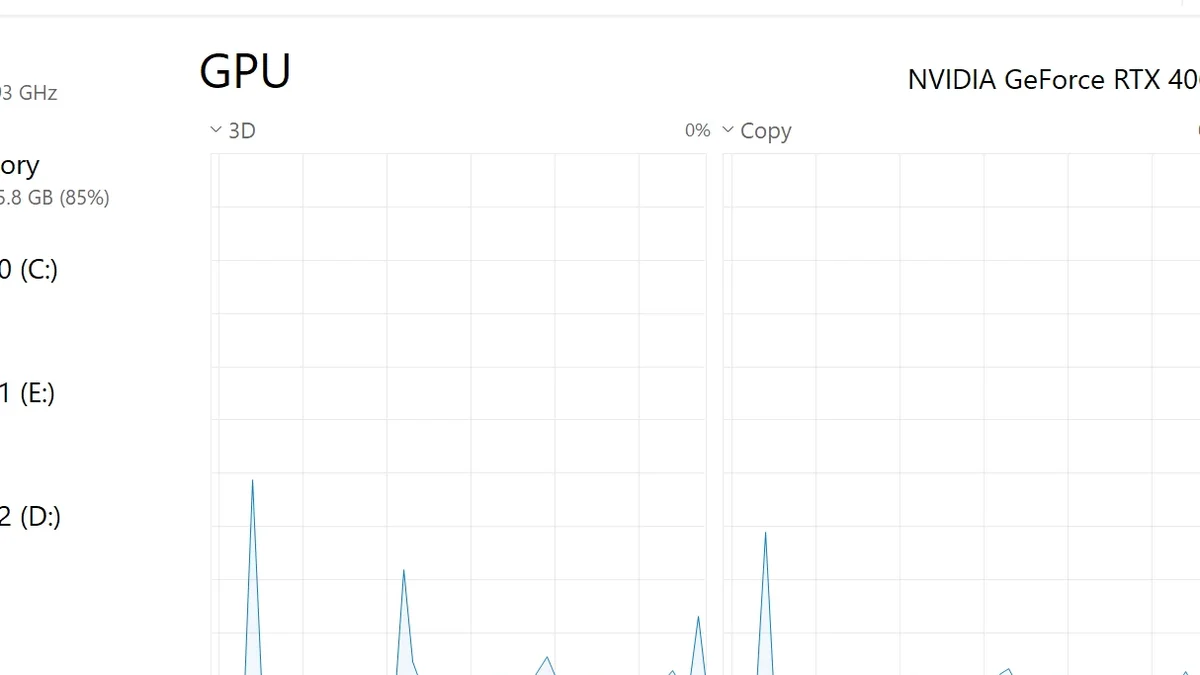
Next, open Task Manager, go to Performance, click CPU, and switch the graph to logical processors. If one core sits near 100% while total CPU looks low, the CPU is the limit.
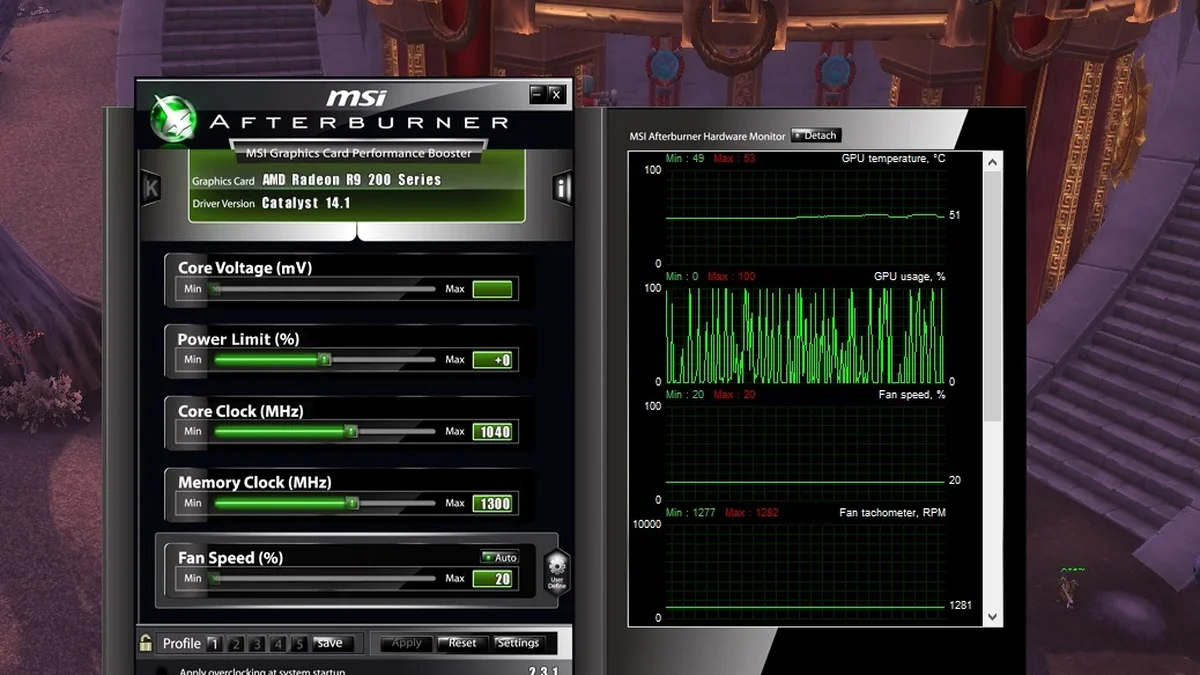
Then check temperature, power draw, and VRAM in the same run. GPU clocks fall when heat climbs into the 80s, and a full VRAM meter brings stutter on camera turns.
| What you see | Most likely cause | One test |
|---|---|---|
| GPU under 80%, one CPU core near max | CPU limit | Lower resolution: FPS barely moves |
| FPS flat at 60 or 144 | Frame cap or VSync | Turn the cap off and watch FPS |
| GPU clocks fall after minutes of play | Heat or power limit | Watch temperature and power over time |
| VRAM near full, stutter on camera turns | VRAM pressure | Lower texture quality one step |
| Usage low on a laptop | Wrong GPU selected | Check Windows graphics settings |
Finally, lower the resolution by one step in the same scene. If FPS barely changes, the GPU was never the limit. If FPS jumps and usage climbs, the GPU was the limit all along. You can run most of these checks with built-in tools, as our guide to checking a GPU bottleneck without software shows.
Fix the CPU limit first
Lower the settings that create CPU work first: view distance, crowd density, traffic, and simulation quality. These settings add draw calls, and fewer draw calls free the CPU.
Close competing apps before you play, since Discord, Chrome, and RGB tools all take CPU time from the game. Raise the settings that tax the GPU instead, such as resolution and texture quality, because they add picture quality at the same frame rate.
Do not lower graphics settings first when usage is low, since that cuts GPU work further and leaves the CPU limit in place. If the CPU is old and every test points at it, an upgrade is the real fix, yet it should come last, not first. If you are unsure which part limits you, our guide to telling a CPU bottleneck from a GPU bottleneck walks through the same test.
Fix caps, drivers, power and heat
Check every cap in order: the in-game limiter, VSync, the NVIDIA or AMD control panel, and any overlay limiter. Turn each one off for a test run, then turn back on only the cap you want.
For drivers, do a clean install with Display Driver Uninstaller, then install the latest driver from NVIDIA or AMD. A bad driver can starve the card, and a clean install rules it out in minutes.
For power, check that the card uses separate power cables, not one daisy-chained cable. Watch power draw in HWiNFO: if it sits at the limit while clocks fall, the card is power-limited.
For heat, clean dust from fans and check airflow, since GPU clocks fall when temperatures climb into the 80s. On a laptop, check that the game uses the discrete GPU, not the integrated one, in Windows graphics settings. Heat and a real bottleneck feel alike, so our guide to thermal throttling vs bottleneck separates the two.
| Cause | Fix | Check after |
|---|---|---|
| CPU limit | Lower view distance and crowd density | GPU usage rises |
| Frame cap | Turn off VSync and the in-game limiter | FPS moves off the round number |
| Heat | Clean dust and improve airflow | Clocks stay high |
| Power limit | Use separate cables, check the PSU | Power draw rises |
| Driver fault | Clean install with Display Driver Uninstaller | Usage returns to normal |
When to stop chasing 100% GPU usage
Low GPU usage, low FPS is a symptom, not a verdict on your card, and the cause is usually free to fix. Work through the tests in order, and fix only the limit you found.
Chasing 100% usage for its own sake wastes time, since a capped frame rate keeps usage low by design. Run your parts through the gpu bottleneck calculator if you want a second opinion before you spend.
If the game still stutters after usage recovers, read our guide to stuttering and frame time 1% lows next.
Frequently asked questions
Why is my GPU usage low while my CPU usage also looks low?
Because total CPU usage averages the load across all cores, and one busy core can hide inside a low total. Most games lean on one or two main threads, so a single core near 100% limits the game while the total reads 35% or 40%. Open Task Manager, switch the CPU graph to logical processors, and watch each core. That per-core view shows the limit that the total hides.
Is 50% GPU usage bad while gaming?
Not always, since it depends on what limits the frame rate. It is a problem when FPS is also low, because the card has spare capacity that something else blocks. It is normal when a frame cap holds FPS at 60 or 144. Check FPS beside usage: low FPS plus low usage needs a fix, while high FPS plus low usage does not.
My FPS sits at exactly 60 or 144 — is a cap the reason?
Yes, when the cap sits below what your card can deliver. VSync, an in-game limiter, or a control-panel cap tells the card to stop early, so usage falls and FPS holds at the capped number. That is normal behaviour, not a fault, as long as the capped frame rate feels smooth. Turn the cap off for one test run: if FPS jumps, the cap was the limit.
How do I check if one CPU core is holding back my GPU?
Open Task Manager with Ctrl, Shift, and Esc, go to the Performance tab, and click CPU. Right-click the graph, choose Change graph to, then Logical processors, so each core gets its own line. Play the same scene for a minute and watch the lines. If one core sits near 100% while the GPU stays under 80%, that core is the limit.
Does low GPU usage mean my graphics card is dying?
No, not on its own, since low usage means the card waits for work rather than failing at it. A dying card usually shows artifacts, crashes, driver errors, or fan faults, not quiet low usage. Low usage with low FPS points first to a CPU limit, a frame cap, heat, a power limit, or a driver fault. Work through those tests before you suspect the hardware itself.
Why does my GPU usage drop after a few minutes of play?
Because heat or a power limit builds up over time and forces the card to slow down. GPU clocks fall when temperatures climb into the 80s, and usage falls with them, so the first minutes look fine and later minutes do not. Clean dust from the fans, check airflow, and watch temperature and power draw in HWiNFO during a session. If clocks stay high after cleaning, the cause was heat.
How this guide was prepared
This guide uses troubleshooting reports from BottlesneckCalculator, AnyGen, SmoothFPS, and Tempered, plus NVIDIA and AMD overlay documentation. Each fix matches a named cause, and no FPS gain is promised, since every system differs.
Last updated: November 14, 2026