
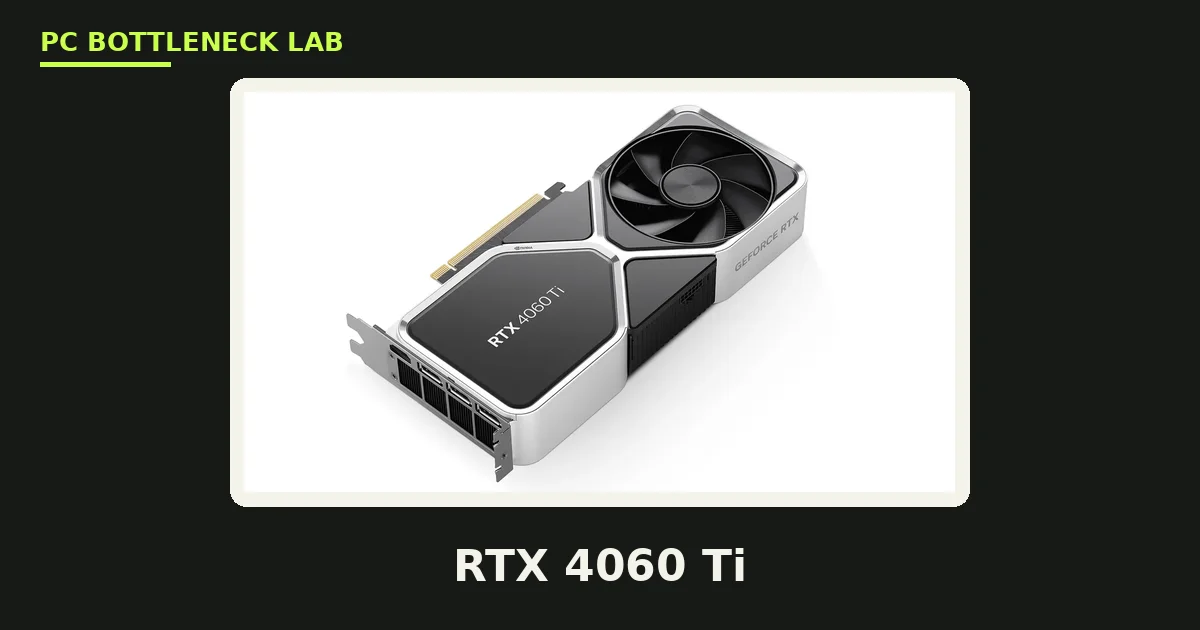
Key takeaways
- The 4060 Ti needs less CPU than you think. Almost every modern 6-core chip feeds it.
- The 8GB and 16GB versions have the same GPU chip and need the same CPU.
- The 9600X is the best modern pairing, with a 2% bottleneck per one configurator.
- The 8GB version hits a VRAM wall at 1440p. The 16GB version is the one to buy.
- A 650W PSU is plenty. The card draws only 160W.
RTX 4060 Ti specs
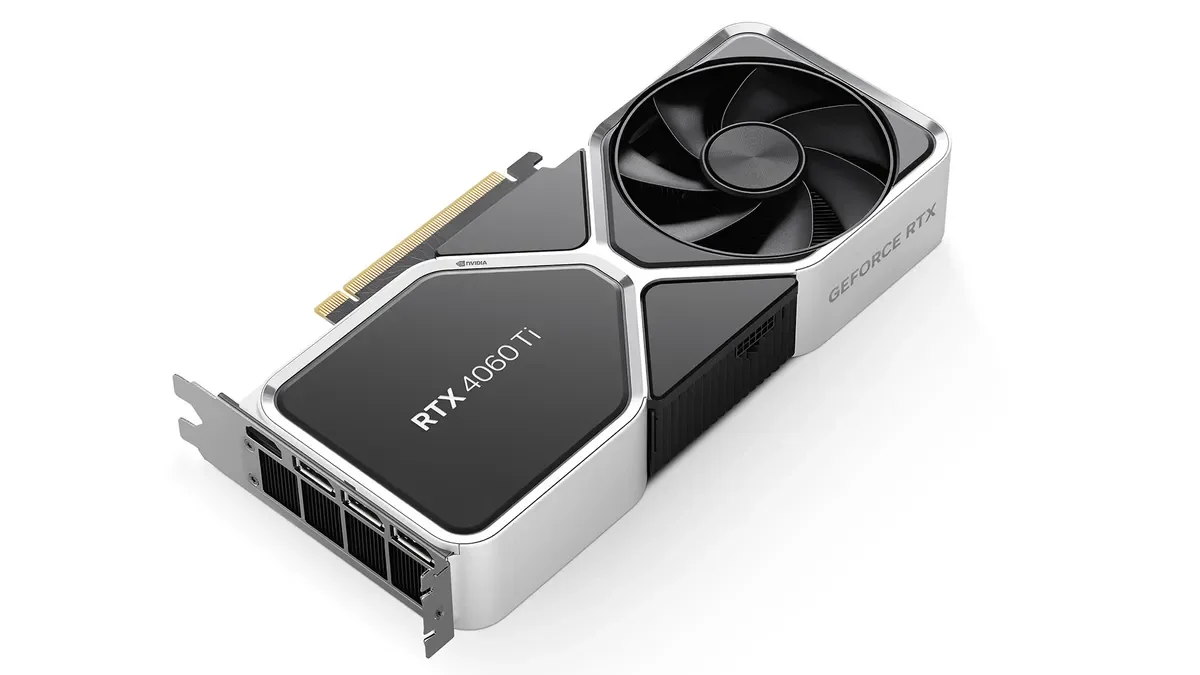
The 4060 Ti comes in two versions, 8GB and 16GB, with the same GPU chip. The only difference is the VRAM capacity. Both versions use the Ada Lovelace AD106 chip, with 4,352 CUDA cores and a 128-bit memory bus. The card draws only 160W, so it runs on a 650W PSU with ease. The table below is the reference spec, checked in November 2026. For the VRAM story in full, see this: VRAM bottleneck: 8GB vs 12GB vs 16GB.
| Spec | RTX 4060 Ti 8GB | RTX 4060 Ti 16GB |
|---|---|---|
| Architecture | Ada Lovelace (AD106) | Ada Lovelace (AD106) |
| CUDA cores | 4,352 | 4,352 |
| VRAM | 8GB GDDR6 | 16GB GDDR6 |
| Memory bandwidth | 288 GB/s | 288 GB/s |
| Boost clock | 2.54 GHz | 2.54 GHz |
| TGP | 160W | 165W |
| PCIe | 4.0 x8 | 4.0 x8 |
| Launch date | 24 May 2023 | 18 July 2023 |
| Launch price | $399 | $499 |
RTX 4060 Ti CPU bottleneck by resolution
At 1080p the CPU is the limit in esports titles pushing 200+ FPS, and the GPU is the limit in AAA games. At 1440p the GPU is the limit in most games, and the VRAM is the limit on the 8GB version. At 4K the GPU is the limit by a wide margin, since the card is too weak for 4K native play. DLSS helps at 4K, yet the card still trails far behind a 4070-class card there. One calculator ran the 4060 Ti 16GB with a Ryzen 5 7600 at 1080p and found a 5% bottleneck, rated low. It measured 120 FPS at a 60 FPS target. The slowest frames, called 1% lows, show a CPU limit first. For the frame-time story in full, see this: stuttering and frame time: 1% lows explained. Check your own pair before you buy with the free tool: bottleneck calculator.
| Resolution | Who limits the card | Verdict |
|---|---|---|
| 1080p esports | CPU (200+ FPS) | CPU matters here |
| 1080p AAA | GPU | Balanced |
| 1440p | GPU, VRAM on 8GB | 16GB version wins |
| 4K | GPU, by a wide margin | Card too weak for 4K |
Best CPUs for the RTX 4060 Ti
Ryzen 5 9600X — best modern pairing
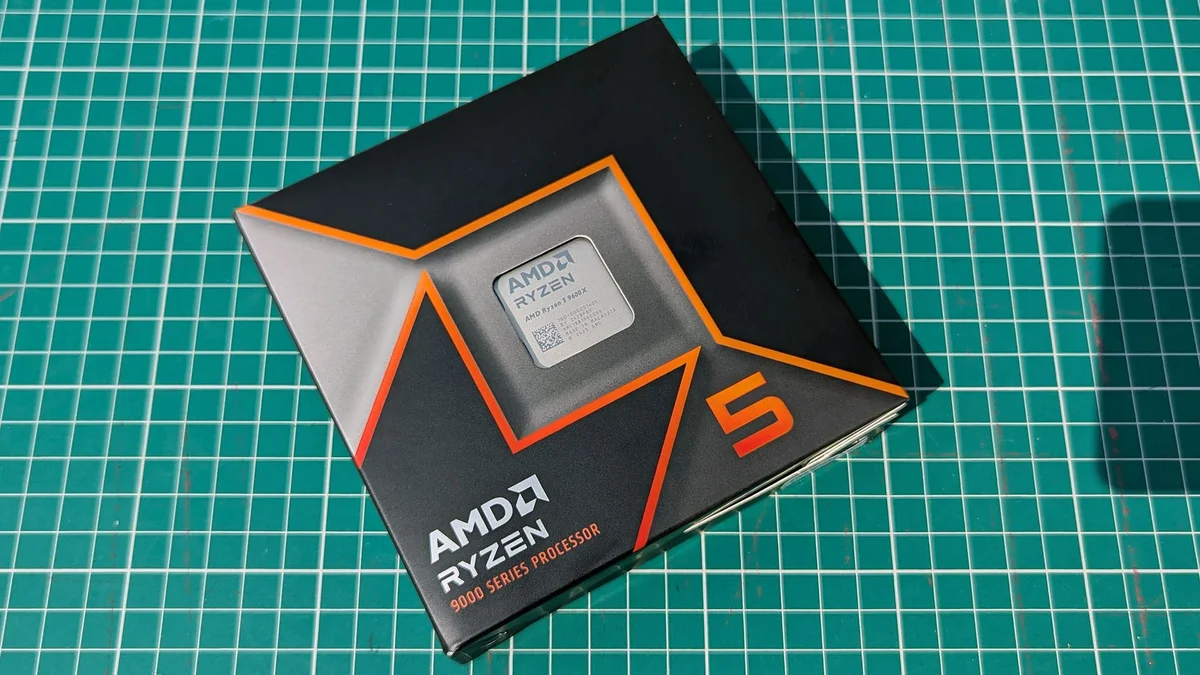
The 9600X is the top modern pairing for this card, per one configurator, with a 2% bottleneck at 1080p and 1440p. It has 6 cores and 12 threads, a 5.4 GHz boost clock, and a 65W TDP. The chip also stays valid when you upgrade the GPU, since it feeds cards up to a 5070 Ti at 1440p. Buy it for a new AM5 build, and pair it with 32GB of DDR5-6000.
Ryzen 5 7600X — best balanced
The 7600X is the balanced pick, with 6 cores and 12 threads, a 5.3 GHz boost clock, and a 105W TDP. It feeds the 4060 Ti at any resolution, and it costs less than the 9600X. One guide picked it as the pocket-friendly option for this card. Buy it when your budget is tight, yet you want an AM5 build with room to grow.
Core i5-12400F — best budget
The 12400F is the budget pick, with 6 cores and 12 threads, a 4.4 GHz boost clock, and a 65W TDP. It runs the 4060 Ti with no real bottleneck at 1080p and 1440p, per one guide. Buy it when you already own an LGA1700 board, or when DDR4 RAM keeps the build cheap.
Ryzen 5 5600X — best AM4
The 5600X is the AM4 pick, with 6 cores and 12 threads, a 4.6 GHz boost clock, and a 65W TDP. It is all you need for this card when you already own an AM4 board, per one guide. Buy it as an upgrade on an old AM4 board, and spend the saving on the GPU. For the full check method, see this: how to check for a CPU bottleneck.
Ryzen 7 7800X3D — best for a future GPU
The 7800X3D is overkill for this card alone, yet it is a worthwhile buy when you plan a stronger GPU later. It has 8 cores and 16 threads, a 5.0 GHz boost clock, and 96MB of 3D V-Cache. Buy it only when the next GPU is a 5080-class card, since the 4060 Ti never uses its cache.
8GB vs 16GB: the VRAM trap
The 16GB version has the same GPU chip as the 8GB version, so it needs the same CPU. The extra VRAM only helps in VRAM-heavy games, where the 8GB version stutters. Open-world titles with high-resolution texture packs already exceed 8GB of VRAM usage at 1080p on max settings, per one guide. The 16GB version solves this cleanly, and it is the one to buy in 2026. The newer 5060 Ti is roughly 15% to 25% ahead in raw gaming, per one comparison, with GDDR7 memory doing most of the work. If you already own a 4060 Ti 16GB and mostly play at 1080p, you can comfortably skip this generation, per that comparison. For the newer card in full, see this: best CPU for RTX 5060 and 5060 Ti.
The bottom line on the RTX 4060 Ti CPU bottleneck
RTX 4060 Ti CPU bottleneck comes down to one thing. The card needs less CPU than you think, and the VRAM version matters more than the CPU. Buy the 16GB version with a 9600X or a 7600X, and skip the 8GB version in 2026. The 4060 Ti is an entry-level card, and the CPU is the cheapest part of the build to get right. Check your pair first on the GPU bottleneck calculator before you spend. The full price story is here: GPU prices rising November 2026: buy before Black Friday.
Frequently asked questions
Does the RTX 4060 Ti have a CPU bottleneck?
At 1080p in esports titles, yes, since the CPU has to prepare 200+ frames per second. At 1080p in AAA games and at 1440p, no, since the GPU is the limit. One calculator ran the 4060 Ti 16GB with a Ryzen 5 7600 at 1080p and found a 5% bottleneck, rated low. Almost every modern 6-core chip feeds this card.
Which CPU gives the RTX 4060 Ti its full speed?
The Ryzen 5 9600X is the best modern pairing, with a 2% bottleneck per one configurator. The 7600X is the balanced pick, the 12400F is the budget pick, and the 5600X is the AM4 pick. The 7800X3D is overkill alone, yet it is worth it when you plan a stronger GPU later.
Do I need a different CPU for the 4060 Ti 8GB and 16GB?
No. The two cards have the same GPU chip apart from the VRAM capacity, so they need the same CPU. The 16GB version has more video memory, yet the same chip, so no matter which CPU you get, either card is fine with it. Buy the 16GB version for the VRAM, not for the CPU.
Should I pay extra for the 4060 Ti 16GB over the 8GB?
Yes, in 2026. The 16GB version costs $100 more at launch, yet it solves the VRAM wall cleanly. Open-world titles with high-resolution texture packs already exceed 8GB at 1080p on max settings, per one guide. The 8GB version stutters there, while the 16GB version plays smoothly.
How many watts does the 4060 Ti need?
A 650W PSU is plenty, since the card draws only 160W. Buy a quality unit from a known brand, and check that it has the right 8-pin connector for the card. A good PSU lasts through two or three GPU upgrades, so do not cut corners here. A 550W unit is the floor for a budget build.
Should I upgrade from a 4060 Ti to a 5060 Ti?
If you own a 4060 Ti 16GB and mostly play at 1080p, no. The 5060 Ti is roughly 15% to 25% ahead in raw gaming, per one comparison, yet that is a small jump for the money. If you own the 8GB version, or you plan to keep the GPU for several years, the newer 16GB card is the smarter buy.
How this guide was prepared
This guide uses NVIDIA's specifications for the card, and the published tests of TechVerio, PCGuide, MyPCBottleneck, and ConfiguraPC. The performance figures are attributed to those tests, not our own. The price figures are launch prices and reported street prices.
Last updated: November 11, 2026