
Key takeaways
- The main game thread runs on one core, so single-core speed sets the frame-rate ceiling.
- Six to eight fast cores beat sixteen slow ones in most games.
- Cache can matter more than clock speed: 3D V-Cache chips lead gaming benchmarks.
- More cores help streaming, recording and rendering, not raw gaming FPS.
- At 4K the GPU decides FPS, so CPU core count matters least there.
Single-core vs multi-core gaming: the short answer
Single-core vs multi-core gaming comes down to one fact: games still run their frame-critical work on one main thread. That thread prepares each frame, then hands it to the GPU, so the fastest single core sets your frame-rate ceiling. More cores help only with the work around that thread, like audio, physics and background tasks. Check which part limits you with the free tool: bottleneck calculator.
Single-core performance means how fast one core works, and it comes from clock speed, IPC and cache together. Multi-core performance means how much work all cores finish at once, and it matters most when a task splits cleanly. Gaming sits between the two, yet it leans hard toward single-core speed. The table below shows where each one wins.
| Workload | What matters most | Why |
|---|---|---|
| Gaming at 1080p | Single-core speed | Main thread prepares each frame on one core |
| Gaming at 4K | GPU, not CPU cores | GPU work per frame dwarfs CPU work |
| Streaming while gaming | Multi-core count | Encoding runs on spare cores |
| Video rendering | Multi-core count | Frames split cleanly across cores |
| Esports at 240Hz+ | Single-core speed | High frame rates need fast frame prep |
What single-core performance really means
Clock speed measures cycles per second, in GHz, yet it does not count the work done in each cycle. IPC means instructions per cycle, and it decides how much work each cycle finishes. A newer chip at the same GHz beats an older chip, since each generation adds 10 to 20% IPC, per Newegg. That is why a 4.0 GHz Ryzen 7000 chip can beat a 5.0 GHz chip from an older design.
Cache is the third piece, and it is often the biggest one for gaming. Games reuse the same data again and again, and cache holds it next to the cores. When data fits in the L3 cache, the cores grab it in 1 to 10 nanoseconds, yet RAM takes 50 to 100 nanoseconds. AMD 3D V-Cache stacks extra L3 cache on the chip, and the 5800X3D carries 96 MB of it. Newegg reports 15 to 25% higher FPS in cache-sensitive games from that cache alone. For the cache kings head to head, see this: Ryzen 7 9800X3D vs 7800X3D.
What multi-core performance really means
Each core runs its own thread, so more cores finish more threads at once. Games split audio mixing, network updates, asset streaming, input handling and shader work across threads, and Windows adds its own background tasks. Extra cores cut contention, since the game shares less core time with other work. That is the real job of multi-core power in gaming.
The gains stop fast, though, since most games use 6 to 8 cores well and gain almost nothing past that point. Newegg reports a 6-core Ryzen 5 5600X lands within 5 to 10% of chips with twice as many cores in most games. Above eight cores, the extra threads sit idle while the game thread runs. For a flagship face-off, see this: Core i7-14700K vs Ryzen 7 9800X3D compared.
The head-to-head: where each one wins
The verdict is simple: buy single-core speed and cache for gaming, and buy cores for work beside gaming. A 6-core chip with fast cores and big cache beats a 16-core chip with slow cores in nearly every game. The table below settles each common choice, and the winner is the one that fits the job, not the bigger number.
That rule also explains the X3D chips, which win gaming benchmarks through cache, not clock speed or core count. Their huge L3 cache cuts stalls, so frames reach the GPU faster and 1% lows rise. For the GPU that fits an X3D chip, see this: best GPU for Ryzen 7 5700X3D.
| Choice | Winner for gaming | Why it wins |
|---|---|---|
| 6 fast cores vs 12 slow cores | 6 fast cores | Main thread runs faster per frame |
| High GHz vs big cache | Big cache | Fewer stalls beat raw cycles |
| 8 cores vs 16 cores | 8 cores | Games use 6 to 8 cores well |
| New chip vs old chip, same GHz | New chip | IPC gains of 10 to 20% per generation |
| More cores for streaming | More cores | Encoding uses spare cores |
Why 1% lows matter more than average FPS
Average FPS hides the stutters, while 1% lows show the worst frames you actually feel. A game can average 120 FPS yet drop to 50 FPS in busy scenes, and those drops feel like stutter. Cache and single-core speed smooth those lows, since they cut the stalls that cause them. Newegg reports that raising L3 cache from 32 MB to 96 MB can lift 1% lows by up to 30% in memory-heavy titles.
High-refresh gaming makes this worse, since 240Hz screens need 240 frames per second to feel right. Only fast single cores can prep frames that quickly, and no core count fixes a slow main thread. That is why esports players chase clock speed and cache, not core count. To find which part holds you back, read this: how to tell a CPU bottleneck from a GPU bottleneck.
How to pick: a simple buying rule
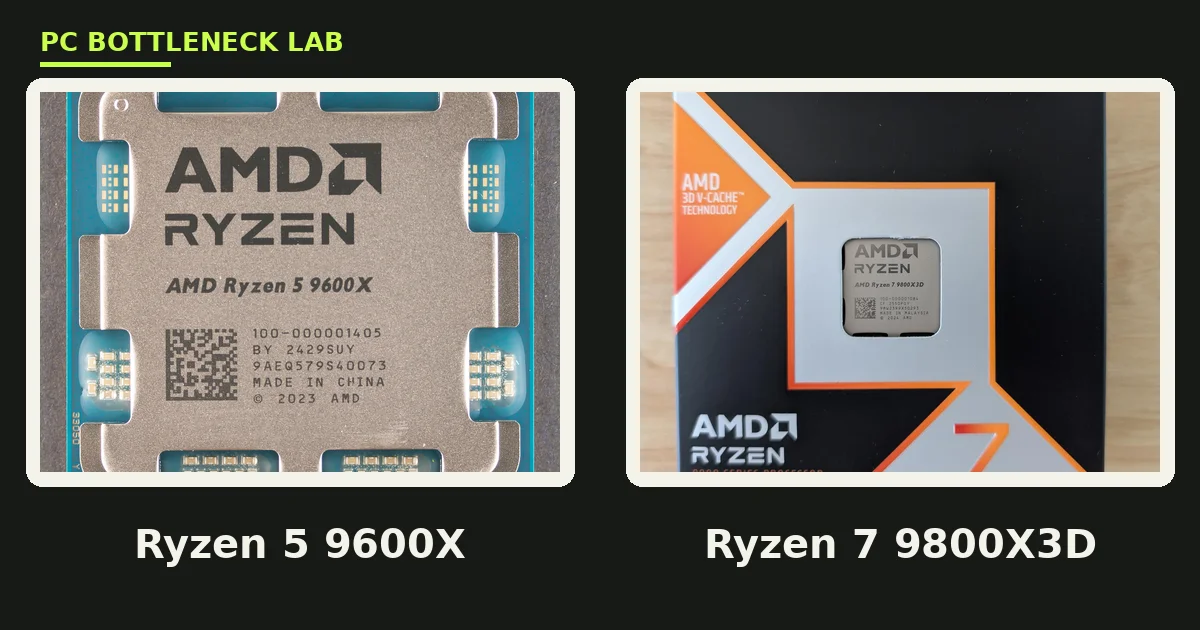
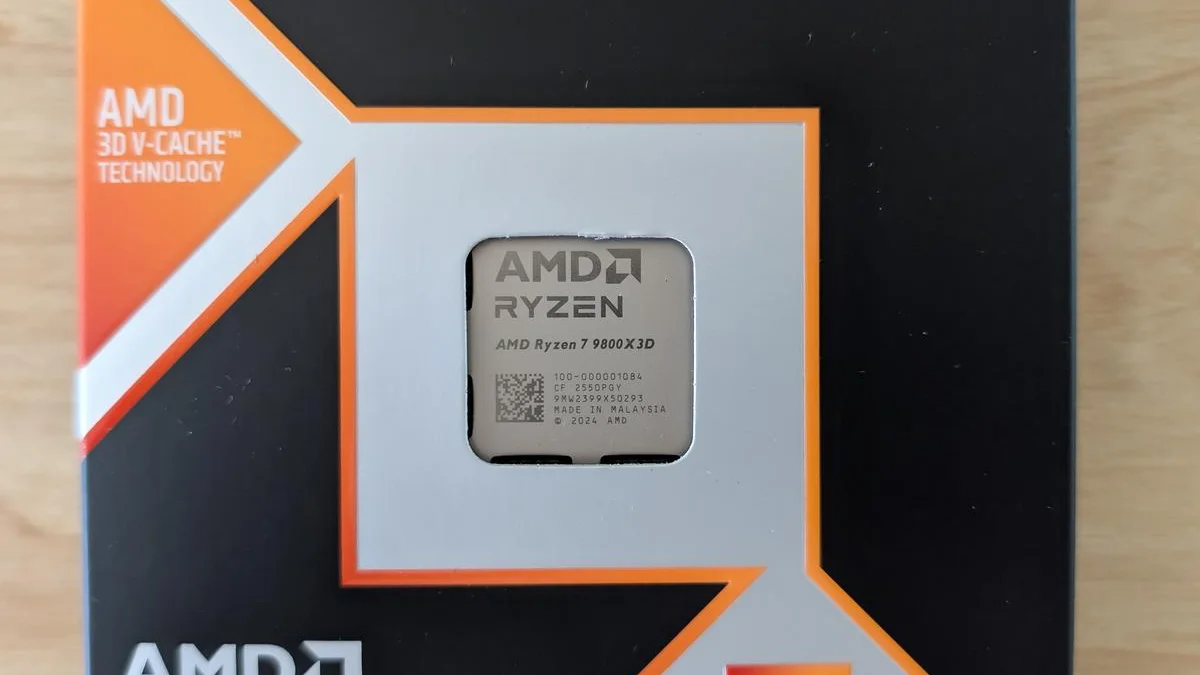
Pick six to eight cores with strong single-thread speed and the biggest L3 cache you can afford. Ignore boost clocks on their own, since they are peak speeds that need cooling headroom to hold. Read gaming reviews instead of spec sheets, since real frame rates beat paper numbers every time. A Ryzen 7 9800X3D leads gaming charts through cache, not through core count or clock speed.
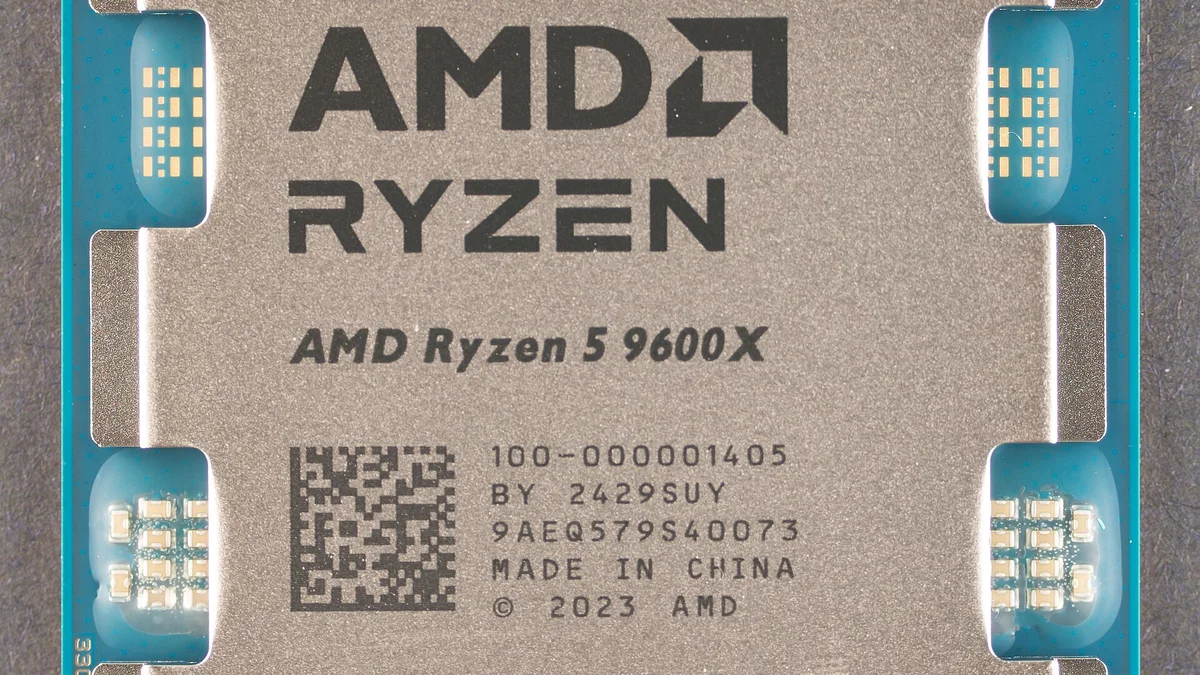
MaxMyBuild shows the same pattern in cheaper chips. The 6-core Ryzen 5 9600X beats the 8-core Ryzen 7 7700 in many titles, since its Zen 5 cores run faster per thread. Spend the saved money on a better GPU or faster RAM, since both lift FPS more than two extra cores. The right CPU is the one that feeds your GPU, not the one with the biggest box number.
The bottom line on single-core vs multi-core gaming
Single-core vs multi-core gaming ends with a clear rule: single-core speed and cache set your FPS, while extra cores handle the work around the game. Six to eight fast cores with big cache beat sixteen slow ones in nearly every title, and the gap grows at high refresh rates. Buy cores only when you stream, record or render beside gaming.
Check your own rig before you spend, since the GPU decides FPS at 1440p and 4K. Run your CPU and GPU through the gpu bottleneck calculator, then upgrade the part it flags first. A balanced rig beats a lopsided one, no matter how many cores the box brags about.
Frequently asked questions
How many CPU cores do I need for gaming in 2026?
Six cores is the practical floor for gaming in 2026, and eight cores covers streaming beside play. Most games use 6 to 8 cores well and gain almost nothing past that point. Spend on faster cores and bigger cache instead of more cores, since the main game thread runs on one core at a time.
Does a higher clock speed always mean more FPS?
No, clock speed alone does not decide FPS, since IPC and cache matter just as much. A newer chip at 4.0 GHz can beat an older chip at 5.0 GHz, since each generation adds 10 to 20% IPC. Cache matters too, since 3D V-Cache chips win gaming benchmarks through huge L3 cache, not clock speed.
Is the Ryzen 7 9800X3D good for gaming because of its cache?
Yes, the 9800X3D leads gaming charts mainly through its stacked L3 cache, not through clock speed or core count. The huge cache cuts stalls while the CPU preps frames, so average FPS rises and 1% lows smooth out. It is the clearest proof that cache can matter more than GHz for gaming.
Do more cores help with streaming while gaming?
Yes, extra cores help streaming a lot, since encoding runs on spare cores beside the game. A 6-core chip can struggle when the game and the encoder fight for the same cores. Eight or more cores give the encoder room, so the game keeps its frame rate while the stream stays smooth.
Why does my 16-core CPU lose to an 8-core CPU in games?
Your 16-core chip loses when its single cores run slower or carry less cache than the 8-core chip. Games run their frame-critical work on one main thread, so the fastest single core wins. Extra cores sit idle during play, so core count alone cannot save a slower per-core design.
Is a faster CPU or a better GPU the smarter FPS upgrade?
Buy the GPU first when you play at 1440p or 4K, since the GPU decides FPS there. Buy the CPU first only when you play esports at high refresh rates, or when your CPU clearly limits frame prep. Run both parts through a bottleneck calculator, then upgrade the part it flags first.
How this guide was prepared
This guide draws on Newegg, MaxMyBuild and Sirius Power PC guides, all read in November 2026, plus AMD 3D V-Cache specifications. Every number names its source, and ranges stay ranges. No FPS figure here comes from a test run by this site, and no price appears, since prices move daily.
Last updated: November 17, 2026