
Key takeaways
- The Ryzen 7 9800X3D leads in gaming, with an estimated 20 to 30 percent edge at 1080p in published indexes.
- The Core i7-14700K leads in multi-core work, with about 40 percent more Cinebench 2024 multi-core throughput.
- The 9800X3D runs on AM5, a socket that keeps getting new Ryzen chips. The 14700K sits on LGA 1700, a socket Intel has moved past.
- The 14700K can draw up to 253 W under full load, more than double the 120 W rating of the 9800X3D.
- Pick the 9800X3D for a pure gaming rig and the 14700K when rendering, compiling, or streaming share the workload.
Core i7-14700K vs Ryzen 7 9800X3D: the short answer
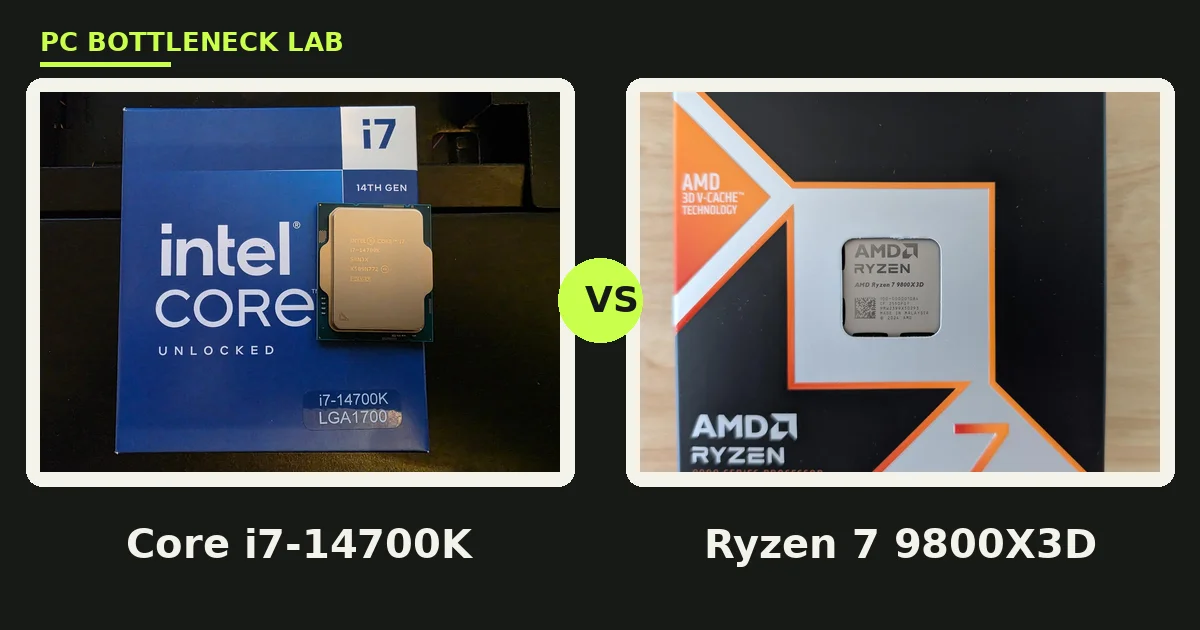
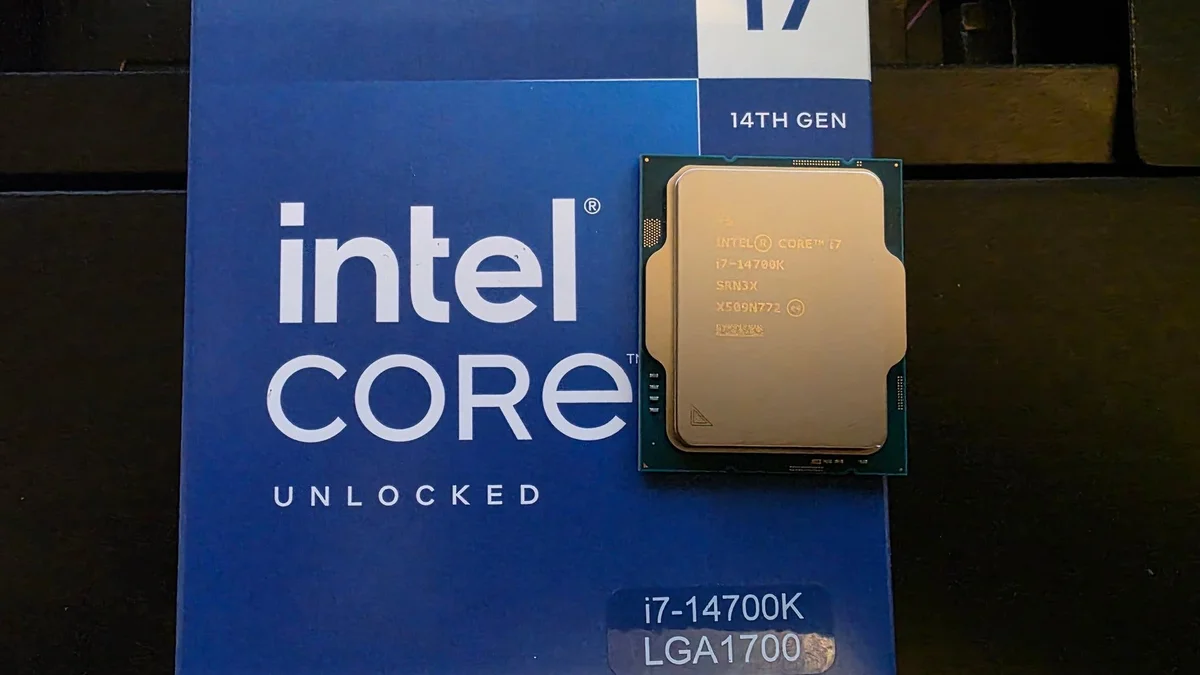
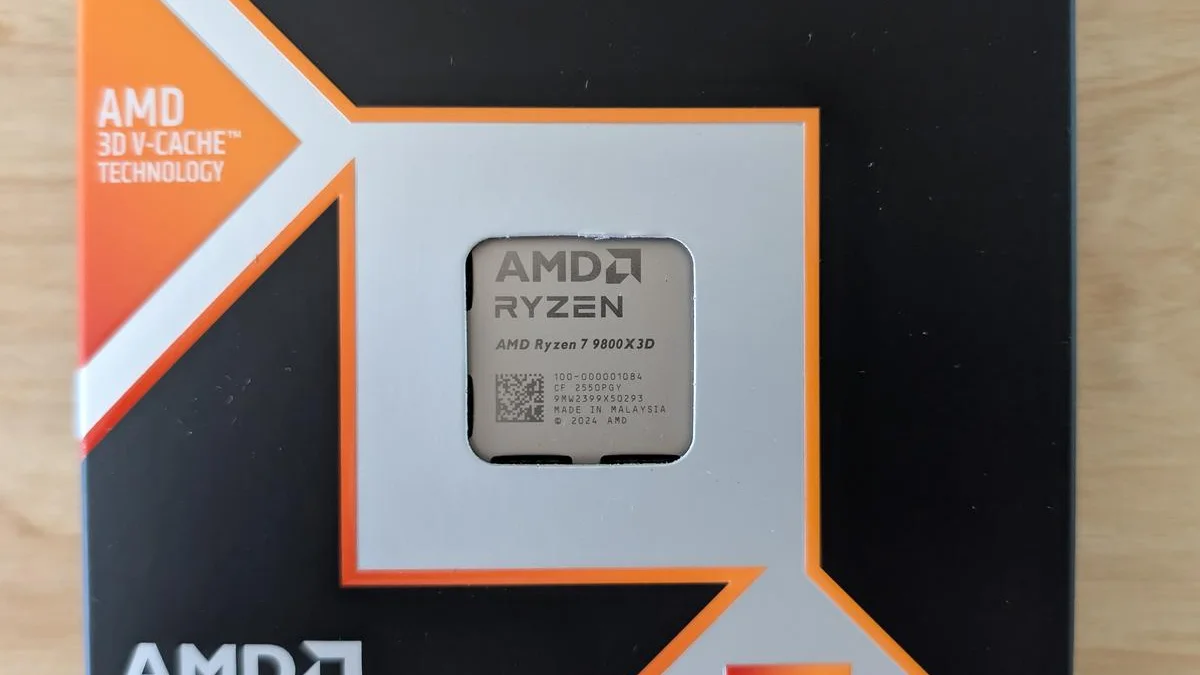
Core i7-14700K vs Ryzen 7 9800X3D is a contest between two different ideas of a flagship CPU. Intel gives you 20 cores and 28 threads, built for heavy parallel work. AMD gives you 8 cores with a huge 96 MB L3 cache, built for games. That cache, called 3D V-Cache, stacks extra memory on top of the chip, and it keeps game data close to the cores. Check your own pair with the free tool: bottleneck calculator.
| Core i7-14700K | Ryzen 7 9800X3D | |
|---|---|---|
| Cores and threads | 20 cores, 28 threads (8 P + 12 E) | 8 cores, 16 threads |
| Max boost clock | 5.6 GHz (P-core) | 5.2 GHz |
| L3 cache | 33 MB | 96 MB (3D V-Cache) |
| Memory support | DDR4 and DDR5 | DDR5 only |
| Rated power | 125 W base, 253 W turbo | 120 W |
| Socket | LGA 1700 | AM5 |
| Launched | October 2023 | November 2024 |
How the specs compare
The spec sheet tells the story in one glance: Intel wins on core count, and AMD wins on cache. The 14700K mixes 8 performance cores with 12 efficiency cores, so it chews through renders, compiles, and encodes in parallel. The 9800X3D has only 8 cores, yet its 96 MB of L3 cache nearly triples the Intel chip. That cache feeds game data to the cores with far fewer trips to RAM. For the 9800X3D pairing in full, see this: best GPU for Ryzen 7 9800X3D.
Clock speed looks close, yet it misleads here. The 14700K boosts to 5.6 GHz on its performance cores, while the 9800X3D tops out at 5.2 GHz. Games rarely reward raw clock alone, since cache and memory speed shape frame rates just as much. Memory support splits the two as well: the 9800X3D needs DDR5, while the 14700K works with DDR4 or DDR5 boards. That DDR4 option can save money on a rebuild, yet it caps memory speed on a new build.
Gaming performance: where the 9800X3D pulls ahead
Published indexes put the 9800X3D clearly ahead in games at 1080p, where the CPU matters most. MaxMyBuild gives the 9800X3D a 1080p gaming index of 97.0 against 76.4 for the 14700K, an edge of about 27 percent. HowManyFPS scores the pair 89 against 60 across more than 100 games, and it calls the AMD chip up to 30 percent faster on average. Both sources agree on the direction, so treat the gap as an estimated 20 to 30 percent at 1080p, not a fixed number.
The gap shrinks as resolution rises, because the graphics card takes over the work. At 1440p the CPU still shapes 1% lows, those worst frames that decide how smooth a game feels. At 4K the two chips land close together in most titles, since the GPU sets the pace. That pattern drives the buying rule: the faster your GPU and the lower your resolution, the more the 9800X3D pays off. For the 9800X3D frame rates by resolution, see this: 9800X3D and RTX 5070 FPS by resolution.
| Benchmark | Core i7-14700K | Ryzen 7 9800X3D |
|---|---|---|
| MaxMyBuild gaming index (1080p) | 76.4 | 97.0 |
| HowManyFPS gaming score (100+ games) | 60 / 100 | 89 / 100 |
| Geekbench 6 single-core (NanoReview) | 3,012 | 3,315 |
| Geekbench 6 multi-core (NanoReview) | 20,262 | 18,350 |
| Cinebench 2024 single-core (NanoReview) | 124 | 132 |
| Cinebench 2024 multi-core (NanoReview) | 1,859 | 1,332 |
Productivity and multi-core work: where the 14700K wins
The 14700K turns the tables the moment work leaves games behind. Its 20 cores give it a Cinebench 2024 multi-core score of 1,859 against 1,332 for the 9800X3D, about 40 percent more throughput. Geekbench 6 multi-core shows the same split at 20,262 against 18,350. Video renders, code compiles, and 3D scenes finish sooner on the Intel chip, since those jobs split across many threads.
Single-core work tells a different story, and the AMD chip edges it. Geekbench 6 single-core scores 3,315 for the 9800X3D against 3,012 for the 14700K, while Cinebench 2024 single-core lands at 132 against 124. That single-core lead helps games too, since most game logic still leans on a few fast threads. The rule stays simple: buy cores for batch work, and buy cache plus fast single threads for games.
Power, heat, and cooling
Power draw is the biggest practical gap between these chips. The 14700K carries a 125 W base rating and a 253 W turbo limit. Under full load it can pull more than double the 120 W rating of the 9800X3D. That power turns into heat, and heat needs a cooler that can move it. A strong air cooler or a 240 mm liquid cooler suits the 14700K. A good mid-range air cooler handles the 9800X3D with room to spare.
One more point matters before you buy the Intel chip. Intel's 13th and 14th generation chips drew reports of instability in 2024, and Intel shipped microcode updates to address the problem. Buy a board with a current BIOS, and update it during setup, since an old BIOS can still carry the faulty behavior. For the 14700K with a flagship GPU, see this: Core i7-14700K and RTX 5080 bottleneck.
Platform and upgrade path
The platform choice may outlast the CPU choice. AM5 is AMD's current socket, and it keeps getting new Ryzen chips, so a 9800X3D board can take a later CPU with a BIOS update. LGA 1700 ended with the 14th generation, since Intel moved its new Core Ultra chips to a different socket. A 14700K build has no CPU upgrade path, while an AM5 build keeps one open.
Memory and boards add a second split. AM5 boards need DDR5, and DDR5-6000 is the usual sweet spot for Ryzen, with EXPO profiles that set the speed in one click. Intel boards come in DDR4 and DDR5 versions, so you can reuse old DDR4 sticks, yet DDR4 caps memory speed on a fresh build. For the AM5 upgrade path in full, see this: AM5 upgrade path from Ryzen 7600 to 9800X3D.
The bottom line on Core i7-14700K vs Ryzen 7 9800X3D
Core i7-14700K vs Ryzen 7 9800X3D ends with a clear split, not a tie. Pick the 9800X3D when games come first. It leads by an estimated 20 to 30 percent at 1080p, runs cooler, and leaves an AM5 upgrade path open. Pick the 14700K when your PC also earns its keep. Its 20 cores finish renders and compiles about 40 percent faster in multi-core tests, and it reuses DDR4 if you already own it.
Either chip needs a strong GPU beside it, since a weak graphics card hides the CPU gap at every resolution. Check your exact pair first on the gpu bottleneck calculator, then spend the saving on the GPU, the cooler, or faster RAM. To tell which part holds your rig back today, read this: CPU vs GPU bottleneck: how to tell.
Frequently asked questions
Is the Ryzen 7 9800X3D faster than the Core i7-14700K for gaming at 1440p?
Yes, yet the lead shrinks as resolution rises. At 1080p, published indexes put the 9800X3D about 20 to 30 percent ahead, since the CPU shapes frame rates most at low resolution. At 1440p it still leads in average FPS and 1% lows, while the gap narrows, because the graphics card takes on more of the work. At 4K the two chips land close in most titles.
Can the Core i7-14700K run on a good air cooler?
Yes, a strong dual-tower air cooler handles the 14700K in games, where it rarely hits its 253 W turbo limit. Full multi-core loads push power and heat much higher, so renders and encodes need a 240 mm liquid cooler or a top air cooler. Good case airflow matters as much as the cooler itself, since hot air trapped in the case raises CPU temps.
Should I pick the 14700K or the 9800X3D for streaming while gaming?
It depends on how you encode the stream. The 14700K suits CPU encoding, since its 20 cores handle the game and the encoder at once without choking frame rates. The 9800X3D suits GPU encoding, since its gaming lead leaves headroom while the graphics card encodes. Most streamers use GPU encoding today, so the 9800X3D wins for the common setup.
Can I reuse DDR4 RAM with either CPU?
Only with the Intel chip. The 14700K works on DDR4 or DDR5 boards, so you can carry old DDR4 sticks into a new build and save money. The 9800X3D needs DDR5, and AM5 boards take no DDR4 at all. DDR5-6000 is the usual sweet spot for Ryzen, so budget for a fresh kit when you pick the AMD chip.
Should I worry about 13th and 14th-gen instability when buying a 14700K?
Buy with care, not fear. Intel shipped microcode updates for the instability reports on 13th and 14th generation chips, and current boards carry the fix in their BIOS. Update the BIOS during setup, and buy from a seller with a clear return policy. A new 14700K on a current BIOS runs as Intel intended, yet the fix is worth checking before you build.
Which CPU pairs better with an RTX 5070?
The 9800X3D pairs better for gaming, since its cache lead shows most at 1080p and 1440p with a mid-range card like the RTX 5070. The 14700K pairs better when the same PC also renders or streams with CPU encoding, since its extra cores carry that work. Either chip feeds an RTX 5070 well, so pick by your workload, not by the GPU alone.
How this guide was prepared
This guide compares the published specs of Intel and AMD with the benchmark indexes of MaxMyBuild, HowManyFPS, and NanoReview, all read in November 2026. Gaming gaps are labelled as estimates from those indexes, not as measured results. Productivity scores come from the Geekbench 6 and Cinebench 2024 figures NanoReview reports. No prices appear, since street prices move daily.
Last updated: November 14, 2026