
Key takeaways
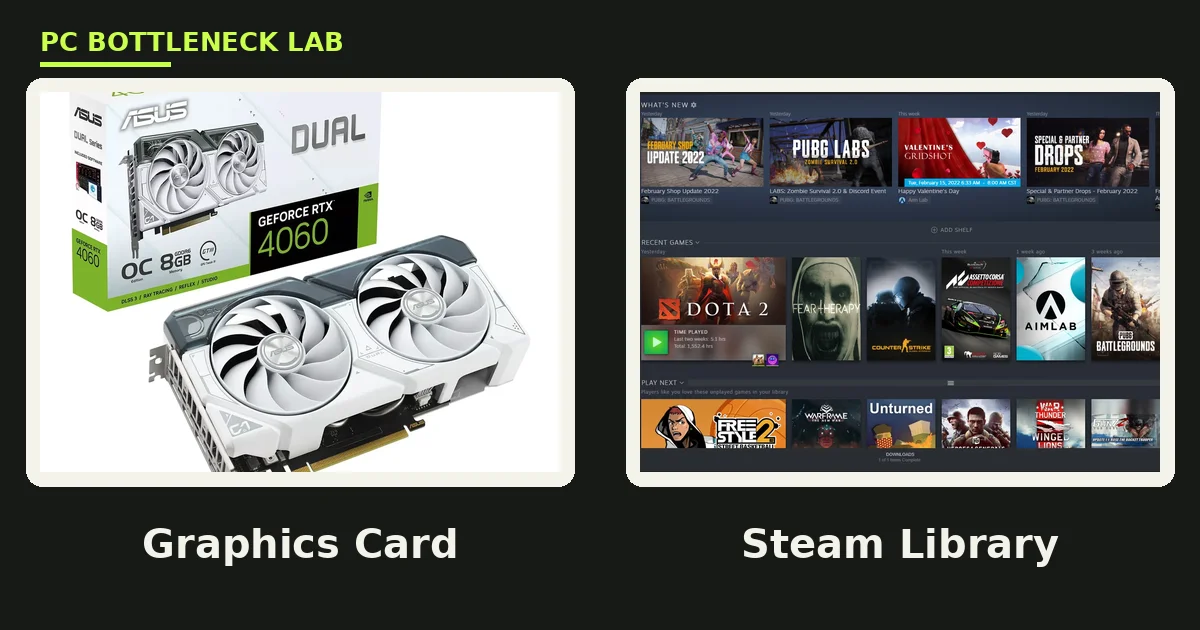
- The Steam Spring Sale 2027 runs March 18 to March 25, 2027, for seven days, and it discounts games on Steam, not graphics cards.
- Your GPU deal comes from retailers running sales in the same week, so compare the card price against its usual range first.
- Pick the tier by resolution and VRAM first: 8 GB suits 1080p esports, 12 GB suits 1440p, and 16 GB suits 4K.
- Check your CPU pair before you buy, since a weak CPU caps a strong card at 1080p.
- Measure your case and power supply before the sale, because a card that does not fit is a return, not an upgrade.
Steam Spring Sale 2027 GPU Upgrades: the short answer
A Steam sale is a sale of games, and that fact shapes the whole plan for Steam Spring Sale 2027 GPU upgrades. Valve lists the Spring Sale 2027 from March 18 to March 25, 2027, on its Steamworks seasonal sales page. The sale runs for seven days. Games on Steam get the discounts, while graphics cards do not, since Steam does not sell GPUs. Your upgrade plan therefore has two parts. Buy cheap games from Steam, and buy a card from a retailer whose own spring deals land in the same week. For the winter version of this plan, see this: Steam Winter Sale 2026 best GPU upgrades.
| Sale fact | Spring Sale 2027 |
|---|---|
| Dates | March 18 to March 25, 2027 |
| Length | Seven days |
| Start time | 10 AM Pacific each day, per Valve |
| What is discounted | Games on Steam |
| Where GPUs come from | Retailers, not Steam |
| Source | Valve Steamworks seasonal sales page |
How the spring sale works for a GPU buyer
Steam runs four seasonal sales each year, and the spring sale is the first one of 2027 after the winter sale. Valve publishes the dates months ahead on its Steamworks pages for developers, so the March window is firm, not a guess. A game can join a seasonal sale only when it released at least 30 days before the sale starts. That is why brand-new releases rarely appear in the first days. That rule covers games, though, and it does not cover hardware. Retailers set their own GPU prices, so a card deal in sale week is a retailer choice. Judge it against the card's usual range, not against the Steam banner.
Use the sale week in two passes, with games first and hardware second. First, buy the games you already want from Steam, since those discounts are real and easy to check. Then, compare card prices across two or three retailers before you pay, and walk away when the price sits above its usual range. A spring sale week rewards a buyer who already knows the target card, and it punishes a buyer who shops by impulse.
Pick your tier first, then watch the price
Budget tiers keep the choice simple. An entry tier suits 1080p esports and older titles, a mid tier suits 1440p, and a high tier suits 4K or heavy ray tracing. VRAM is the floor under each tier, and it matters more than the brand name on the box. A card with too little VRAM stutters when textures spill to system RAM, and no sale price fixes that. For the full VRAM story, see this: VRAM bottleneck: 8GB vs 12GB vs 16GB.
| Tier | VRAM floor | Best resolution | Suits |
|---|---|---|---|
| Entry | 8 GB | 1080p | Esports, older AAA, tight budgets |
| Mid | 12 GB | 1440p | Modern AAA at high settings |
| High | 16 GB | 1440p ultra, 4K | Ray tracing, high texture packs |
| Top | 16 GB or more | 4K | Flagship play, long hold |
Match the tier to the monitor you own today, not the monitor you might buy next year. A 1080p monitor cannot show what a 4K card delivers, so the extra spend buys nothing you can see. On the other hand, a 1440p monitor paired with an 8 GB card forces texture cuts in new AAA games. Buy the tier that fits the screen you own today, and keep the rest of the budget for the games you want.
Check your CPU before you buy
A graphics card is only half of the pair. At 1080p, the CPU often decides the frame rate, since the GPU finishes each frame fast and then waits. A strong new card on a weak old CPU therefore shows little gain at 1080p, and the upgrade feels like a waste. At 1440p and 4K, the GPU carries more of the load, so the same card shows a bigger gain. Check your own pair first with the free tool: bottleneck calculator. When the result points at the CPU, spend on the CPU first, or pick a card that matches the CPU you have.
Age matters as much as the model name. A six-core CPU from the last few years feeds a mid-tier card well at 1440p. A four-core chip from a decade ago holds back even an entry card. For the upgrade-order question in full, see this: should you upgrade CPU or GPU first. A Ryzen 5 7600X, for example, pairs cleanly with mid-tier cards. You can read its pairing guide here: best GPU for Ryzen 5 7600X.
Power, case, and cooling checks
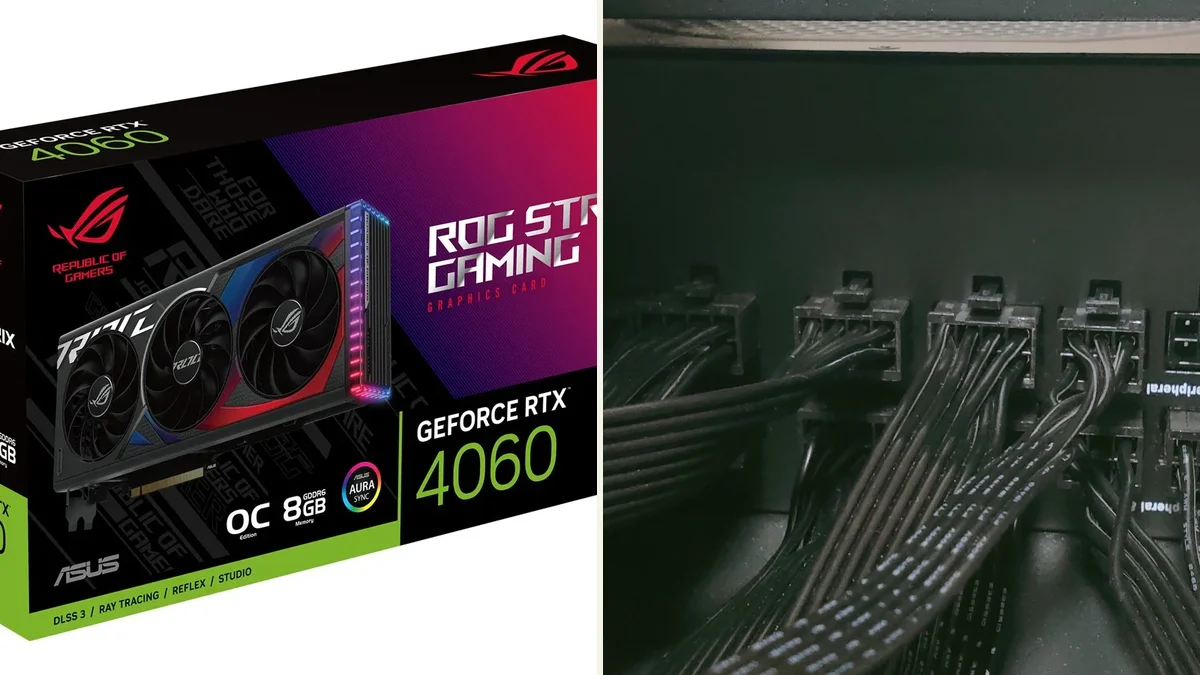
Three checks stop most bad buys. First, check the power supply wattage and its spare connectors, since a new card may need one more 8-pin plug than your old card used. Second, measure the free length inside the case, since high-tier cards run long and thick. Third, check airflow, since a hot card in a closed case throttles and loses the speed you paid for. A card that fits your case and stays cool beats a faster card that throttles inside it.
Power supply headroom is a safety margin, not a luxury. A supply that runs near its limit gets loud, hot, and short-lived, and it can shut the PC down under load. When the card you want needs more power than your supply gives, add a supply upgrade to the budget. Do it before the sale, not after the card arrives.
Traps to skip in sale week
Sale week brings four traps. The first trap is the old 8 GB card at a tempting price, since it stutters in new AAA games at high textures. The second trap is a used card with no warranty and no return window, since a dead card costs more than a new one. The third trap is a card that needs a new power supply, since the hidden cost wipes out the saving. The fourth trap is buying for a monitor you do not own, since the extra power stays unused. For the fix-first route, see this: how to fix a GPU bottleneck without upgrading.
Watch the price history, not the badge. A retailer can raise a price before the sale and then cut it back, so the discount looks bigger than it is. Compare the sale price with the same card's price from the weeks before March, and buy only when the gap is real. When the gap is fake, wait for the summer sale instead.
Your sale-week plan
Plan the week in order before March, and the buying gets easy. Start in February by naming your tier, your VRAM floor, and your top two card choices. Then check the CPU pair, the power supply, and the case fit, and fix any gap before March. When the sale opens on March 18, buy the Steam games first, since those discounts end on March 25. After that, compare card prices across retailers for a day or two, and buy only when the price beats its usual range. When no card beats its usual range, keep the money and spend it on the games you wanted instead.
The bottom line on Steam Spring Sale 2027 GPU upgrades
The Steam Spring Sale 2027 GPU upgrades plan is simple: a great week for games and a good week for a planned GPU buy. Pick the tier by resolution and VRAM, check the CPU pair on the CPU bottleneck calculator, and measure the case and power supply first. When the card fits the plan and the price beats its usual range, buy it. When it does not, the summer sale is only three months away.
Frequently asked questions
When is the Steam Spring Sale 2027?
March 18 to March 25, 2027. Valve lists those dates on its Steamworks seasonal sales page, and the sale runs for seven days. It starts at 10 AM Pacific, like other Steam seasonal sales. Check the store page near the date, since Valve can adjust its calendar before the sale opens.
Does the Steam Spring Sale discount graphics cards?
No. The Steam Spring Sale discounts games on Steam, and Steam does not sell graphics cards. GPU deals in sale week come from retailers, not from Steam. Compare any card price against its usual range before you buy, since a retailer discount is a separate offer from the Steam sale.
What GPU tier fits a spring sale budget best?
Buy by resolution and VRAM. An 8 GB card suits 1080p esports, a 12 GB card suits 1440p, and a 16 GB card suits 1440p ultra or 4K. Match the tier to the monitor you own today. A card above your monitor's needs wastes money, and a card below it forces texture cuts.
Will a new GPU help if my CPU is old?
Sometimes, but not always. At 1080p, an old CPU often caps the frame rate, so a new card shows little gain. At 1440p and 4K, the GPU carries more load, so the same card shows a bigger gain. Check your CPU and GPU pair before you buy, and upgrade the CPU first when it is the limit.
What three checks stop a bad GPU buy in sale week?
Check three things. First, your power supply wattage and spare connectors. Second, the free length inside your case. Third, airflow and cooling. A card that needs more power, more space, or more cooling than your PC gives is a return, not an upgrade. Measure before you pay.
Is an 8 GB graphics card still worth buying in 2027?
Yes, for 1080p esports and older games, where 8 GB is enough. No, for new AAA games at high textures, where usage can exceed 8 GB and cause stutter. Buy 8 GB only when your games and resolution fit it. For 1440p or ray tracing, choose 12 GB or 16 GB instead.
How this guide was prepared
This guide uses Valve's Steamworks seasonal sales page for the Spring Sale 2027 dates, checked in November 2026. The tier and CPU advice comes from the site's own VRAM and pairing guides. No card prices or discount rates are claimed, since retailer prices change weekly and Steam does not sell graphics cards. Budget tiers are planning bands by resolution and VRAM, not price promises.
Last updated: November 12, 2026