
Key takeaways
- Windows 11 25H2 arrived September 30, 2025 as a small enablement package on 24H2, build 26200.
- Hardware Unboxed measured 25H2 about 1.2 percent faster than Windows 10 at 1080p, and about 5 percent at 1440p and 4K.
- TechSpot found bigger gains in CPU bound games, with Arc Raiders up 11 to 15 percent.
- The November 2026 update turns Memory Integrity on for more PCs, and that can cost about 5 to 10 percent of FPS.
- 25H2 is mostly a support reset, and 26H2 is now the newer annual release.
Windows 11 25H2 gaming performance: the short answer
Windows 11 25H2 gaming performance is a small step forward, not a new engine. Independent tests put it slightly ahead of Windows 10, with the biggest gains in CPU bound titles. The gain comes from better thread scheduling, DirectStorage, and windowed game handling, not from raw power. One setting can erase it. The November 2026 update turns Memory Integrity on for more PCs, and that costs about 5 to 10 percent of FPS. Check your pair first with the free tool: bottleneck calculator.
What Windows 11 25H2 actually is
Windows 11 25H2 is the 2025 annual feature update, released September 30, 2025 as build 26200. For a PC already on 24H2, it arrives as a small enablement package, which switches on code already delivered through monthly updates. It adds no new hardware requirements over 24H2. Its main value is support. Home and Pro editions stay supported until October 12, 2027, and Support for 24H2 Home and Pro stopped on October 13, 2026.
Microsoft shares one platform across 24H2, 25H2, and the newer 26H2, so most features reach older builds through monthly updates too. The 26H2 annual release arrived September 29, 2026 as build 26300, and it resets the support clock again. 25H2 is the supported Windows 11 for most gaming PCs in late 2026.
What the benchmarks show
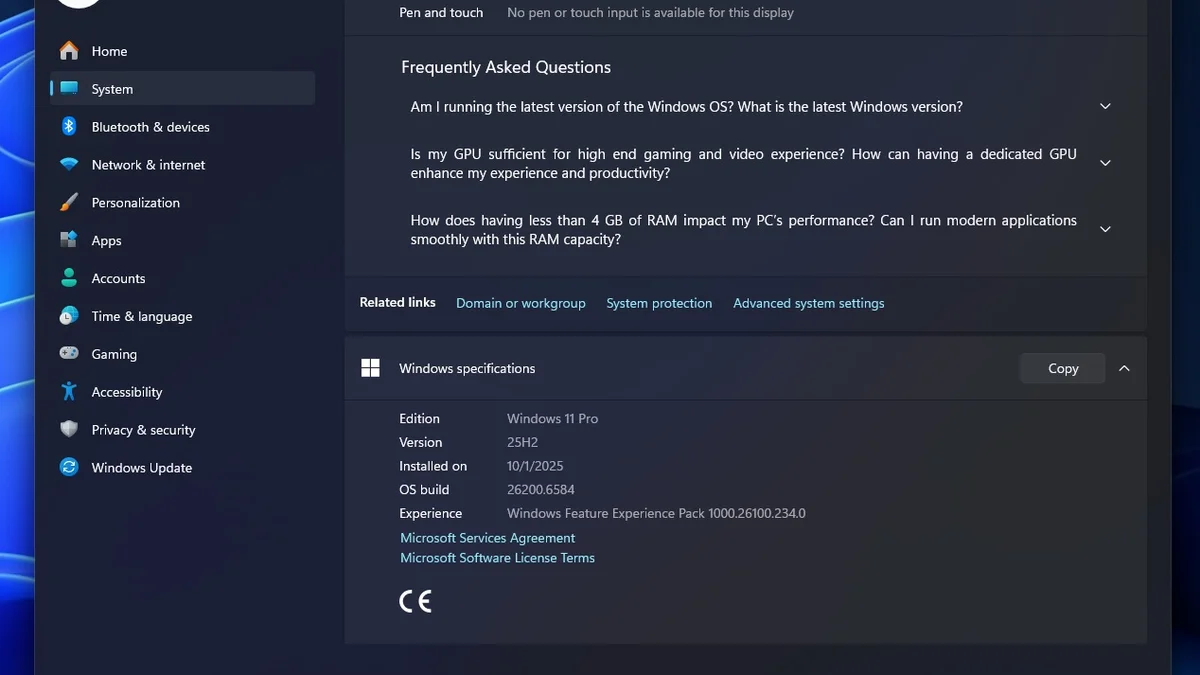
Two large test suites set the record, and they agree on the shape of the result. TechSpot tested 14 games at 1080p, 1440p, and 4K on a Ryzen 7 9800X3D with an RTX 5090, with Memory Integrity off on both systems. Windows 11 25H2 ran modestly faster than Windows 10 at 1080p, with slightly larger gains at 1440p and 4K. The average hides the spread: Arc Raiders gained about 11 to 15 percent depending on resolution, and Borderlands 4 gained about 9 to 13 percent. A retest on a slower Ryzen 7 9700X held the margin at about 9 percent.
Hardware Unboxed ran a separate 14 game suite and found a smaller average. It measured about 1.2 percent faster at 1080p, growing to about 5 percent at 1440p and 4K. Windows Central tested one PC before and after the upgrade across seven games, and found mean FPS often inside the margin of error. But its 1 percent lows told a different story: minimum frame rates dropped in a few titles after the upgrade. That is the detail that matters for feel, since a low average hides stutter. For the frame time story, see this: stuttering and frame time: 1% lows explained.
| Test | Hardware | Result, 25H2 vs Windows 10 |
|---|---|---|
| TechSpot, 14 games | 9800X3D, RTX 5090 | Modestly faster, larger at 1440p and 4K |
| TechSpot, Arc Raiders | 9800X3D, RTX 5090 | About 11 to 15 percent faster |
| TechSpot, Borderlands 4 | 9800X3D, RTX 5090 | About 9 to 13 percent faster |
| Hardware Unboxed, 14 games | Modern GPU | About 1.2 percent at 1080p, about 5 percent at 1440p and 4K |
| Windows Central, 7 games | Single PC, before and after | Mean FPS near margin of error, some 1 percent lows worse |
Where the gains come from
The gains come from scheduling and storage, not from raw horsepower, and Thread Director is the key piece. It routes game threads to the right core type on hybrid Intel CPUs, instead of dumping heavy work onto efficiency cores. DirectStorage is the second piece, and it streams textures from an NVMe drive to the GPU with less CPU work. Game Mode is the third piece: it suspends background processes when a game launches, and 25H2 refines how it prioritises the game. Faster windowed and fullscreen transitions and better variable refresh rate handling add the rest.
That mix explains why CPU bound games gain most. A CPU bound game is one where the processor, not the graphics card, sets the frame rate. In those games, better scheduling frees real frames. In GPU bound games at 4K ultra, the card is the limit. Frame generation raises FPS, yet the CPU still sets the pace of new frames. For that trade off, see this: DLSS and FSR frame generation on CPU limited PCs.
The Memory Integrity problem
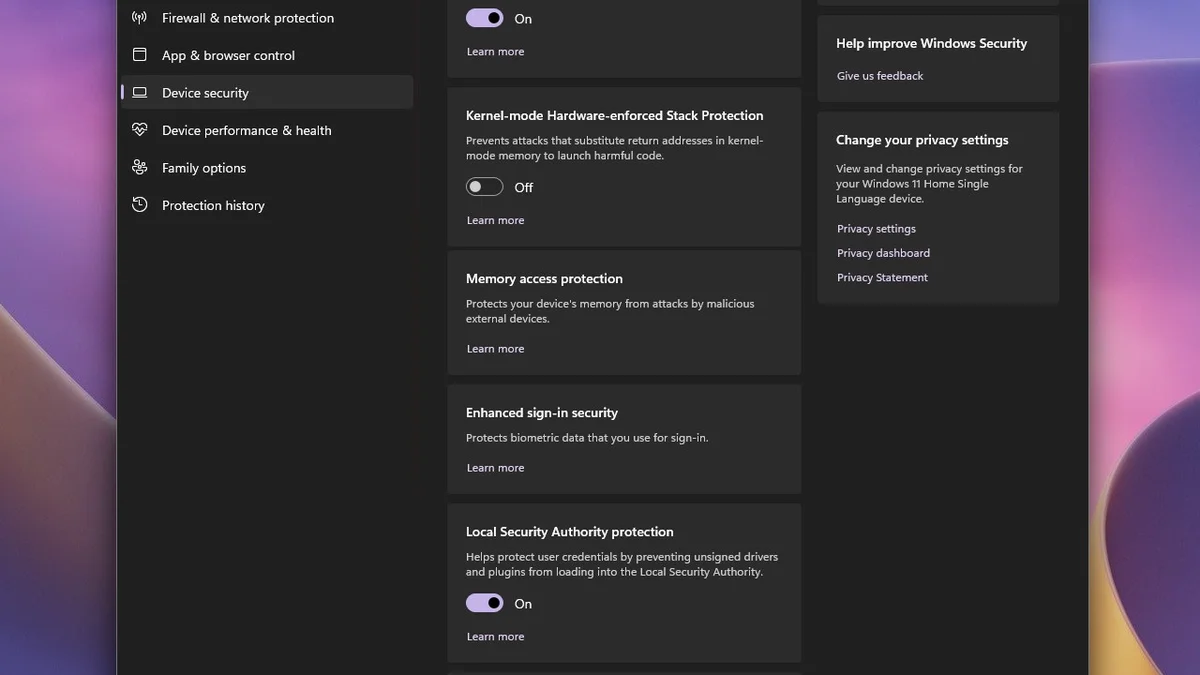
Memory Integrity is the one 25H2 setting every gamer should check in November 2026. It is a security feature, also called core isolation or HVCI, which blocks malicious drivers through virtualisation. Microsoft began turning it on for more eligible PCs in October 2026. The November 2026 update turns it on for users who never switched it off by hand, and the cost is real. Testing from Tom's Hardware puts the hit at about 5 percent on average, and as much as 10 percent in heavier titles.
That hit is larger than the whole 25H2 gain in most games, so it can flip the result. Check it in Windows Security, under Device security, then Core isolation. If Memory Integrity is on and your FPS dropped after an update, switch it off and test the same game again. Turning it off gives frames back, and it lowers one layer of driver protection. If your FPS is fine, leave it on. For the fix guide when updates hurt FPS, see this: FPS drops after a Windows update: fix guide.
Known issues to watch
Two known issues are worth knowing before you blame the hardware. The August 2026 update KB5121003 caused crashes or freezes in games such as ARC Raiders and THE FINALS. The fault sat in RGB lighting drivers, through the inpoutx64 driver layer. If a game crashes soon after that update, the fan or RGB control layer is the usual suspect, and the second issue is older. The 24H2 update briefly caused performance drops against 23H2 in some games, near 10 percent in the worst cases, and later patches fixed it. The lesson is to update drivers first, then judge the operating system.
Driver version, BIOS settings, and background apps shift results by more than the operating system difference itself. Single benchmark charts disagree for that reason. If a game stutters after an update, check Memory Integrity and update the GPU driver first.
What it means for your bottleneck
A bottleneck is the part that limits your frame rate, and 25H2 moves that limit slightly. If your CPU is the limit, 25H2 helps. Better scheduling and DirectStorage free CPU headroom, and the gains show up in 1 percent lows as well as averages. If your GPU is the limit, 25H2 changes little, since the card still sets the pace. Check which part is the limit before you judge the update. High CPU usage with low GPU usage points to the CPU, and the reverse points to the GPU. For the full method, see this: CPU vs GPU bottleneck: how to tell.
| Setting | Where to find it | What it does |
|---|---|---|
| Game Mode | Settings, Gaming, Game Mode | Suspends background work while you play |
| Hardware GPU scheduling | Settings, Display, Graphics | Lets the GPU manage its own scheduling |
| Variable refresh rate | Settings, Display, Graphics | Matches the monitor to the frame rate |
| Memory Integrity | Windows Security, Core isolation | Blocks bad drivers, costs 5 to 10 percent FPS |
| Power plan | Control Panel, Power Options | Ultimate Performance keeps clocks high |
| GPU driver | Vendor site or app | Latest WHQL driver, install first |
The bottom line on Windows 11 25H2 gaming performance
Windows 11 25H2 gaming performance is a small, real gain, mostly in CPU bound games, and mostly in 1 percent lows rather than averages. The update itself is small: an enablement package that resets support until October 12, 2027. The bigger risk is not 25H2 but the November Memory Integrity change, which can cost more FPS than 25H2 gains. Check that setting, update your GPU driver, and test your own games. If the CPU is still your limit, fix that first: how to fix a CPU bottleneck without buying a new CPU. And check the pair on the GPU bottleneck calculator before you spend on parts.
Frequently asked questions
Does Windows 11 25H2 improve gaming performance?
Yes, slightly, in most modern games. Independent tests put 25H2 modestly ahead of Windows 10. Hardware Unboxed measured about 1.2 percent faster at 1080p and about 5 percent at 1440p and 4K. The gains are bigger in CPU bound games such as Arc Raiders, which gained about 11 to 15 percent in one 14 game test. GPU bound games at 4K gain little.
Is Windows 11 25H2 faster than Windows 10 for gaming?
Yes, on average, but the margin is small and uneven. TechSpot found 25H2 modestly faster across 14 games, while Windows Central found mean FPS often inside the margin of error across seven games. Some competitive shooters still run better on Windows 10, and 1 percent lows dropped in a few titles after the upgrade. Test your own games, since drivers and hardware shift the result.
Why is my FPS lower after updating to Windows 11 25H2?
Memory Integrity is the most likely cause in November 2026, and microsoft turns it on for more eligible PCs with the November update. Testing puts the cost at about 5 percent on average, and up to 10 percent in heavier titles. Check it in Windows Security, under Device security, then Core isolation. If it is on, switch it off and test the same game again.
Should I turn off Memory Integrity for gaming?
Yes, if it costs you frames and you accept the trade off. Memory Integrity blocks malicious drivers through virtualisation, so turning it off removes one layer of protection. But the FPS cost is real, at about 5 to 10 percent. If your FPS is fine with it on, leave it on. Test the same game with it on and off, and keep the setting that fits your rig.
Do I need to upgrade to Windows 11 25H2 to play new games?
No, new games do not require 25H2, but support does push you there. Windows 11 24H2 Home and Pro stopped receiving updates on October 13, 2026, so staying on it means no security fixes. Upgrading to 25H2 is a small enablement package on 24H2, and it keeps support until October 12, 2027. The newer 26H2 release resets the support clock again.
Is Windows 11 26H2 better than 25H2 for gaming?
No clear gaming advantage has been shown for 26H2 over 25H2, and the two share the same platform. 26H2 mainly enables features that shipped turned off in 25H2, while resetting support to 24 months for Home and Pro. Gaming gains on either build come from the same scheduling, DirectStorage, and Game Mode work underneath. Pick 26H2 for the longer support window, not for extra FPS.
How this guide was prepared
This guide uses the TechSpot 14 game test and the Hardware Unboxed 14 game suite. It also uses the Windows Central upgrade test and the Microsoft release dates for 25H2 and 26H2. The MakeUseOf report on the November 2026 Memory Integrity change completes the set. No FPS figure here was measured by this site.
Last updated: November 12, 2026