
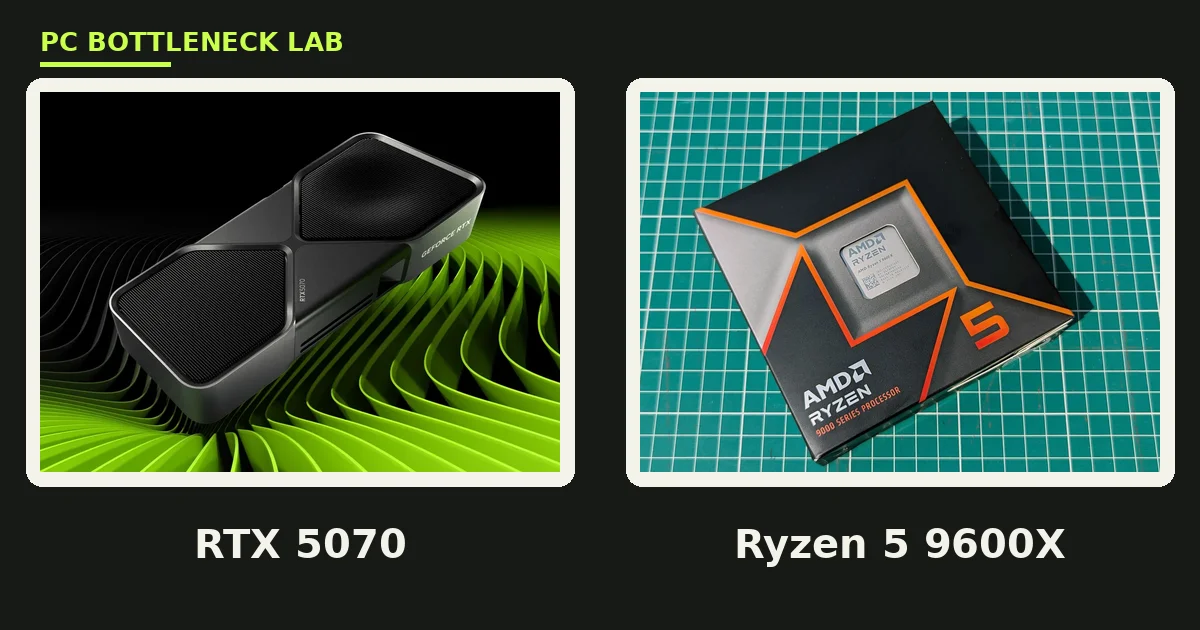
Key takeaways
- The RTX 5070 is the best GPU for the Ryzen 5 9600X for 1440p gaming.
- The RX 9070 is the value pick, with 16 GB of VRAM for less money.
- The RTX 5070 Ti is the ceiling, and anything above it wastes money with this chip.
- At 1080p the chip can cap the faster cards in CPU-heavy games.
- Buy 16 GB of VRAM when you can, since 12 GB is the floor for 1440p ultra.
Best GPU for Ryzen 5 9600X: the short answer
The 9600X is a strong mid-range chip, so the card ladder runs from the 5060 Ti up to the 5070 Ti. Below that range you leave frames on the table, and above it you pay for power the chip cannot use. The RTX 5070 sits in the middle of that range, and it is the default answer. Check your exact pair on the free bottleneck calculator before you buy. For the full pair story, read our Ryzen 5 9600X and RTX 5070 bottleneck guide.
| Pick | GPU | VRAM | Best for |
|---|---|---|---|
| Best overall | RTX 5070 | 12 GB | 1440p gaming |
| Best value | RX 9070 | 16 GB | 1440p raster speed |
| Best budget | RTX 5060 Ti 16 GB | 16 GB | 1080p and 1440p |
| Best cheap | RX 9060 XT 16 GB | 16 GB | 1080p on a budget |
| Ceiling | RTX 5070 Ti | 16 GB | High-end 1440p |
Best overall: RTX 5070
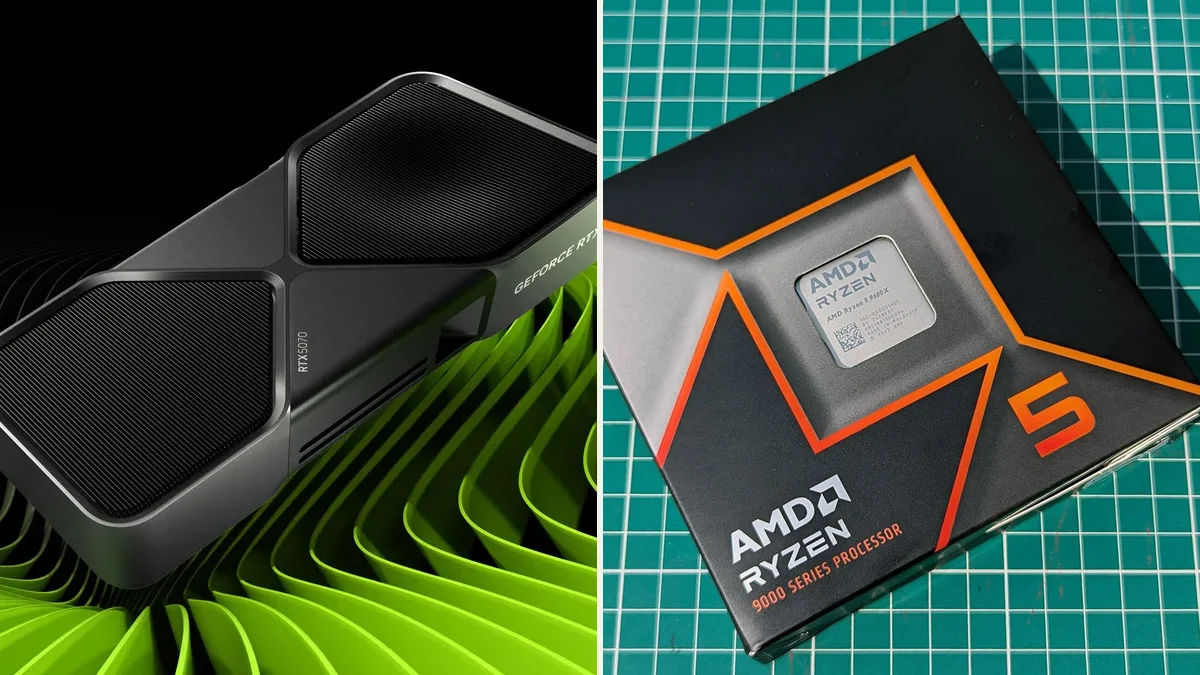
The RTX 5070 is the best GPU for the Ryzen 5 9600X because the two parts fit each other. The card carries 12 GB of GDDR7 memory and a 250 W power rating, and GDDR7 is the fast graphics memory on the card. At 1440p the 9600X feeds it frame data without a real gap in most games. The card also brings DLSS 4 frame generation, which builds extra frames from rendered ones. That feature helps most at 1440p high refresh, and ray tracing is the other strength here, since NVIDIA still leads AMD in that area. Buy the 5070 when you want the most complete feature set.
Best value: RX 9070
The RX 9070 is the value pick, and it wins on raw speed per dollar. It carries 16 GB of GDDR6 memory and a 220 W power rating. In raster games, which render without ray tracing, it trades blows with the 5070. The extra 4 GB of VRAM also helps at 1440p ultra, where texture packs push past 12 GB. FSR 4 upscaling is the AMD answer to DLSS, and it has improved a lot in this generation. Ray tracing still trails NVIDIA, so the 5070 wins there. Pick the 9070 when you play mostly raster games and want more VRAM for less.
Best budget: RTX 5060 Ti 16 GB
The RTX 5060 Ti 16 GB is the budget pick, and the 16 GB version is the only one to buy. It carries 16 GB of GDDR7 memory and a 180 W power rating. At 1080p it plays everything at high settings, and at 1440p it handles most AAA games too. The 8 GB version of the same card costs less, yet it already struggles with texture-heavy games at 1440p. That is why this guide names the 16 GB model only. For the 8 GB versus 16 GB story, read the RTX 5060 versus 5060 Ti 16 GB comparison.
Best cheap: RX 9060 XT 16 GB
The RX 9060 XT 16 GB is the cheapest card on this list, and it is the 1080p pick. It carries 16 GB of GDDR6 memory and a 182 W power rating. At 1080p it plays AAA games at high settings, and it beats the 5060 Ti in raw raster speed in many titles. At 1440p it still works, yet you will drop settings in the heaviest games. The 16 GB of VRAM is the reason to pick it over cheaper 8 GB cards. It keeps texture-heavy games smooth where 8 GB cards start to stutter. Buy it when the budget is tight and the monitor is 1080p. It is not the card for a 1440p high-refresh panel.
Ceiling: RTX 5070 Ti
The RTX 5070 Ti is the most GPU the 9600X can feed without waste. It carries 16 GB of GDDR7 memory and a 300 W power rating. At 1440p it gives high-refresh play, and at 4K it handles most titles with upscaling. The 9600X feeds it fully at 1440p and 4K in most games. At 1080p the chip can cap it in CPU-heavy titles, so do not buy this card for a 1080p monitor. The RX 9070 XT is the AMD alternative at this tier, with the same 16 GB of VRAM. Pick the 5070 Ti for DLSS and ray tracing, or the 9070 XT for raster value. Either way, stop here, and a 5080 or a 5090 would leave card power unused with this chip.
What the 9600X can feed
AMD launched the Ryzen 5 9600X in August 2024 as the entry chip of the Zen 5 range. Zen 5 is the processor architecture behind the 9000 series. The chip has six cores and twelve threads, and it boosts to 5.4 GHz. Its 65 W power rating means it runs cool, so most of the budget goes to the card. The AM5 socket also gives it an upgrade path, since a later jump to a 9800X3D needs no new board. The older Zen 4 ladder still applies for many buyers, so see the best GPU for Ryzen 5 7600X guide.
| GPU | VRAM | Power rating | Launch price |
|---|---|---|---|
| RTX 5070 | 12 GB GDDR7 | 250 W | 549 dollars |
| RX 9070 | 16 GB GDDR6 | 220 W | 549 dollars |
| RTX 5060 Ti 16 GB | 16 GB GDDR7 | 180 W | 429 dollars |
| RX 9060 XT 16 GB | 16 GB GDDR6 | 182 W | 349 dollars |
| RTX 5070 Ti | 16 GB GDDR7 | 300 W | 749 dollars |
Pick by resolution
Resolution decides the card, so match the pick to your monitor. At 1080p the 9060 XT 16 GB and the 5060 Ti 16 GB are the right cards. Both play AAA games at high settings, and the chip feeds them fully. At 1440p the 5070 and the 9070 are the right cards. Both push high-refresh play, and the chip keeps up. At 4K the 5070 Ti is the only pick here that makes sense, and only with upscaling turned on. The high-end ladder for the bigger X3D chip is the best GPU for Ryzen 7 7800X3D guide.
VRAM: 12 GB vs 16 GB
VRAM is the memory on the graphics card, and it holds the textures for the frame being drawn. At 1440p ultra, texture-heavy games can push past 12 GB. When VRAM runs out, the driver spills data to system RAM, and that is why four of the five picks here carry 16 GB. The 5070 is the exception, since its DLSS and ray tracing strengths outweigh the smaller frame buffer. If you play with high texture packs or mods, favour a 16 GB card. If you play esports titles or older games, 12 GB is plenty. The AMD versus NVIDIA choice at this tier is the RX 9070 XT versus RTX 5070 comparison.
GPUs to skip with the 9600X
Two kinds of card waste money with this chip, so skip both. A flagship card such as the RTX 5080 or the 5090 leaves power unused, since the six-core chip cannot feed it at 1440p. A cheap 8 GB card is the other mistake, since it already stutters in texture-heavy games at 1440p. The RTX 4060 and the RX 7600 fall into that second group. They suit a 1080p build, yet they are a poor match for a new 9600X. Spend the money on a 16 GB card from this list instead. The card is the part you will keep longest, so buy the VRAM now.
The bottom line on the best GPU for Ryzen 5 9600X
The best GPU for the Ryzen 5 9600X is the RTX 5070 for most buyers. The RX 9070 is the value pick, and the 5060 Ti 16 GB is the budget pick. The 9060 XT 16 GB suits tight budgets at 1080p, and the 5070 Ti is the ceiling. Check the pairing on the CPU GPU bottleneck calculator before you buy, since your games and your monitor change the answer. Buy 16 GB of VRAM when you can, and stop at the 5070 Ti, since that is the balanced range for this chip.
Frequently asked questions
Does the 9600X cap an RTX 5070 when I play at 1080p?
Yes, slightly, in CPU-heavy games. At 1080p the card finishes frames fast, so the six-core chip can cap the frame rate in esports and sim titles. At 1440p the card does more work per frame, and the pairing runs clean in most games. If you play at 1080p high refresh, a 9800X3D would pull ahead. At 1440p, the 9600X is a sound match.
Is the RX 9070 or the RTX 5070 better with a 9600X?
It depends on the games you play. The RX 9070 wins on raster speed per dollar and gives you 16 GB of VRAM. The RTX 5070 wins on ray tracing and DLSS 4 frame generation. Both cards pair well with the 9600X at 1440p. Pick the 9070 for raster games and mods, and pick the 5070 for ray tracing and streaming features.
Is the RTX 5070 Ti too much card for a 9600X?
No, not at 1440p and 4K. The 9600X feeds the 5070 Ti fully at those resolutions in most games, since the card does the heavy work. At 1080p the chip can cap the card in CPU-heavy titles. Buy the 5070 Ti only with a 1440p or 4K monitor. It is the ceiling for this chip, and a 5080 would leave power unused.
Does 12 GB of VRAM still cut it for 1440p gaming in 2026?
Yes, for most games at high settings. The RTX 5070 plays 1440p well with 12 GB, and DLSS helps it further. Texture-heavy games at ultra settings can push past 12 GB, and that is where 16 GB cards pull ahead. If you use high texture packs or mods, favour a 16 GB card. For standard settings, 12 GB is still enough.
What power supply does a 9600X and 5070 build need?
A good 650 W unit covers a 9600X and RTX 5070 build. The chip carries a 65 W rating, so the card is the main draw at 250 W. A 750 W unit gives more headroom for a 5070 Ti upgrade later. Pick a unit with an 80 Plus Gold rating or better, and check that it has the right PCIe power connectors for the card.
Should I buy the 5060 Ti 8 GB or 16 GB with a 9600X?
Buy the 16 GB version. The 8 GB model already struggles with texture-heavy games at 1440p, and the gap will only grow as games use more VRAM. The 16 GB model costs more, yet it stays smooth where the 8 GB model stutters. For a new build in 2026, 16 GB is the safer buy at this tier.
How this guide was prepared
This guide uses the published best-GPU lists of PC Guide, Tech Guided, and The PC Journal. It also uses manufacturer specifications for each card and the Ryzen 5 9600X. The pick order follows the tier logic those guides share, with the 5070 as the sweet spot and the 5070 Ti as the ceiling. No frame rates are claimed from our own testing, since this guide ranks pairings from published guidance.
Last updated: November 12, 2026