
Key takeaways
- At 1440p the card is the limit. The 9600X finishes its work before the card finishes rendering.
- The 9600X matches the 9800X3D within 1% to 2% at 1440p, at roughly half the cost.
- At 1080p the CPU is the limit in competitive titles. The 9800X3D is the pick there.
- In cache-heavy games (sims, strategy, MMOs) the X3D cache matters, and the 9800X3D pulls ahead.
- A 750W PSU is the floor. 32GB of DDR5-6000 is the sweet spot for AM5.
9600X RTX 5070 bottleneck by resolution
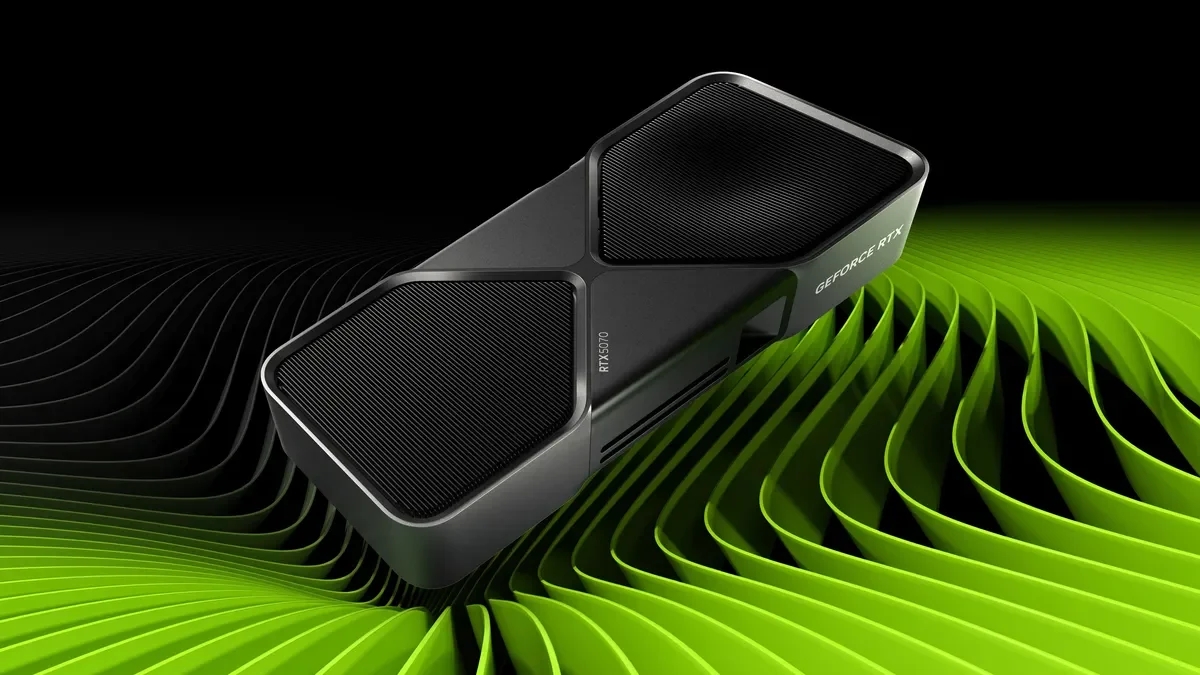
The RTX 5070 is a 1440p card. At 1440p it runs out of headroom before any current six-core chip does, per one guide. The 9600X finishes its share of every frame before the RTX 5070 finishes rendering it, at the settings a 1440p buyer plays at. Paying more buys frames the card cannot draw. One calculator's model puts the bottleneck at 4% to 6% at 1080p, under 2% at 1440p, and under 1% at 4K. Those are model estimates, not measured tests, yet they match the guides. The slowest frames, called 1% lows, show a CPU limit first. For the frame-time story in full, see this: stuttering and frame time: 1% lows explained. Check your own pair before you buy with the free tool: bottleneck calculator.
| Resolution | Bottleneck estimate | Who limits the pair |
|---|---|---|
| 1080p | 4% to 6% | CPU (competitive, 240 Hz) |
| 1440p | Under 2% | GPU |
| 4K | Under 1% | GPU, by a wide margin |
What frame rates to expect
Tom's Hardware ran the 9600X at 1080p on an RTX 4090 and measured 163 FPS across their gaming suite. With Precision Boost Overdrive enabled, that rose to 175 FPS. That is the CPU's ceiling with the fastest card, not the speed with a 5070. Swap that card for a 5070 and move to 1440p, and the picture inverts. The graphics card becomes the thing every frame waits on, and the processors separate by margins you need an overlay to see. Tom's Hardware measured the 9600X 12% ahead of the previous-generation Ryzen 5 7600X across their gaming suite. In TechSpot's 12-game comparison, the 9600X averaged only 3.5% ahead of the 7600X at high or ultra settings. The spread between a six-core chip and an X3D part at 1080p compresses as resolution climbs, per one guide. 1440p is where most of it disappears. For the full check method, see this: how to check for a CPU bottleneck.
| Test | Result | Source |
|---|---|---|
| 9600X at 1080p, RTX 4090 | 163 FPS, 175 FPS with PBO | Tom's Hardware |
| 9600X vs 7600X, gaming suite | 12% ahead | Tom's Hardware |
| 9600X vs 7600X, 12 games | 3.5% ahead at high / ultra | TechSpot |
| 9600X vs 9800X3D at 1440p | Within 1% to 2% | One pairing guide |
When the 9800X3D is worth it
The exception is cache. Late-game strategy turns, flight sim scenery streaming, and dense MMO content lean on the processor. Source 2 competitive play does too, in a way the graphics card cannot absorb. TechSpot measured the 9800X3D 11% ahead of the 7800X3D on average in Baldur's Gate 3, with 1% lows 18% better. It was 8% ahead in Cyberpunk 2077. At 1080p on a 144 Hz or faster monitor, a Ryzen X3D really makes a difference. For the X3D side of this story, see this: best GPU for Ryzen 7 7800X3D. For every other game at 1440p, the 9600X gives up almost nothing and costs roughly half as much. The saving buys a better monitor, more RAM, or a bigger SSD, and those parts show up in every game.
The 9600X with other GPUs
With an RTX 5060 Ti the CPU is never the limit, since the card is weaker than the 5070. With an RTX 5070 Ti the 9600X is the best budget pick, per one guide. The card stays the limiting factor in most games at 1440p. With an RTX 5080 the CPU shows at 1080p, yet not at 1440p or 4K. With an RTX 5090 the gap grows. TechPowerUp measured the 9600X at 86.7% of the 9850X3D at 1440p with an RTX 5090. The gap is about 13% with the fastest card on the market. With a 5070 the real-world gap is smaller, since the card tops out sooner. The rule holds across the stack. The weaker the card, the less the CPU matters, and the 9600X feeds every card up to a 5080 at 1440p.
The parts around the pair
A 750W PSU is the floor for this pair, since the card draws 250W. Buy a quality unit from a known brand, and check that it has the right 12V-2x6 connector for the card. RAM is simple: 32GB of DDR5-6000 in dual-channel is the sweet spot for AM5, per our guidance. For the RAM story in full, see this: how much RAM do you need for gaming in 2026. The monitor decides the tier. A 1440p monitor at 144 Hz is this pair's home, and a 4K monitor deserves a stronger card. AMD has committed AM5 platform support through 2029, so this board takes a future CPU. A mid-tower case with two intake fans is enough for this pair, since the card draws 250W and the CPU draws 65W. PCIe 4.0 and PCIe 5.0 give identical gaming performance with the RTX 5070, per one guide.
The bottom line on 9600X and RTX 5070
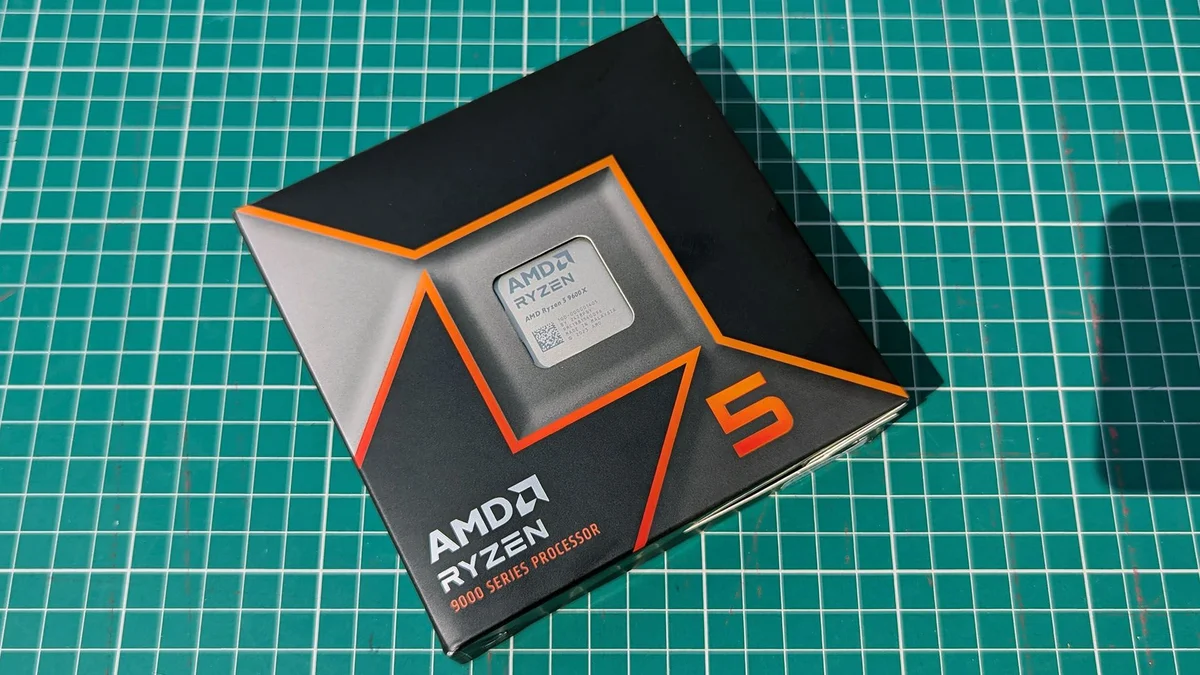
9600X RTX 5070 bottleneck comes down to one thing. Your monitor decides the answer. At 1440p the card is the limit, and the six-core chip matches the 9800X3D within 1% to 2%. At 1080p on a fast monitor, or in cache-heavy games, the 9800X3D pulls ahead. For a new 1440p build, the 9600X is the sensible default, and paying more buys frames the card cannot draw. The 9600X is the chip to buy when the card is a 5070 and the monitor is 1440p. Check your pair first on the CPU GPU bottleneck calculator before you spend. The full price story is here: GPU prices rising November 2026: buy before Black Friday.
Frequently asked questions
Does the 9600X bottleneck the RTX 5070?
At 1440p and 4K, no. One calculator's model puts the bottleneck under 2% at 1440p and under 1% at 4K. At 1080p the model puts it at 4% to 6%, and the CPU shows in competitive titles at 240 Hz. For most games at 1440p, the card is the limit, and the six-core chip is not the problem.
Is the 9600X good enough for the 5070 at 1440p?
Yes. The 9600X is the best overall pick for the RTX 5070 at 1440p, per one guide. It finishes its share of every frame before the card finishes rendering it, at the settings a 1440p buyer plays at. It matches the 9800X3D within 1% to 2% at 1440p, while costing roughly half as much.
How much power do a 9600X and 5070 draw together?
A 750W PSU is the floor, since the card draws 250W. Buy a quality unit from a known brand, and check that it has the right 12V-2x6 connector for the card. A good PSU lasts through two or three GPU upgrades, so do not cut corners here. An 850W unit gives more headroom for a future card.
Is the 9800X3D worth the extra money over the 9600X for a 5070?
Only for 1080p high-refresh play, or for cache-heavy games like sims, strategy, and MMOs. TechSpot measured the 9800X3D 11% ahead of the 7800X3D in Baldur's Gate 3, with 1% lows 18% better. For every other game at 1440p, the 9600X gives up almost nothing and costs roughly half as much.
Is the 9600X better than the 7600X for the 5070?
Yes, by a small margin. Tom's Hardware measured the 9600X 12% ahead of the 7600X across their gaming suite. In TechSpot's 12-game comparison at high or ultra settings, the gap was only 3.5%. The 7600X is the cheapest AM5 seat that still feeds the card, per one guide, so buy it only on a tight budget.
Can the 9600X handle an RTX 5070 Ti?
Yes, at 1440p and 4K. The 9600X is the best budget pick for the 5070 Ti, per one guide, and the card stays the limiting factor in most games. At 1080p on a fast monitor, or in very CPU-heavy games, an X3D like the 7800X3D goes further. For a new 1440p build, the 9600X feeds either card.
How this guide was prepared
This guide uses AMD's and NVIDIA's specifications for both parts, and the published tests of Tom's Hardware, TechSpot, TechPowerUp, PCBuildHelper, and BestMotherboardZone. The performance figures are attributed to those tests, not our own. The price figures are launch prices and reported street prices.
Last updated: November 11, 2026