
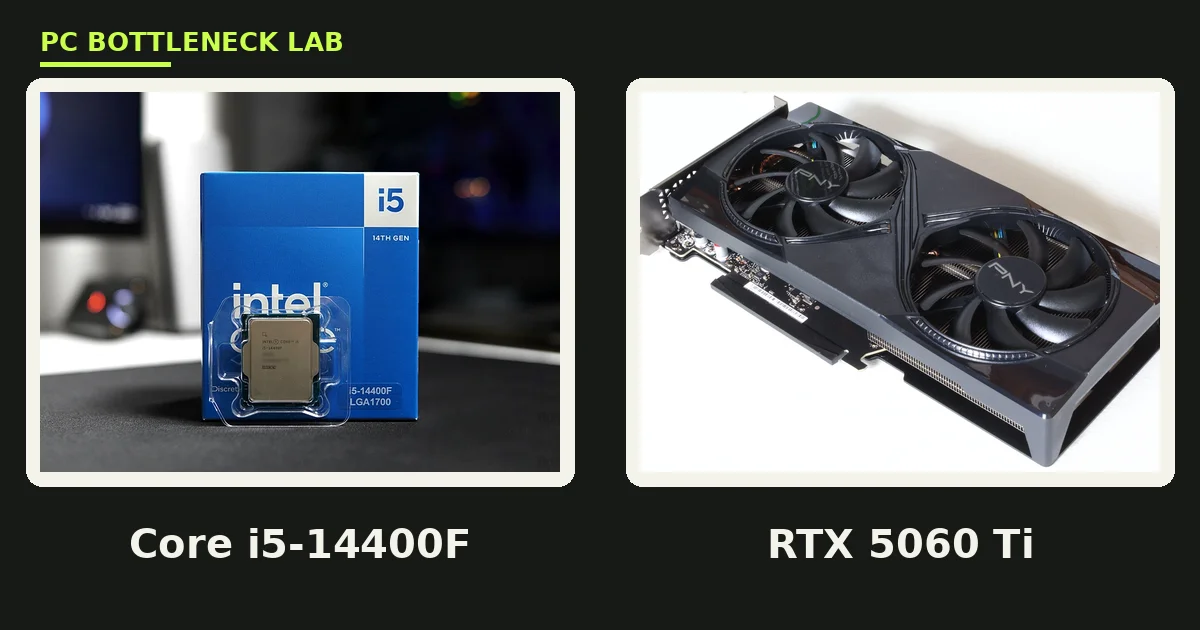
Key takeaways
- At 1440p, the RTX 5060 Ti does most of the work, so the Core i5-14400F rarely holds it back.
- At 1080p on a 240Hz screen, the CPU sets the limit first, and frame-time spikes show up before average FPS drops.
- The 16GB card is the safer buy, since several 2025 and 2026 games already need more than 8GB at 1440p ultra.
- TechSpot measured about 79 FPS in Cyberpunk 2077 at 1440p ultra on the 16GB card, with no upscaling.
- A 600W power supply covers this pair, and the card uses a single 8-pin connector.
Core i5-14400F RTX 5060 Ti bottleneck: the short answer
The Core i5-14400F RTX 5060 Ti bottleneck is small at 1440p, and the pair is a good match for that resolution. The graphics card does most of the work at 1440p, so the CPU has time to spare on each frame. You can check your own parts on the bottleneck calculator before you buy.
At 1080p the picture changes, because the card finishes frames fast and waits on the CPU instead. That wait shows up first in esports titles on high-refresh screens, where frame rates climb past 200. For most buyers the rule is simple: buy this pair for 1440p, and pick a faster CPU only for 240Hz 1080p play.
The two parts side by side
The Core i5-14400F is a 14th-generation Intel chip with 10 cores and 16 threads. Six of those cores are performance cores, and four are efficient cores built for background work.
It boosts to 4.7 GHz, carries 20 MB of cache, and draws up to 148 W under full load. The F in the name means it has no integrated graphics, so a discrete card is required.
The RTX 5060 Ti is a Blackwell card with 4,608 CUDA cores and GDDR7 memory. It ships in 8GB and 16GB versions on the same chip, with a 128-bit bus and 448 GB/s of bandwidth.
Its board power is 180 W, and most partner cards use a single 8-pin power connector. The card runs on a PCIe 5.0 x8 link, which matters on older boards, as the next sections show. For other CPU options, see the best CPU for RTX 5060 and 5060 Ti picks.
| Spec | Core i5-14400F | RTX 5060 Ti |
|---|---|---|
| Cores | 10 (6 performance, 4 efficient) | 4,608 CUDA cores |
| Threads | 16 | Not applicable |
| Boost clock | Up to 4.7 GHz | Up to 2.57 GHz |
| Cache | 20 MB | Not applicable |
| Memory | DDR4 or DDR5 | 8GB or 16GB GDDR7 |
| Bandwidth | Not applicable | 448 GB/s |
| Board power | Up to 148 W | 180 W |
| Interface | LGA 1700 | PCIe 5.0 x8 |
| Recommended PSU | Not applicable | 600 W |
Core i5-14400F RTX 5060 Ti bottleneck at 1080p, 1440p and 4K
Resolution decides which part works harder, because the CPU prepares each frame while the GPU draws it. More pixels mean more GPU work per frame, so the CPU gets more breathing room as resolution rises.
TechSpot measured about 79 FPS in Cyberpunk 2077 at 1440p ultra with no upscaling on the 16GB card. Engadget recorded 122 FPS at 1080p ultra in the same game, which shows how fast the card clears lighter frames.
Our estimated ranges below start from those published figures, and they allow for slower CPUs and different game patches. Treat them as estimates, not as measured results from this site, since we did not test this pair ourselves.
| Resolution and setting | Estimated FPS range | What the estimate rests on |
|---|---|---|
| 1080p, AAA ultra | 110-130 | Engadget recorded 122 FPS in Cyberpunk 2077 |
| 1440p, AAA ultra | 70-90 | TechSpot recorded 79 FPS in Cyberpunk 2077 |
| 1440p, ray tracing with DLSS Quality | 40-55 | TechSpot recorded about 46 FPS with upscaling |
| 4K, medium | 50-70 | Review round-ups from Hardware Unboxed and TechPowerUp |
| 1080p, esports at high refresh | Title-dependent, CPU-limited | No single figure; the CPU sets the ceiling |
The pattern is clear: the GPU sets the pace at 1440p and 4K, while the CPU sets it at 1080p. If your monitor is 1440p, this pair spends its time in the balanced zone. Resolution changes the balance for every pair, as our guide to how resolution changes bottlenecks explains.
8GB vs 16GB: which 5060 Ti to buy
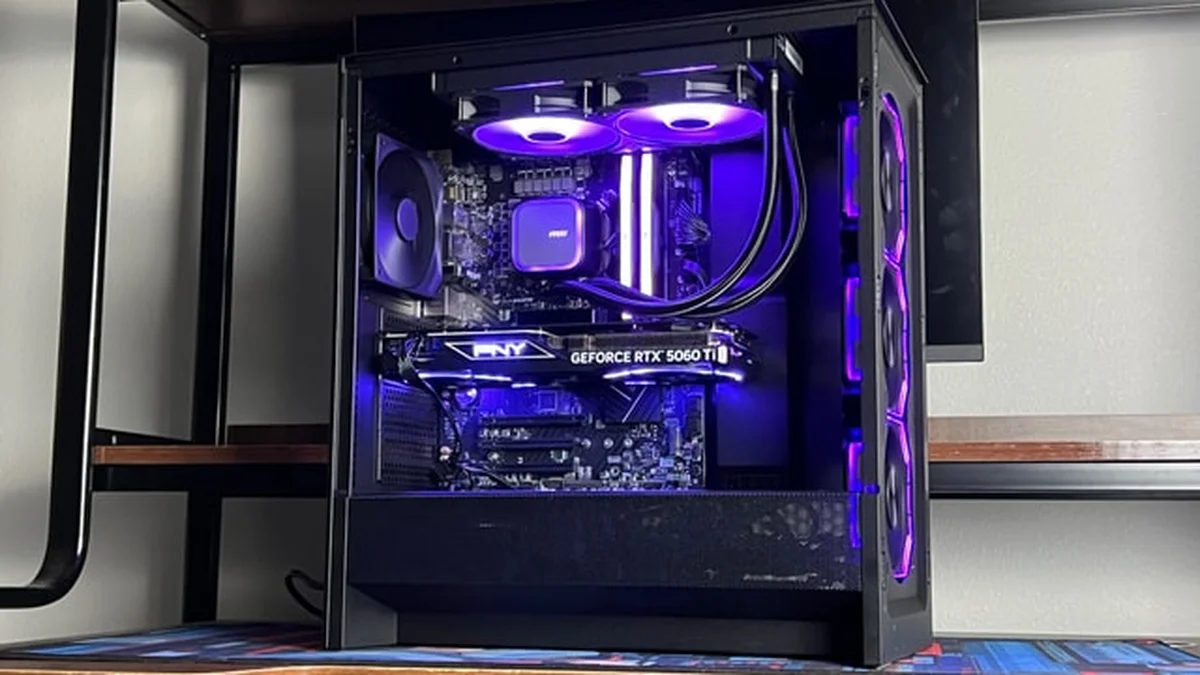
Both cards share the same chip, the same cores, and the same speed, so only memory capacity differs. At 1080p the two cards run nearly the same, because most games still fit in 8GB at that resolution.
At 1440p ultra the gap opens up, and TechSpot found the 16GB card far ahead in texture-heavy titles. In Forza Horizon 6 at 1440p high with ray tracing, TechSpot recorded 135 FPS on the 16GB card, about 25% more than the 8GB card.
Monster Hunter Wilds would not run at 1440p ultra on the 8GB card in TechSpot testing, while the 16GB card ran fine. Buy the 16GB card for 1440p, and buy the 8GB card only if you play at 1080p and plan to upgrade soon. The per-GPU guide to the RTX 5060 Ti CPU bottleneck covers CPU picks for both versions.
Where the CPU limits first
Esports titles at low settings ask the CPU for hundreds of frames per second, and that is where the 14400F shows its limit. The 1% lows suffer first, so the game can feel uneven even while the average frame rate looks high.
Streaming while you play adds the same pressure, because encoding and chat apps compete for CPU time. At 1440p in story-driven games, none of this matters much, since the GPU stays busy and the CPU keeps up. A weaker pairing shows the same pattern sooner, as the Core i5-12400F and RTX 4060 bottleneck guide shows.
What to check before you buy
A 600W power supply is the recommended size for this card, and it leaves room for the CPU under load. The 14400F can draw 148 W at full turbo, while the card draws 180 W, so a cheap 450W unit is too small.
Check your board next: most B760 boards run the main slot at PCIe 4.0, which halves the bandwidth of this x8 card. The loss is small in most games, yet it is measurable in the heaviest texture loads.
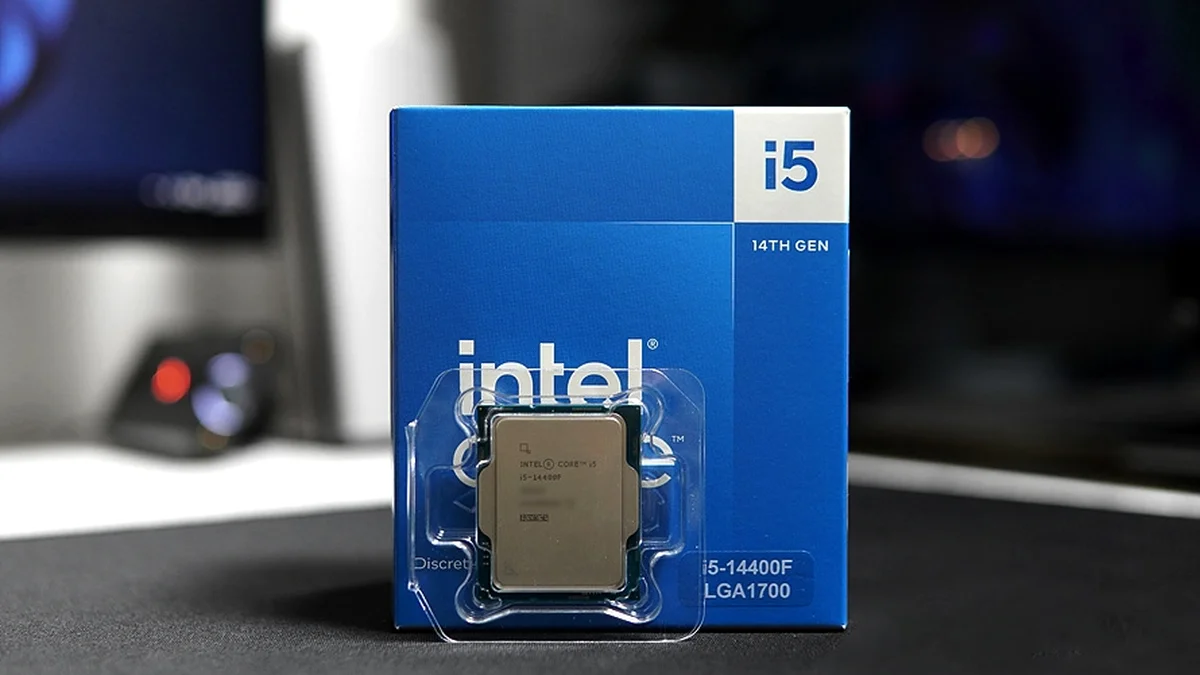
The CPU takes DDR4 or DDR5 memory, so match the board you own, and use two sticks for dual-channel speed. A boxed 14400F ships with a stock cooler, while tray units ship without one, so budget for cooling if needed. If you already own the parts, our guide to telling if your CPU is bottlenecking your GPU shows the checks.
The verdict on this pair
The Core i5-14400F RTX 5060 Ti bottleneck stays small at 1440p, and that is where this pair belongs. Pick the 16GB card, pair it with a 600W supply, and you get a balanced mid-range build for 2026.
Only 240Hz 1080p players should spend more on the CPU, since they are the ones who hit its ceiling. Run your exact parts through the cpu bottleneck calculator before you spend.
Frequently asked questions
Does the Core i5-14400F hold back the RTX 5060 Ti at 1440p?
No, not in most games at 1440p, because the graphics card does most of the work at that resolution. The CPU prepares each frame while the GPU draws it, and more pixels give the GPU more work per frame. TechSpot measured about 79 FPS in Cyberpunk 2077 at 1440p ultra on the 16GB card, which is a GPU-limited result. The CPU only becomes the limit at 1080p on high-refresh screens.
Which RTX 5060 Ti memory size suits an i5-14400F build?
Buy the 16GB card if you play at 1440p, since several 2025 and 2026 games already need more than 8GB at ultra settings. TechSpot found the 16GB card far ahead in texture-heavy titles, and Monster Hunter Wilds would not run at 1440p ultra on the 8GB card. The 8GB card only makes sense at 1080p, and only if you plan to upgrade the card soon.
What power supply does an i5-14400F and RTX 5060 Ti build need?
A 600W power supply is the recommended size for the RTX 5060 Ti, and it covers this pair with room to spare. The card draws 180 W, while the CPU can draw up to 148 W at full turbo. The two parts together need about 330 W before fans, drives, and the board. A cheap 450W unit is too small, and a quality 600W unit is the safe floor.
Can the i5-14400F handle 240Hz gaming with the RTX 5060 Ti?
It can play esports titles at high frame rates, yet it sets the ceiling before the card does on a 240Hz screen. Esports games at low settings ask the CPU for hundreds of frames per second, and the 14400F runs out of headroom first. The 1% lows suffer before the average drops, so the game can feel uneven. A faster CPU with more cache suits 240Hz play better.
Does the RTX 5060 Ti lose speed on a PCIe 4.0 board with this CPU?
Only a little in most games, because the card uses a PCIe 5.0 x8 link. On a PCIe 4.0 board, that link runs at half the bandwidth of a full slot, since the slot speed drops a generation. The loss is small in most titles, yet it is measurable in the heaviest texture loads, where the card swaps data more often. A PCIe 5.0 board removes the question entirely.
Is the i5-14400F and RTX 5060 Ti pair good for streaming while gaming?
Yes, for casual streaming at 1440p, since the GPU stays busy and the CPU still has spare threads. The 14400F has 10 cores and 16 threads, so encoding and chat apps can run beside the game. Use the GPU encoder for your stream, because it takes the encoding work off the CPU. Heavy multitasking plus high-refresh 1080p play is where the CPU starts to struggle.
How this guide was prepared
This guide uses Intel and NVIDIA specification pages, TechSpot and Engadget benchmark reports, and pairing guides from BottlesneckCalculator and PCBuildHelper. Frame-rate figures are named-source results or labelled estimates built from them, and no bottleneck percentage is claimed as a measured fact.
Last updated: November 14, 2026