
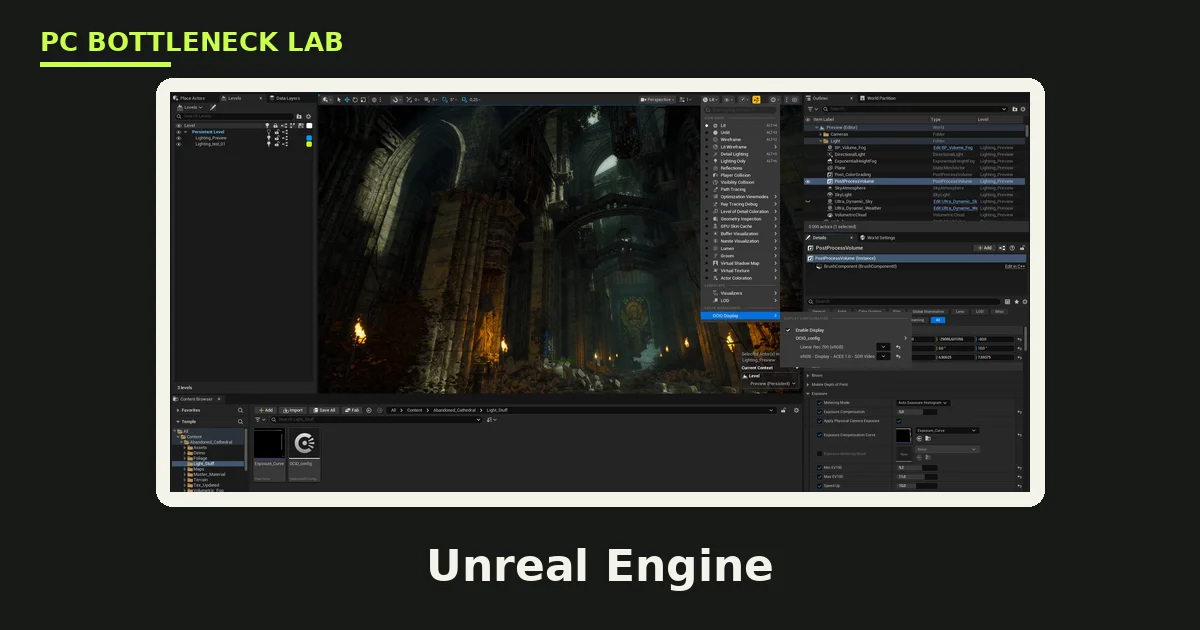
Key takeaways
- Shader compilation is multithreaded CPU work, so more cores directly cut the wait when you open a project.
- A 16-core CPU cuts shader compile time by about 40 to 60 percent against an 8-core CPU, per a 2026 guide.
- High single-core speed still matters for Blueprint ticks and play-in-editor sessions.
- Unreal Engine needs at least 32 GB of RAM for professional work, and 64 to 128 GB for large open worlds.
- A slow drive makes shader compilation slower too, so keep projects on a dedicated NVMe drive.
Where game development CPU bottlenecks appear
A CPU bottleneck is the point where the processor cannot keep up, so the graphics card waits for work. In game development, the CPU does far more than run the game. It compiles shaders, bakes lighting, imports assets, runs physics, and builds the final game. The GPU draws the scene, yet the CPU prepares almost everything the GPU draws. Check your own pair with the free tool: pc bottleneck calculator. If your CPU sits at 100 percent while the GPU idles, read this: CPU usage 100%, GPU usage low.
The pain shows up as waiting, not as low frame rates. You open a project and wait for shaders. You change a line of code and wait for a compile. You press play and the editor hitches while scripts reload.
Shader compilation: the core-count test
Shader compilation is the process of turning shader code into GPU-ready programs, and it happens when you open a project or load a new level. A shader is a small program that tells the GPU how to draw a surface, and a modern project holds thousands of them. Unreal Engine 5 compiles shaders on CPU threads, so more cores directly reduce the time spent waiting. The 2026 VRLA Tech workstation guide puts the gain at about 40 to 60 percent for a 16-core Ryzen 9 9950X against an 8-core CPU. That figure is the guide estimate, not our own measurement.
| Development task | What it stresses | What helps most |
|---|---|---|
| Shader compilation | Many CPU cores | 16 cores or more |
| Lighting bakes | Many CPU cores | 16 cores or more |
| Project cooks and builds | Many CPU cores, fast storage | 16 cores, NVMe drive |
| Blueprint ticks, play-in-editor | Single-core speed | High boost clock |
| Physics and AI simulation | Cores and single-core speed | Balanced fast CPU |
| Asset import | CPU and storage speed | Fast CPU, NVMe drive |
Compilation and baking scale with cores, while live editing rewards clock speed. A 16-core chip with a high boost clock, like the Ryzen 9 9950X at up to 5.7 GHz, covers both sides. An 8-core chip with the same clock still compiles far slower, since half the workers are missing. So when you compare CPUs for development, count the cores first, then check the boost clock.
Unreal Engine 5: what the CPU actually does
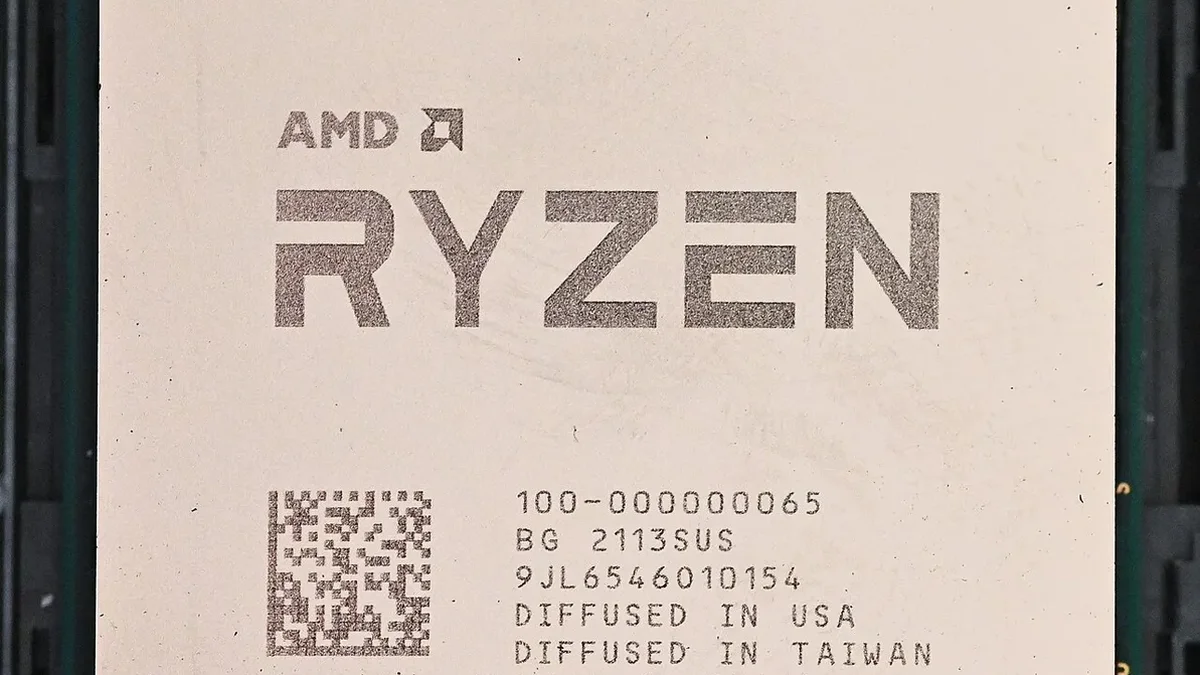
Unreal Engine 5, often called UE5, is the engine behind many large 2026 games, and it splits work between the CPU and GPU. The CPU handles Blueprint evaluation, physics simulation, AI behavior trees, animation updates, shader compilation, lighting builds, and project cooks. The GPU handles Lumen lighting, Nanite geometry, shadows, and post-processing. So a weak CPU slows the editor even when the GPU is a flagship card.
Lumen is UE5 dynamic global illumination and reflections system. It runs in software mode on any GPU, or in hardware mode on NVIDIA RTX cards from the 2000 series onward. Hardware Lumen uses dedicated ray tracing cores for higher quality and speed. At production scene complexity, the VRLA Tech guide reports a clear gap. Hardware Lumen on an RTX 5090 holds real-time viewport frame rates that software Lumen cannot match. Nanite is the virtualized geometry system, and it lets scenes hold billions of polygons by drawing only visible triangles. Nanite runs on the GPU, and low VRAM forces it to stream mesh data from system RAM, which cuts performance.
Lighting bakes with CPU Lightmass also scale with core count, just like shader compilation. High single-core boost speed cuts Blueprint tick overhead during real-time play-in-editor sessions. So the CPU shapes both the waiting and the live editing feel. For the player side of the same problem, shader compile stutter, read this: stuttering and frame time: 1% lows explained.
Unity: where the CPU bites
Unity is the engine behind many indie and mobile games, and its CPU demands differ from Unreal. Unity runs game logic in C#, a programming language, and it recompiles scripts each time you change code. That compile step, with its domain reload, is a daily wait for every Unity developer. Lightmap baking is CPU work too, and it scales with core count just like Unreal lighting bakes. Asset import is CPU work as well, and large texture and audio libraries make it a real bottleneck on slower chips.
Unity spreads work across cores through its Jobs system and Burst compiler, which turn game code into fast multithreaded jobs. Physics runs on the CPU through the PhysX engine, and heavy scenes with many colliders lean on core count. Simulation-heavy games are the clearest case, and the pattern is covered here: simulation and strategy games are CPU-bound. Animation and AI also run on the CPU, so a weak chip shows up as hitches during play testing, not just during builds.
The two engines reward the same CPU shape, just for different reasons. Unreal wants cores for shaders and lightmaps, while Unity wants cores for script compiles, baking, and Jobs work. Both want high single-core speed for live editing. So the buying advice is the same for both engines, and it sits in the last section of this guide.
Which CPU for game development in 2026
The VRLA Tech guide recommends the Ryzen 9 9950X for most Unreal developers in 2026. It is a 16-core chip with a 5.7 GHz boost. Its core count cuts shader compilation and lighting bakes, while its boost speed keeps Blueprint logic responsive. For teams running builds, large lightmap bakes, or Houdini pipelines at the same time, the guide points to Threadripper PRO chips with far more cores. Before you buy, confirm your own bottleneck with this: how to check for a CPU bottleneck.
| Use case | GPU | CPU | RAM |
|---|---|---|---|
| Indie or mid-size studio | RTX 5080, 16 GB | Ryzen 9 9950X | 64 GB DDR5 |
| Virtual production, arch-viz | RTX 5090, 32 GB | Ryzen 9 9950X | 128 GB DDR5 |
| Large open world, Houdini pipeline | RTX 5090, 32 GB | Threadripper PRO 9955WX | 128 GB DDR5 |
The table above comes from the same 2026 workstation guide, and its GPU picks assume hardware Lumen and large Nanite scenes. An RTX 5080 with 16 GB of VRAM covers most indie and mid-size work. An RTX 5090 with 32 GB covers production scenes and high-resolution virtual textures. If your budget forces a choice, spend on cores first. A strong GPU cannot compile shaders, and a weak CPU wastes a strong GPU.
The bottom line on game development CPU bottlenecks
Game development CPU bottlenecks come down to cores for waiting and clock speed for live editing. Shader compilation is multithreaded, so a 16-core CPU cuts the wait by about 40 to 60 percent against an 8-core chip, per the 2026 guide. Buy 16 cores with a high boost clock, add 64 GB of RAM, and keep projects on a dedicated NVMe drive. Check the full pairing first on the cpu gpu bottleneck calculator, so the CPU and GPU you buy actually fit each other.
Frequently asked questions
Why does Unreal Engine take so long to compile shaders?
Because a modern project holds thousands of shaders, and each one must be turned into a GPU-ready program before it can draw. Unreal compiles them on CPU threads when you open a project or load a new level. More cores cut the wait directly. A 16-core CPU finishes about 40 to 60 percent faster than an 8-core chip, per a 2026 workstation guide.
Do more CPU cores speed up shader compilation?
Yes, since shader compilation in Unreal Engine 5 is multithreaded work that spreads across CPU threads. More cores directly reduce the time spent waiting for shaders to compile. The VRLA Tech guide reports about 40 to 60 percent less compile time for a 16-core Ryzen 9 9950X against an 8-core CPU. Clock speed helps too, yet core count is the bigger lever.
Is Unity more CPU heavy than Unreal Engine?
Neither engine is simply heavier, since they stress the CPU in different ways. Unreal leans on cores for shader compilation and lighting bakes, while Unity leans on cores for script compiles, lightmap baking, and Jobs work. Both need high single-core speed for live editing. The same CPU shape, many fast cores, serves both engines well.
How much RAM does game development need in 2026?
At least 32 GB for professional Unreal Engine 5 work, per the VRLA Tech guide. Large open-world projects with World Partition and dense Nanite meshes need 64 to 128 GB. Running Unreal alongside Houdini, Blender, Substance Painter, or Maya needs more still. For Unity work, 32 GB is the sensible floor, and 64 GB covers larger projects with big asset libraries.
Why do Unreal games stutter the first time I play them?
Because the game compiles shaders on first run, and each new shader pauses the game for a moment while it builds. This is the player-side twin of the editor compile wait, and it is worst on the first run through a new area. Later runs reuse the compiled shaders, so the stutter fades. Pre-compiling shaders before gameplay starts is the usual fix developers use.
What CPU should I buy for Unreal Engine in 2026?
A 16-core chip with a high boost clock, such as the Ryzen 9 9950X with 16 cores and a 5.7 GHz boost. That is the VRLA Tech guide pick for most Unreal developers in 2026. Its cores cut shader compilation and lighting bakes, while its boost speed keeps Blueprint logic responsive. Teams running builds and Houdini pipelines together should look at Threadripper PRO chips instead.
How this guide was prepared
This guide uses the VRLA Tech 2026 Unreal Engine workstation guide for its shader compilation figures, CPU picks, RAM tiers, and storage advice. The 40 to 60 percent compile-time figure is attributed to that guide, and it is not our own measurement. Unity details come from general engine knowledge, and no Unity compile times are claimed.
Last updated: November 12, 2026