
Key takeaways
- The RTX 3060 is still the most used GPU on Steam, at 3.62 percent of surveyed systems in October 2026.
- At 1080p, 4-core chips and early 6-core chips hold the card back. At 1440p, the card itself is the limit.
- A used Ryzen 5 5600 on an existing AM4 board is the cheapest meaningful CPU upgrade for a 3060.
- Do not upgrade the CPU for a 3060 at 4K. The card is the limit by a wide margin, and a faster CPU changes nothing.
- A Ryzen 9 or Core i9 is wasted money with a 3060. The GPU becomes the limit well before those CPUs would.
RTX 3060 CPU bottleneck: the short answer
At 1080p, a modern 6-core processor lets an RTX 3060 run close to its full potential in most games. A Ryzen 5 5600 or Core i5-12400F is the pick. Older 6-core chips such as a Ryzen 5 3600 or Core i5-10400F are usually playable. They cost frames and smoothness in CPU-heavy games, especially at high refresh rates. Four-core processors without hyperthreading are the real problem group at 1080p. At 1440p, the RTX 3060 itself becomes the main limit in most games, which is good news for owners of older CPUs. For the full check method, see this: how to check for a CPU bottleneck. Check your own pair with the free tool: bottleneck calculator.
| Resolution | Bottleneck | Verdict |
|---|---|---|
| 1080p | Medium | Old quad-cores and early 6-core CPUs hold the card back |
| 1440p | Low | Most CPUs from the last several years keep up; the GPU is the limit |
| 4K | None | Do not upgrade the CPU for a 3060 at 4K |
The RTX 3060 in 2026
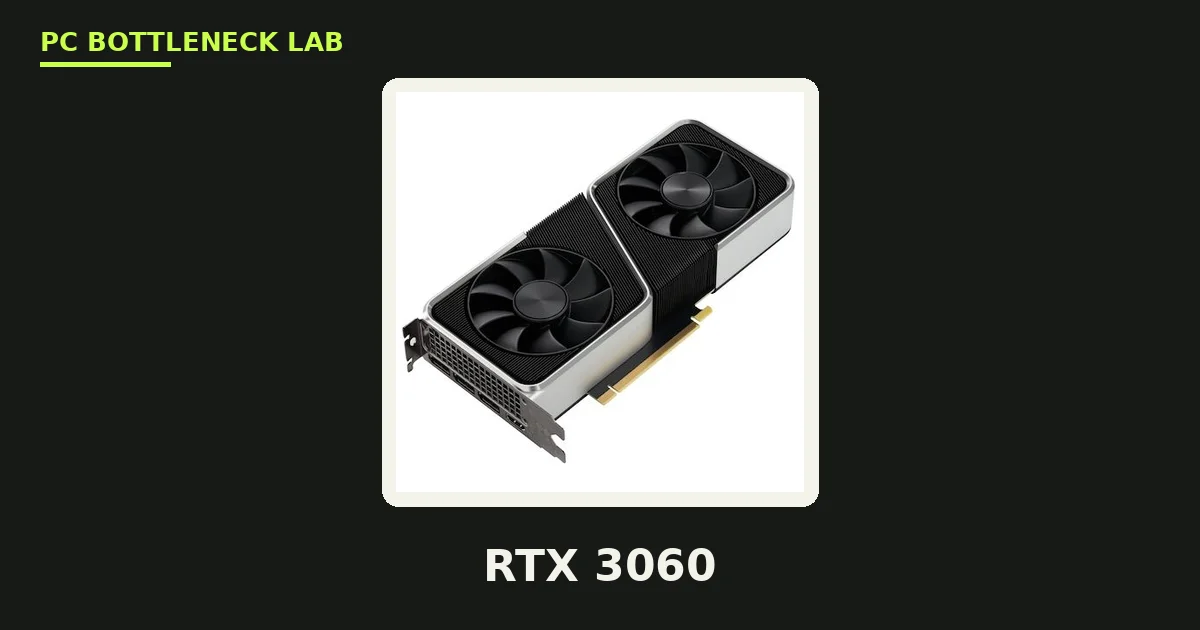
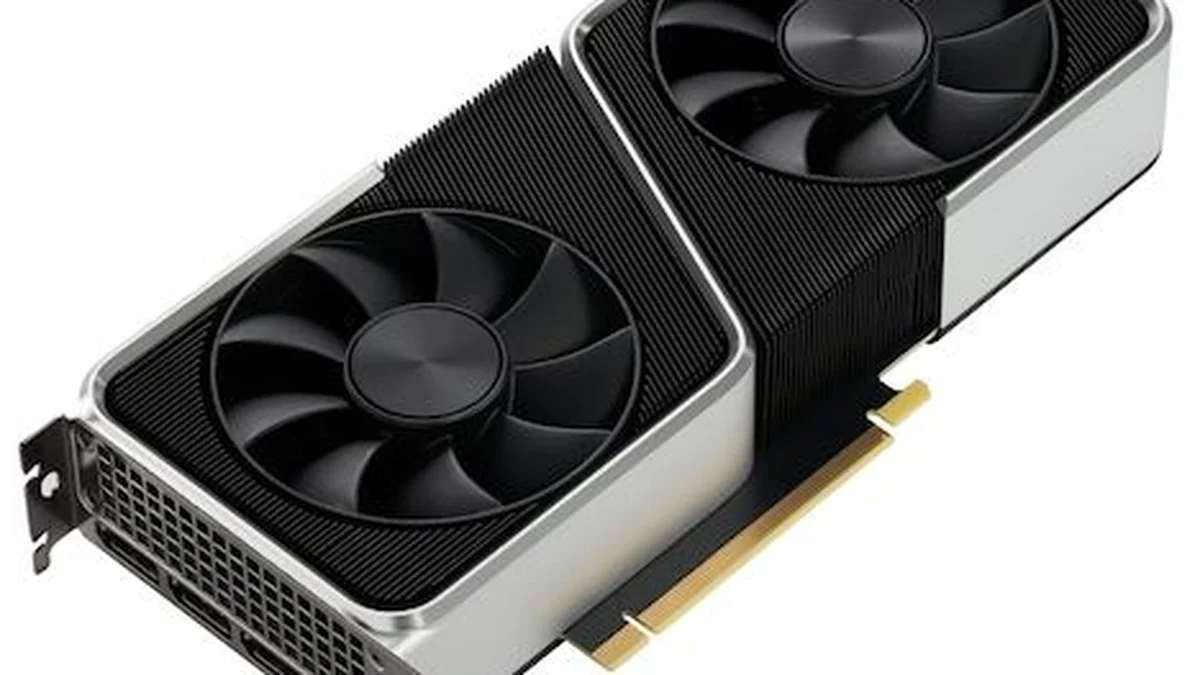
The RTX 3060 is a 2021 Ampere card, yet it is still the most used GPU on Steam. Valve's October 2026 Steam Hardware Survey puts the RTX 3060 back on top at 3.62 percent of surveyed systems. The RTX 5070 sits just behind it at 3.56 percent. The survey is a voluntary sample of Steam users, not a census of every gaming PC, and the lead is only 0.06 percentage points. The card's 12 GB of VRAM is generous for its class, so VRAM is rarely the limit. The GPU core is the limit, and that is why the CPU question matters less than people think.
| Spec | RTX 3060 |
|---|---|
| Architecture | Ampere (GA106) |
| CUDA cores | 3,584 |
| VRAM | 12 GB GDDR6 |
| Memory bus | 192-bit, 360 GB/s |
| Power | 170 W |
| Launch | 25 February 2021, $329 |
Which old CPUs hold a 3060 back
A 4-core Kaby Lake chip like the i7-7700K typically limits the RTX 3060 to 65 to 80 percent GPU utilization at 1080p, per BottleneckGPUCPUCalculator. That is a 15 to 25 percent performance cut. The comparison is against a properly matched 6-core Zen 3 processor running the same GPU in the same game. The worst offenders, the i7-7700K and Ryzen 5 1600, both hit 95 to 100 percent CPU usage while the GPU idles between draw call batches. At 1440p, the bottleneck drops to 8 to 16 percent on those same chips, since the GPU works much harder per frame. The slowest frames, called 1% lows, show a CPU limit first. For the frame-time story in full, see this: stuttering and frame time: 1% lows explained.
CPUs that push the bottleneck above 25 percent, per one checker, are the Ryzen 5 1400, AMD FX-9590, Core i7-6700, and Core i7-4790. The i5-9400 or older is a moderate bottleneck at 1080p, in CPU-heavy open-world and simulation titles. The Ryzen 5 2600 or older is a moderate bottleneck at 1080p, since lower per-core performance limits throughput in current titles. One comparison puts a 3060 with an i5-9400F at 70 to 85 FPS, against 100 to 115 FPS with an i5-12400F. With an i5-13400F it reaches 110 to 125 FPS, though that infographic's test settings are not published.
Which old CPUs are still fine
A 6-core, 12-thread processor from 2020 can still be a reasonable partner for an RTX 3060. A 4-core processor from the same era can struggle badly. The Ryzen 5 3600 and Core i5-10400F are much less of a problem at 1440p. Higher resolution and higher settings shift work onto the graphics card. The best pairings, per BottleneckCalculatorFree, are the Ryzen 5 5600 and 5600X. Both are excellent, with no meaningful bottleneck at 1080p or 1440p. The Core i5-12400F is the strong budget Intel pick. The Core i3-12100F is the budget floor, the minimum CPU to pair with a 3060 without a noticeable 1080p bottleneck.
The cheapest upgrade path
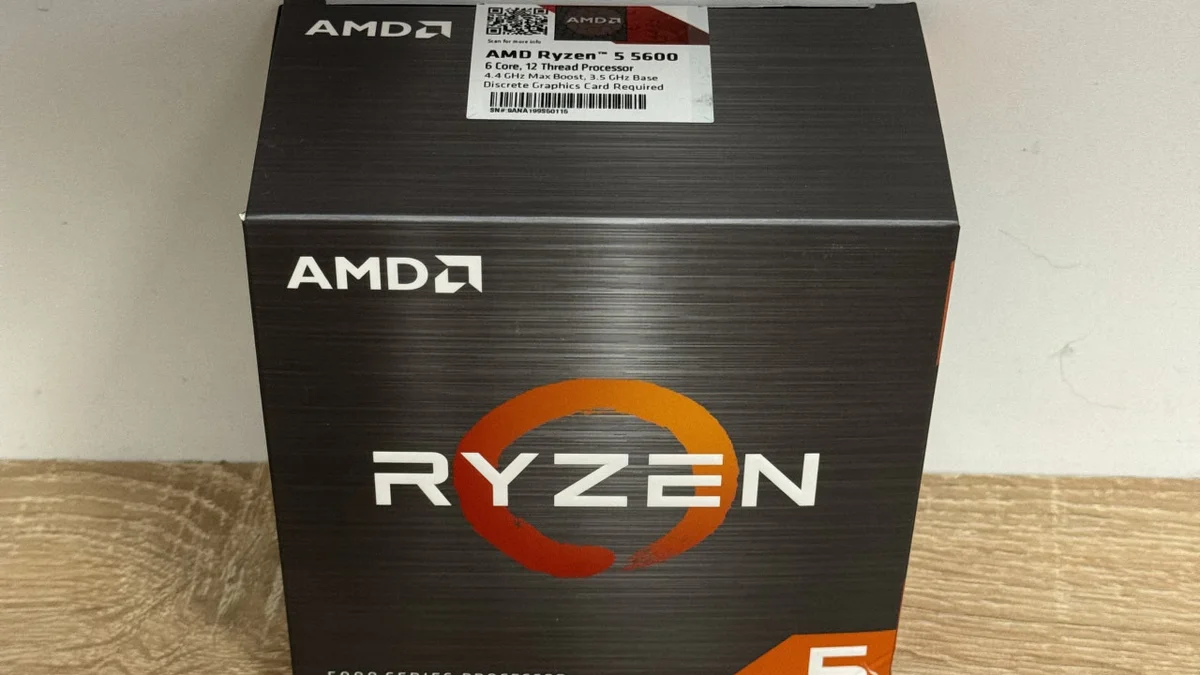
If you already own an AM4 board, a used Ryzen 5 5600 is usually the cheapest meaningful CPU upgrade in this guide. It drops straight into a B450 or B550 board. It cuts the RTX 3060 CPU bottleneck from 20 to 28 percent to under 5 percent at 1080p, per BottleneckGPUCPUCalculator. LGA1151 owners have no same-socket upgrade path. Moving to LGA1700 is the only long-term fix, and the math only works if you plan to stay on that platform. At 1440p and 4K, upgrade nothing until you can afford a stronger graphics card. The exception is a processor so old that even basic tasks feel slow. For the tier above your card, see this: best CPU for RTX 5060 and 5060 Ti.
Settings that buy you time
If you cannot upgrade yet, raise the resolution and the graphics settings. Higher settings shift work onto the graphics card, which hides a CPU bottleneck. Turn on DLSS Quality, since it renders at a lower resolution and upscales, which also shifts work onto the GPU. Cap your frame rate at your monitor's refresh rate, so the CPU stops chasing frames the monitor cannot show. Close background apps, and check that you have 16 GB of RAM in dual channel. For the RAM story in full, see this: how much RAM do you need for gaming in 2026.
The bottom line on the RTX 3060 CPU bottleneck
RTX 3060 CPU bottleneck is a 1080p problem, not a 1440p problem. If you play at 1080p with a 4-core chip or an early 6-core chip, upgrade the CPU first. A used Ryzen 5 5600 on an existing AM4 board is the cheapest fix. If you play at 1440p, keep your CPU and save for a stronger card. Check your pair first on the CPU bottleneck calculator before you spend on new parts. The full price story is here: GPU prices rising November 2026: buy before Black Friday.
Frequently asked questions
Does an old CPU bottleneck an RTX 3060?
Yes, at 1080p. A 4-core Kaby Lake chip like the i7-7700K typically limits the RTX 3060 to 65 to 80 percent GPU utilization at 1080p, per BottleneckGPUCPUCalculator. At 1440p, the bottleneck drops to 8 to 16 percent, since the GPU works much harder per frame. At 4K, do not upgrade the CPU for a 3060.
Which CPU lets the RTX 3060 run at full speed?
The Ryzen 5 5600 or 5600X is the best overall value, with no meaningful bottleneck at 1080p or 1440p. The Core i5-12400F is the strong budget Intel pick, and the Core i3-12100F is the budget floor. A Ryzen 9 or Core i9 is wasted money with a 3060, since the GPU becomes the limit well before those CPUs would.
Is the i5-9400F a bottleneck for the RTX 3060?
Yes, a moderate one at 1080p. It shows up in CPU-heavy open-world and simulation titles, and in competitive games at high refresh rates. One comparison puts a 3060 with an i5-9400F at 70 to 85 FPS, against 100 to 115 FPS with an i5-12400F. At 1440p, the 9400F is much less of a problem.
Does the Ryzen 5 3600 still keep up with a 3060?
Yes, mostly. The Ryzen 5 3600 is usually playable at 1080p, yet it costs frames and smoothness in CPU-heavy games, especially at high refresh rates. At 1440p, it is much less of a problem, since higher resolution and higher settings shift work onto the graphics card. Upgrade only if you play at 1080p high refresh.
On a 3060 build, which part should I upgrade first?
It depends on your resolution. At 1080p with stuttering or low 1 percent lows, upgrade the CPU first, and check your RAM configuration at the same time. At 1440p and 4K, upgrade nothing until you can afford a stronger graphics card. The exception is a processor so old that even basic tasks feel slow.
Does the RTX 3060 bottleneck at 1440p?
No, not from the CPU. At 1440p, the RTX 3060 itself becomes the main limit in most games, so CPU choice matters less. Most CPUs from the last several years keep up comfortably at 1440p. The card's 12 GB of VRAM is generous for its class, so VRAM is rarely the limit either.
How this guide was prepared
This guide uses the published guides of BottlesneckCalculator, BottleneckGPUCPUCalculator, BottleneckCalculatorFree, and Tsurukame. The CPU scaling data comes from TechPowerUp, Hardware Unboxed, and Gamers Nexus. The Steam survey figures come from Valve's October 2026 Hardware Survey, as reported by BottlesneckCalculator. No measured frame rates are claimed as our own, since this guide compares published guides.
Last updated: November 11, 2026