
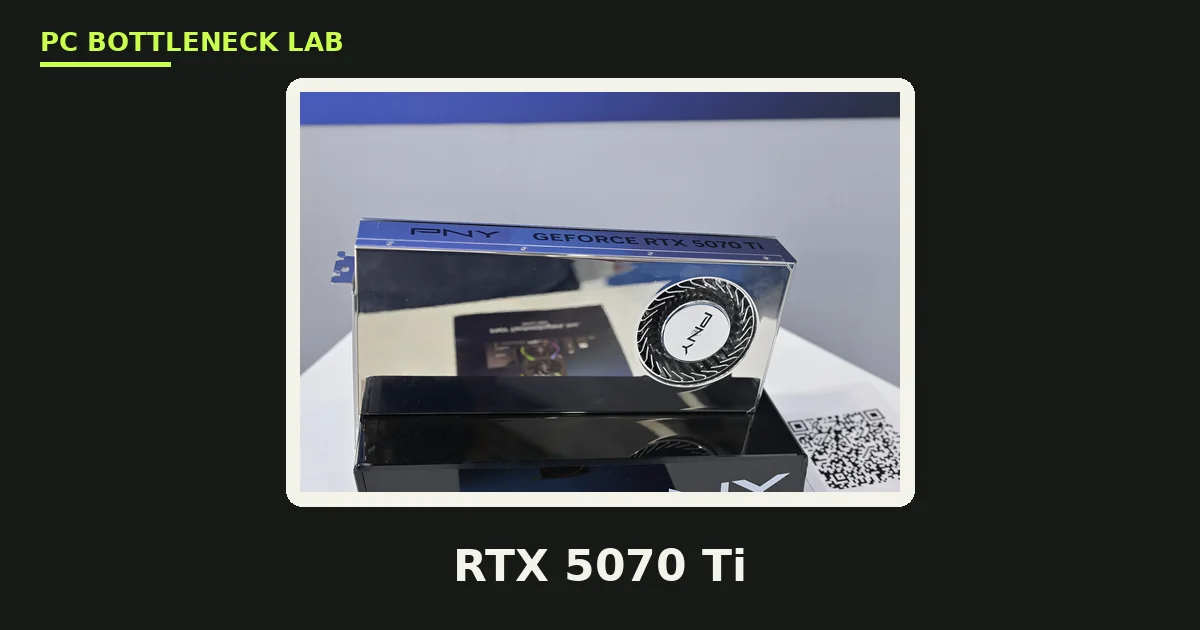
Key takeaways
- RTX 5070 Ti CPU bottleneck: at 1080p the CPU decides your frame rate, while at 1440p and 4K the card is the limit.
- The card carries 8,960 CUDA cores, 16GB of GDDR7, a 256-bit bus, and a 300W power rating. It launched 20 February 2025 at $749.
- Best overall CPU: Ryzen 7 9800X3D. Best value: Ryzen 7 7800X3D. Best budget: Ryzen 5 9600X.
- Best Intel pick: Core i7-14700K, the best upgrade on an existing LGA1700 board.
- A 750W 80+ Gold PSU is the comfortable pick. 650W is the floor.
RTX 5070 Ti specs: what the card actually is
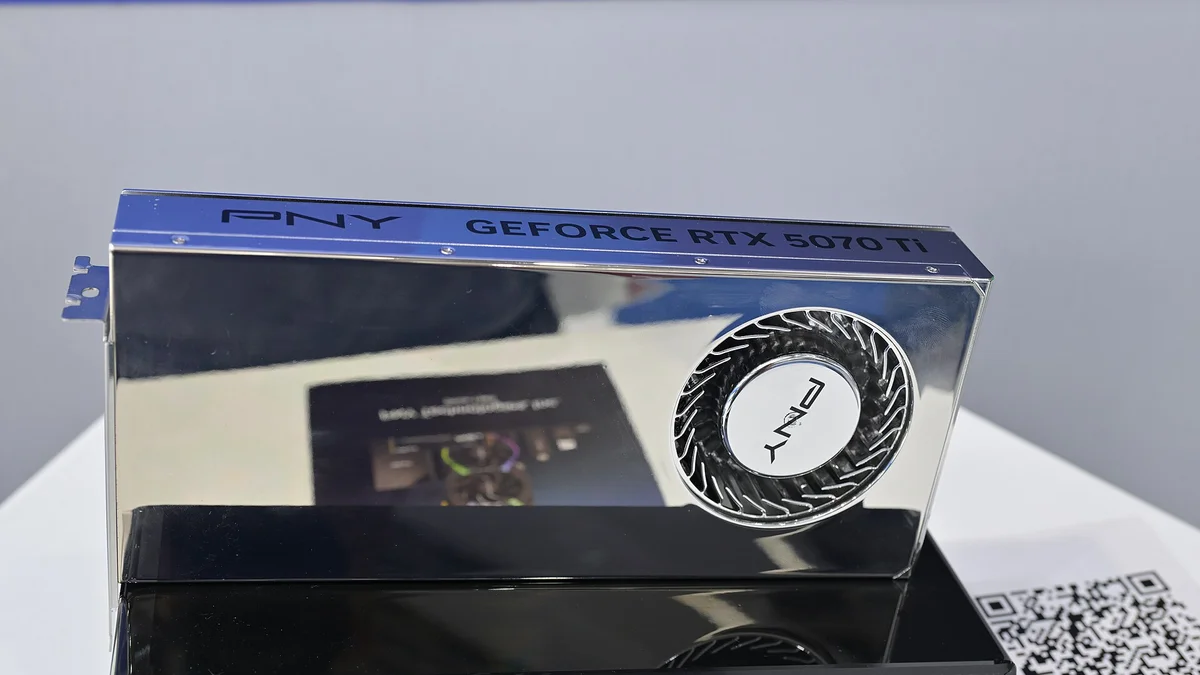
The RTX 5070 Ti is a Blackwell desktop card on the GB203 chip. It sits one tier below the RTX 5080 and one above the RTX 5070. The card has no Founders Edition, so every model comes from a board partner. It supports DLSS 4 and Multi Frame Generation. The table below is the reference spec, checked in November 2026. The card is also the one whose price rose fastest in November 2026. The full price story is here: GPU prices rising November 2026: buy before Black Friday.
| Spec | RTX 5070 Ti |
|---|---|
| Architecture | Blackwell, GB203 |
| CUDA cores | 8,960 |
| VRAM | 16GB GDDR7, 256-bit, 896 GB/s |
| Boost clock | 2.45 GHz (reference) |
| Power (TGP) | 300W |
| Interface | PCIe 5.0 x16 |
| Launch date | 20 February 2025 |
| Launch price | $749 |
RTX 5070 Ti CPU bottleneck by resolution
A CPU bottleneck happens when the processor sets the speed limit, not the graphics card. With the RTX 5070 Ti, the answer flips with resolution. At 1080p, the card pushes past 200 FPS in competitive titles, and the CPU decides whether you get those frames. At 1440p, the card is the limit in most games, and the CPU choice matters far less. One bottleneck guide puts the pairing at GPU-bound roughly 85% of the time at 1440p with a mid-range CPU. At 4K, the pairing is fully GPU-bound, and CPU choice barely matters. The slowest frames, called 1% lows, show the CPU limit first at 1080p. For the frame-time story in full, see this: stuttering and frame time: 1% lows explained. The rule is simple. The higher your resolution, the less your CPU matters.
Best CPUs for the RTX 5070 Ti, by tier
The table below is our guidance, not a benchmark. Each pick names the cores, the boost clock, and the cache, since cache is what keeps frame times steady. The picks cover every budget, from a cheap 1440p build to a no-compromise rig. For the tier below this card, see this: RTX 5060 Ti CPU bottleneck: which CPU you need.
| CPU | Cores / threads | Boost | L3 cache | Best for |
|---|---|---|---|---|
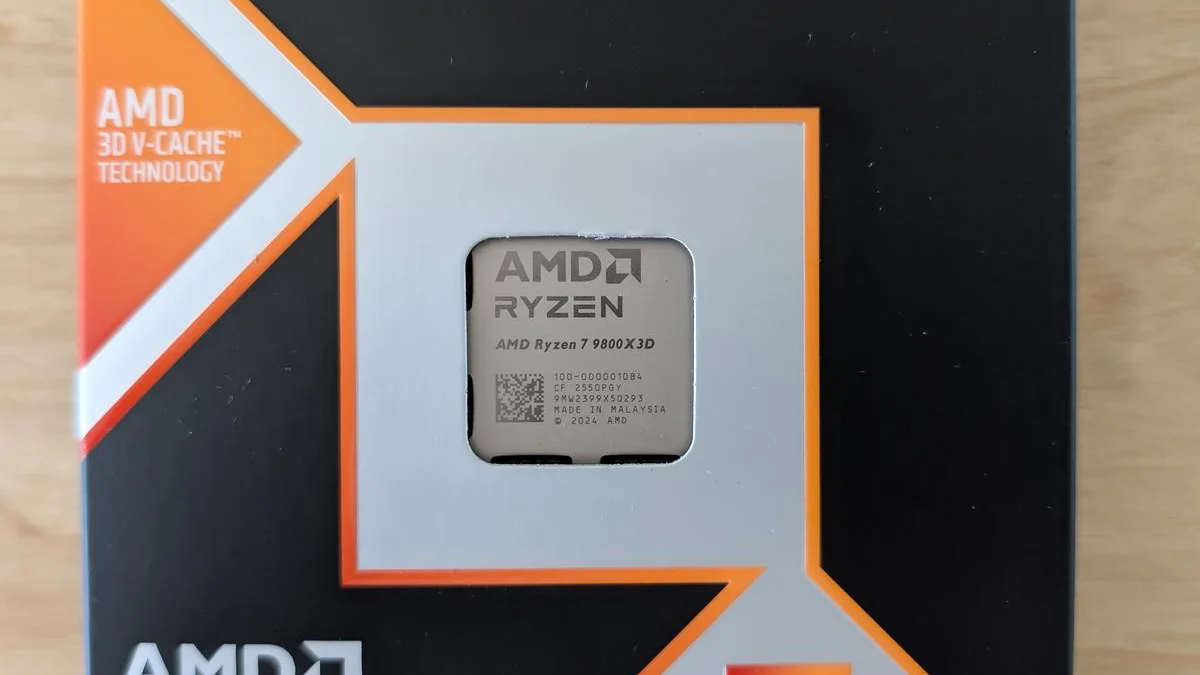
| Ryzen 7 9800X3D | 8 / 16 | 5.2 GHz | 96 MB | Best overall |
| Ryzen 7 7800X3D | 8 / 16 | 5.0 GHz | 96 MB | Best value |
| Ryzen 5 9600X | 6 / 12 | 5.4 GHz | 32 MB | Best budget |
| Core i7-14700K | 20 (8P + 12E) | 5.6 GHz | 33 MB | Best Intel |
| Ryzen 7 5700X3D | 8 / 16 | 4.1 GHz | 96 MB | Best AM4 upgrade |
Ryzen 7 9800X3D: the best overall
The 9800X3D is the only chip here that never becomes the limit at any resolution this card can drive. It pairs 96MB of L3 cache with eight Zen 5 cores at 5.2 GHz. Buy it when your library leans on sims, strategy, or MMOs, or when you plan to reuse it with a bigger GPU later. At 1440p the gap over the 7800X3D is small, since the card is the limit there.
Ryzen 7 7800X3D: the best value
The 7800X3D is the pick most people should make. It carries the same 96MB of L3 cache as the 9800X3D, at a lower boost clock and a lower price. It keeps the card fed at 1440p high-refresh without flagship money. It also sits on AM5, so a future 9800X3D drops straight in. For the reverse pairing, see this: best GPU for Ryzen 7 7800X3D.
Ryzen 5 9600X: the best budget pick
The 9600X is the cheapest CPU that does not hold the card back at 1440p. Six Zen 5 cores at 5.4 GHz are plenty when the card is the limit. At 1080p competitive settings it shows its limits, since the CPU matters more there. Buy it for 1440p on the tightest budget, and put the saving into the card or the monitor.
Core i7-14700K: the best Intel pick
The 14700K is the best choice when you already own an LGA1700 board. Twenty cores and a 5.6 GHz boost keep it close to the X3D chips at 1440p and 4K. It also handles streaming and work beside gaming better than the eight-core AMD picks. One guide notes a 5 to 8% gap behind the X3D chips in the most CPU-bound 1080p titles, which is the only place it trails.
Ryzen 7 5700X3D: the best AM4 upgrade
The 5700X3D is for AM4 owners who want a new GPU without a new platform. Its 96MB of L3 cache does the same job as its AM5 cousins at 1440p and 4K. At 1080p it trails the newer chips, yet it still feeds the card well enough for most games. Buy it when a platform swap costs more than the CPU itself.
Which CPUs hold the RTX 5070 Ti back?
Old four-core CPUs hold the card back at every resolution, and they should be the first upgrade. Older eight-core chips like the i9-9900K or i9-10850K still work, yet they trail at 1080p and 1440p, and the gap only closes at 4K. A Ryzen 5 3600 or 5600 is fine at 4K, yet it limits high-refresh 1080p play. The power supply matters too. The card sits around a 300W board power, and with a 100 to 120W CPU, a 750W 80+ Gold PSU is the comfortable pick. 650W is the practical floor, and anything below that risks shutdowns under load.
How to check your RTX 5070 Ti pairing
Open a hardware monitor and play at your usual resolution, then look at the two use figures. If CPU use sits near 100% while GPU use stays low, the processor is the limit. If GPU use sits near 100%, the card is the limit, and that is the normal case at 1440p and 4K. Also watch the 1% lows, which are the slowest frames in each second. A CPU limit shows up as stutter in busy scenes, even when the average frame rate looks fine. Check your own pair before you buy with the free tool: bottleneck calculator. For the full check method, see this: how to check for a CPU bottleneck.
The bottom line on RTX 5070 Ti CPU bottleneck
RTX 5070 Ti CPU bottleneck comes down to resolution. At 1440p and 4K, the card is the limit, and a Ryzen 5 9600X is enough. At 1080p high-refresh, the CPU decides your frame rate, and a Ryzen 7 9800X3D or 7800X3D is the pick. Spend on the card first at 1440p, and on the CPU first at 1080p. Check your pair first on the CPU bottleneck calculator before you spend.
Frequently asked questions
What CPU goes best with the RTX 5070 Ti?
The Ryzen 7 9800X3D is the best overall, since it never becomes the limit at any resolution this card can drive. The Ryzen 7 7800X3D is the best value, with the same 96MB of L3 cache at a lower price. The Ryzen 5 9600X is the best budget pick for 1440p, and the Core i7-14700K is the best Intel choice.
Does the RTX 5070 Ti bottleneck at 1440p?
Almost never, with a modern CPU. At 1440p the card is the limit in most games. One bottleneck guide puts the pairing at GPU-bound roughly 85% of the time with a mid-range CPU. The CPU only matters at 1440p in competitive titles pushing very high frame rates, or in CPU-heavy sims and strategy games.
Does a 9600X hold back the RTX 5070 Ti?
No, not at 1440p or 4K, where the card is the limit. Six Zen 5 cores at 5.4 GHz feed the card well at those resolutions. At 1080p competitive settings the 9600X shows its limits, since the CPU matters more there. Buy it for 1440p on the tightest budget, and put the saving into the card or the monitor.
Will a Ryzen 7 5700X bottleneck an RTX 5070 Ti?
At 1080p, you may see a slight CPU bottleneck in very high frame rate scenes. At 1440p and 4K, the bottleneck shifts to the GPU, so the 5700X will not meaningfully hold back a 5070 Ti in most games. Its 96MB of L3 cache does the same job as its AM5 cousins at those resolutions.
How big a PSU does the 5070 Ti need?
A 750W 80+ Gold PSU is the comfortable pick. The card sits around a 300W board power, and a typical CPU adds 100 to 120W. 650W is the practical floor, and anything below that risks shutdowns under load. Buy a quality unit from a known brand, since a cheap PSU can fail under the card's power spikes.
Is the RTX 5070 Ti good for 4K gaming?
Yes, for entry-level 4K, with DLSS in the heaviest titles. The 16GB of GDDR7 is enough for 4K textures, and the card is fully GPU-bound at 4K, so CPU choice barely matters. For high-refresh 4K in the heaviest games, the RTX 5080 is the stronger pick, yet it costs far more.
How this guide was prepared
This guide uses NVIDIA's reference specifications for the RTX 5070 Ti, checked against TechPowerUp and Guru3D in November 2026. The CPU picks come from the consensus of four independent pairing guides, and the resolution guidance is labelled as such.
Last updated: November 11, 2026