
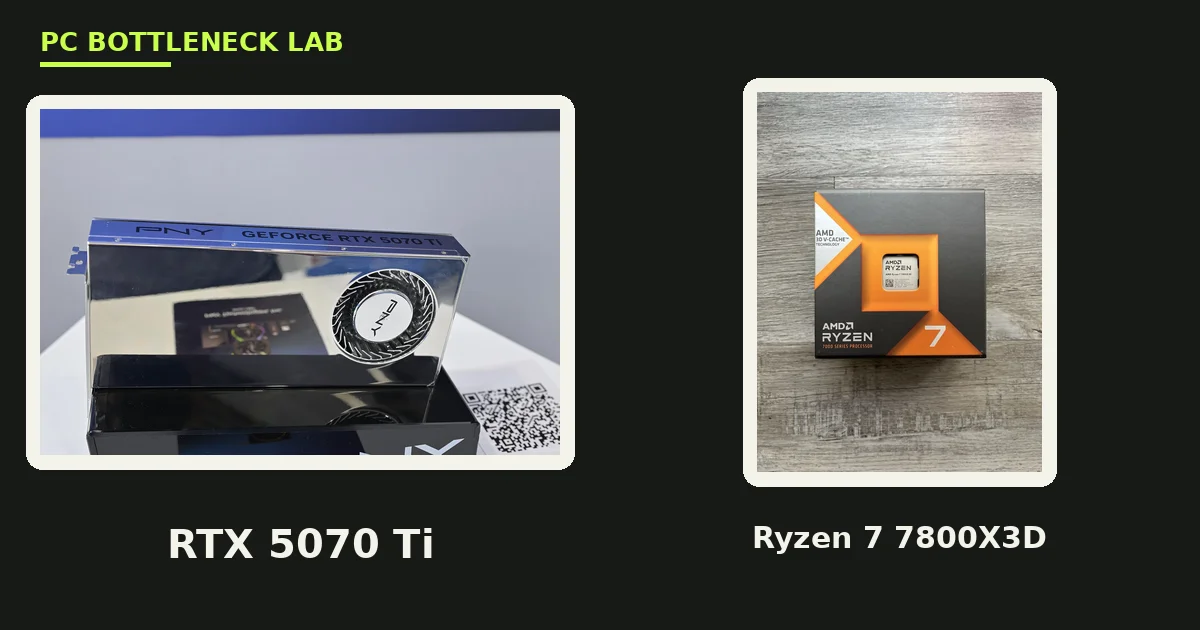
Key takeaways
- The pair is balanced at 1440p. The card and the CPU finish each frame at about the same time, per one guide.
- At 4K the GPU is the limit in nearly every game. CPU choice barely matters.
- At 1080p the CPU runs out first in esports titles. The card is wasted there.
- The 5070 Ti delivers about 85% to 90% of the RTX 5080's performance, at a lower cost.
- A 750W PSU is the floor. 16GB of GDDR7 means no VRAM worry at 1440p.
7800X3D RTX 5070 Ti bottleneck by resolution
The bottleneck answer depends on your monitor, not on the parts alone. At 1080p the CPU runs out first in esports titles pushing 200+ FPS, and money spent past this tier mostly sits unused. At 1440p and 144 to 165 Hz the GPU is the limit, and the pair is balanced. At 1440p and 240 Hz both parts are close to balanced. The card and the CPU finish each frame at about the same time, per one guide. At 4K the GPU owns almost all of the frame time, and CPU choice barely matters. GPU utilization sits at 95% to 99% at 1440p with most current CPUs, per one guide. Check your own pair before you buy with the free tool: bottleneck calculator. For the full GPU side of this CPU, see this: best GPU for Ryzen 7 7800X3D.
| Resolution | Who limits the pair | Verdict |
|---|---|---|
| 1080p | CPU (esports, 200+ FPS) | Card is wasted here |
| 1440p, 144–165 Hz | GPU | Balanced, the pair's home |
| 1440p, 240 Hz | Both, close to balanced | Neither part sits idle |
| 4K | GPU, by a wide margin | CPU barely matters |
What frame rates to expect
At 1440p you get 100+ FPS in basically every game at max settings, per one guide. In Cyberpunk 2077 at Ultra settings and 1440p, a compiled figure from four review outlets puts the pair at about 103 FPS. That figure uses native rasterization, with no upscaling. The slowest frames, called 1% lows, show a CPU limit first. For the frame-time story in full, see this: stuttering and frame time: 1% lows explained. At 4K the card is not a native 4K card. It handles 4K with DLSS Performance or Balanced, yet a 4K monitor deserves a 4K card, and the RTX 5080 is that card. DLSS 4 Multi Frame Generation helps too, since it creates extra frames when the card cannot render them fast enough. The table below is our guidance, built from the published tests above.
| Resolution | Expected frame rate | Source |
|---|---|---|
| 1080p esports | 200+ FPS | One bottleneck guide |
| 1440p max settings | 100+ FPS in most games | One pairing guide |
| 1440p Cyberpunk 2077 Ultra | About 103 FPS | Compiled from 4 outlets |
| 4K | DLSS Performance or Balanced needed | One pairing guide |
7800X3D vs 9800X3D with this card
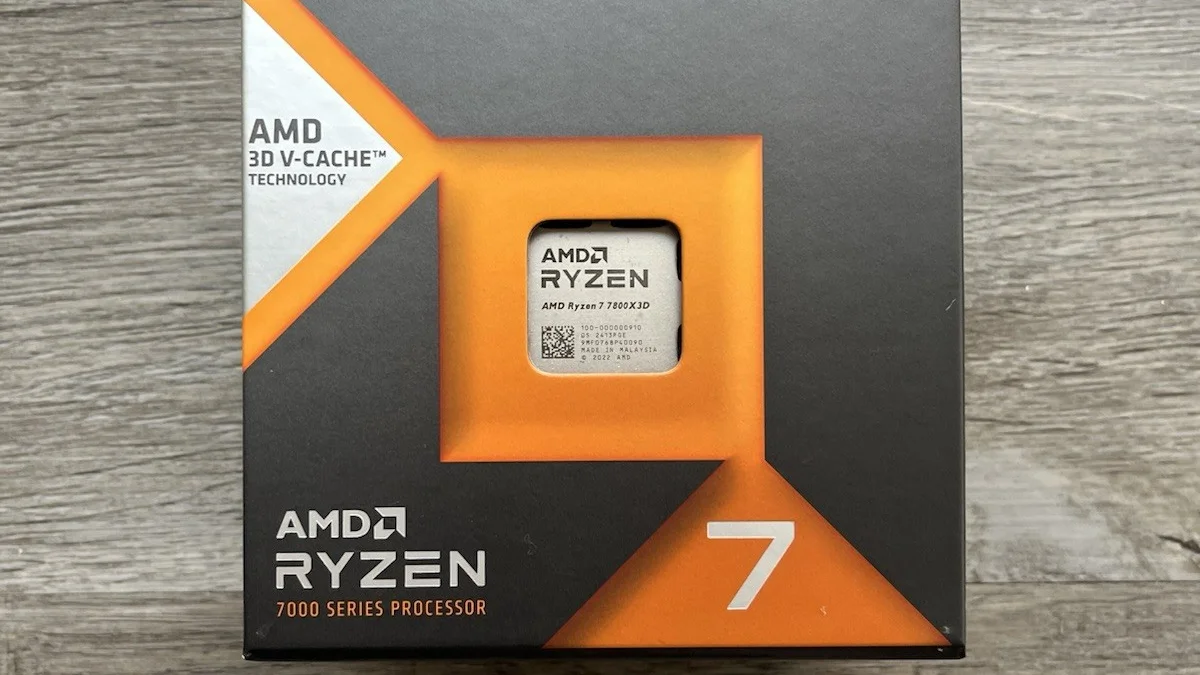
The 9800X3D is the faster chip, yet the gap is small with this card. In TechSpot's 12-game CPU-focused sample, the 9800X3D averaged only about 8% more gaming performance than the 7800X3D. At 1440p and 4K that gap shrinks further, since the GPU is the limit. Buy the 9800X3D only for 1080p high-refresh play, or for a future RTX 5090. For this card at 1440p, the 7800X3D gives up almost nothing and costs less. The saving buys a better monitor, more RAM, or a bigger SSD, and those parts show up in every game. The 7800X3D is still a monster in 2026, thanks to its 96MB of 3D V-Cache, per one guide. For the full check method, see this: how to check for a CPU bottleneck.
The 5070 Ti vs the 9070 XT with this CPU
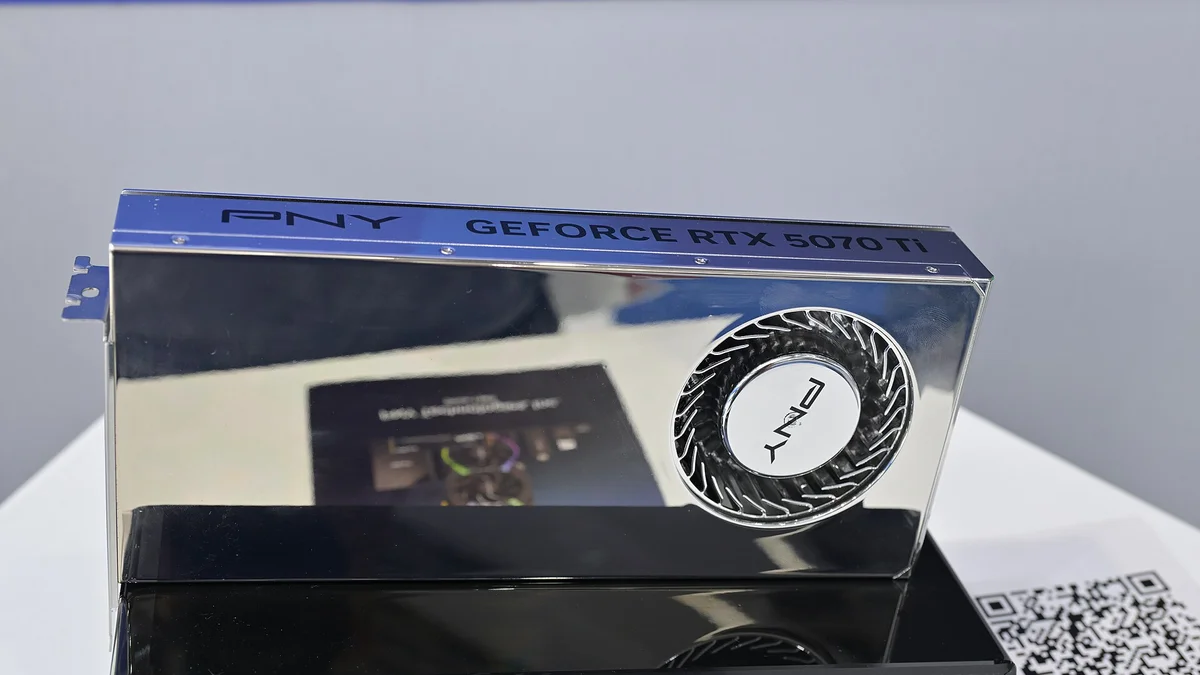
The RX 9070 XT is the 5070 Ti's closest rival with this CPU. In TechSpot's 18-game test, the 5070 Ti ran about 6% ahead of the RX 9070 XT at 1440p. The lead widens once ray tracing is on. Both cards have 16GB of VRAM, so neither one hits a VRAM wall at 1440p. Both cards feed the 7800X3D well at 1440p, and the CPU is not the limit with either one. The 9070 XT is the better value pick when its price is lower. One survey put the 5070 Ti near $1,050 in August 2026, against about $750 for the 9070 XT. Choose the 5070 Ti for heavy ray tracing, DLSS, CUDA, and creator work. Choose the 9070 XT for raster gaming at a lower price. Either card is a good match for this CPU.
The parts around the pair
A 750W PSU is the floor for this pair, since the card draws 300W. Buy a quality unit from a known brand, and check that it has the right 12V-2x6 connector for the card. RAM is simple: 32GB of DDR5-6000 in dual-channel is the sweet spot for AM5, per our guidance. The monitor decides the tier. A 1440p monitor at 165 to 240 Hz is this pair's home, and a 4K monitor deserves a stronger card. Case airflow matters too, since the 300W card dumps heat into the case. Any B650 or X870 board runs this pair, yet a board with good power delivery keeps the CPU cool under load. A 2TB NVMe SSD is the right size for this build, since a few modern games fill a 1TB drive fast. The full price story is here: GPU prices rising November 2026: buy before Black Friday.
The bottom line on 7800X3D RTX 5070 Ti
7800X3D RTX 5070 Ti bottleneck comes down to one thing. Your monitor decides the answer. At 1440p high refresh the pair is balanced, and at 4K the GPU is the limit. At 1080p the CPU runs out first, and the card is wasted. Buy this pair for a 1440p monitor at 165 to 240 Hz, and step up to a 5080 only for 4K. Check your pair first on the GPU bottleneck calculator before you spend. For the tier below this card, see this: best CPU for RTX 5060 and 5060 Ti.
Frequently asked questions
Does the 7800X3D bottleneck the RTX 5070 Ti?
At 1440p and 4K, no. Bottlenecking is virtually non-existent at those resolutions with this pair, per one guide. GPU utilization sits at 95% to 99% at 1440p, so the card is the limit. At 1080p the CPU runs out first in esports titles pushing 200+ FPS, yet that is the only place the CPU shows.
Is the 7800X3D good enough for the 5070 Ti at 4K?
Yes. At 4K the GPU owns almost all of the frame time, and CPU choice barely matters. The 7800X3D does not hold back an RTX 5090 at 4K in any way you would notice, per one guide. A 5070 Ti is no problem. At 4K, put the budget into the graphics card, not the CPU.
What PSU wattage suits a 7800X3D and 5070 Ti pair?
A 750W PSU is the floor, since the card draws 300W. Buy a quality unit from a known brand, and check that it has the right 12V-2x6 connector for the card. A good PSU lasts through two or three GPU upgrades, so do not cut corners here. An 850W unit gives more headroom for a future card.
Should I buy a 9800X3D instead for the 5070 Ti?
Only for 1080p high-refresh play, or for a future RTX 5090. In TechSpot's 12-game CPU-focused sample, the 9800X3D averaged only about 8% more gaming performance than the 7800X3D. At 1440p and 4K that gap shrinks further, since the GPU is the limit. For this card at 1440p, the 7800X3D gives up almost nothing.
Is the 5070 Ti or the 9070 XT better with a 7800X3D?
The 5070 Ti is a few percent faster, per TechSpot's 18-game test, which put it about 6% ahead of the RX 9070 XT at 1440p. The 9070 XT is the better value pick when its price is lower. One survey put the 5070 Ti near $1,050 in August 2026. Choose the 5070 Ti for heavy ray tracing, DLSS, and creator work.
Can the 7800X3D handle an RTX 5080?
Yes, at 1440p and 4K. The 7800X3D keeps up with the 5080 at those resolutions, with essentially zero CPU bottleneck, per one guide. At 1080p the CPU becomes the limit before the 5080 does, so the card is wasted there. For 4K play, the 5080 is the card this CPU deserves, per one guide.
How this guide was prepared
This guide uses AMD's and NVIDIA's specifications for both parts, and the published tests of TechSpot, PCBuildHelper, BottleneckCalculatorFree, and MyPCBottleneck. The performance figures are attributed to those tests, not our own. The price figures are launch prices and reported street prices.
Last updated: November 11, 2026