
Key takeaways
- The RTX 5060 Ti 16GB is the best GPU for most Core i5-12400F owners, because it matches the chip at 1440p.
- Build PC Guide sets the ceiling clearly: the 5060 Ti to 5070 range is the sweet spot, and the 5070 Ti is the upper limit.
- The i5-12400F has six performance cores, twelve threads, and a 4.4 GHz boost, with no integrated graphics.
- A card above the 5070 Ti wastes money, since the CPU becomes the limit before the card does.
- Match the card to your resolution first, since 1080p leans on the CPU far more than 1440p does.
Best GPU for Core i5-12400F: the short answer
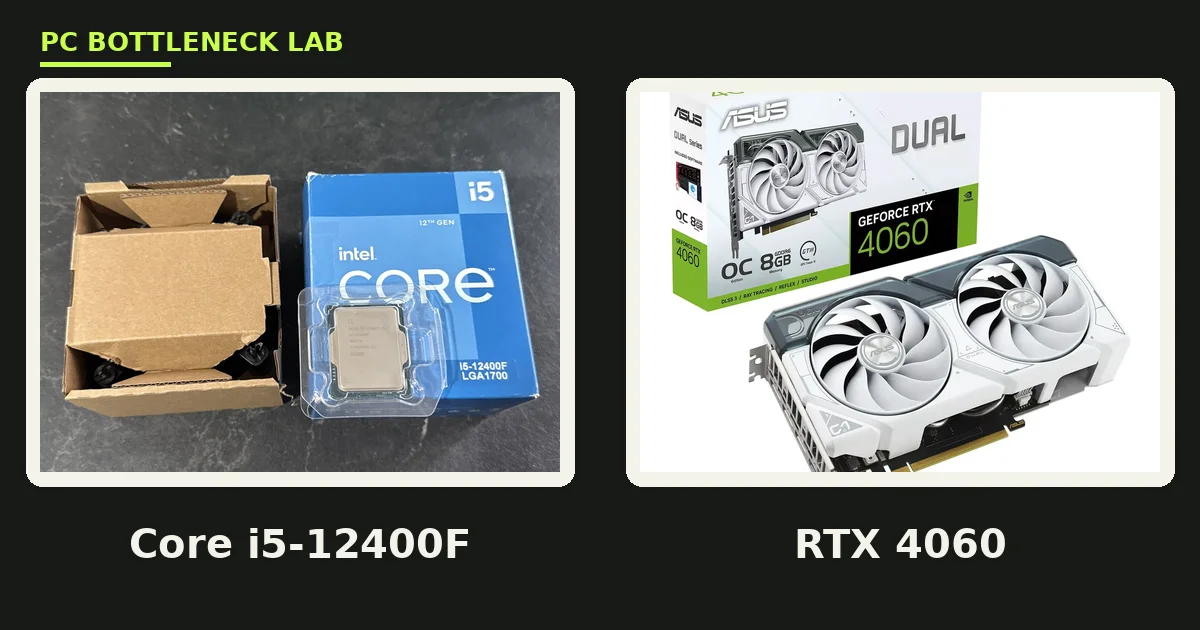
The best GPU for Core i5-12400F owners is the RTX 5060 Ti 16GB. It has 16 GB of VRAM, a 180 W draw, and enough speed for 1440p high settings. The chip feeds it fully in most games, so the pair stays balanced. For the tested pairing, see this: Core i5-12400F and RTX 4060 bottleneck. Check your own pair with the free tool: pc bottleneck calculator.
| Pick | GPU | VRAM | Best for |
|---|---|---|---|
| Best budget | RTX 4060 | 8 GB | 1080p on a tight budget |
| Best 1080p | RTX 5060 | 8 GB | 1080p high refresh |
| Best overall | RTX 5060 Ti 16GB | 16 GB | Most owners, 1440p |
| Best ceiling | RTX 5070 | 12 GB | 1440p high refresh |
| Upper limit | RTX 5070 Ti | 16 GB | 1440p ultra, no higher |
What the Core i5-12400F can feed
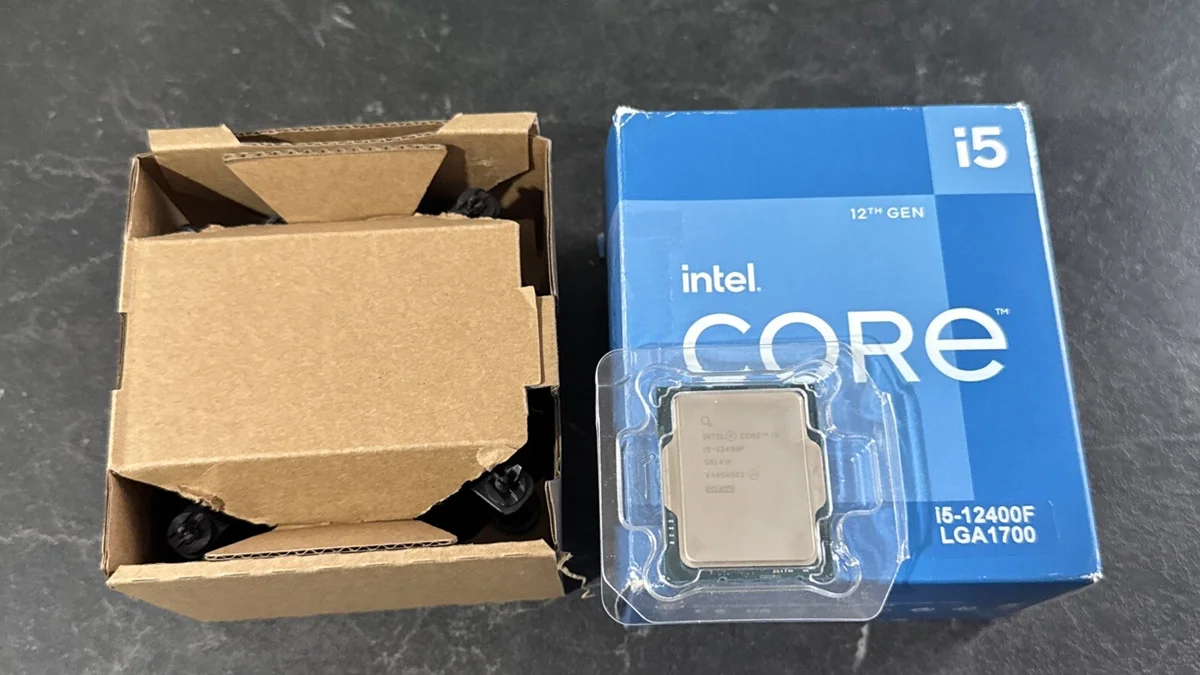
A bottleneck is the part that finishes its work last, and it sets the frame rate. The Core i5-12400F is a 12th-generation Alder Lake chip with six performance cores and twelve threads. It boosts to 4.4 GHz, and it carries 18 MB of L3 cache. Its base power is 65 W, and its maximum turbo power is 117 W.
The chip has no efficiency cores, so game scheduling stays simple, and it has no integrated graphics, so a discrete card is required. The board decides the memory, since LGA1700 boards come in DDR4 and DDR5 versions. It is a locked chip, so you cannot overclock it by multiplier.
| Spec | Core i5-12400F |
|---|---|
| Cores and threads | 6 performance cores, 12 threads |
| Base and boost | 2.5 GHz, up to 4.4 GHz |
| Cache | 18 MB L3, 7.5 MB L2 |
| Power | 65 W base, 117 W maximum turbo |
| Socket | LGA1700 |
| Memory | DDR4 or DDR5, board decides |
| Graphics | None, discrete card required |
| Launch | Q1 2022 |
RTX 4060: the best budget pick
The RTX 4060 is the cheapest sensible card for this CPU. It has 8 GB of GDDR6 memory, a 115 W draw, and a 299 dollar launch price. It plays esports at high refresh, and it handles 1080p high settings in story games. Its 8 GB of VRAM is the limit to watch, since heavy textures can fill it.
Buy it when the budget is tight and the monitor is 1080p. A good 550 W power supply is the usual rule of thumb for this pair, and the stock cooler handles the CPU fine. Skip it if you plan a 1440p monitor soon, since the 5060 Ti suits that move far better.
RTX 5060: the best 1080p high-refresh pick
The RTX 5060 is the step up for 1080p high-refresh play. It has 8 GB of GDDR7 memory, a 145 W draw, and a 299 dollar launch price. It adds DLSS 4 with Multi Frame Generation, which the 4060 lacks, and that feature lifts smoothness, yet it does not add real rendered frames.
The CPU feeds it fully at 1080p in most games. In CPU-heavy competitive titles, the chip can still set the limit, since low settings shift work to it. The 8 GB VRAM limit stays, so texture-heavy games need care, and it is the right pick for a 1080p 165 Hz monitor.
RTX 5060 Ti 16GB: the best overall pick
The RTX 5060 Ti 16GB is the sweet spot for this CPU. It has 16 GB of GDDR7 memory on a 128-bit bus, with 448 GB/s of bandwidth. Its draw is 180 W, and its launch price was 429 dollars for the 16 GB model. The extra VRAM removes the texture worry that limits the 8 GB cards.
At 1440p the GPU sets the limit, so the six-core chip keeps up in most games. At 1080p the CPU matters more, yet frame rates are already high there. NVIDIA lists a 600 W system power for this card, so a good 600 W unit fits. For the CPU side of this card, see this: best CPU for RTX 5060 and 5060 Ti.
RTX 5070: the best ceiling pick
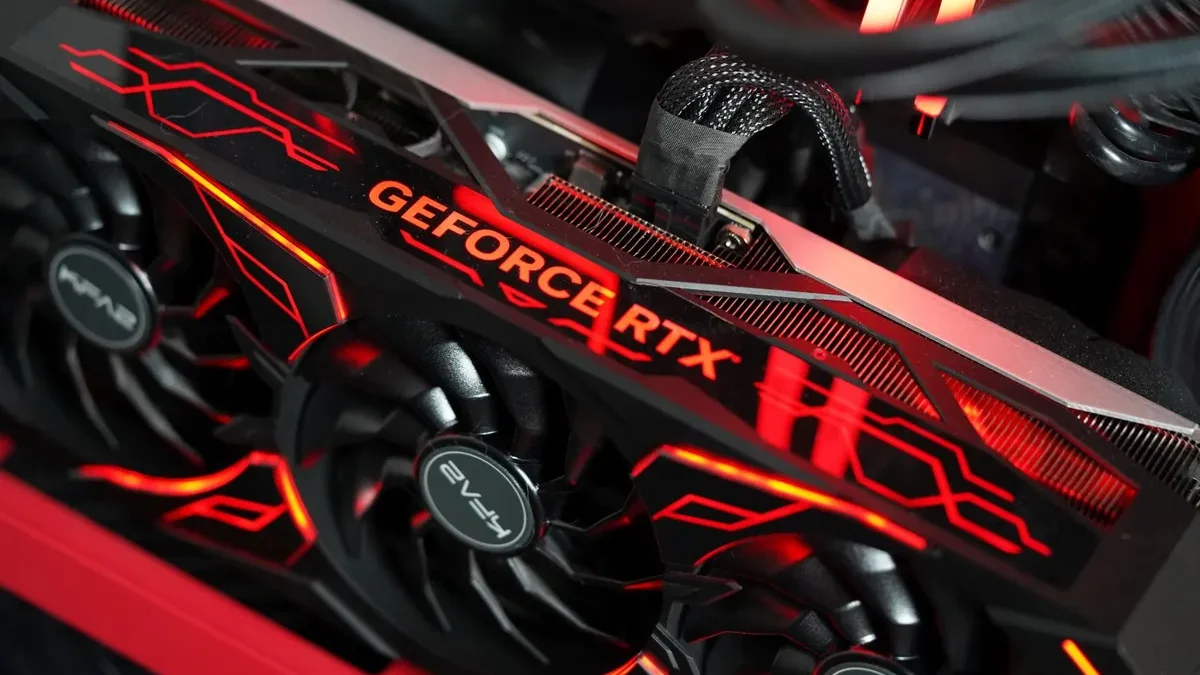
The RTX 5070 is the top of the sweet spot, and it suits 1440p high refresh. It has 12 GB of GDDR7 memory on a 192-bit bus, with 672 GB/s of bandwidth. Its draw is 250 W, and its launch price was 549 dollars, and it has a third more CUDA cores, so it is clearly faster.
Build PC Guide places the 5070 at the top of the sweet spot for this chip. At 1440p ultra the card sets the limit, so the CPU keeps up. At 1080p the CPU can limit some games, yet the frame rates stay high, and NVIDIA lists a 650 W system power here. For a six-core comparison, see this: best GPU for Ryzen 5 7600X.
RTX 5070 Ti: the upper limit, and no higher
The RTX 5070 Ti is the upper limit for this CPU, and only at 1440p. It has 16 GB of GDDR7 memory, a 300 W draw, and a 749 dollar launch price. It suits 1440p ultra and entry-level 4K, yet the i5-12400F can limit it at 1080p and in CPU-heavy games. Buy it only with a 1440p monitor and a clear upgrade plan.
Above this card, the CPU becomes the limit, and an RTX 5080 on this chip wastes money at 1080p, and it gains little at 1440p. The smarter move is a CPU upgrade first, then a stronger card. For the power side, see this: how many watts does my PC need.
| GPU | Card power | System power, per NVIDIA |
|---|---|---|
| RTX 4060 | 115 W | 550 W, rule of thumb |
| RTX 5060 | 145 W | 550 W, rule of thumb |
| RTX 5060 Ti 16GB | 180 W | 600 W |
| RTX 5070 | 250 W | 650 W |
| RTX 5070 Ti | 300 W | 750 W, rule of thumb |
What to skip with an i5-12400F
Skip any card above the 5070 Ti, and skip an 8 GB card if you play texture-heavy games at 1440p. The 8 GB cards are fine at 1080p, yet they can stutter when textures exceed the buffer. Also skip a cheap power supply, since a weak unit can restart the PC under load.
Mind the no-graphics trap too, and if the card fails or is removed, the PC shows nothing, since this chip has no integrated graphics. Keep a spare card or a plan for that day. If you are torn between a CPU upgrade and a GPU upgrade, see this: should you upgrade CPU or GPU first.
How to check your pair before you buy
Open Task Manager while you play, and watch the CPU and GPU lines. If the GPU sits near full use while the CPU stays below it, the card is the limit. If the CPU sits near full use while the GPU waits, the CPU is the limit. Test at the settings you actually use, since low settings shift work to the CPU.
Run the check in two games, not one, because games stress parts in different ways. A competitive shooter at low settings will blame the CPU more than a story game at ultra. Then match the result to the table above, and buy the card that fits your monitor.
The bottom line on the best GPU for Core i5-12400F
The best GPU for Core i5-12400F owners is the RTX 5060 Ti 16GB for most builds. The RTX 5070 suits 1440p high refresh, and the RTX 5070 Ti is the firm upper limit. The six-core chip feeds all five picks, yet it cannot feed a card above them. Check your pair first on the gpu bottleneck calculator before you spend on new parts.
Frequently asked questions
Which GPU pairs best with a Core i5-12400F?
The RTX 5060 Ti 16GB is the best GPU for most i5-12400F owners. It has 16 GB of VRAM, a 180 W draw, and enough speed for 1440p high settings. The six-core chip feeds it fully in most games, so the pair stays balanced. The RTX 5070 suits 1440p high refresh, and the 5070 Ti is the upper limit.
Can an i5-12400F handle an RTX 5070?
Yes, at 1440p. The RTX 5070 has 12 GB of GDDR7 memory and a 250 W draw. The i5-12400F feeds it well when the card sets the limit. At 1080p the CPU can limit some games, yet frame rates stay high. NVIDIA lists a 650 W system power for this card, so use a good 650 W unit.
Can an i5-12400F handle an RTX 5070 Ti?
Yes, but only at 1440p, and it is the upper limit. The RTX 5070 Ti has 16 GB of memory and a 300 W draw, and it suits 1440p ultra. At 1080p the CPU can limit it, and in CPU-heavy games the gap shows. Do not buy a stronger card than this one on this CPU.
Is the RTX 4060 still good with an i5-12400F?
Yes, for 1080p on a tight budget. The RTX 4060 has 8 GB of memory and a 115 W draw, and the i5-12400F feeds it fully. It plays esports at high refresh and story games at 1080p high settings. Its 8 GB of VRAM is the limit to watch, since heavy textures can fill it at higher settings.
Does the i5-12400F have integrated graphics?
No. The F in the name means no integrated graphics, so a discrete card is required for any display. If the card fails or is removed, the PC shows nothing on the monitor. The motherboard display outputs stay dark, since the chip has no graphics of its own. Keep that in mind when you buy.
Should I buy DDR4 or DDR5 with an i5-12400F?
DDR4 is the cheaper path, and DDR5 is the newer one. LGA1700 boards come in both versions, so the board you pick decides the memory. Reuse a DDR4 kit to save money, since gaming gains from DDR5 are small on this chip. Buy DDR5 only for a fresh build with a long upgrade plan.
How this guide was prepared
This guide uses the published specs of Intel and NVIDIA. It also uses the Build PC Guide November 2026 pairing guide, which sets the ceiling for this chip. The ceiling and the PSU figures are the named sources’ figures, not our own tests. The prices shown are the makers’ launch figures.
Last updated: November 14, 2026