
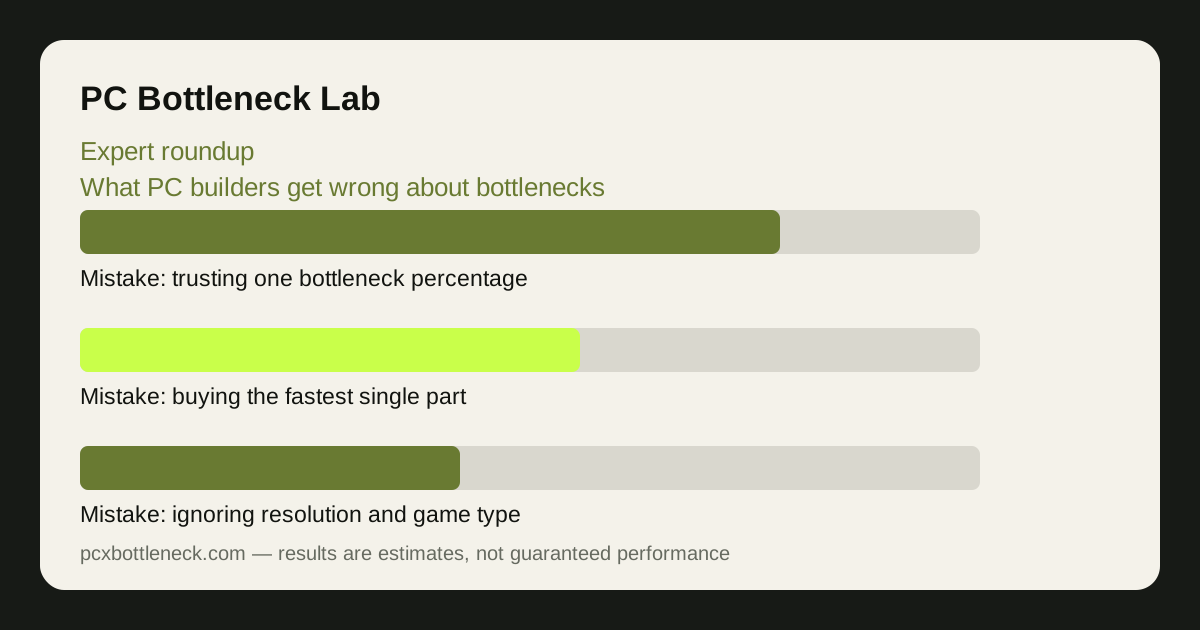
What PC builders get wrong about bottlenecks: how this roundup was built
This roundup is not a set of interviews. No builder was interviewed for it, no quote in it was spoken to us, and no expert is named as endorsing it — because that would require interviews that did not happen. Instead, each point below is a mistake that appears repeatedly in publicly documented guidance: manufacturer documentation and support pages, and published hardware reviews and guides that anyone can read.
The standard for inclusion was strict: a mistake had to appear as a warning or correction in public guidance from more than one type of source — for example, in manufacturer documentation and in independent reviews — before it was included. A claim that appeared in only one place, or that could not be traced to a public source, was dropped, even if it sounded plausible.
That makes this a roundup of documented guidance, not of opinions. Where a point rests on manufacturer guidance, the article says so; where it rests on reviewer guidance, it says that instead. The correction for each mistake is the practical step that follows from that guidance.
Mistake one: trusting a single bottleneck percentage
The most documented mistake in this whole subject is treating a bottleneck as one number. Manufacturer guidance and reviewer guidance agree on the underlying point, for different reasons: manufacturers publish specifications that vary by workload, and reviewers publish benchmarks that vary by game, resolution and settings. Both kinds of public source show the same thing — a pairing's behaviour changes with the workload, so one percentage cannot describe it.
The correction is to ask for a range by resolution and by game type, and to distrust any tool that gives a single decimal percentage with no context. A pair that is balanced at 4K can be badly unbalanced at 1080p, and a pair that is fine in a shooter can struggle in a simulation. The number is not wrong because it is a number; it is wrong because it pretends the workload does not matter.
Read how to read estimates at each resolution for the full reasoning, and what calculators can and cannot tell you before trusting any single figure, including ours.
Mistake two: buying the fastest single part
The second documented mistake is spending the whole budget on one hero part — the fastest graphics card, or the fastest processor — and starving the rest of the machine. Reviewer guidance warns about this repeatedly in build guides: a top card with a weak processor waits for frames, and a top processor with a weak card produces frames the card cannot draw. Manufacturer specifications make the same point indirectly, by showing that each part's performance depends on the parts around it.
The correction is to budget by balance, not by headline. Decide the resolution and the games first, then split the budget so that no part wastes the others. Our balanced builds at $500, $800 and $1,200 show how the split changes with the budget, and the PC bottleneck calculator lets you test a pairing before you buy it.
This mistake is expensive because it feels like the safe choice. The fastest part is easy to justify; the balanced build requires trusting that the second-fastest part plus a better supporting cast is the better machine. The published guidance says it usually is.
Mistake three: ignoring resolution, game type and the monitor
The third mistake is judging a pairing without its context: the resolution, the game type and the monitor. Public reviewer guidance is consistent here — benchmarks are always reported by resolution and by game, because the same pairing behaves differently in each. A pairing measured only at 1080p tells you nothing about 4K, and a pairing measured only in shooters tells you nothing about simulations.
The monitor is the part of the context builders forget most. A machine that renders far more frames than the display can show is not balanced, whatever the parts cost — and a high-refresh monitor with a weak processor will never see the frame rates it was bought for. The display, the resolution and the game type are part of the pairing, not an afterthought.
| Common mistake | What public guidance says | The correction |
|---|---|---|
| Trusting one percentage | Behaviour varies by workload and resolution | Use ranges by resolution and game type |
| Buying the fastest single part | A starved supporting cast wastes the hero part | Budget by balance, not by headline |
| Ignoring resolution and game type | Benchmarks are reported per resolution and game | Judge the pairing at your resolution and games |
| Forgetting the monitor | Frames beyond the display are wasted | Match the build to the screen you own |
| Skipping the self-test | Usage numbers reveal the real limit | Check CPU and GPU usage in your own games |
See how resolution changes bottlenecks and what your monitor hides for the detail behind this correction.
Mistake four: skipping the self-test and trusting the label
The fourth mistake is buying on labels instead of testing. A processor's name, a card's tier or a marketing claim is not a measurement of how the pair behaves in your games. Reviewer guidance consistently recommends the same remedy: run the games you actually play, watch CPU and GPU usage, and see which part is the limit. Manufacturer documentation supports the same approach by publishing the tools — monitoring utilities and specifications — that make the test possible.
The correction is a five-minute test, not a purchase. Play your most demanding game, watch the usage numbers, and note which part sits near its limit while the other waits. That test, described in is my CPU bottlenecking my GPU, tells you more about your machine than any label, and it costs nothing.
The same mistake appears in reverse: trusting a single benchmark from a review and assuming it applies to your games. Benchmarks are measurements of a specific game, at specific settings, on a specific machine. They are evidence, not promises — and the honest way to use them is to compare several, at your resolution, in your genre.
Limitation: this roundup synthesises publicly documented guidance; it is not a survey, not a set of interviews, and it names no individual expert. Any point that could not be traced to public manufacturer or reviewer guidance was dropped, so the list is shorter — and more honest — than a roundup that invented its sources.
Frequently asked questions
Were experts interviewed for this roundup?
No. No interviews were conducted and no quotes were invented. Each point synthesises mistakes that appear repeatedly in publicly documented guidance from manufacturers and hardware reviewers, and the article says which type of source each point rests on.
What is the single most common bottleneck mistake?
Trusting one bottleneck percentage. Public guidance from both manufacturers and reviewers shows that a pairing behaves differently by resolution, game type and settings, so a single number cannot describe it. Ranges by resolution and game type are the honest alternative.
Why do builders buy the fastest single part?
Because it feels safe and it is easy to justify. The published guidance warns that it wastes money: a top card with a weak processor, or a top processor with a weak card, leaves part of the budget idle. Budgeting by balance usually builds the better machine.
Does the monitor really matter for bottlenecks?
Yes. A machine that renders far more frames than the display can show is not balanced, and a high-refresh monitor needs a processor fast enough to feed it. The display is part of the pairing, not an afterthought.
How can I avoid these mistakes myself?
Test before you buy: run your own games, watch CPU and GPU usage, judge the pairing at your resolution and in your genre, and use ranges rather than a single percentage. The five-minute self-test costs nothing and prevents the most expensive mistakes.