
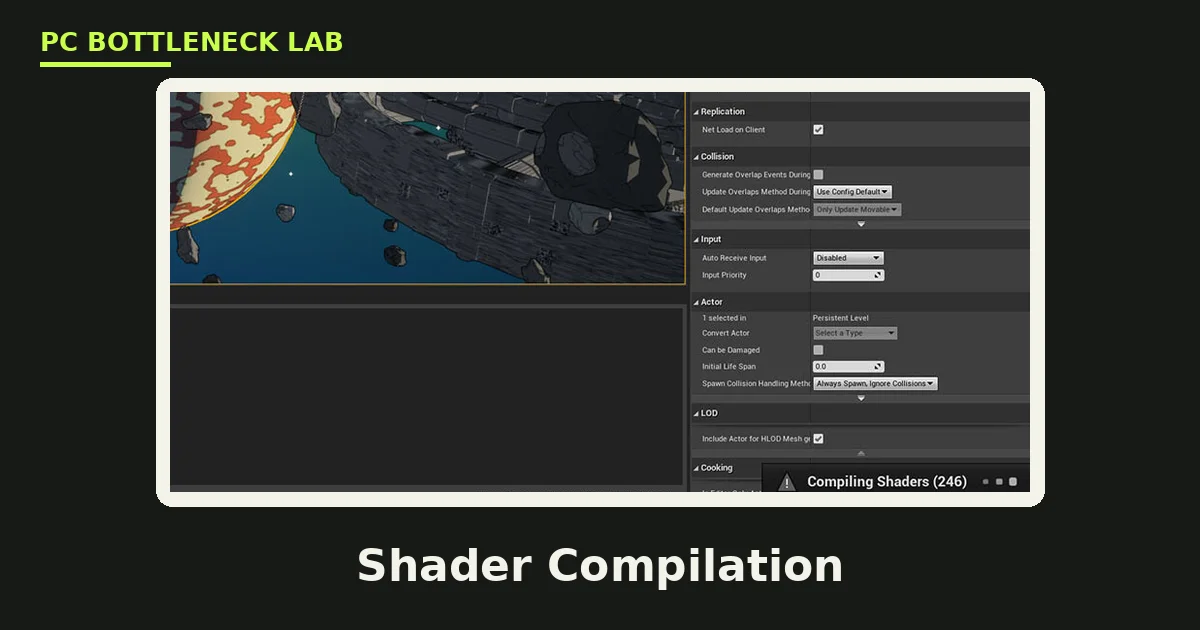
Key takeaways
- A shader is a small program that tells your GPU how to draw light, shadows, and effects.
- Shader compilation stutter happens once per new effect, then fades as the cache fills.
- DirectX 12 and Vulkan made the problem visible, since they compile pipelines while you play.
- A hitch that vanishes on the second pass points at compilation, not at weak hardware.
- No GPU upgrade fixes it, since the compile step runs on your CPU and driver.
Shader compilation stutter: the short answer
A shader is a small program that runs on your GPU. It handles one job, such as lighting a surface, casting a shadow, or drawing a particle effect. A pipeline state object, or PSO, bundles the shaders for one draw call with the render settings that go with them. Your driver must compile that bundle into machine code for your exact GPU before the frame can draw. That compile step is shader compilation stutter in one line: the frame waits, and you feel a hitch. For the wider frame-time story, see this: stuttering and frame time: 1% lows explained. You can also check your own pair with the bottleneck calculator.
| What it means | |
|---|---|
| What it is | First-run compile of shaders and pipeline state objects |
| What you feel | Short freeze, often in a reported range of 50 to 200 ms |
| When it hits | First sight of a new effect, area, or weapon |
| When it fades | Second pass through the same spot |
| What helps | PSO precaching, shader pre-compilation, patience |
| What does not help | A faster GPU on its own |
The 50 to 200 ms range comes from a 2026 guide by pcbottleneck.buildkit.store, and it covers the worst first-run hitches rather than every hitch.
What a shader is
Games ship shaders as portable bytecode, not as code for one GPU. Your driver translates that bytecode into machine code for your exact card, and that translation is the compile step. The job is heavy because modern shaders are long, and one scene can need hundreds of them. On older APIs such as DirectX 11, shaders were simpler and the driver handled the work in the background. DirectX 12 and Vulkan hand more control to the game, so the compile step lands in the open. The game must ask for a full pipeline before it draws, and the driver builds it on the spot when no cached copy exists.
Why shader compilation stutter happens
A game cannot know every pipeline it needs until you play it. Each mix of material, light, and render state is its own pipeline, and the total set is far larger than one play session uses. The first time a new mix appears on screen, the render thread asks the driver to build it right then. That build can take a few milliseconds for a simple pipeline, or tens of milliseconds for a complex one. Several new pipelines at once, such as a new area full of fresh effects, can freeze the game for a noticeable moment. After the build, the result goes into a cache, so the second pass through the same spot runs clean.
Your GPU driver keeps its own cache of compiled shaders on disk. A driver update can wipe that cache, so hitches you thought were gone can return after an update. A game patch can do the same thing, since changed shaders need fresh compiles. That is why the first hour after a big patch often feels worse than the tenth hour. The pattern is normal, and it fades as the new cache fills.
How to tell it apart from other stutter
The repeat test is the fastest way to name the cause. Walk through the same spot twice and watch what changes. If the hitch hits once and then vanishes, compilation is the likely cause. If it hits every time you cross the same line, the cause is more likely asset streaming or a level load. If the hitch grows worse over a long session, look at memory use and background apps instead. Clearing your driver shader cache and replaying the same spot is a sharper test. When the hitches come back after a clear, you have your answer.
| Stutter type | When it hits | On repeat | First fix |
|---|---|---|---|
| Shader compilation | First sight of a new effect | Fades away | Precaching, pre-compilation |
| Traversal | Crossing into new areas | Repeats each crossing | Faster storage, streaming settings |
| CPU limit | Busy scenes with many actors | Stays while the scene stays busy | Lower CPU-heavy settings |
| Memory spill | Texture-heavy scenes | Stutters with high VRAM use | Lower texture quality |
Streaming hitches have their own fix path: PCIe storage and SSD stutter.
Shader compilation stutter vs traversal stutter
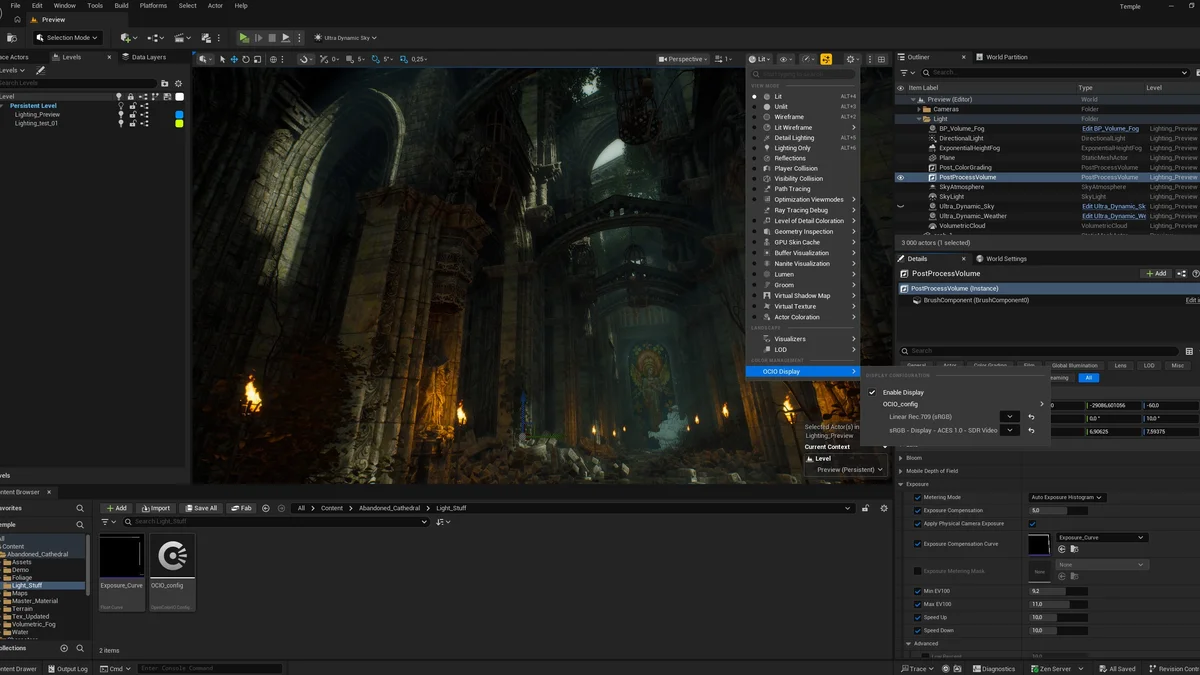
Traversal stutter comes from loading new world data as you move. Shader compilation stutter comes from building new pipelines as you look. The two often arrive together when you enter a fresh area, and that overlap is why players mix them up. Unreal Engine 5 added PSO precaching in version 5.2, and later versions kept improving it. Precaching builds the pipelines a scene needs while it loads, so the work lands on a loading screen instead of mid-game. It still misses some cases, such as effects that only appear later in a fight, or global shaders for post effects. Games that ship a recorded PSO cache go further, since they compile the common pipelines before you ever press start.
What you can do about it
Work through these steps in order, and give the cache time to fill before you judge the game.
- Let the first-run shader compile finish instead of skipping it.
- Wait out the first hour, since most hitches fade once the cache fills.
- Update your GPU driver, then replay the rough spots so the new cache builds.
- Turn on shader pre-compilation in the game settings when the game offers it.
- Clear the driver shader cache after a driver update if old hitches return.
If a game stutters the same way after many hours, the cause is no longer compilation. Look at the other stutter types above instead. Developers face the same problem from the other side: game development and Unreal Engine shader compilation. If you wonder whether your CPU is the weak link, run the cpu gpu bottleneck calculator before you buy parts. Wondering how to spot a CPU limit at all? Start here: CPU vs GPU bottleneck: how to tell.
Which games show it most
Unreal Engine 5 games show it most, since the engine leans on DirectX 12 and Vulkan pipelines. Digital Foundry noted shader hitches in Clair Obscur: Expedition 33 whenever a new effect or area appeared for the first time. Tekken 8 players know the same quirk from its Unreal Engine 5 launch, and the game now compiles shaders up front to cut the hitches. Open-world games add their own twist, since new areas bring new materials with them. None of this means the game is broken. It means the first run carries a cost that later runs do not. Tekken 8 is the clearest example: Tekken 8 system requirements and bottlenecks.
The bottom line
Shader compilation stutter is a first-run cost, not a sign of weak hardware. The game builds the pipelines it needs as you play, caches them, and runs clean on the second pass. Give the first hour patience, keep your driver current, and let pre-compilation do its job. When the hitches fade on repeat, your PC was never the problem.
Frequently asked questions
Why do new games hitch on a fast PC?
New games hitch because the first run builds pipelines your driver has never compiled before. The game pauses while the CPU and driver turn shader bytecode into machine code for your exact card. Once that result sits in the cache, the same spot runs clean. The hitch is a first-run cost, not proof that your hardware is slow.
Does shader compilation stutter go away on its own?
Yes, in most cases it fades as you play. Each new effect compiles once, and the result stays in the driver cache for later sessions. The first hour of a new game holds most of the hitches, and later hours run far smoother. A driver update or a big patch can bring some hitches back, since both can wipe parts of the cache.
Can a faster graphics card stop shader compilation stutter?
No, a faster card does not stop it. The compile step runs on your CPU and driver, while the GPU waits for the finished pipeline. A stronger GPU renders frames faster once the pipeline exists, yet it cannot skip the build step. Precaching, pre-compilation, and patience help far more than a new card.
Why does shader stutter return after a driver update?
A driver update can wipe the on-disk shader cache, so pipelines your PC had already built need fresh compiles. The game then hitches again the first time each effect appears, just like a first install. The fix is simple: replay the rough spots once, and the new cache fills. Later sessions run clean again.
How can I tell shader stutter from a CPU bottleneck?
Use the repeat test on the same spot. Shader stutter hits once and vanishes on the second pass, since the cache now holds the pipeline. A CPU bottleneck stays while the scene stays busy, and it does not fade on repeat. If the hitch follows busy scenes rather than new effects, check your CPU load and the CPU-heavy settings first.
Do all DirectX 12 games have shader compilation stutter?
No, not all of them show it the same way. Games with PSO precaching, a shipped PSO cache, or a first-run compile step hide most of the hitches on loading screens. Games that skip those steps show the worst hitches. The engine and the developer choices decide how much of the compile work you feel.
How this guide was prepared
This guide uses the 2026 PSO precaching playbook from StraySpark Studio and the Glitchless Unreal Engine 5 stutter guide. Hitch durations come from those guides and from pcbottleneck.buildkit.store, and they are reported ranges rather than our own measurements. No frame rates are claimed, since the guide explains a mechanism, not a benchmark.
Last updated: November 14, 2026